
An outfit transition is a short clip where you switch outfits on one beat, and it normally means filming twice: once in each outfit, same spot, same pose, then cutting on the beat. Here you film nothing. Add one photo, pick a snap, a spin or a hand over the lens, choose the outfit you want to land in, and the AI makes the outfit transition for you. You don’t even need to own the second outfit.
- One photo, no second take
- 3 transition moves
- Land in any outfit
- 5 or 8 seconds
Three outfit transition moves
The three moves people use most. Each one is a fixed motion, so every outfit transition lands cleanly without a prompt.
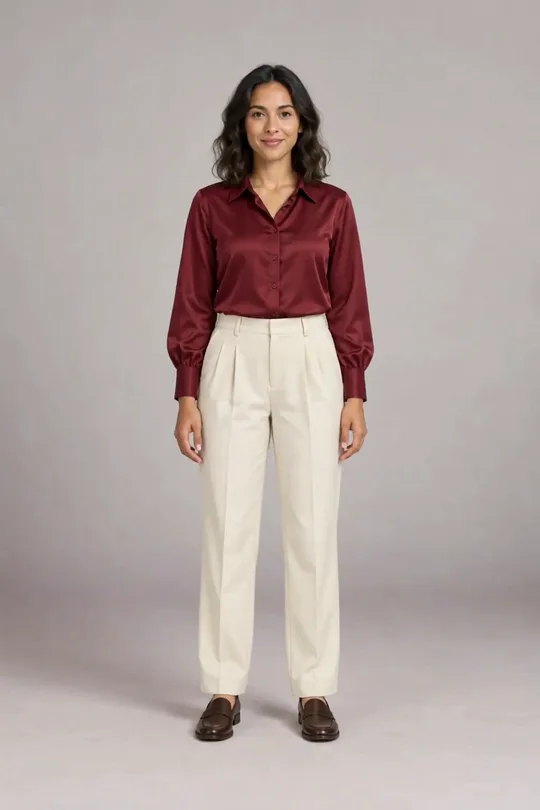
Snap
5–8 sFingers snap on camera, and the next frame is the new look. The quickest outfit transition for a beat drop.
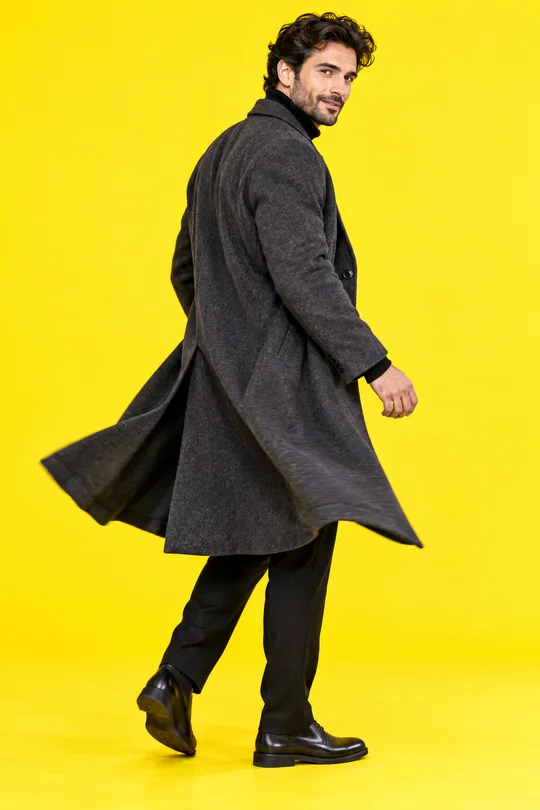
Spin
5–8 sA half turn away from the camera and back, already changed.
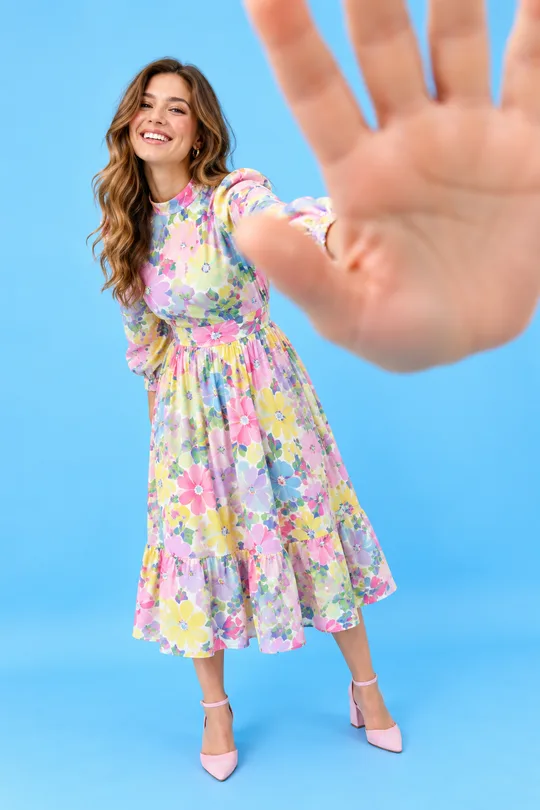
Hand cover
8 sYou walk up, cover the lens with your palm and step back on the new outfit. The cleanest cut when the change is dramatic.
No second outfit, no second take
Most outfit transition tools still ask for two photos, one in each outfit. This one makes the second frame for you: a try-on of the piece you pick, on your own photo.
- 1
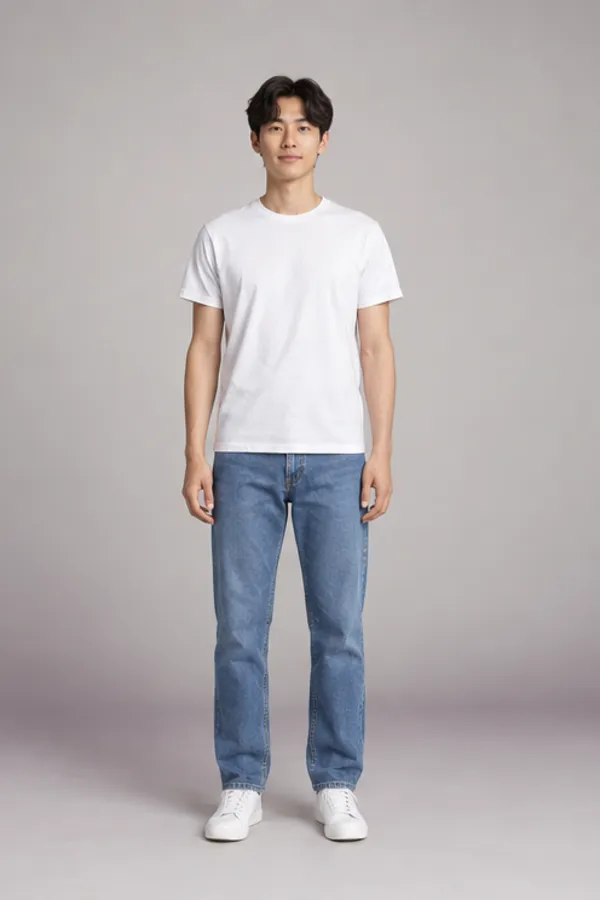
Your one photo
- 2
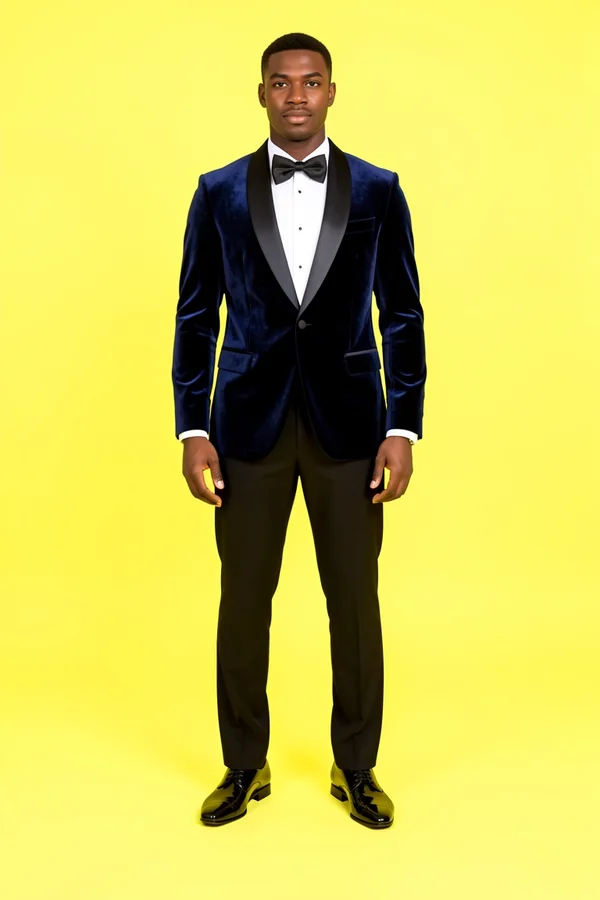
The outfit you pick
- 3
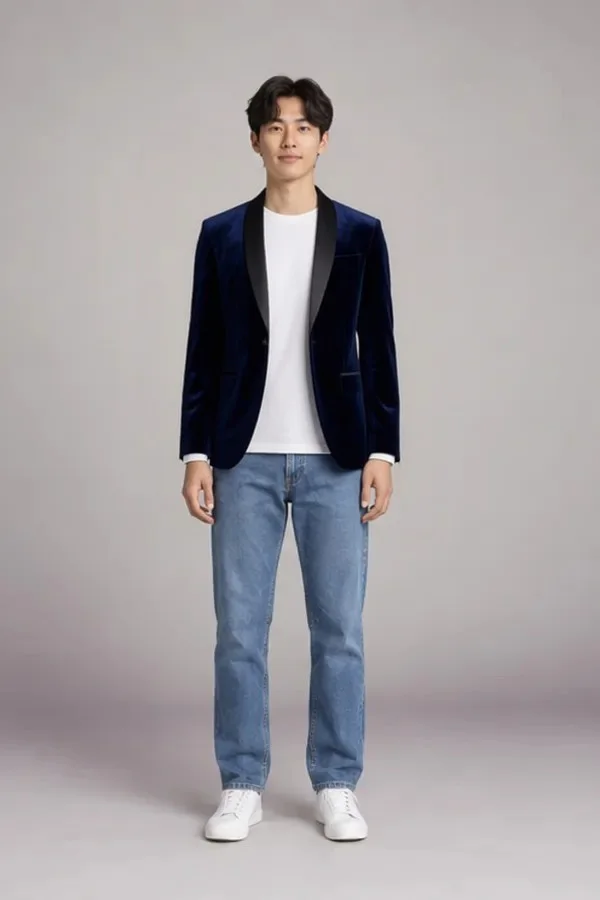
The frame you land on
An outfit transition by hand vs with AI
| With AI | Filming it yourself | |
|---|---|---|
| Takes | One photo | Two takes, matched pose and framing |
| Outfits | Any outfit you can find a photo of | Only clothes you own |
| Editing | None: the move is built in | Cut on the snap or the turn in an editor |
| Time | About two minutes | Twenty minutes or more per clip |
| Good for | Trying looks before you buy, quick series | Showing clothes you already have |
Plenty of creators do both: an AI outfit transition to test the idea, then the real one once the outfit arrives.
Outfit transition ideas that work
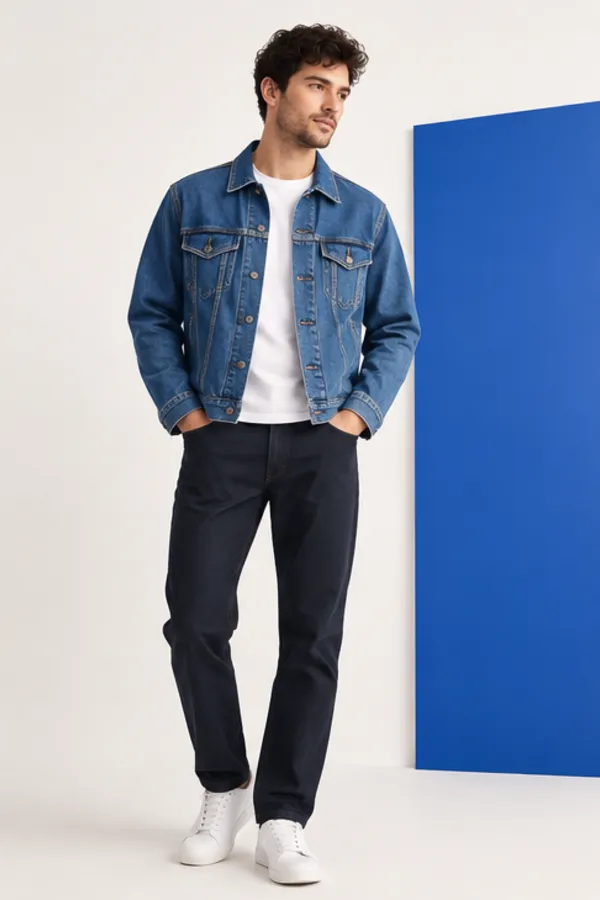
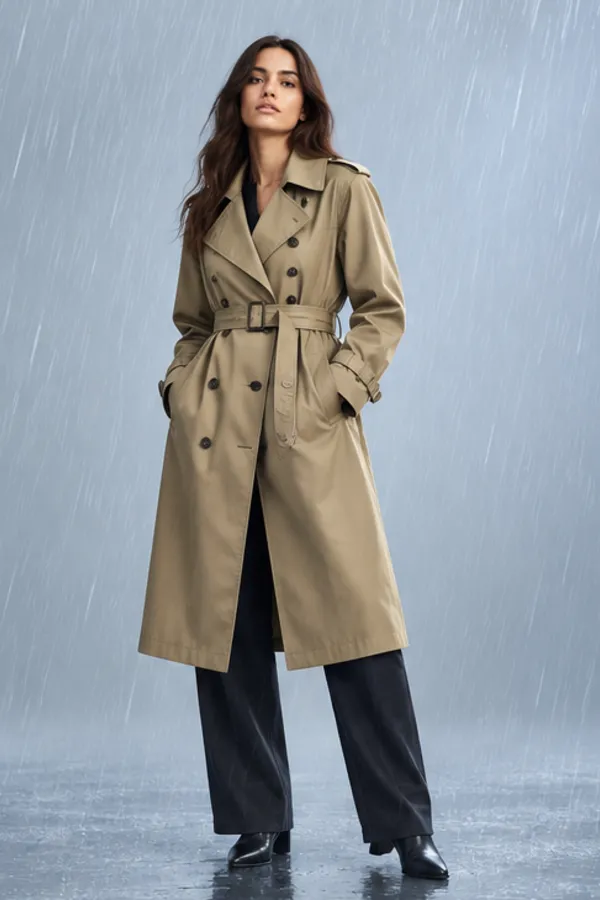
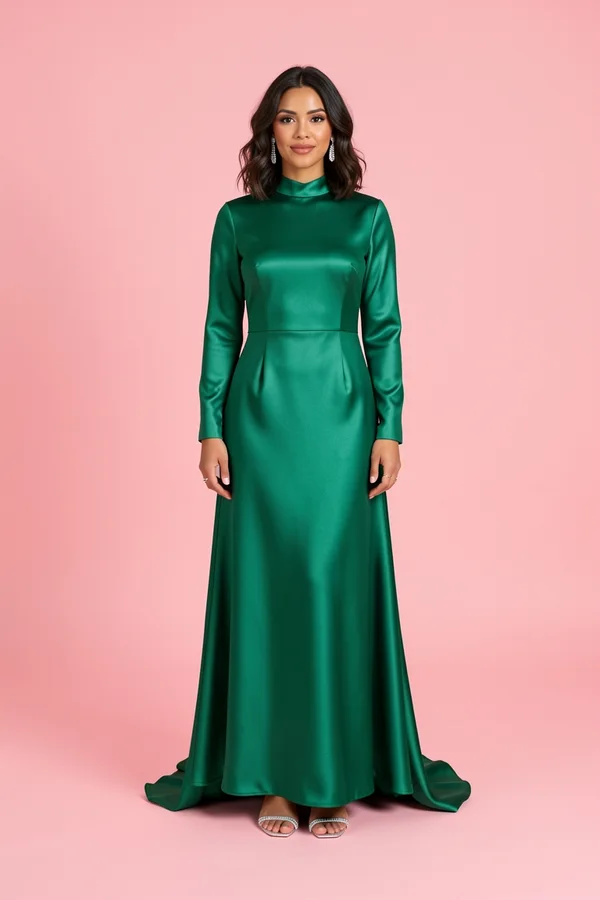
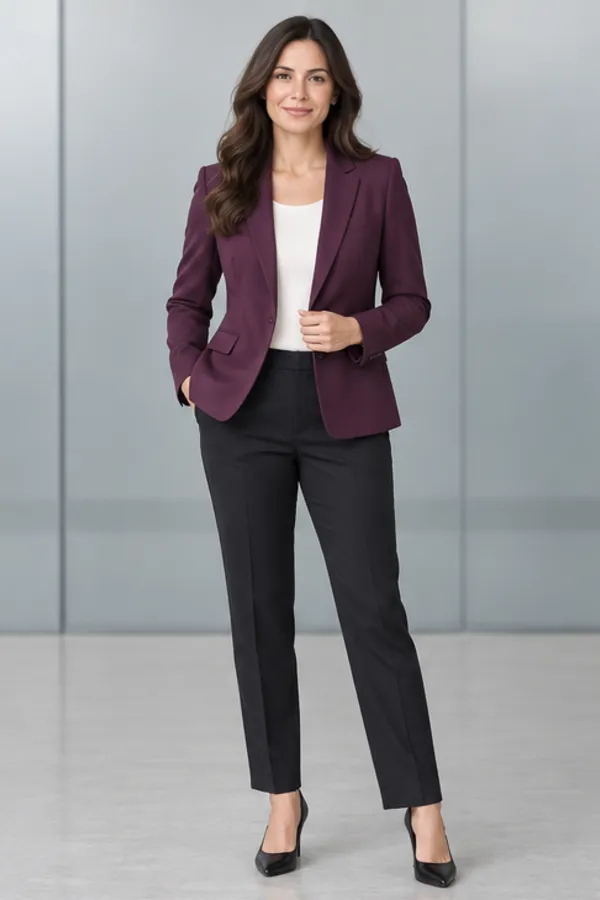
How do you time an outfit transition to the beat?
- 01The change lands about halfway: pick 5 seconds for a quick beat drop, 8 to hold the final look.
- 02Add your sound in TikTok, Reels or CapCut after you download; the clip has no audio.
- 03Start from a photo with your arms slightly away from your body, so the snap or spin reads clearly.
- 04For a series, keep the same first photo and change only the outfit each time.
- 05Post three outfit transition clips in a row from one photo: the repeat pose is what makes the series feel like a set.
- 06Put the most surprising outfit last; viewers decide in the first seconds whether to watch the next clip.
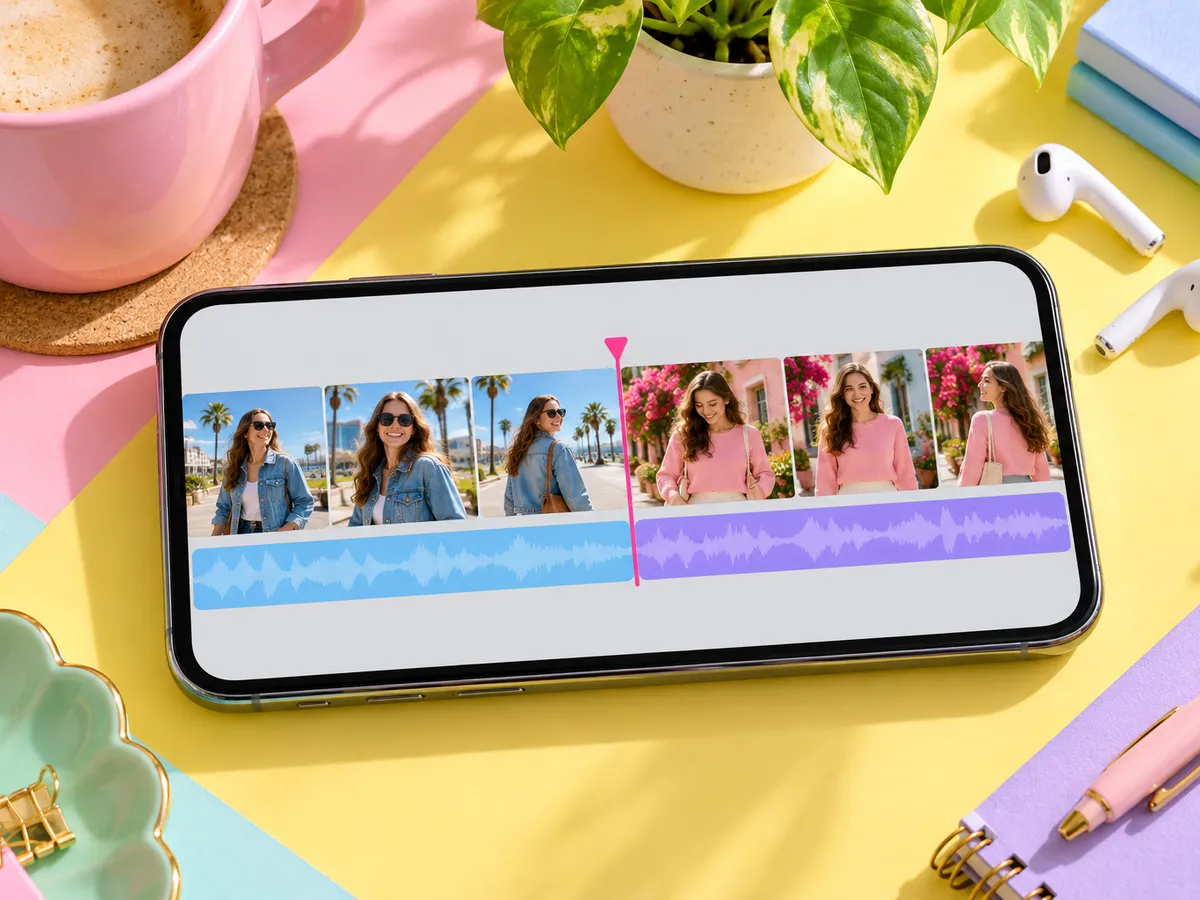
40 credits a second, the outfit frame included: 200 for 5 seconds, 320 for 8. Videos need an account with any plan or a one-time credit pack; a failed clip is refunded.
Packs never expire; compare them on pricing .
More moves, from the ceiling fan to clothes rain, are in the AI video clothes changer .
Four outfits from above instead? Try the AI ceiling fan transition with a pack of looks.
Before you make an outfit transition
Do I need two outfits?
No. You need one photo of yourself. The outfit you land in comes from a look you pick or any outfit photo you upload, and the AI makes that second frame.
Which outfit transition move should I use?
Snap is the quickest and works with almost any photo. Spin suits long coats and dresses. Hand cover is the cleanest cut for a big reveal.
Is the new outfit a real try-on?
The last frame is made with the same try-on engine as our photo tools, so the fit and colors follow the piece you picked. The motion in between is AI-made.
Does the video have sound?
No. Add your trending sound when you post, so the outfit transition lands on the beat you want. TikTok, Reels and CapCut all let you nudge the sound so the change hits exactly on the drop.
Can I use it for my shop or brand?
Yes, on the Pro plan, for clothes you have the rights to show. Free and Plus are for personal use; Pro’s commercial use still depends on the rights in the photos you upload.
How long does it take?
Usually one to three minutes; the clip waits in your History.
Can I chain several outfit transitions?
Make one clip per outfit from the same first photo, then put them back to back in your editor. A single clip with several outfits is coming next.
Is an AI outfit transition free?
No. Videos need an account with any plan or a one-time credit pack, at 40 credits a second: 200 for a 5-second outfit transition. A failed clip is refunded.
Can I use an outfit transition to try clothes before buying?
Yes. Upload the product photo as the outfit you land in. The last frame is a try-on of that piece on you, so the outfit transition doubles as a quick preview before you order.
Will people know it was made with AI?
The face, pose and background come from your real photo, so the clip looks like you. Say it is AI-made when you post, as most platforms ask for AI content.
Which photo works best?
A full-body photo of one adult facing the camera, arms a little away from the body, in even light. A plain wall makes the outfit transition read cleanly.
Uploads and videos stay private; see the privacy policy .
More ways to change your look
One photo, one snap, new outfit
Pick a move and an outfit and the outfit transition is made for you, ready to post with the sound you like.
Make my transition