Grok Imagine Image 2.0 is xAI’s image model for precise edits, out since August 7, 2026. Point at what should change in your photo and it leaves the rest alone.
The clothing (optional)
Settings
Aspect ratio
By continuing, you agree to our Terms and Privacy Policy.
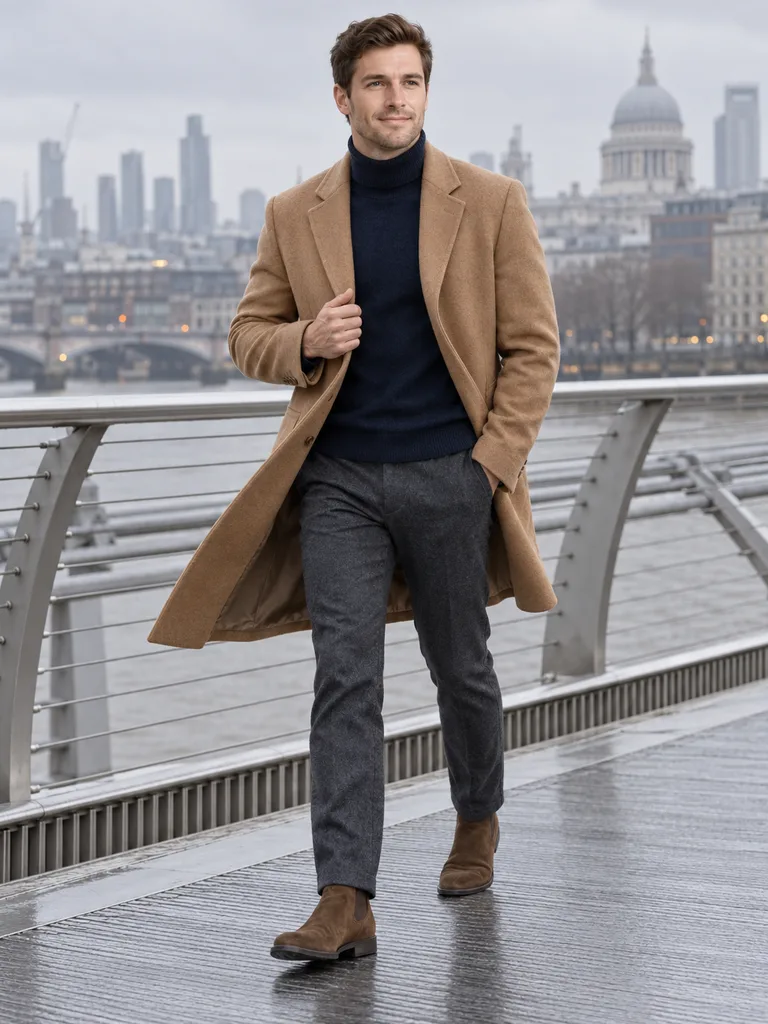
xAI built version 2.0 to change only the part of a picture you point at. On a photo of a person that means three kinds of request, each shown here as an illustration.
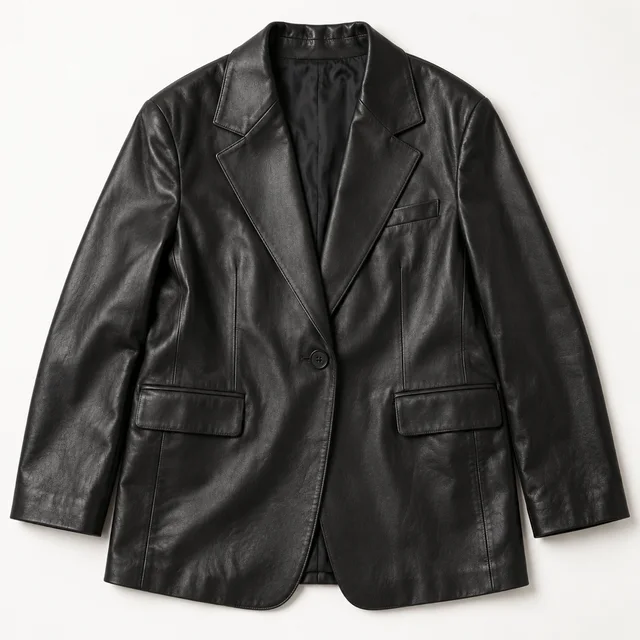
Add the blazer as image 2 and name it. Grok Imagine Image 2.0 swaps that piece and keeps your hoodie, bag and trousers.
With three photos you can bring a top and a jacket together, or a coat and boots.
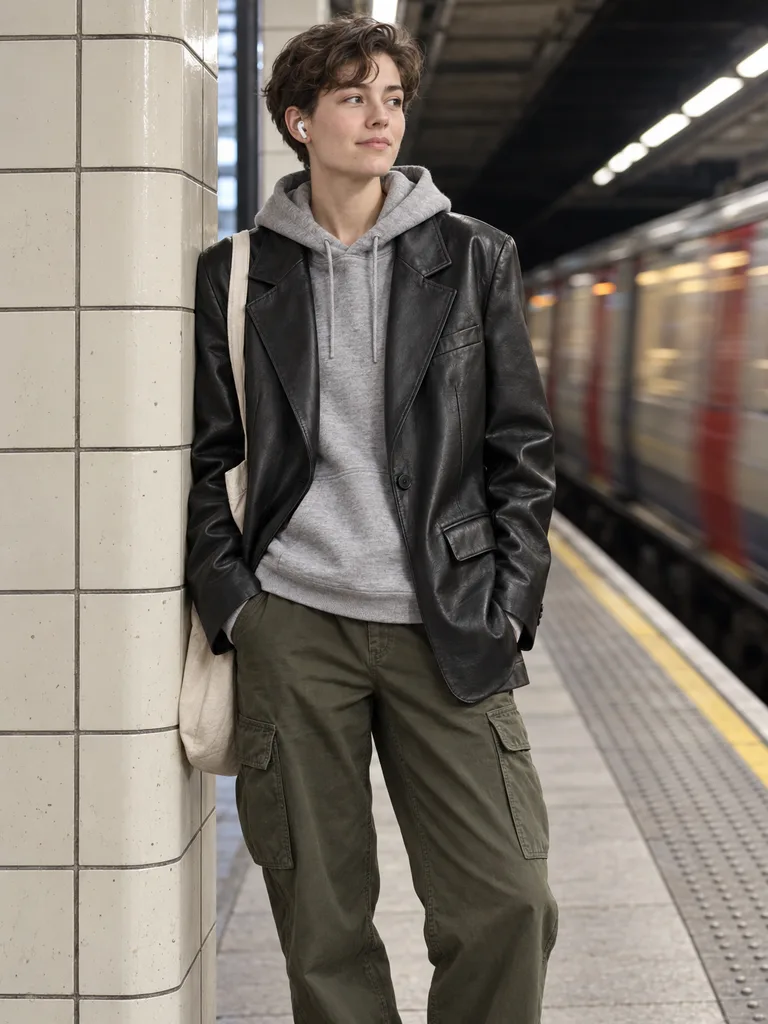
Ask for a record shop, a café or an office and say the outfit stays. The clothes come across as they were.
Flipping through records, leaning on a counter, sitting on a step: describe it and the body follows.
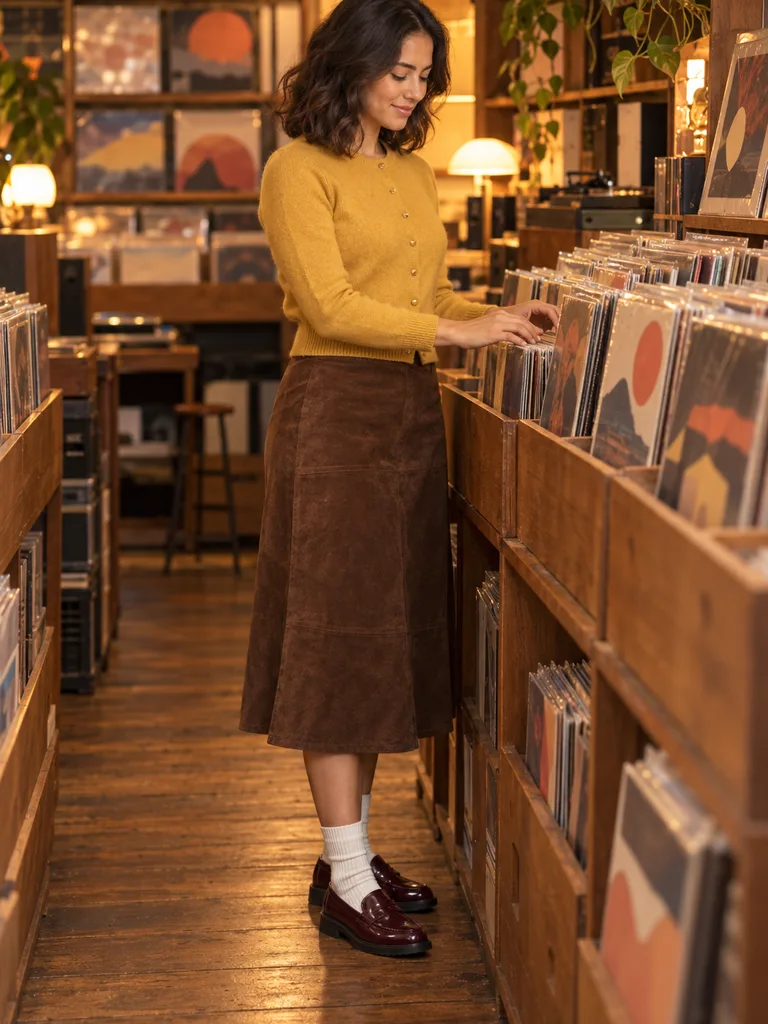
Turn a sunny photo into an overcast afternoon or a windy evening and see how a coat reads in it.
Wind, a stride or a turn shows how a long coat or a wide trouser actually falls.
This page takes up to three photos, the most both of the services we run it through accept. They are numbered in the order you add them.
Full length or knees up, in good light. Grok Imagine Image 2.0 keeps the face it can see, so a clear face matters more than a plain background.
Pick them in The clothing or upload shop photos. Two pieces is the limit here, so choose the ones that make the outfit.
“Put the blazer from image 2 on the person in image 1; change nothing else” works better than a long description. Each Grok Imagine Image 2.0 run is 35 credits.
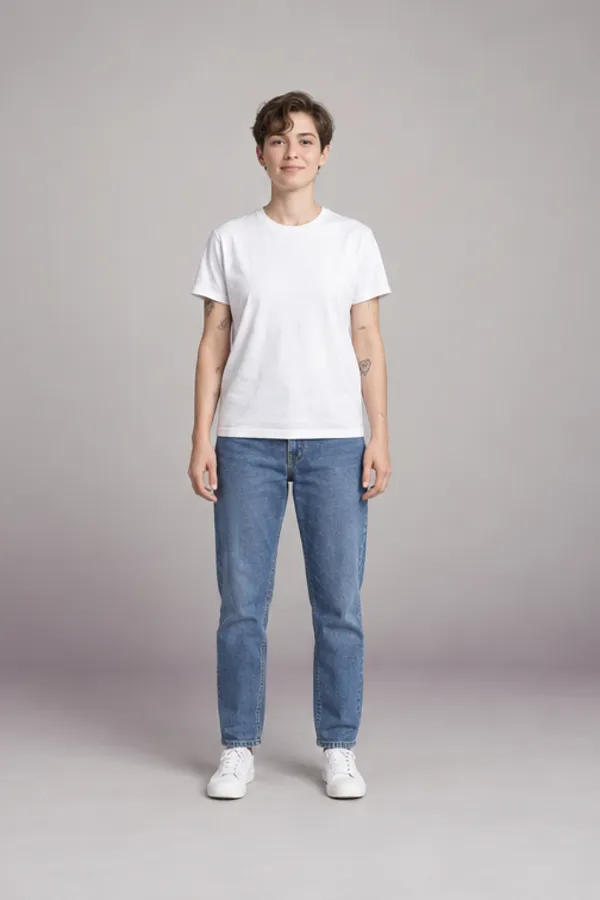
TechRadar’s hands-on test (August 2026) found the model sometimes invents details. Knowing where that happens saves a run or two.
If a run adds something, run it again with “change nothing else” at the end; a failed run is refunded. What we refuse is listed in the acceptable use policy.
All of them sit behind the same panel. They differ in how many photos they take, how big the result is and what a run costs.
| Feature | Grok Imagine Image 2.0 | Seedream 5.0 Lite | Nano Banana 2.1 |
|---|---|---|---|
| Photos per run | Up to 3 | Up to 4 | Up to 4 |
| Result size | 2K | 2K | 2K |
| Best at | Changing one named thing, leaving the rest | Quick outfit and backdrop ideas | Detailed garments: buttons, belts, cuffs |
| Credits per image | 35 | 15 | 20 |
Want four photos and a cheaper first try? Start with Seedream 5.0 and bring the keeper here.
No. xAI makes Grok Imagine Image 2.0; WearTryOn is an independent site that sends your request to the model through OpenRouter or fal and shows you the result.
xAI announced it on August 7, 2026, in the Grok app as Quality Mode and in its API. At launch xAI reported it second on the Arena leaderboards for both making and editing images.
No. You need a WearTryOn account with any plan or credit pack. There is no API key to create and no code to write.
xAI’s own app takes up to five reference pictures, but one of the two services we run it through accepts three. Keeping one limit means every run works either way: you plus two pieces.
35 credits for one image at Medium quality and 2K. xAI also bills each photo you add, which is already in that price. A failed or refused run is refunded.
People use both names. Grok Imagine is xAI’s family of image and video models; Grok Imagine Image 2.0 is the still-image model in it, the one this page runs. Videos are a separate model and are not offered here.
For photos of one adult, fully dressed, yes: change the clothes, the place, the light or a short line of text. Every upload and every result passes our checks first, and requests for anything revealing are turned away before a credit is spent.
Auto keeps the shape of image 1. Settings also offers 1:1, 3:4, 2:3, 9:16, 3:2 and 16:9; Grok Imagine Image 2.0 has no 4:5, so for a feed post pick 3:4 or 1:1.
The model does not repeat itself, even with identical words and photos. Run it again when a detail is off, and keep the version you like.
Yes. Leave the photos out and Grok Imagine Image 2.0 draws the whole scene. For a picture of you, your photo goes in first.
They are checked, sent to the model for that single run and then deleted from our working storage; nothing is used for training. Your results stay in History for 30 days.
One photo of you, up to two pieces and a sentence about what should change. The result lands straight in your History.
Back to the Panel