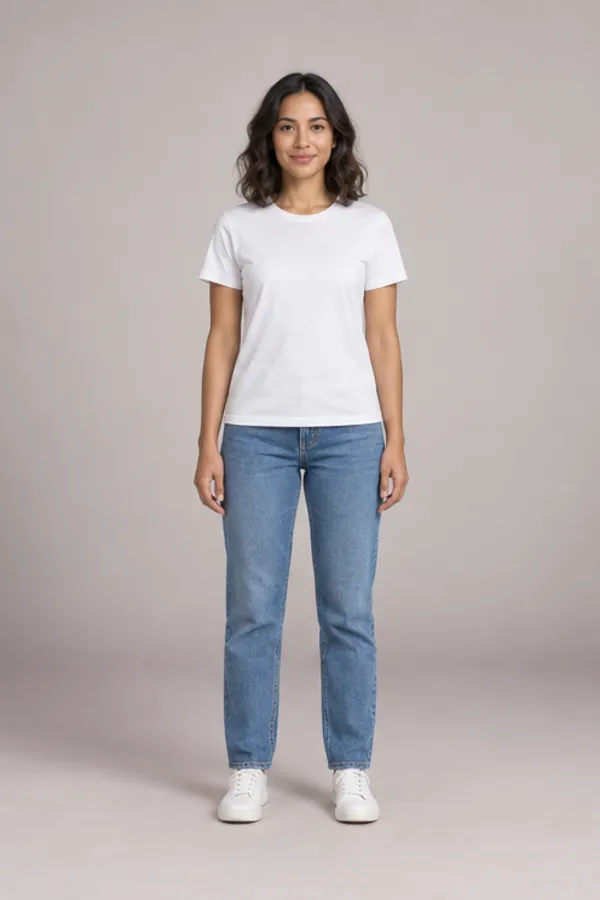
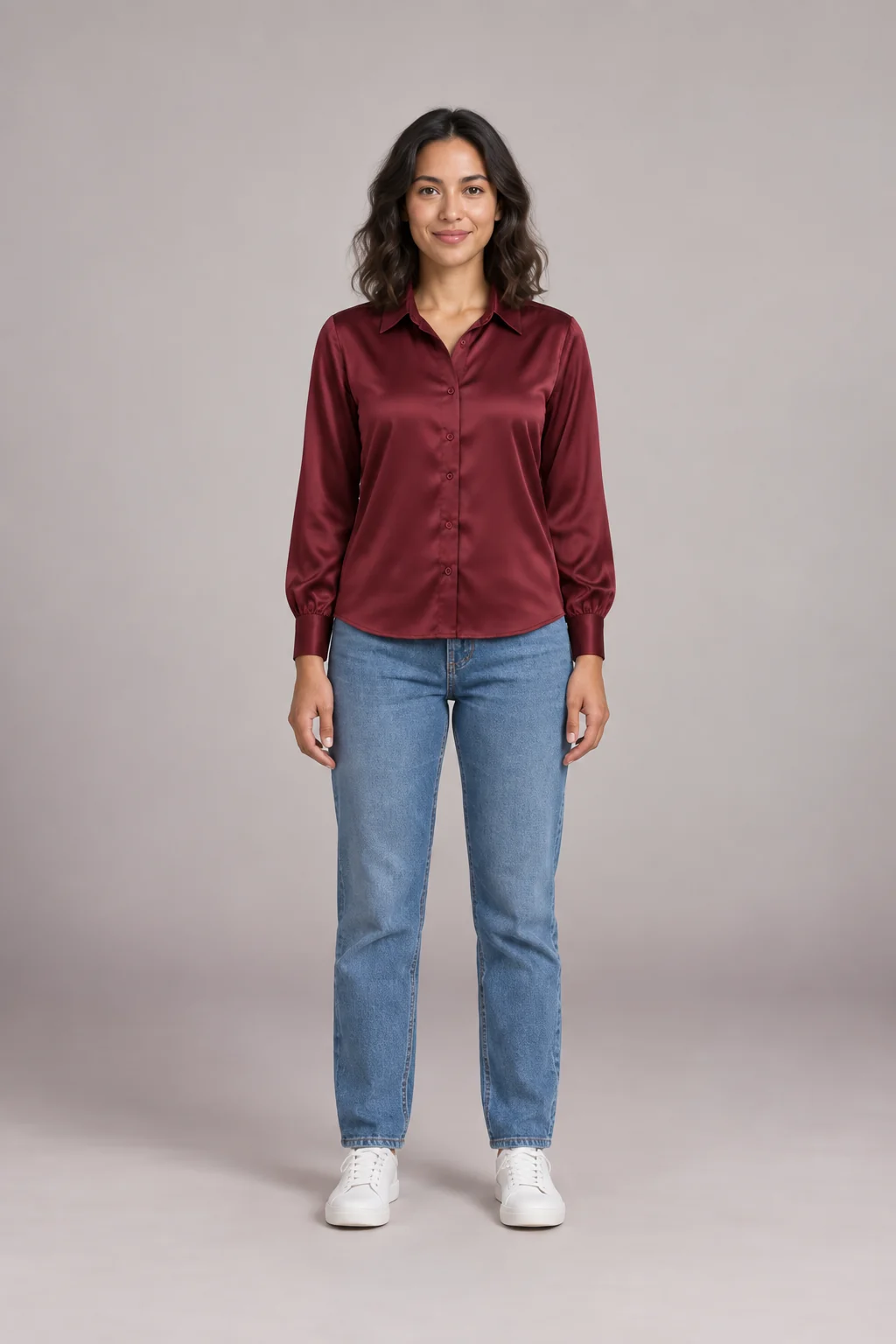
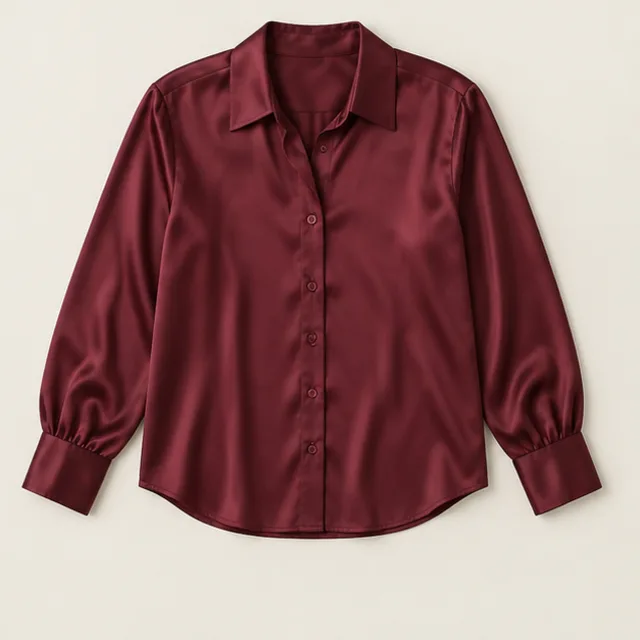
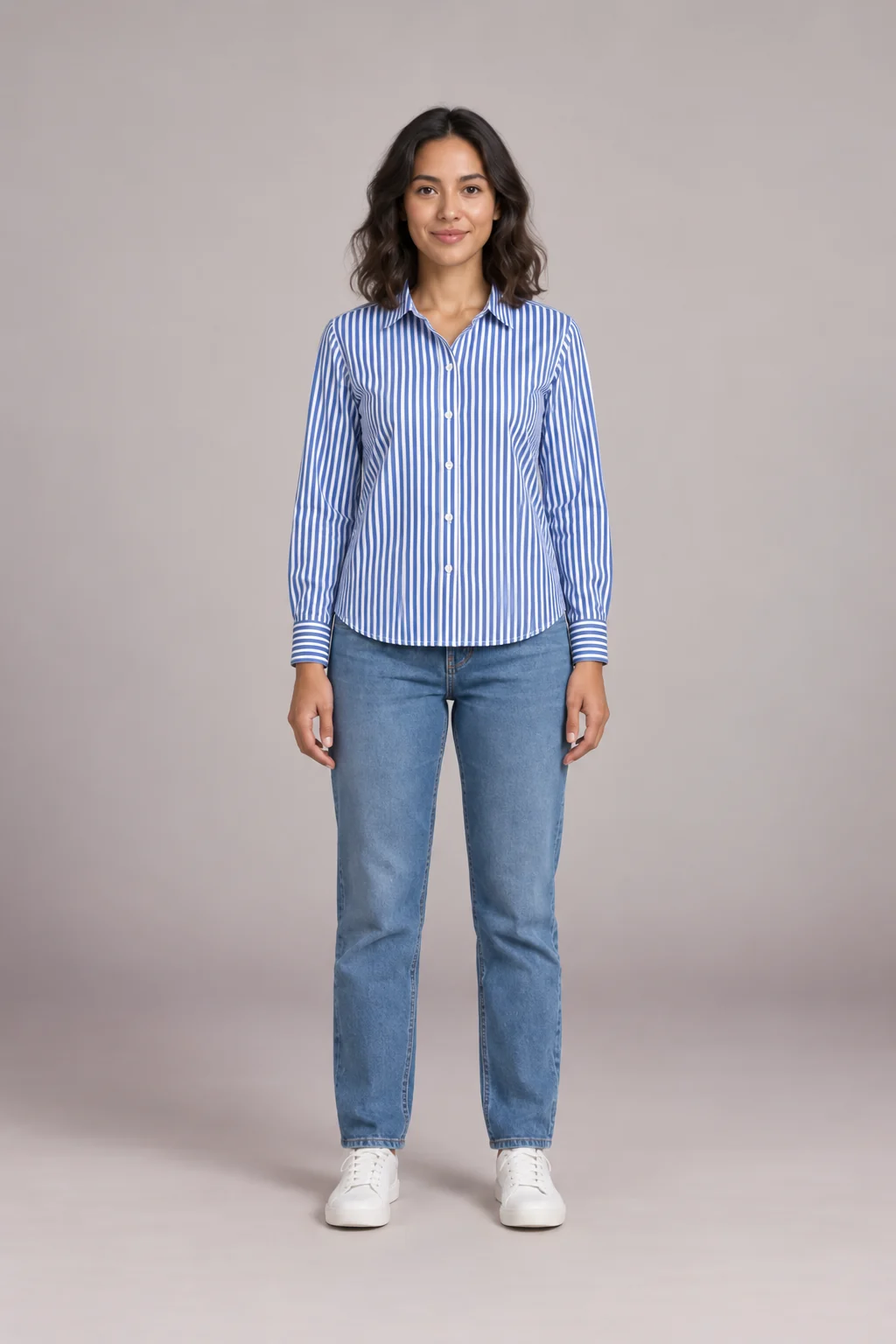
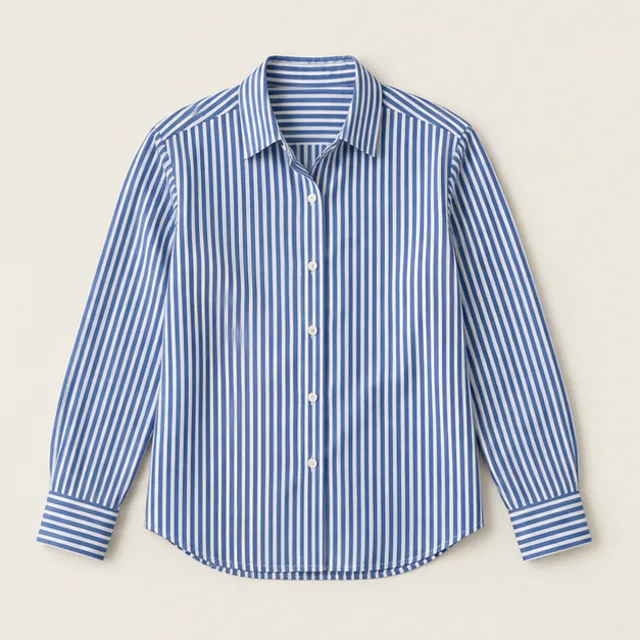
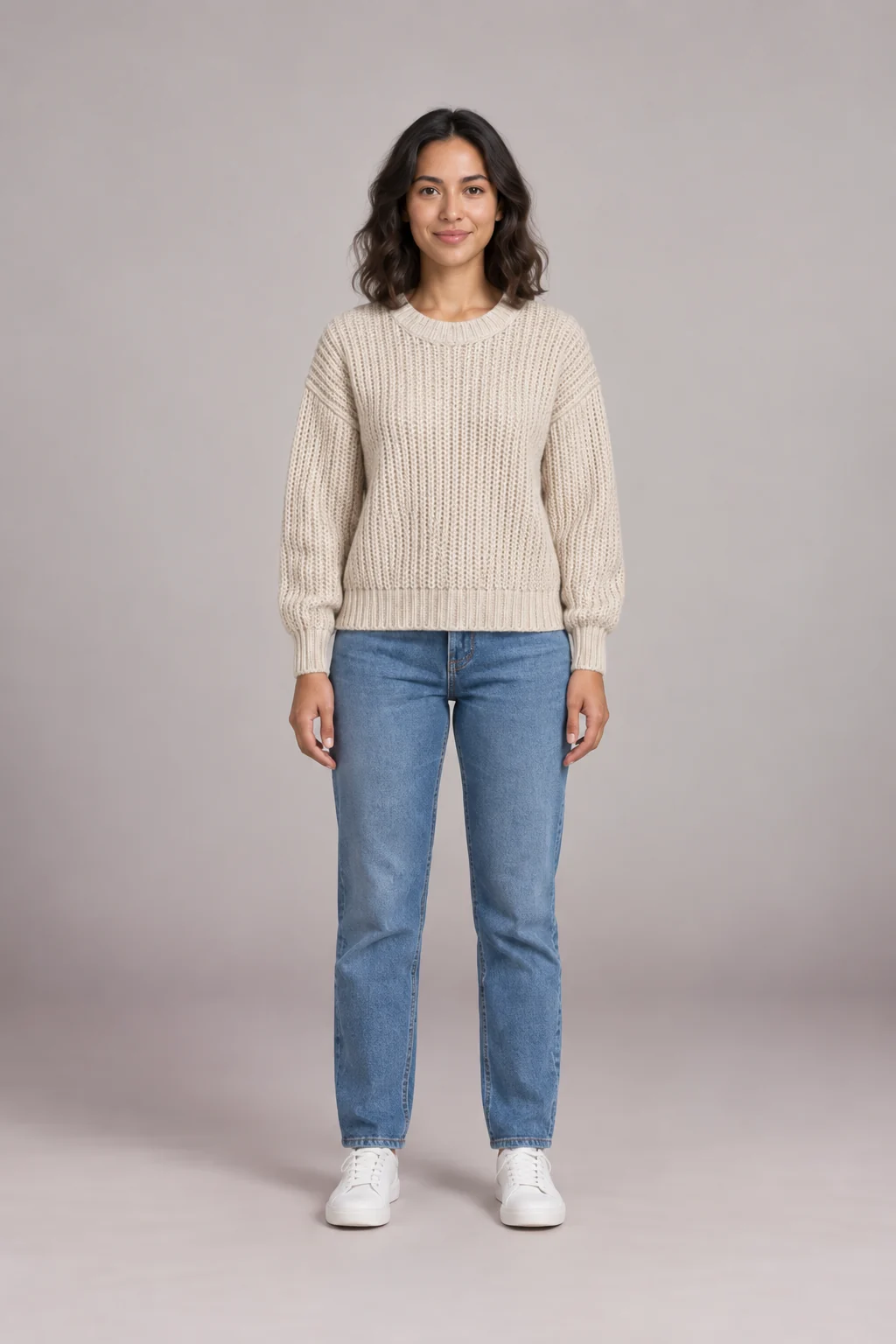
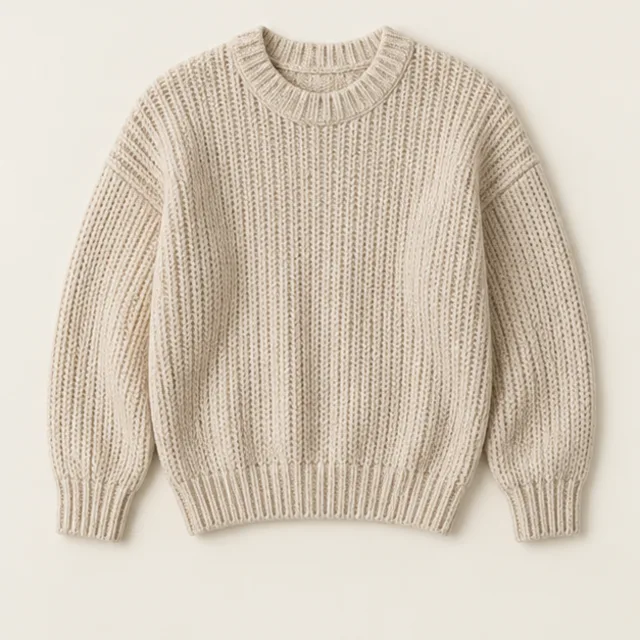
Found something online? Start virtual outfit try on with a pre-generated Ava or Leo top, or sign in for another model, permitted product images and your own photo. AI results do not guarantee fit, size or color.
- Upload screenshots from any online store
- Compare up to three picks
- Color season reference
- Private by default
Start from an example
Virtual outfit try on examples you can run in one click
See virtual outfit try on with one-click examples. Each card loads a model and three items; only Ava and Leo tops skip sign-in.
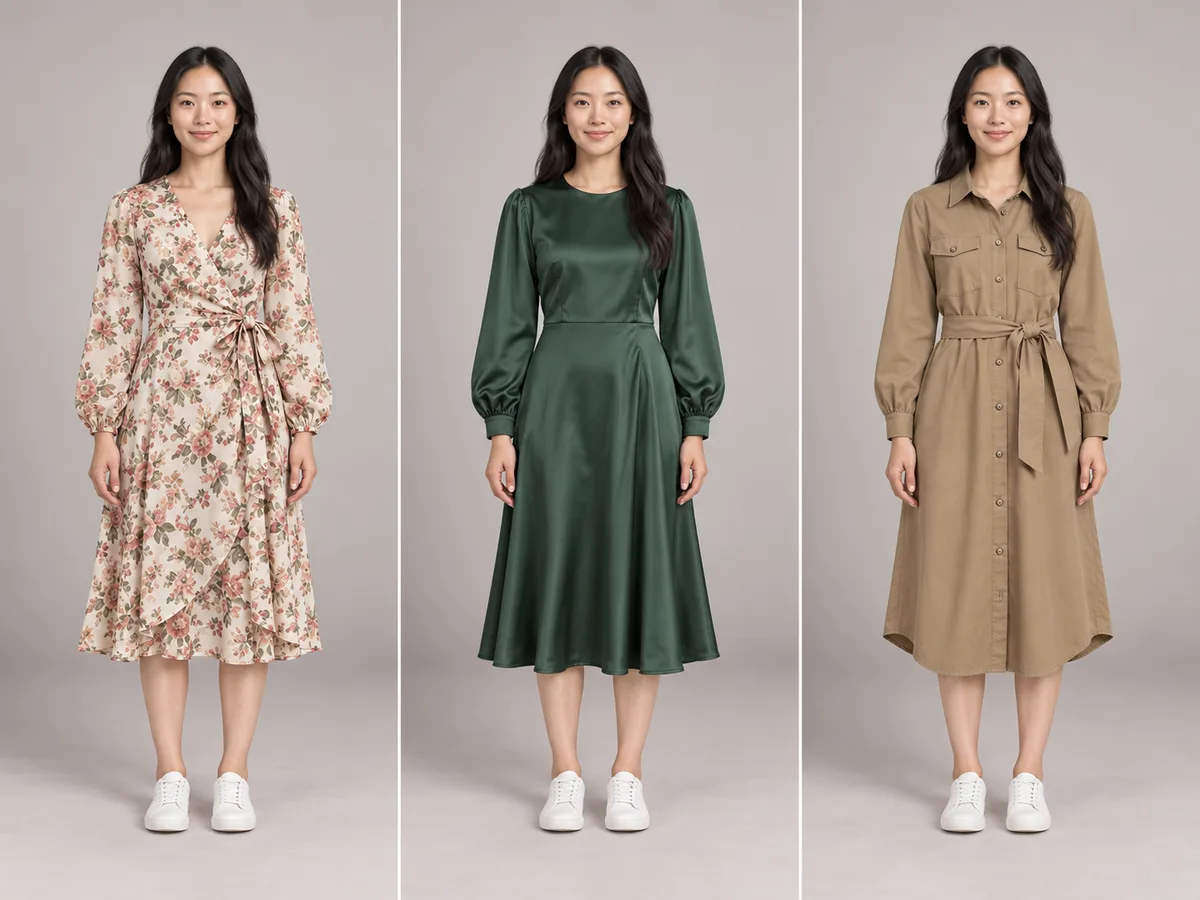
Three dresses for a wedding
Floral, satin or a shirt dress? See which feels right before ordering all three.
Wrap dress · Satin midi dress · Shirt dress
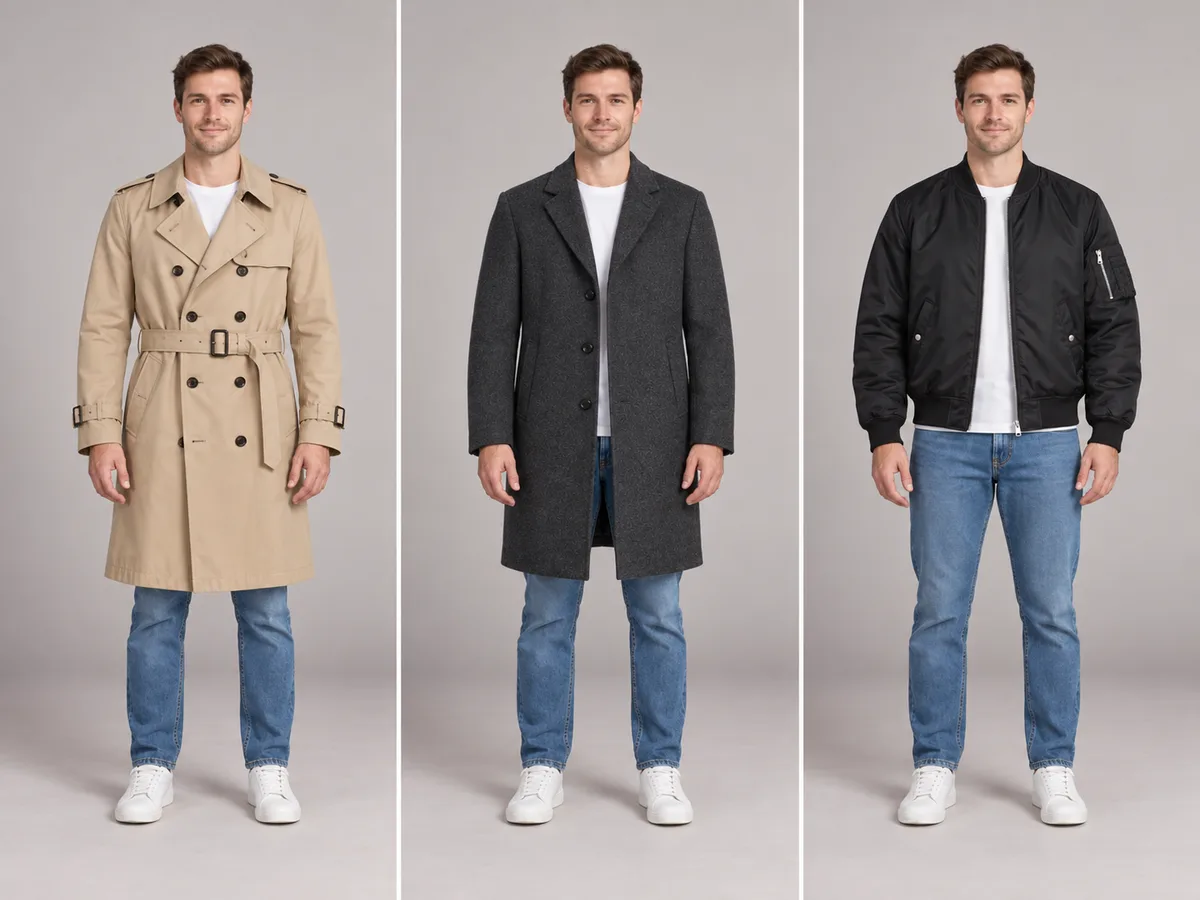
Which coat for autumn?
A trench, a wool coat or a bomber changes the whole silhouette. A virtual outfit try on compares length and shape on one body.
Trench coat · Wool coat · Bomber jacket
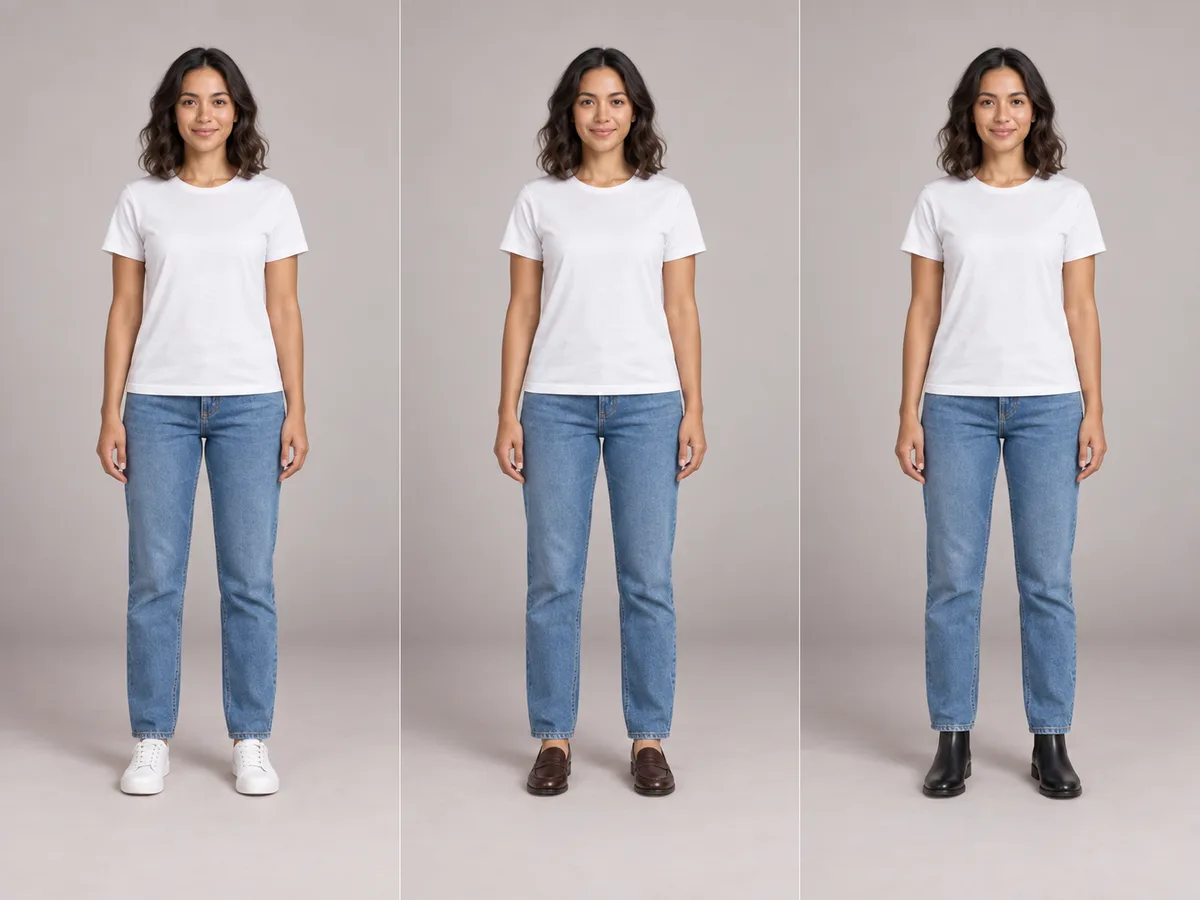
Sneakers, loafers or boots?
Shoes change an outfit more than you’d expect. A virtual outfit try on tests three pairs with the same jeans and top.
White sneakers · Loafers · Ankle boots
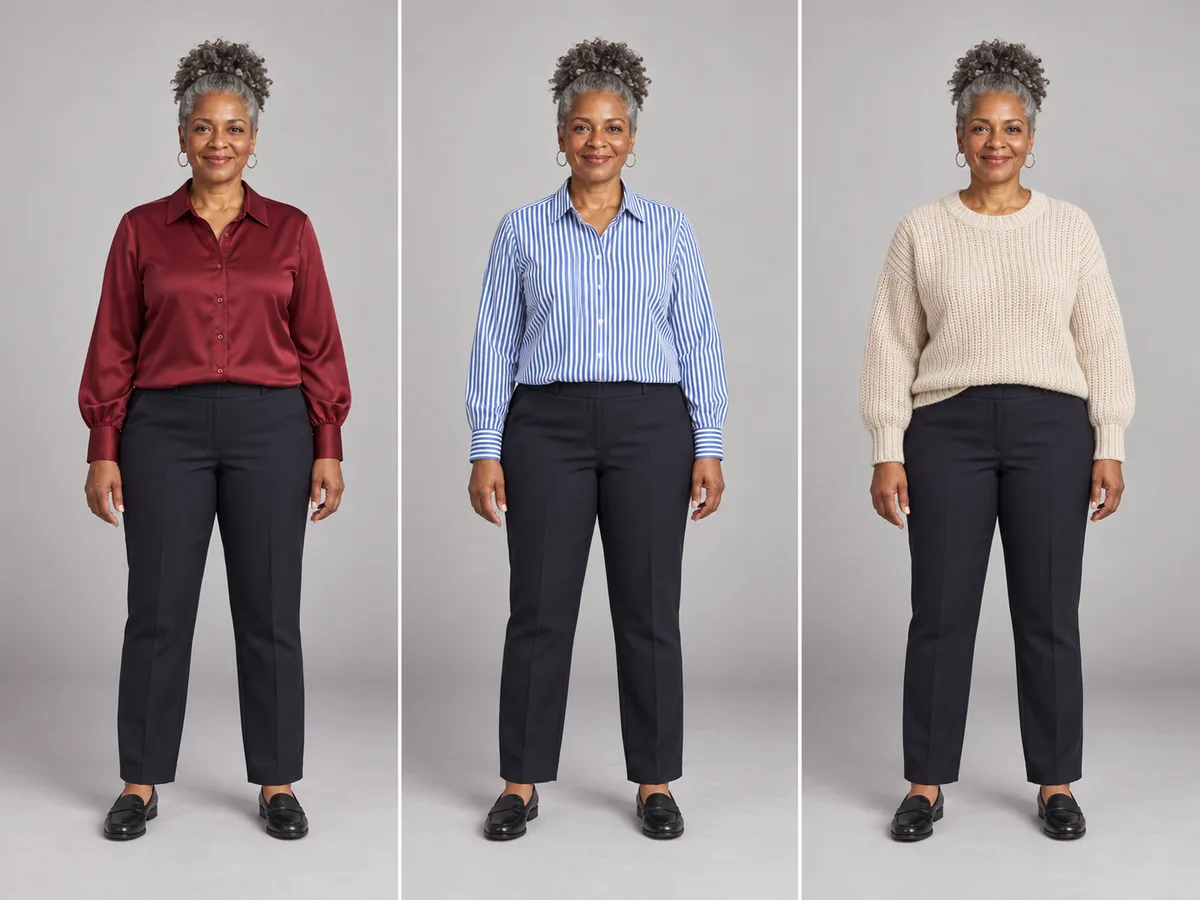
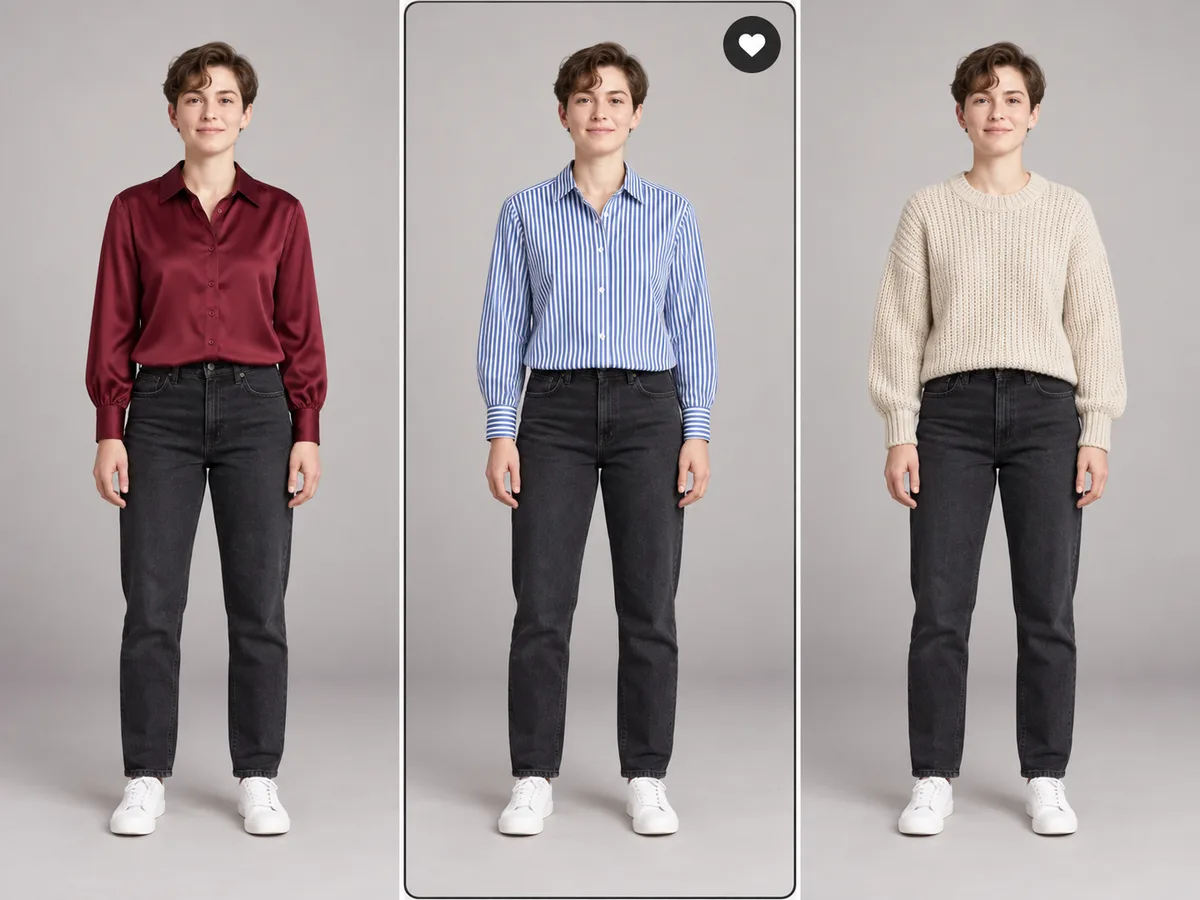
A shortlist of work tops
Silk, stripes or a soft knit for the office. Check which color sits best next to your face.
Silk blouse · Striped shirt · Knit sweater
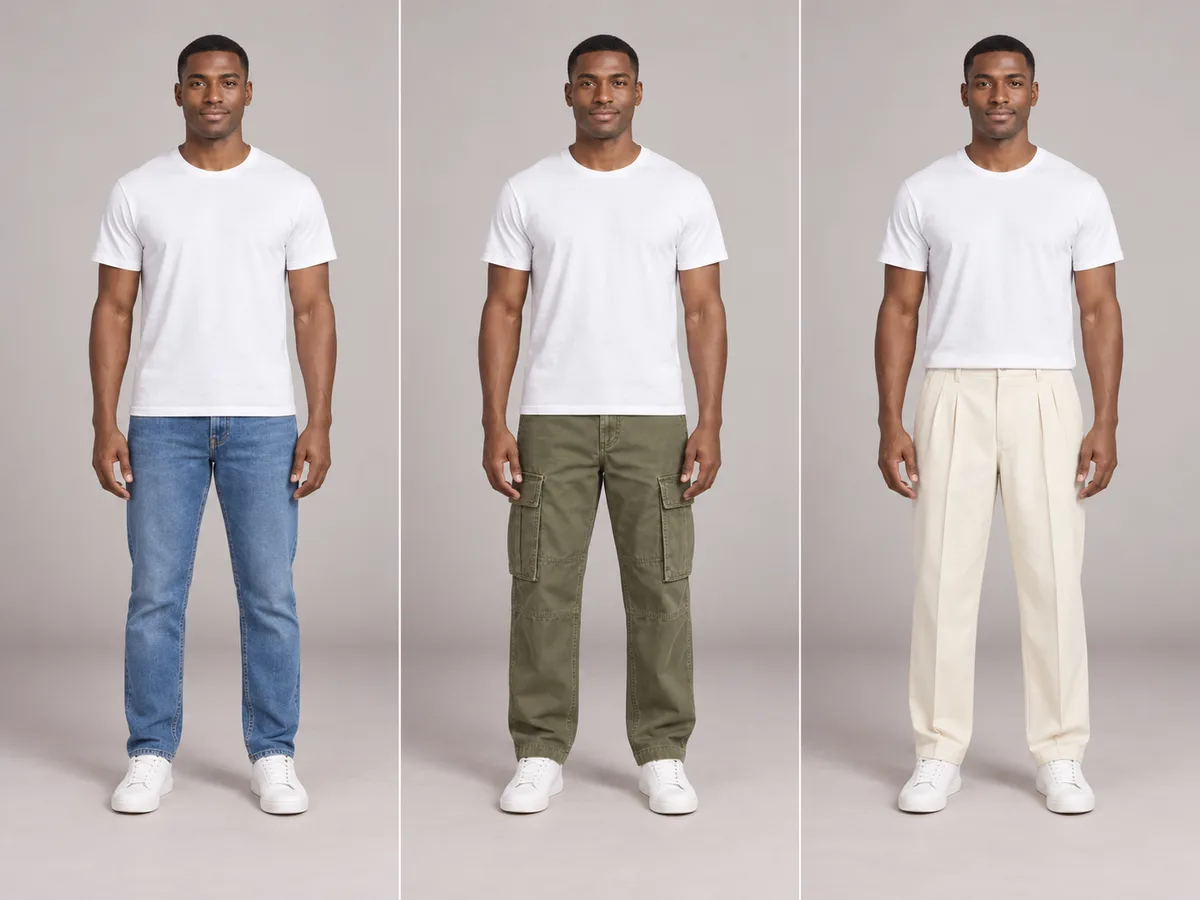
Weekend trousers
Straight jeans, cargos or pleated trousers: the same top looks relaxed or polished depending on what’s below.
Straight jeans · Cargo pants · Pleated trousers
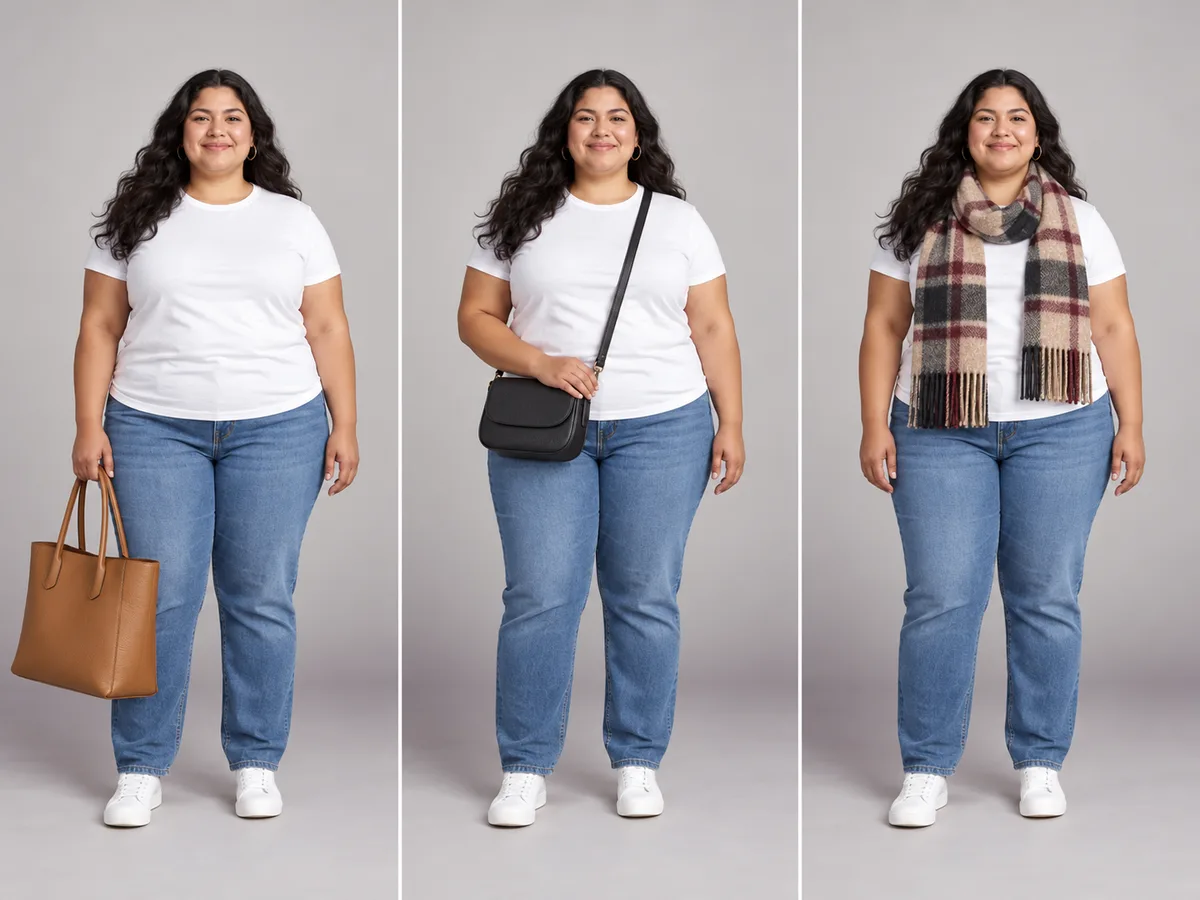
The finishing touch
A tote, a crossbody or a scarf: small pieces that decide whether a look feels finished.
Tote bag · Crossbody bag · Wool scarf
How it works
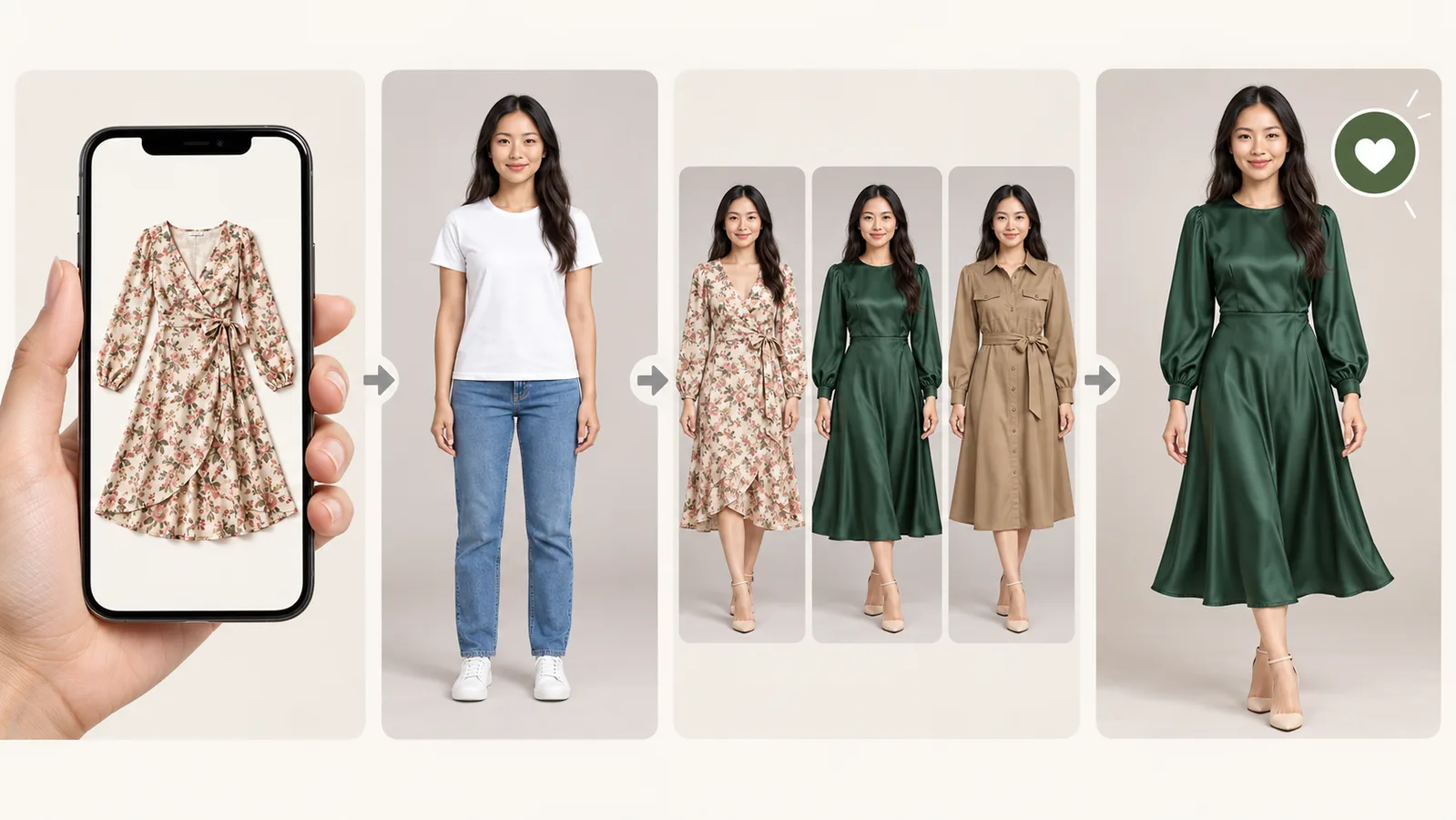
How virtual outfit try on works while you shop
- 01
Choose the item image
Use a product photo or screenshot you have permission to upload; that’s all it takes to try on clothes online. Appearing on a store page does not grant permission.
- 02
Add your photo
Upload a clear, front-facing photo of one clothed adult, with their consent and permission to use the image. Prefer not to? Choose a preset model with a similar build.
- 03
Try on up to three picks
Add the items you’re torn between and press Try it on. Virtual outfit try on puts each one on the same photo, so the comparison is fair.
- 04
Decide, then buy
Mark your pick, check it against your color season and download the comparison to ask friends. Check retailer details before ordering.
Why try before you buy
Why virtual outfit try on beats guessing from a product photo
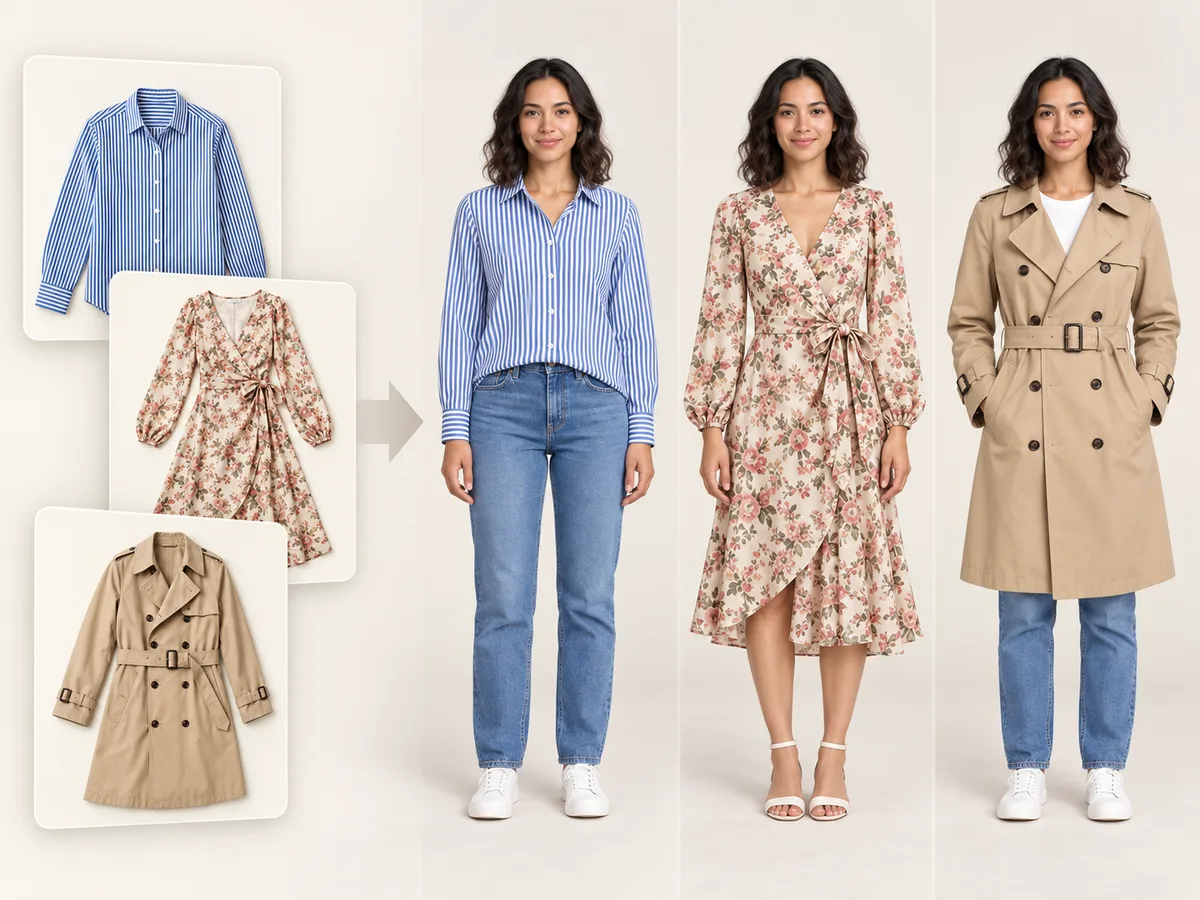
The model in the listing isn’t you. Virtual outfit try on closes the gap between how an item looks on the page and how it looks on your body, in your colors.
Different body, different drape
A dress that falls straight on a tall model can sit very differently on you. Seeing it on your shape with virtual outfit try on is the fastest way to spot that.
Colors shift on screen
A camel coat can read warm or muddy depending on your skin, hair and eyes. Check each virtual outfit try on against your color season; AI colors may vary.
Too many tabs open
Three similar tops from three stores are hard to compare from memory. A virtual clothes try on puts them side by side on one photo.
Virtual outfit try on from any online store
Store-built virtual try on clothes tools only cover that store. WearTryOn runs a virtual outfit try on with permitted product images from any store; a screenshot alone does not grant those rights.
- A virtual dressing room for tops, bottoms, dresses, outerwear, shoes and bags from any shop
- Model shots and flat-lay photos both work
- Crop the screenshot to the item for the cleanest virtual outfit try on result
Virtual outfit try on with color season advice as a reference
Review each virtual outfit try on with your color season in mind. Our sister site ColorSeason AI offers a separate analysis from a selfie to use as a reference. Check the retailer’s photos too, since AI previews may change colors.
- Refer to your color season while reviewing each pick
- Four color seasons: spring, summer, autumn, winter
- Explore your season separately on ColorSeason AI
Compare your picks side by side
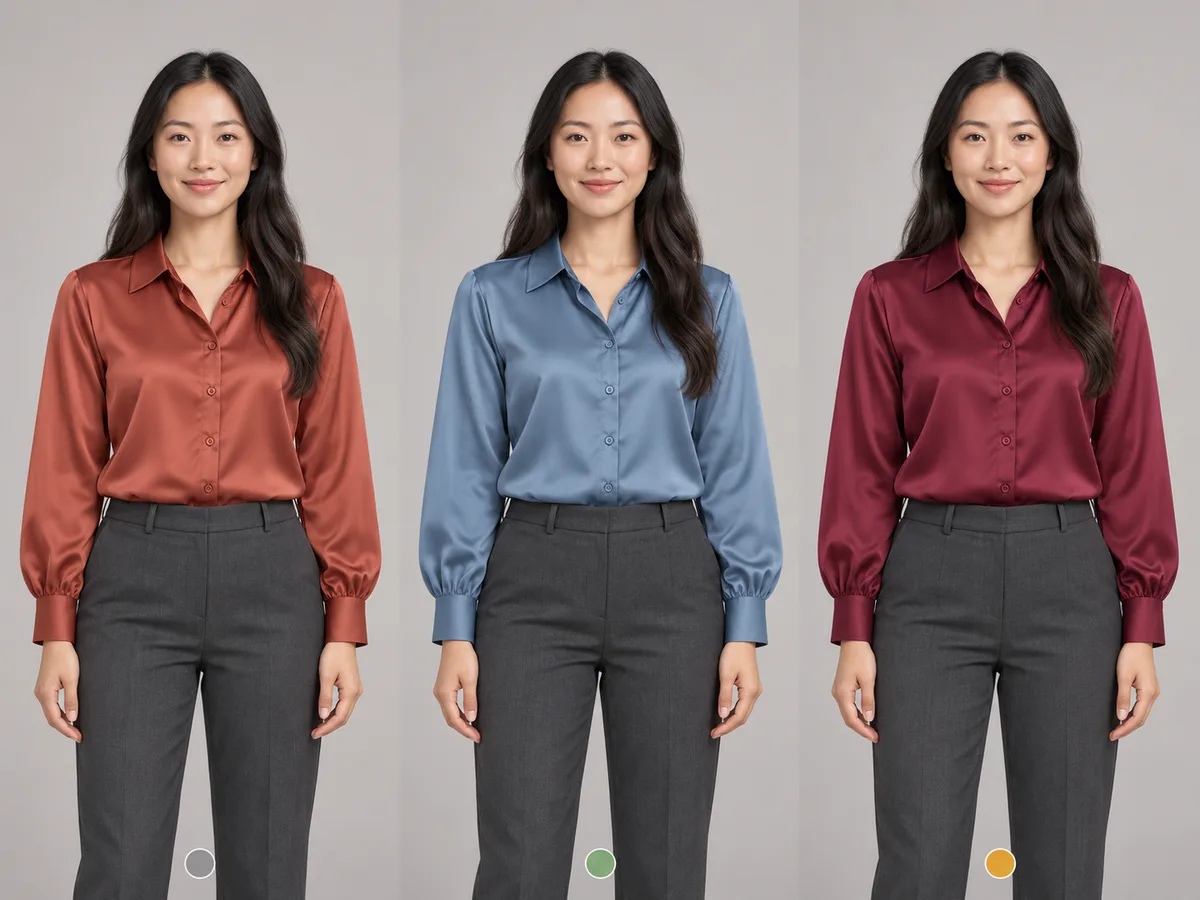
Add up to three items and virtual outfit try on uses the same source photo for each preview. It is designed to preserve the person, lighting, pose and background, but details can vary. Flip between results, mark a favorite and download your picks.
- Up to three picks per comparison
- Aims to preserve pose and background from the same photo
- Save each virtual outfit try on to your closet and revisit before a sale ends
Virtual outfit try on: WearTryOn vs store-built try-on
Google, Amazon and some retailers offer try-on for their own products. Here’s how WearTryOn’s virtual outfit try on differs.
| WearTryOn | Try-on built into a store | |
|---|---|---|
| Which items | Product images you have permission to use | Only that platform’s products |
| Compare several items | Up to three side by side | Usually one item at a time |
| Color season reference | Manual reference via ColorSeason AI | Varies |
| No photo? Use a model | Yes, preset models | Varies |
| Your photo | Private results, 30-day access | Stored with your account on that platform |
| Cost | Ava and Leo top previews free; credits for new generations | Free inside that store |
Not shopping, just after a new look for a photo you already have? Try the outfit changer instead.
Found the look on a person rather than a product page? Upload their photo and yours to the outfit swap and see the whole outfit on you.
Virtual outfit try on accuracy: what it can and can’t tell you
Virtual outfit try on creates an AI preview. It does not guarantee fit, size or exact color; check measurements and retailer details before buying.
Good for
- Seeing how a color works with your skin, hair and eyes
- Judging style, length and silhouette on you
- Comparing similar items in one virtual outfit try on
- Getting a second opinion before you buy
Not a substitute for
- Your size: always check the store’s size chart and measurements
- Exact color, texture or how the fabric stretches
- Exact fit at the shoulders, waist or hem
- Items we don’t support: swimwear and underwear
Free and Pro
Start free, compare more with Pro
Start virtual outfit try on with a pre-generated Ava or Leo top preview and no sign-in. Sign in for other models, your own photos, saved results and free credits.
Free
Preview Ava or Leo free; sign in for more
- Four pre-generated tops on Ava and Leo without sign-in
- Welcome and daily check-in credits
- Virtual outfit try on with other models or your photos for credits
Pro
For people who shop a lot
- More tries every month
- Unused subscription credits roll over
- Commercial use, subject to rights in source content
- Uploaded-photo comparisons accessible for 30 days
Virtual try on clothes: common questions
Can I virtually try on clothes from any website?
Virtual try on clothes accepts product photos or screenshots from different stores when you have permission to upload and use them. Pro commercial use is subject to rights in source content and consent from anyone shown. Direct product links are coming soon.
Does Amazon offer virtual try-on?
Amazon offers try-on for some categories, such as shoes and eyewear, inside its app, and Google offers virtual try on clothes for some apparel in its Shopping results. Both only cover their own listings. WearTryOn works with any store and compares several items at once.
How much does virtual try-on cost?
Four pre-generated Standard-fit tops on Ava and Leo are free without sign-in. Sign in to use other models, new try-ons or your own photo. New accounts get welcome credits and daily check-ins add more; a subscription is optional.
Is virtual try on worth it?
Virtual try on clothes is most useful for color, style and length: seeing whether a shade flatters you, or how long a coat looks on your frame. It does not measure you, so always check the size chart. Used that way, it cuts down on returns.
Will it tell me what size to buy?
No. The try-on shows how an item looks on you, not how it fits your measurements. Use the store’s size chart and reviews for sizing, and virtual try on clothes for color and style.
Is my photo private?
Uploaded-photo virtual try on clothes results are private to your account and accessible for 30 days. Saving to your closet does not extend this period. Download results to keep them longer; they are never posted publicly.
What can’t I try on?
Virtual try on clothes covers everyday tops, bottoms, dresses, outerwear, shoes and bags. Swimwear and underwear are not supported; use one fully clothed adult. Uploaded photos and newly generated results are screened, but automated checks can make mistakes. Rejected generations use no credits.
More ways to try on
AI Clothes Changer
Swap one piece of clothing in any photo
Outfit Changer
Change the whole outfit in one photo
Outfit Swap
Copy a whole look from one photo onto yours
Live Try On
Try clothes on live in your camera
Hairstyle Try On
Try new haircuts on your own face
AI Outfit Rater
Score your outfit out of 10, free
Glasses Try On
Live camera frames, face shape and PD
Hair Color Try On
See new hair dye colors live, free
Makeup Try On
Lipstick, blush and shadow live, free
Halloween Costume Generator
See yourself in 12 costumes, first one free
Guides
How-tos and honest reviews of try-on tools
Try it on before it’s in your cart
Start your virtual outfit try on with a pre-generated sample, then sign in to try your own shortlist on your photo with welcome credits.
Start a free try-on