
One AI model for clothes, every look in your shop
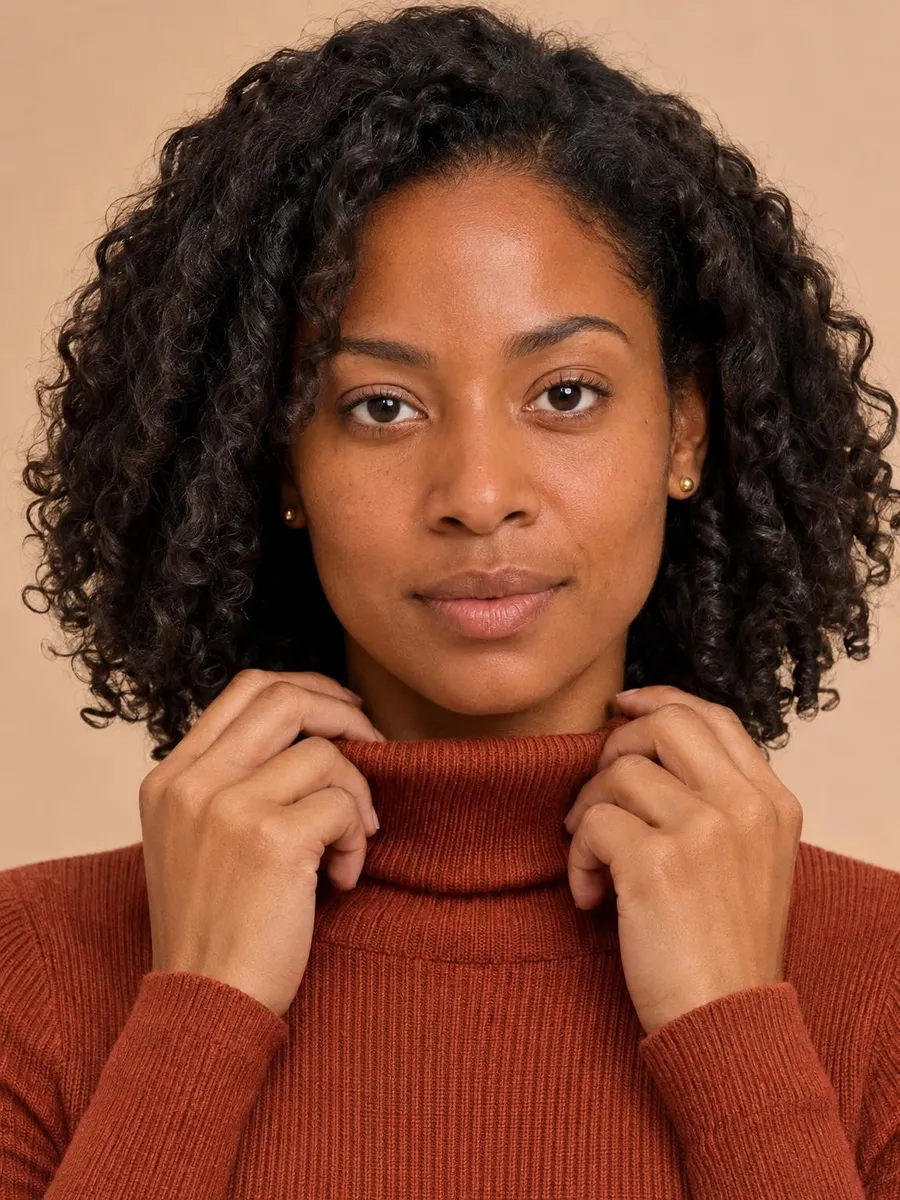
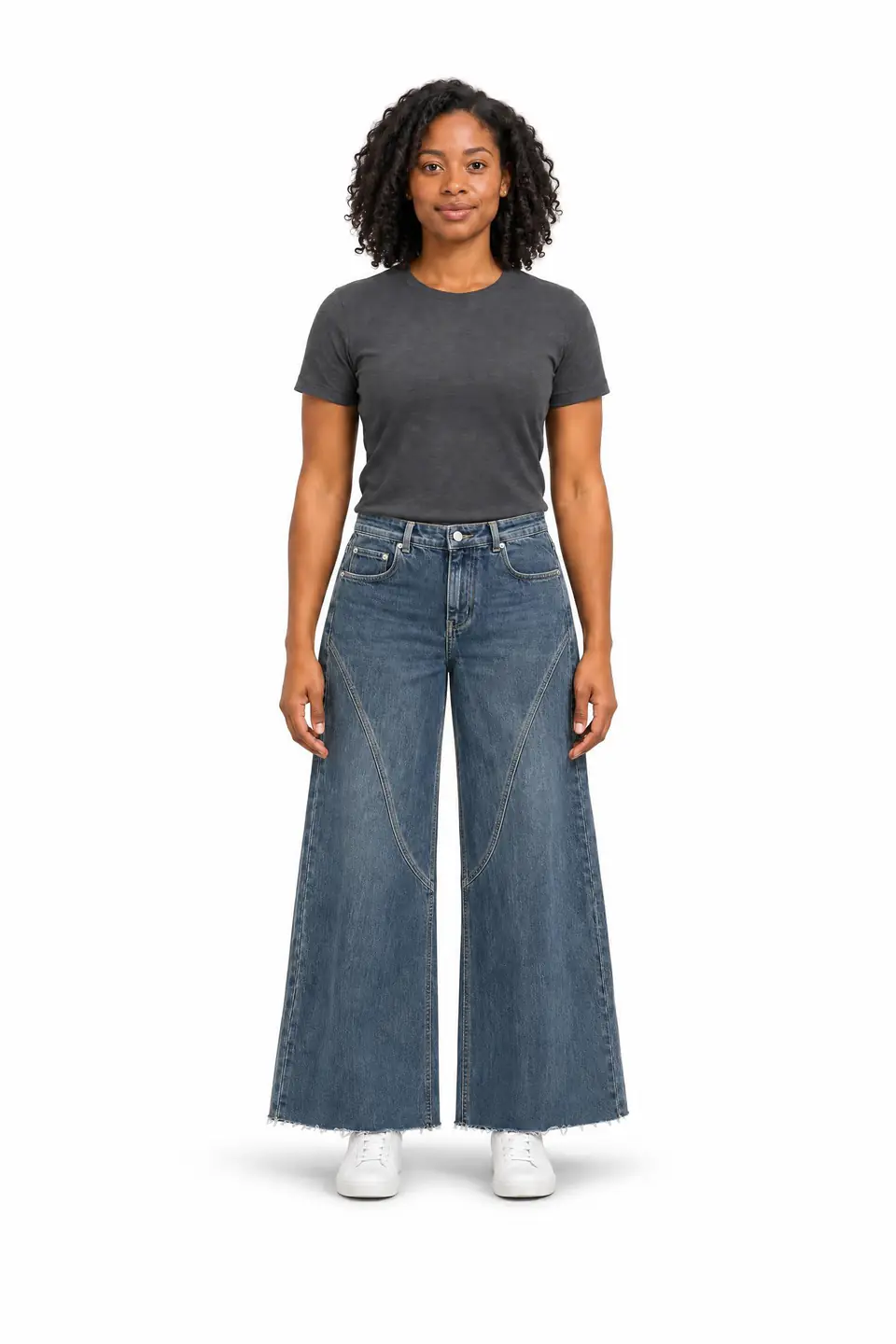
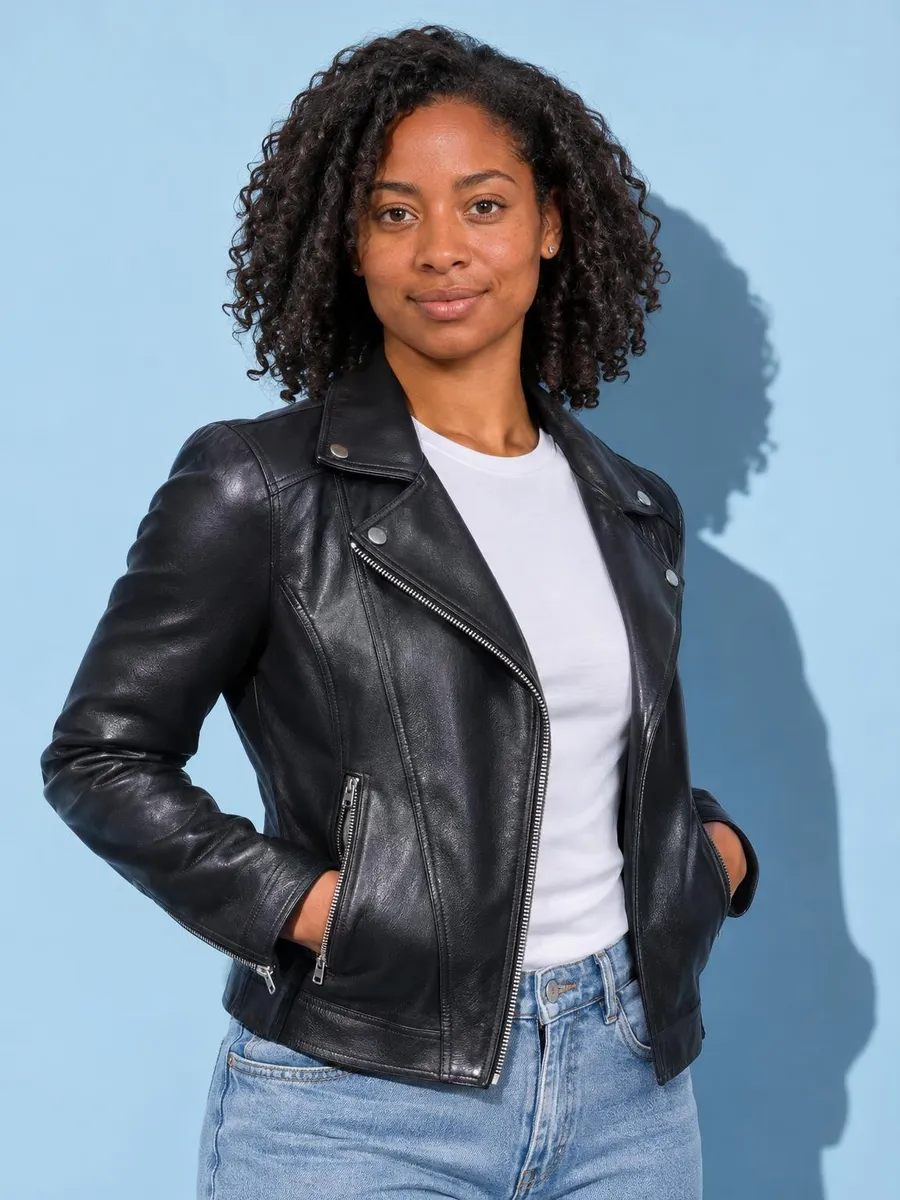
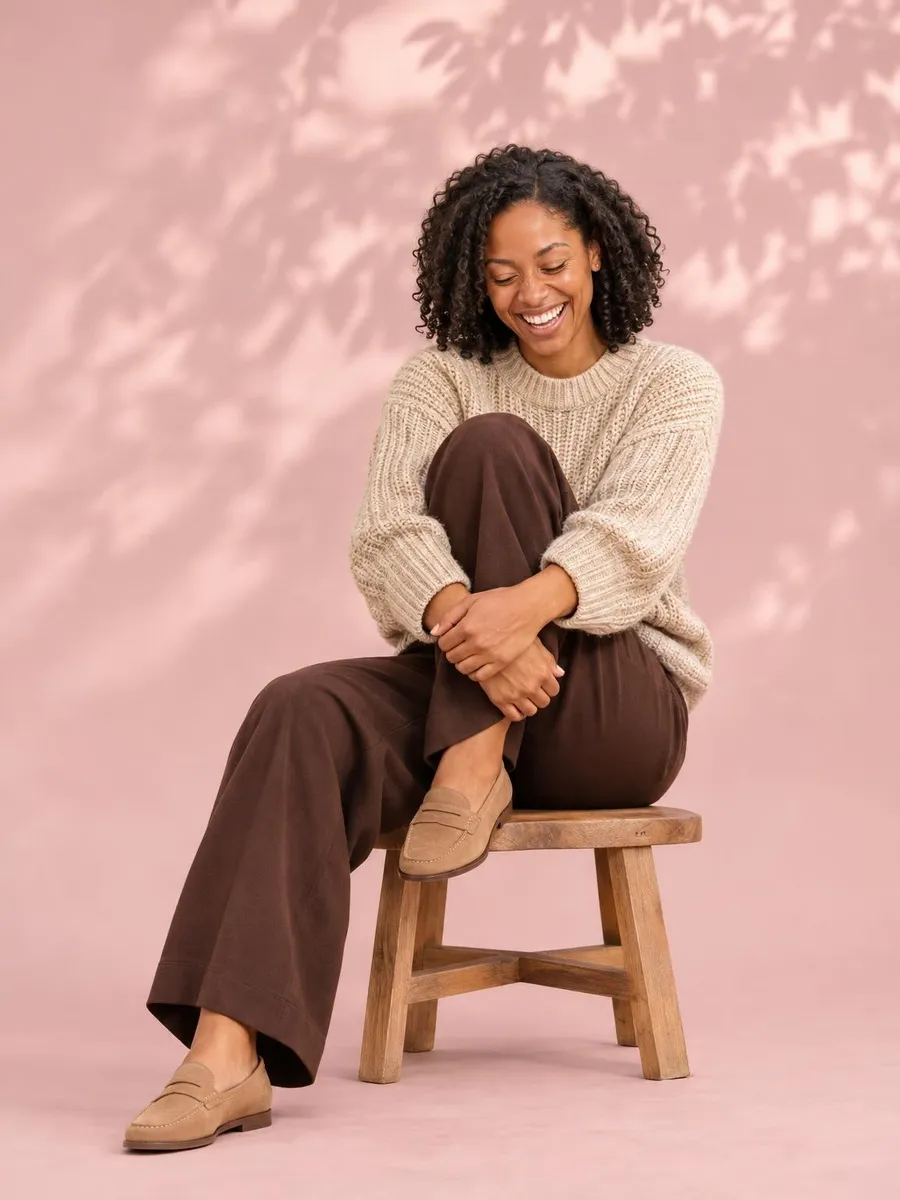
Three ways to get an AI model for clothes
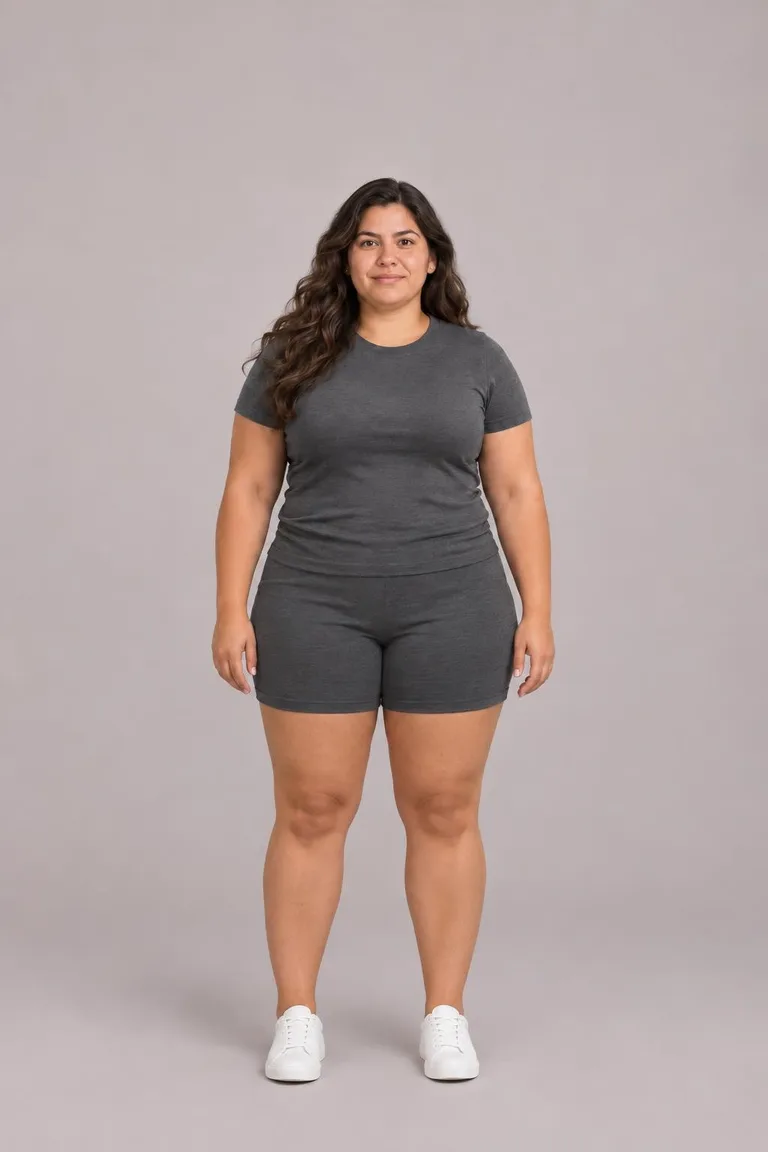
Pick a ready model
Different builds, ages and skin tones, free to pick and reuse as a reference for every shoot. Filter by the people who buy from you and keep one AI model for clothes for the season.
Free
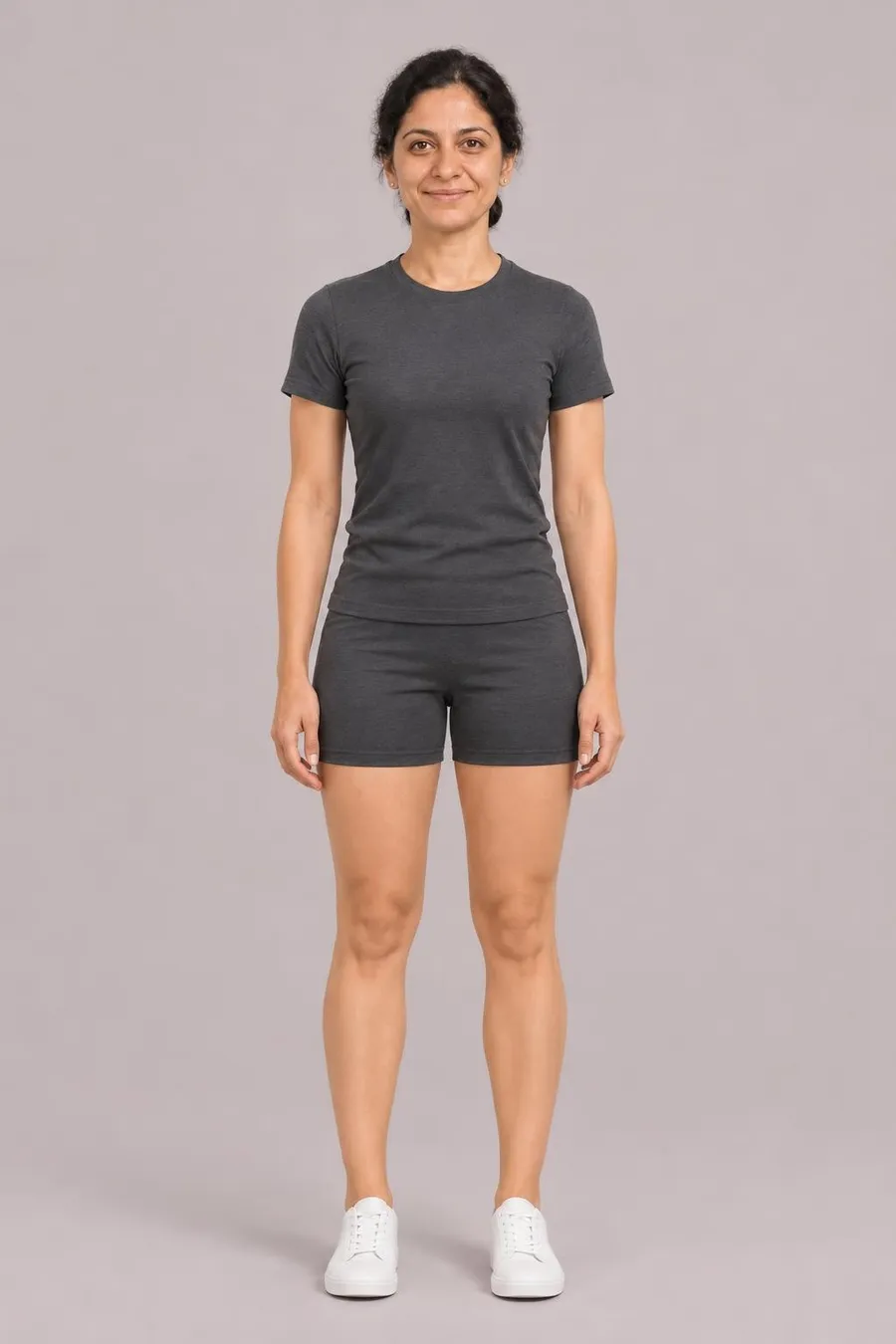
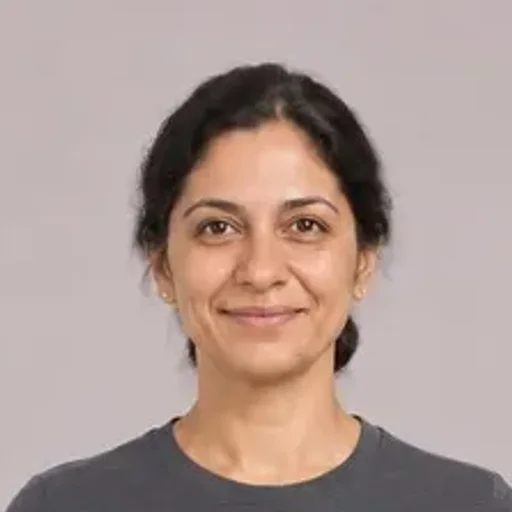
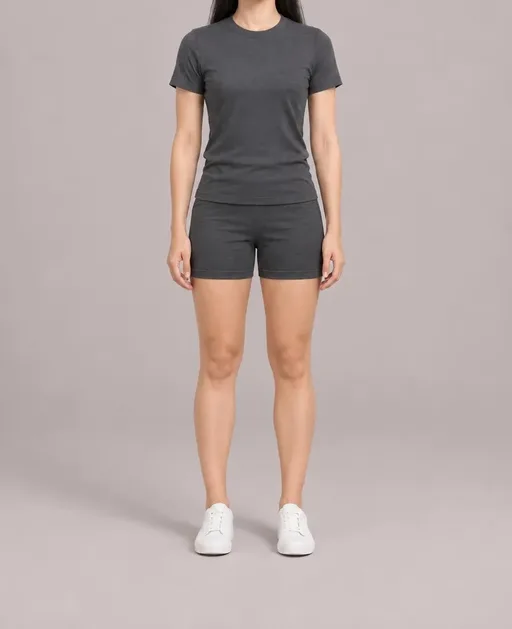
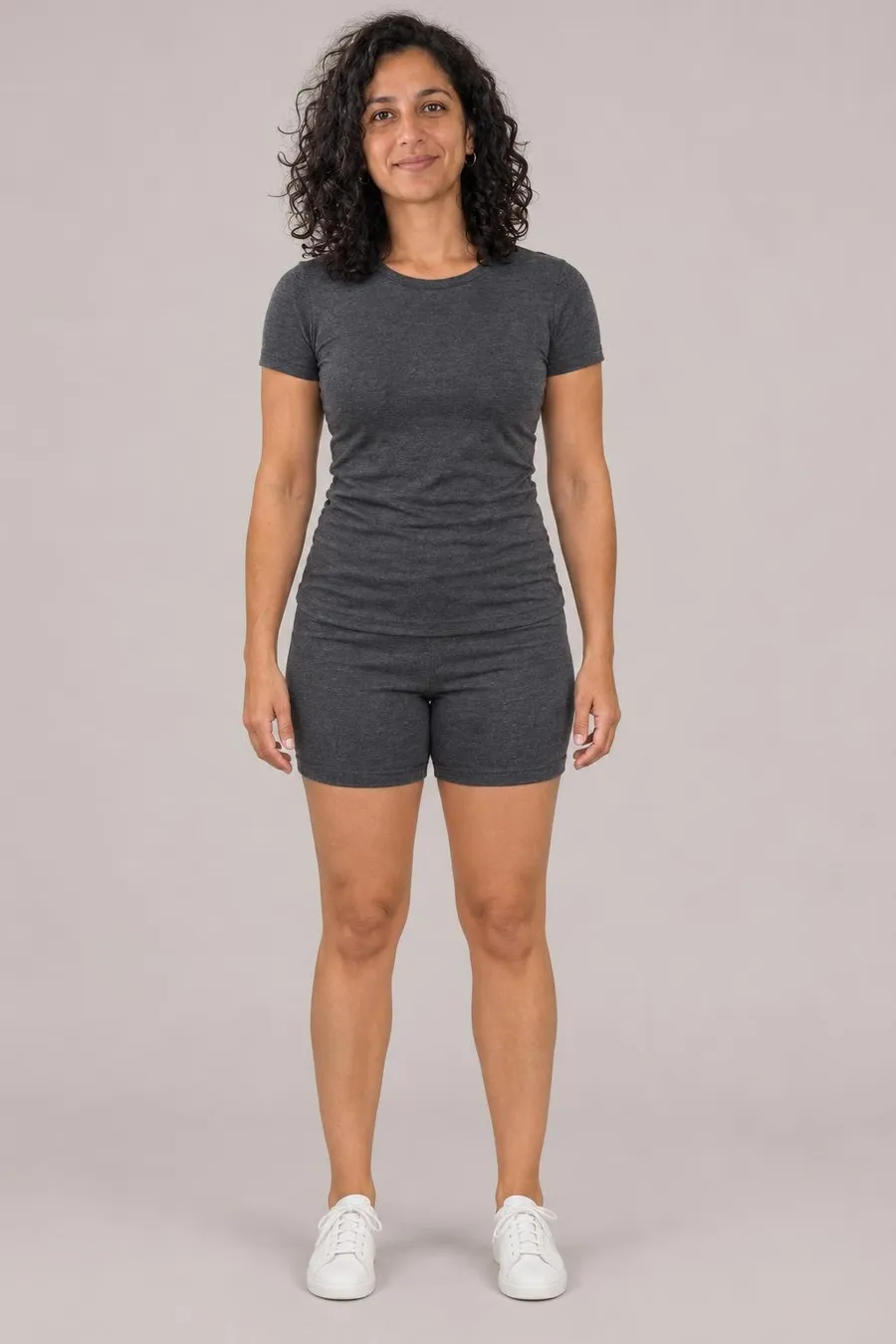
Build one from a head and a body
The head brings the face and hair; the body brings the build and a reference size. One fictional adult, saved as a reference for every shoot.
60 credits · saved to Mine
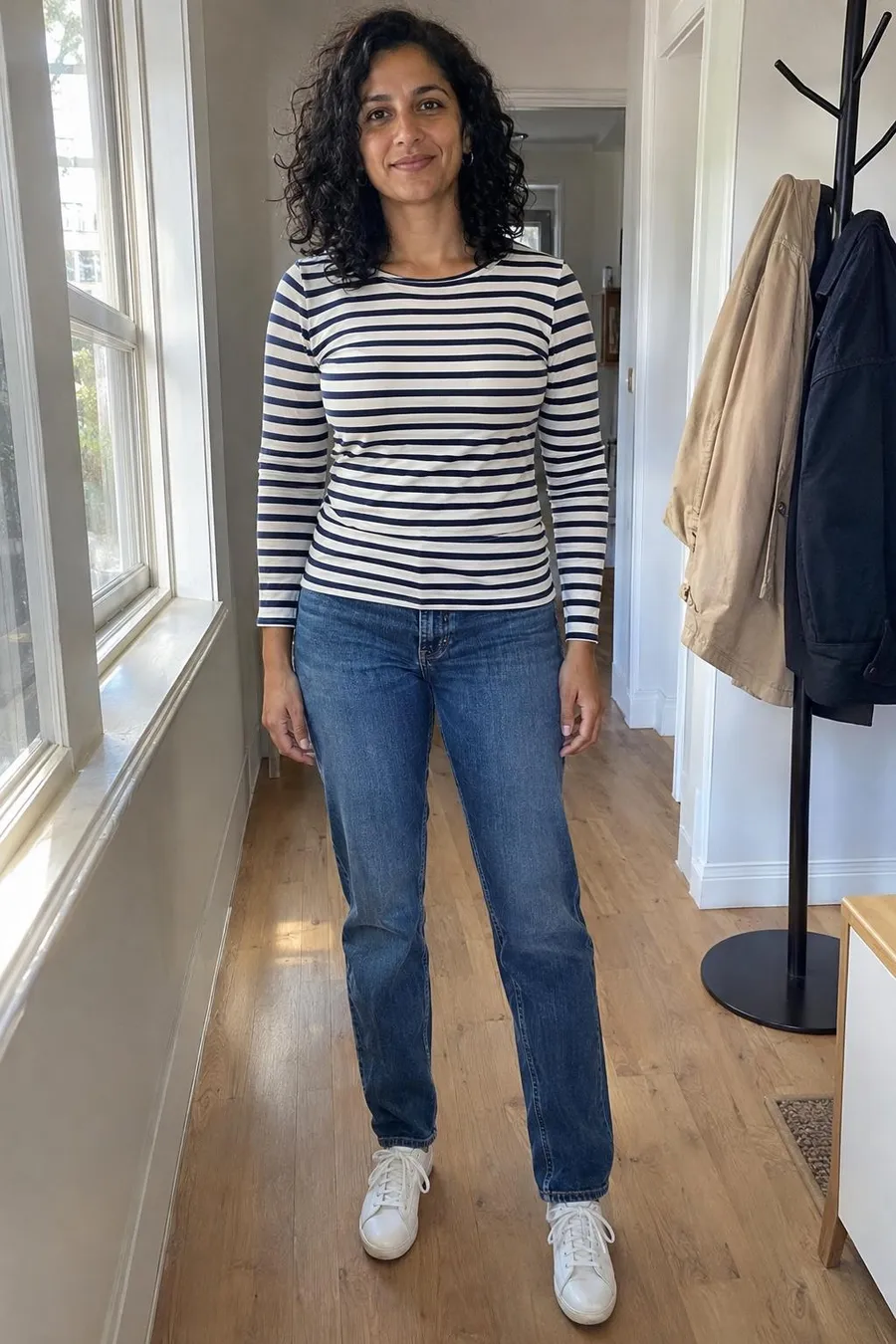
Bring your own model
One clear, full-length photo of you or a model who agreed turns that person into your AI model for clothes, in the same studio as the others. Private to your account and never in a vote link. How we handle the photo is on our privacy page.
60 credits · adults only, with their permission
Reference sizes for choosing an AI model for clothes
“Shown on an AI-generated model”
Tell buyers what they are seeing and give them the actual item measurements.
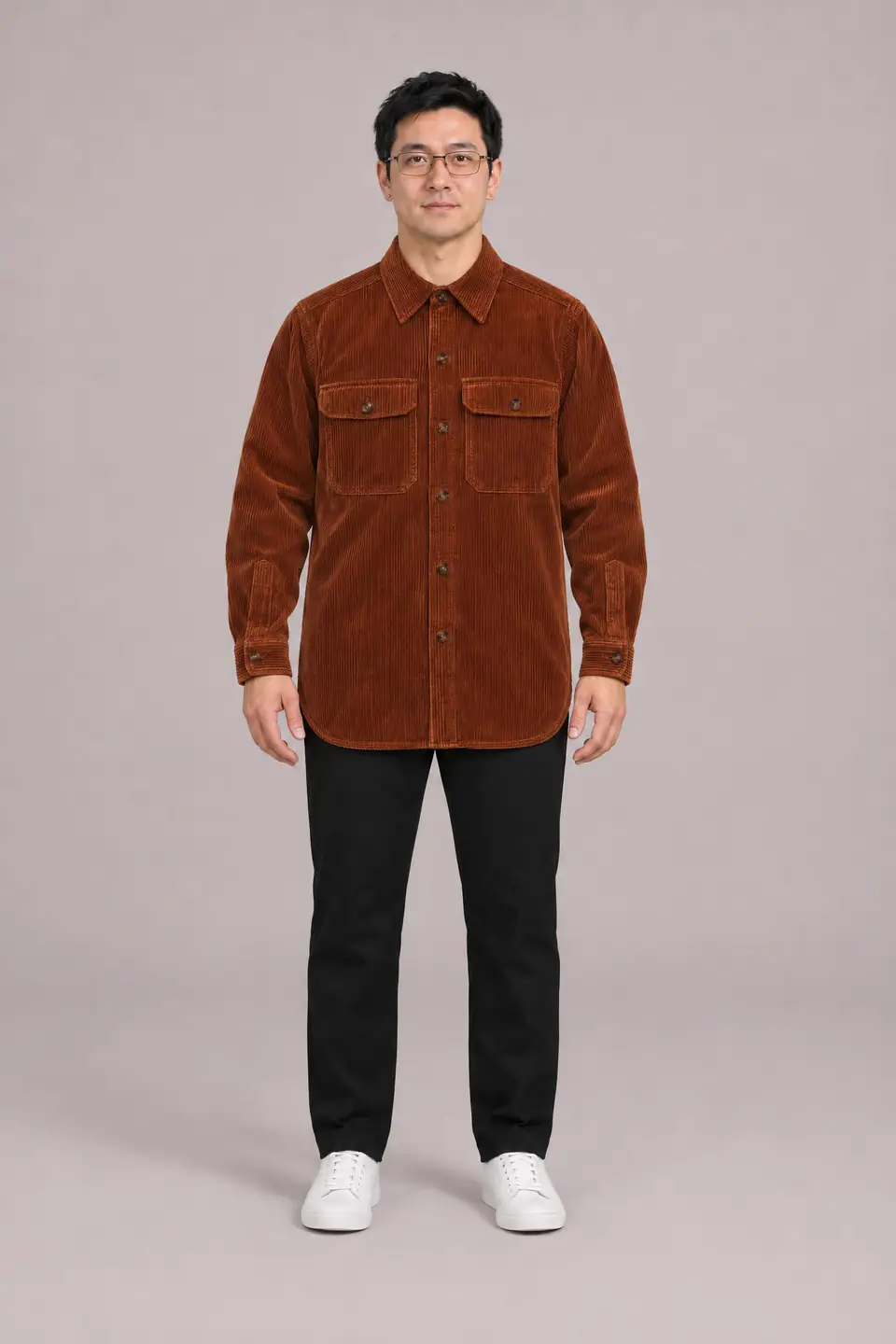
Your shop · New in
Rust corduroy overshirt
$68
Shown on an AI-generated model. Refer to the item measurements for sizing and fit.
Switch model
Each AI model for clothes has height and size reference labels to help you choose a build. Switch the model below to see how a disclosure can appear alongside your product photos. For fictional models, height and size are reference labels, not real measurements or proof of garment fit. For a model made from a photo, these details are supplied by you. Give buyers the actual item measurements and verify the listing details.
The shoot itself happens on the AI fashion model page: add a flat lay or hanger photo, pick up to four poses and download every size your shop needs.
Product photo still shows a mannequin or a hanger? Clean it up first with the ghost mannequin tool, then dress your model in it.
Poses your AI model for clothes takes in a shoot
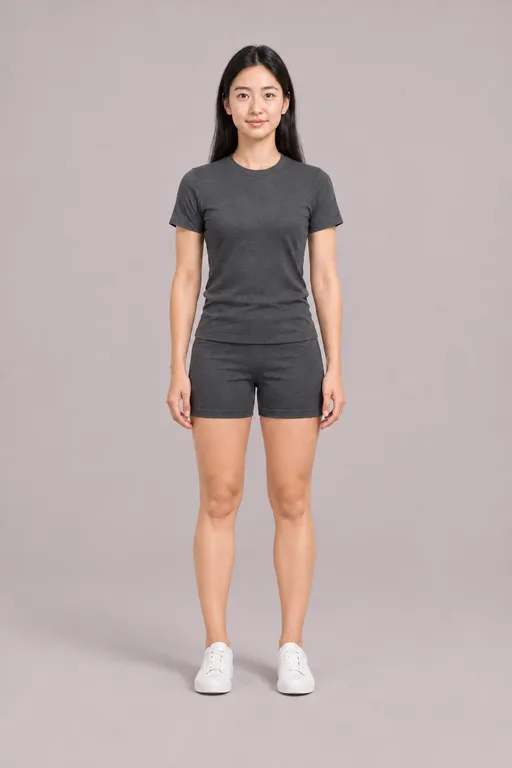
Front
Shot first, arms relaxed
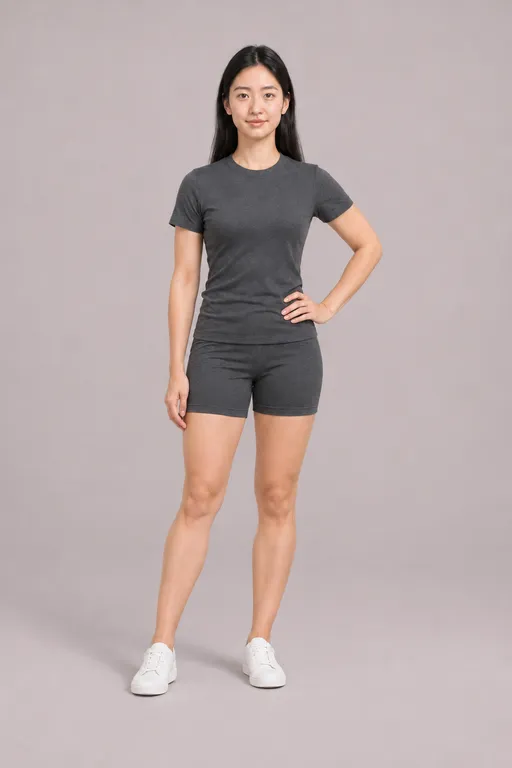
Hand on hip
Weight on one leg
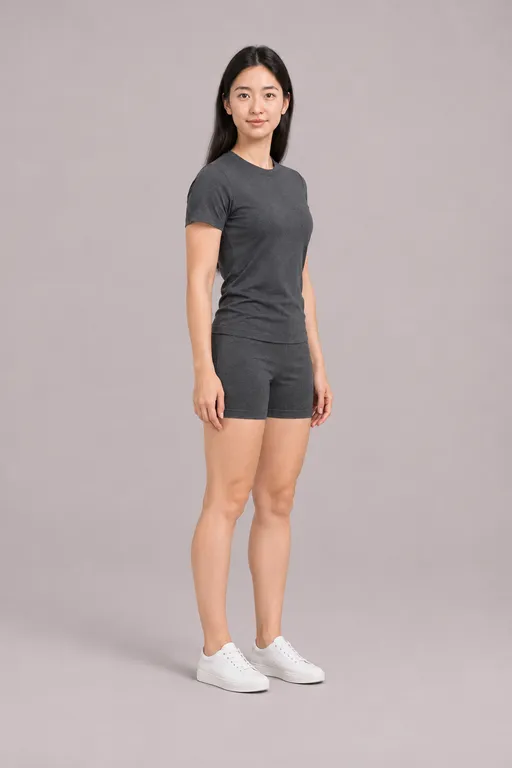
3/4 turn
Body angled, face forward
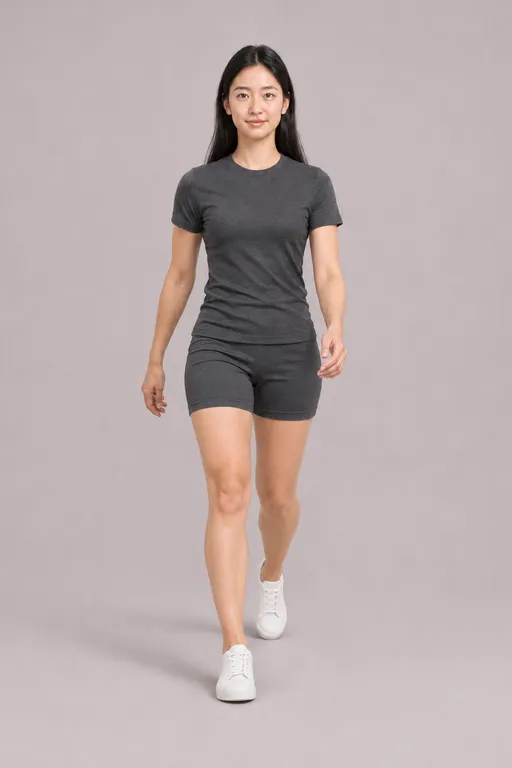
Walking
Mid-stride toward camera
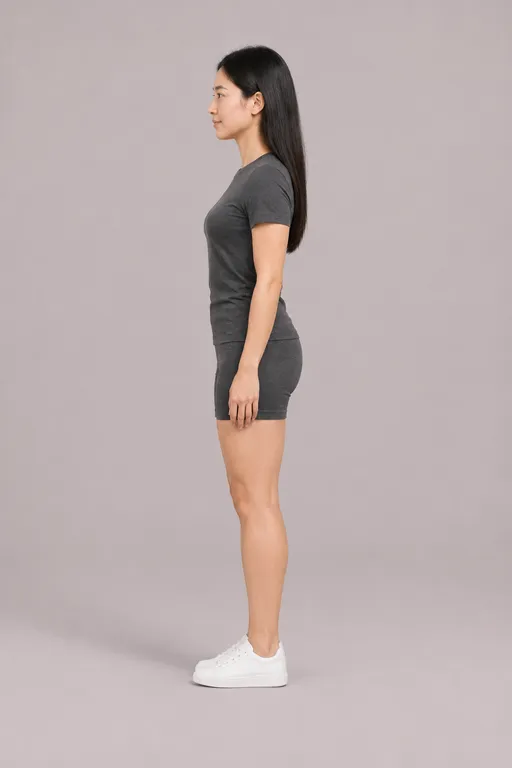
Side
Shows length and silhouette
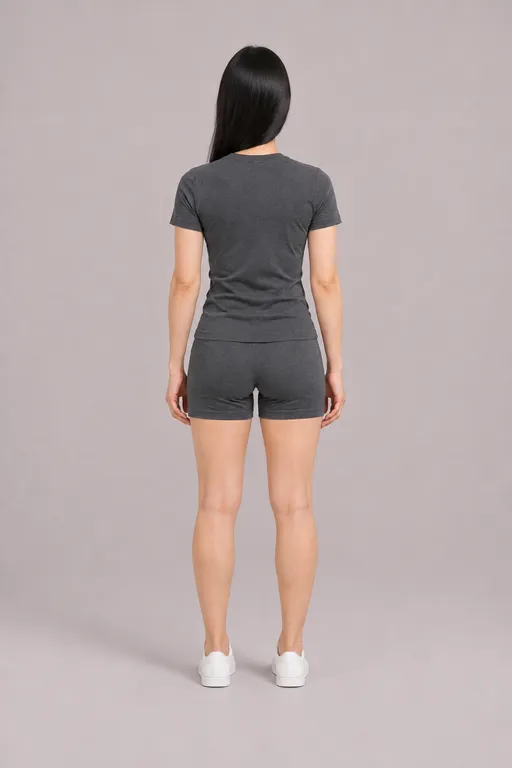
Back
Uses your back photo
Every ready AI model for clothes is free. Start your first shoot.
Didn’t find the face your shop needs?
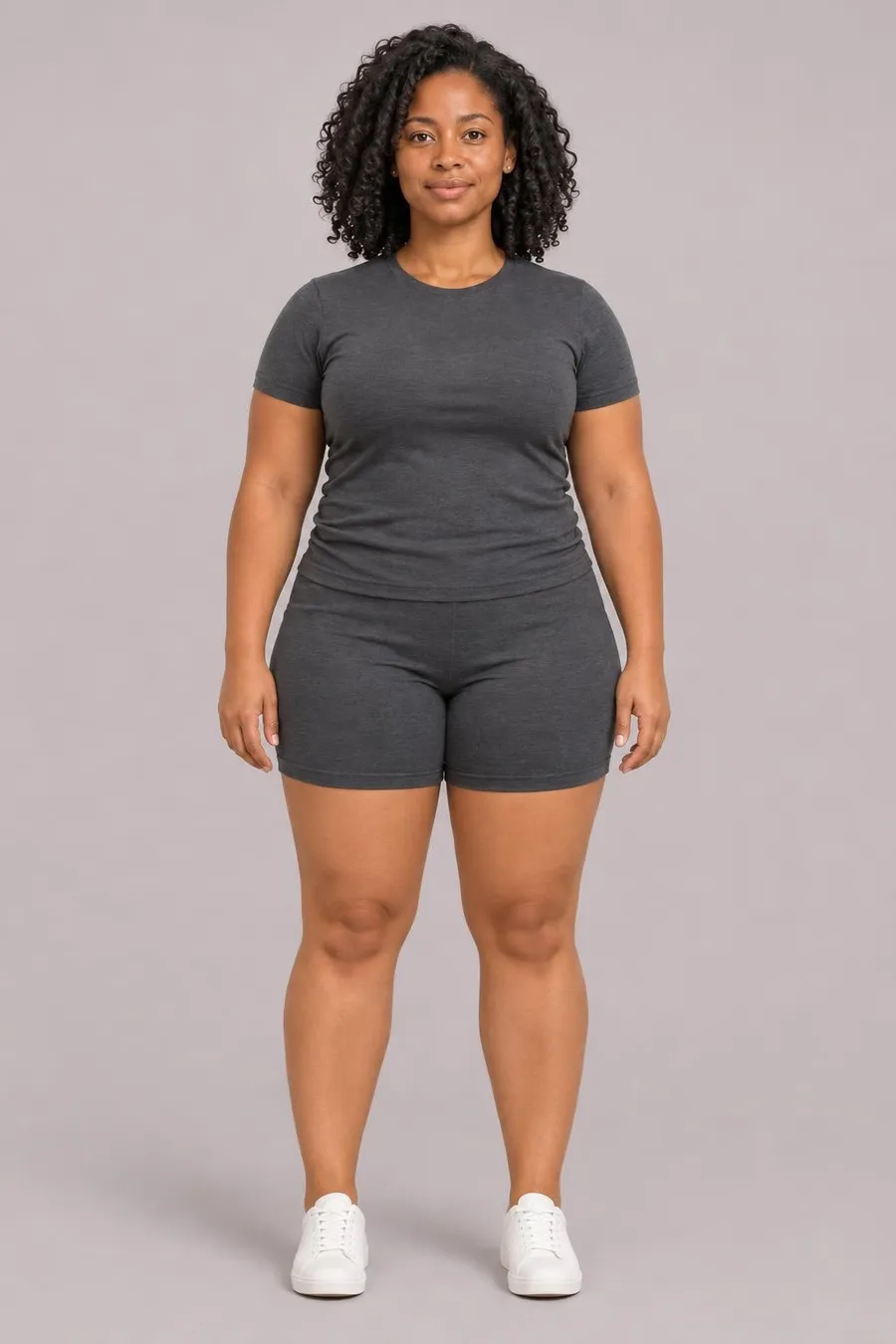
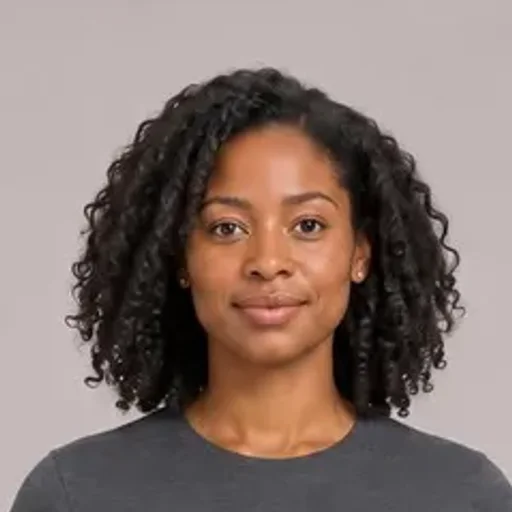
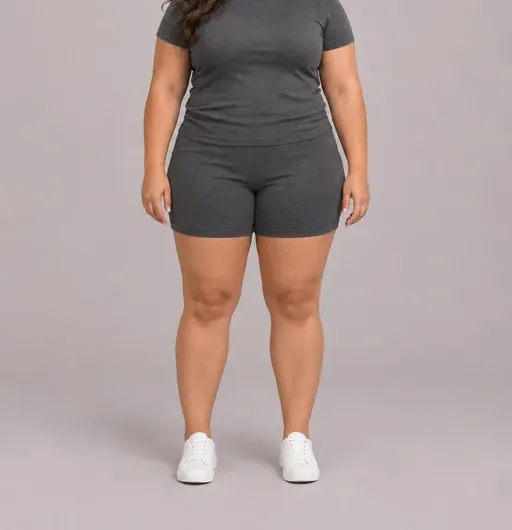
Put a head you like on the build you sell to, or turn one photo of your own model into a studio model. Either way, the AI model for clothes you make stays in your account for every shoot.
 +
What sellers ask before choosing a model
Is an AI model for clothes a real person?
The ready models and every model built from parts are fictional adults made for this site. A model you make from a photo is the real person in it, which is why that needs their permission.
What if no ready model fits my buyers?
Build one. Pick a head with the face and hair you want and a body with the build you sell to, or use a photo of your own model. Most sellers keep one or two models for a whole season. The Filters panel greys out any skin tone the ready AI model for clothes set does not cover yet.
Which photo works best for my own model?
One full-length photo in daylight, standing straight and facing the camera, in fitted clothes and flat shoes. Sunglasses, hats and heavy filters make the face harder to keep.
Should I put the model’s reference size in my listing?
No. Fictional model height and size are labels for choosing a reference, not real measurements or proof of the garment’s fit. Include your actual item measurements instead, and identify the image as AI-generated.
Can I make a model of a celebrity or a child?
No. Heads come from our own library of fictional adults, and photos must be of an adult who agreed. Photos of children are declined.
How many models can I keep?
Up to twelve under Mine. Delete one to make room; photos you already made with it stay in your history.
Can I use my AI model for clothes in ads and on marketplaces?
Commercial use, including shop listings and ads, comes with Pro; a credit pack or Plus covers personal use. Tell buyers when a photo shows an AI model for clothes, include the actual item measurements, and check each marketplace’s current image and disclosure rules before publishing.
Can one AI model for clothes wear my whole collection?
Yes. Your AI model for clothes is saved as a studio reference and each shoot starts from it, so pick the same one for every product for a consistent look. Generated faces, builds and lighting can still vary, so review each image before listing.
Will the model change the garment I upload?
The model page only selects who wears it. The shoot uses your product photo as a reference, but prints, logos, colour and length can change. Compare every result with the original before you list.
How much does an AI model for clothes cost?
Every ready AI model for clothes is free to pick and reuse. Building one from a head and a body, or making one from a photo, is 60 credits once on any plan or credit pack, and that model is then free in every shoot. You pay only for the shoot photos, priced on the shoot page.
Can I pick a model by size range?
Yes. Use Filters to narrow by build, age and skin tone. The fictional model’s size label helps you choose a reference; it is not a garment size or a real measurement to copy into your listing.