
An AI video clothes changer is a tool that turns one photo into a short outfit change video, so you never have to film. Pick the move first, a snap, a spin, the ceiling fan trend or the elevator, then add your photo and the outfit you want to end in. The AI makes a 5 to 15 second vertical clip that starts on your photo and lands on you in the new look, with your face, hair and pose kept the whole way.
- One photo in, one video out
- 7 moves to choose from
- 5 to 15 seconds, vertical
- Plans or packs only
The moves
Seven moves in the AI video clothes changer
Each move in the AI video clothes changer is a fixed motion, so the clip always looks the way the trend does. You never write a prompt.
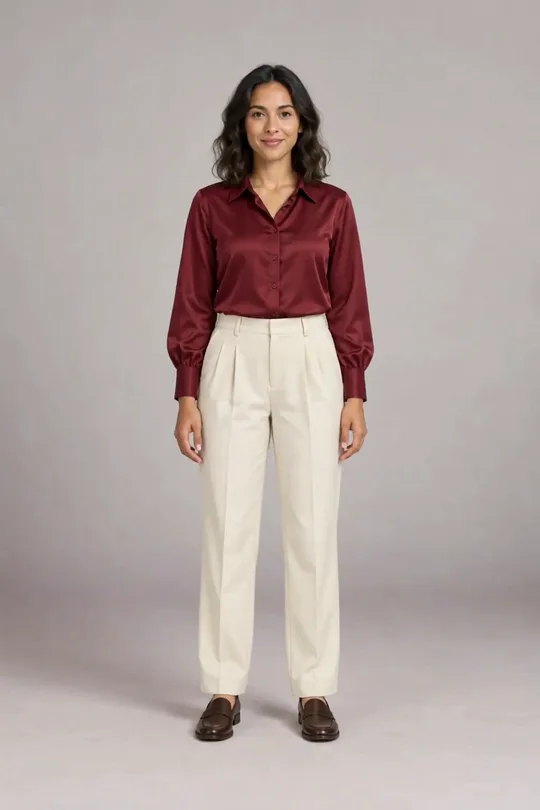
Snap
5–8 sA snap of the fingers, then the new outfit. The classic transition.
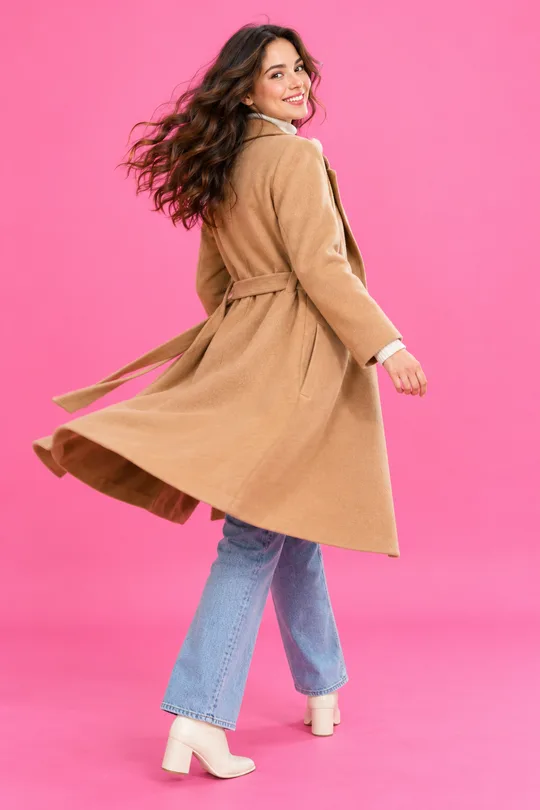
Spin
5–8 sA half turn away from the camera and back, already changed.
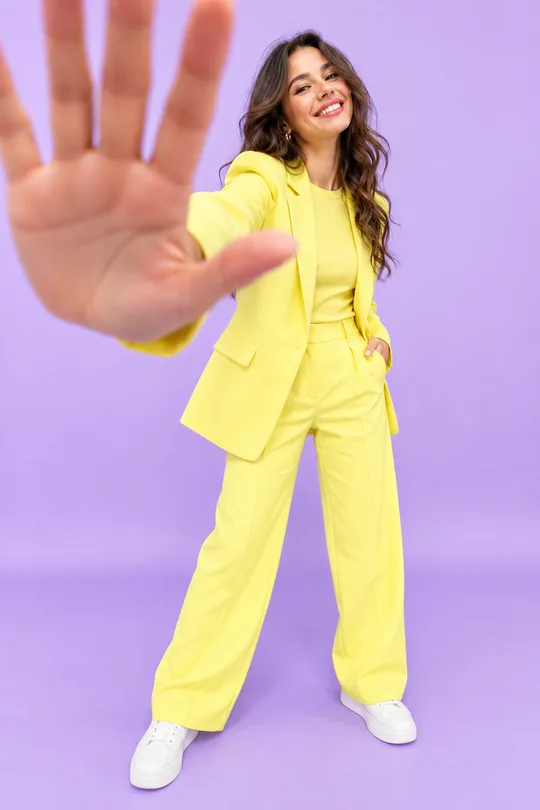
Hand cover
8 sYou walk up, cover the lens with your hand and step back in the new look.
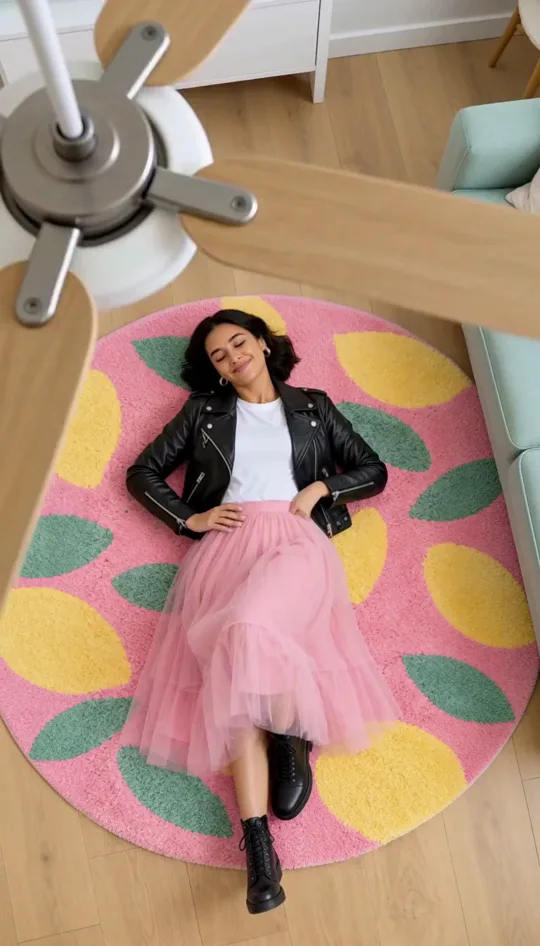
Ceiling fan
14 sShot from the ceiling through a turning fan: four looks, one per blade pass.
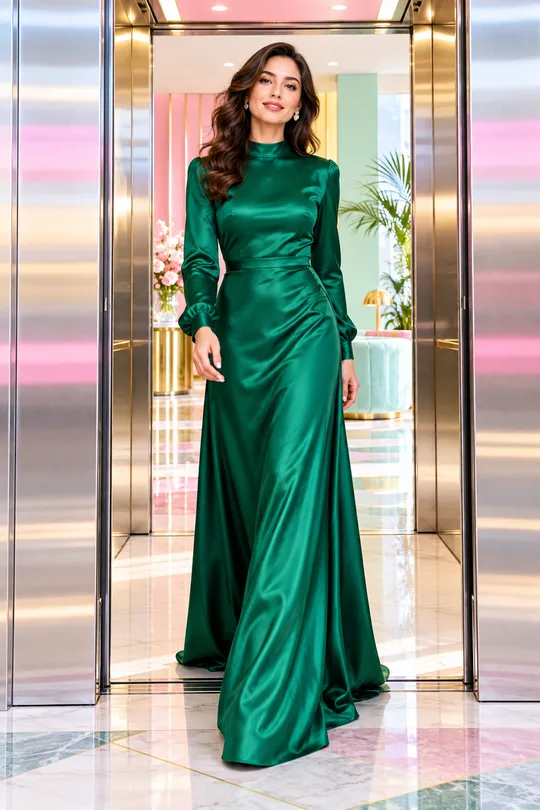
Elevator
8–10 sThe doors close on one outfit and open on another.
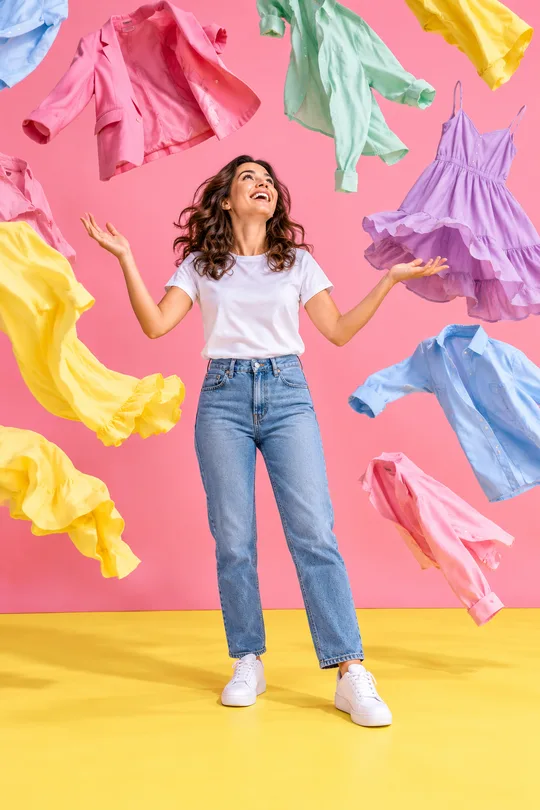
Clothes rain
5–8 sClothes fall from the sky and land on you as the new outfit.
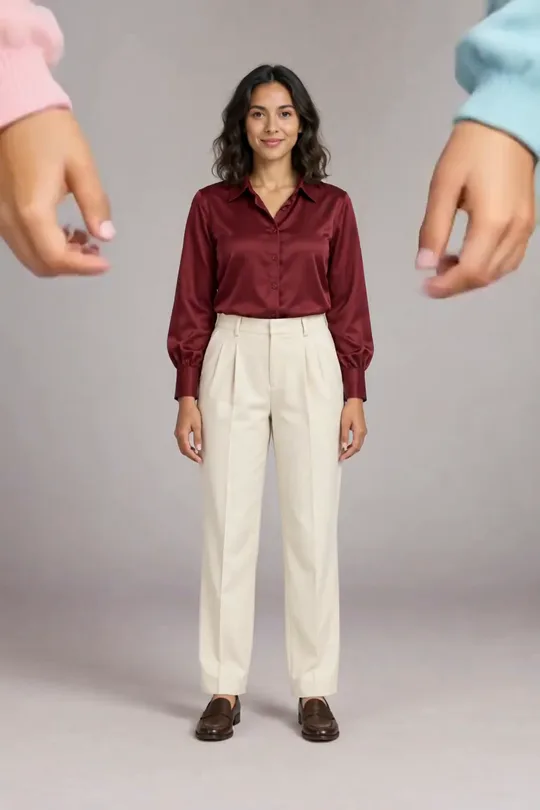
Dress-up doll
10–15 sTwo big cartoon hands dress you one piece at a time.
Snap, spin and hand cover have their own page: outfit transition video maker.
Four outfits in one clip? The AI ceiling fan transition puts you under a turning fan from any photo.
How does the AI video clothes changer build a clip?
Two still frames and a move. The first frame is your photo; the last is the same photo in the new outfit, made with the same try-on engine as our photo tools. The move fills everything in between.
- 1
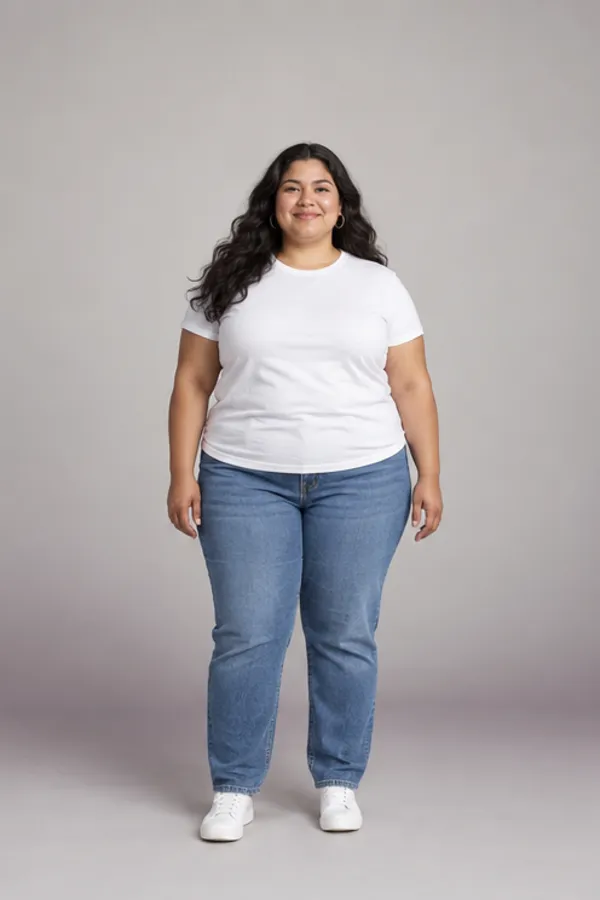
First frame: your photo
- 2
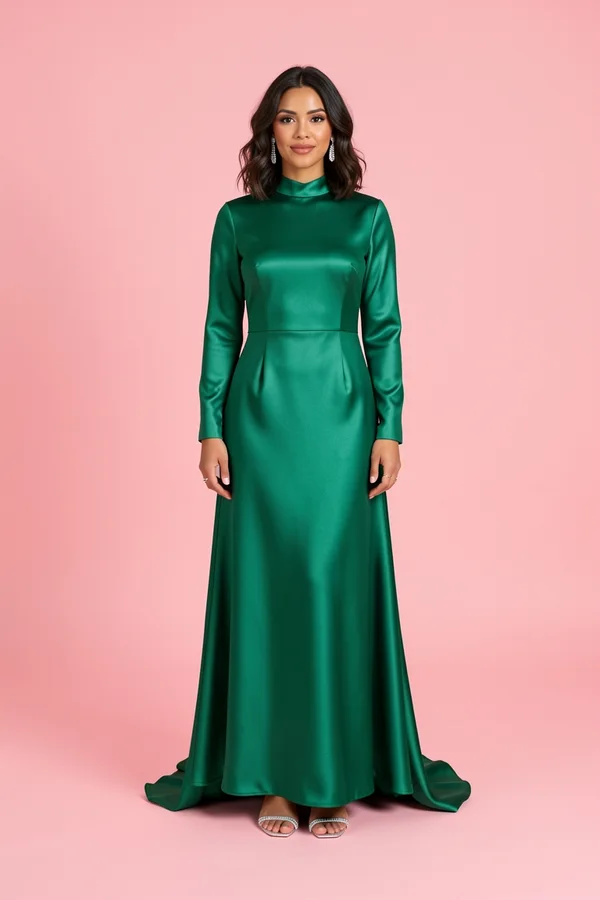
The outfit you pick
- 3
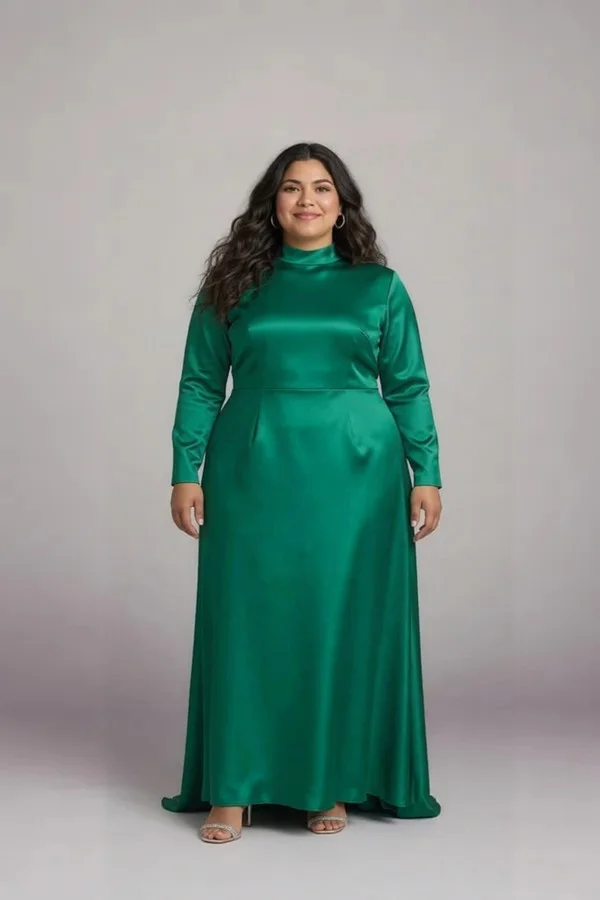
Last frame: you in it
Because the last frame is a real try-on of you, every AI video clothes changer clip ends on a look you could actually wear, not a lookalike. Pick a different outfit and the same photo gives a new clip.
How much is an AI video clothes changer clip?
Videos use 40 credits a second, the still frame included. They need an account with any plan or a one-time pack; the 10 welcome credits work on photo tools instead.
200
5 seconds
Snap, spin or clothes rain.
320
8 seconds
Hand cover, or a slower move with time to hold the final look.
400
10 seconds
Elevator doors or a dress-up doll scene.
600
15 seconds
The full dress-up doll, one piece at a time.
A Plus month makes about seven 5-second clips; a Pro month about twenty-five. A failed video gives back all 200 credits of a 5-second clip.
Packs never expire and work without a subscription; compare them on pricing .
Photo to video, not editing your old video
Some video clothes tools redraw clothes on a clip you already filmed. This AI video clothes changer starts from a single photo, so there is nothing to film.
| This AI video clothes changer | Video-to-video editors | |
|---|---|---|
| You bring | One photo and an outfit | A video you filmed |
| Motion | A fixed trend move | Your own movements |
| Ending | You in the outfit, sharp | Clothes redrawn on every frame |
| Best for | Trends, reveals, try-on haul clips | Changing a clip you already like |
Just want the still? The outfit swap tool puts an outfit from any photo onto yours, without the video.
Dressed from first frame to last
Clothes are only added
The move never takes clothing off; every frame is checked, and a clip that fails is refunded.
Private videos
Your clips stay in your History, visible only to you, until you download or share one.
Adults only
One adult per photo; photos of children are refused, and swimwear or underwear looks are not supported.
Your face, kept
The video keeps your face, hair and body from the first frame; it is never swapped for someone else’s.
Questions about the AI video clothes changer
How long does a video take?
An AI video clothes changer clip usually takes one to three minutes. You can leave the page; the finished clip waits in your History.
Is the AI video clothes changer free?
No, videos need an account with any plan or a one-time credit pack, at 40 credits a second. Photo tools stay free to start, with welcome credits and daily check-ins.
Can I upload my own video instead of a photo?
Not yet. The AI video clothes changer makes a new clip from one photo, which keeps the face sharp and the motion clean.
What size is the video?
Every AI video clothes changer clip is a vertical 9:16 MP4 made for TikTok, Reels and Shorts. Download it and post it anywhere; add your sound in the app, since clips come without audio.
Can I make the ceiling fan video with several outfits?
Yes: the ceiling fan move uses a pack of four looks, one per blade pass, in a 14 second clip. The other moves change into one new outfit.
Which photo works best for the AI video clothes changer?
A full-body photo of one adult facing the camera, in even light, arms a little away from the body. For the ceiling fan move, lie down and shoot straight from above instead.
Can I use the clip for my shop or channel?
Yes, on the Pro plan, for clothes and photos you have the rights to. Free and Plus are for personal use; Pro’s commercial use still depends on the rights in what you upload.
What if the video looks wrong?
If a clip fails the checks or doesn’t finish, the credits come back automatically. Try a clearer full-body photo for the best result.
How photos and videos are stored is in the privacy policy .
More ways to change your look
One photo, one move, one video
Pick a move, add your photo and the outfit, and let the AI video clothes changer make the clip.
Make my video