
A tattoo is for life; the decision about where and how big does not have to be a guess. Tattoo try on is a tattoo simulator for your own skin: pick a spot and a design and see them together in a second, then test ten placements and eleven sample designs before you book.
Start with a style
Popular styles for a first tattoo try on
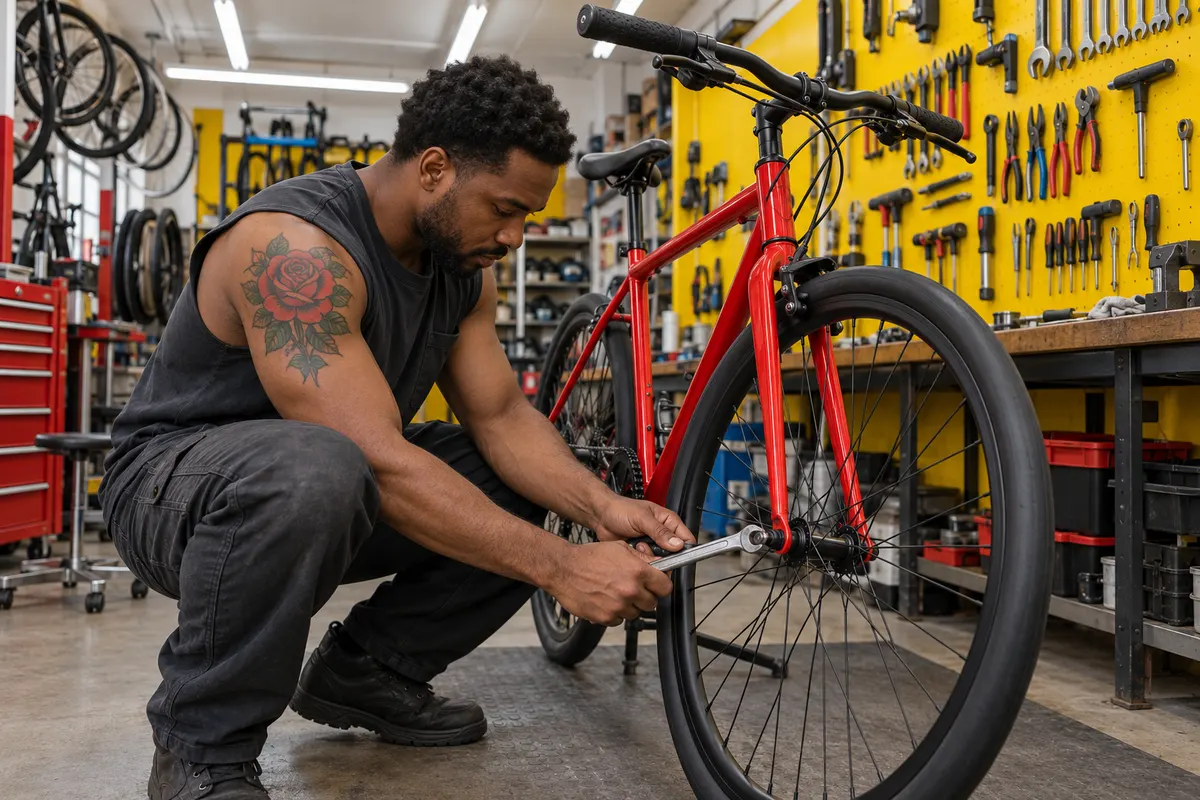
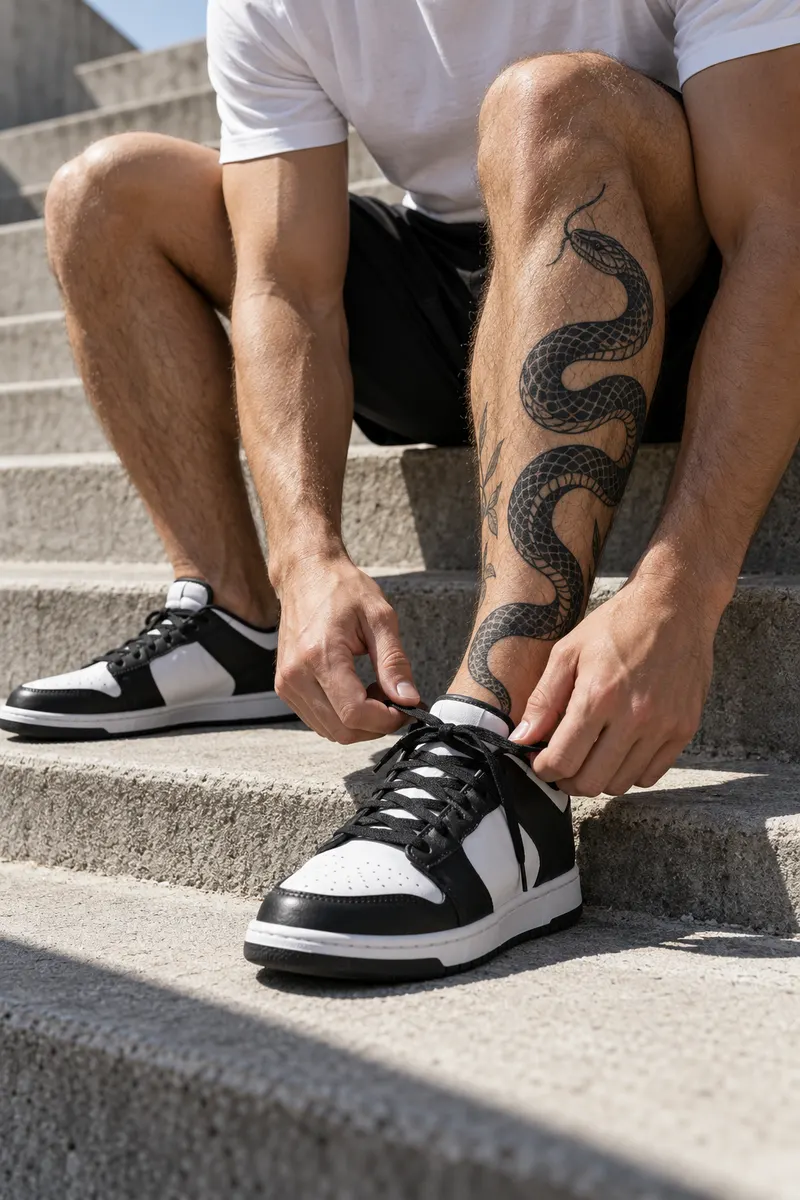
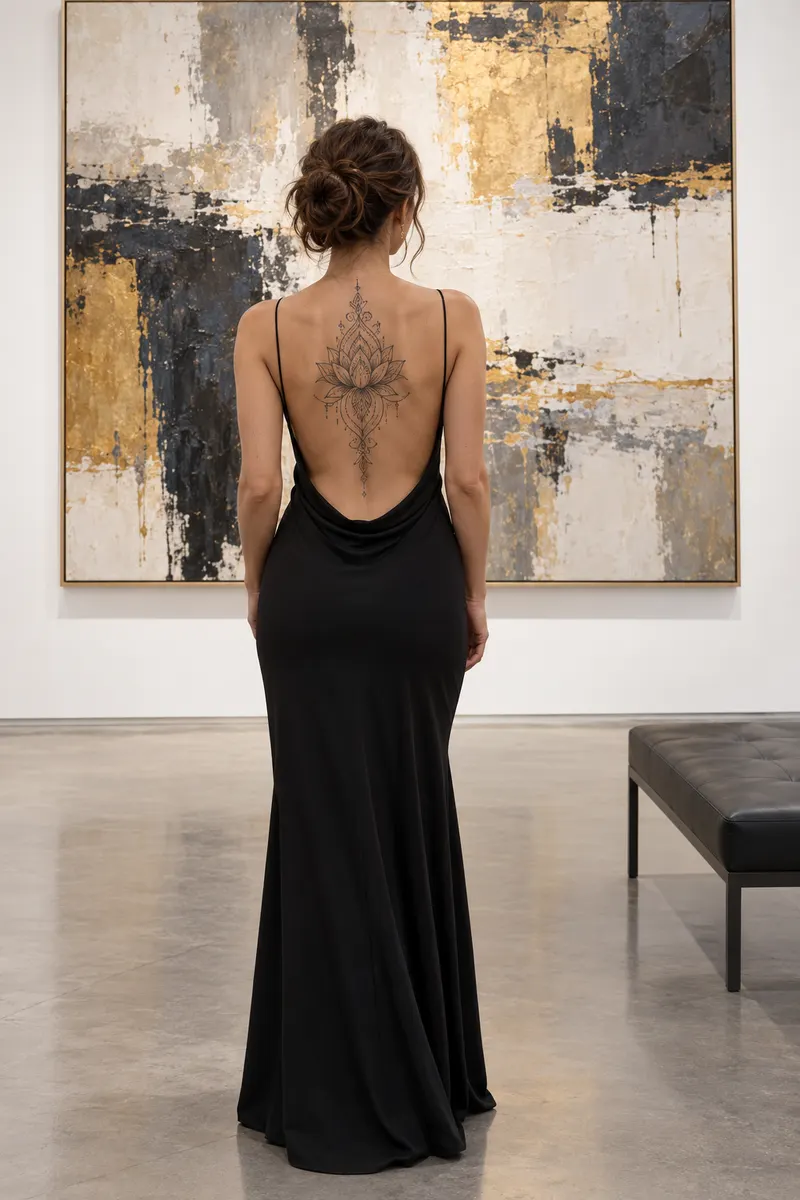
Each style has a body part it loves. Pick one to see an illustration, then put the same design on your own skin.
 Illustration

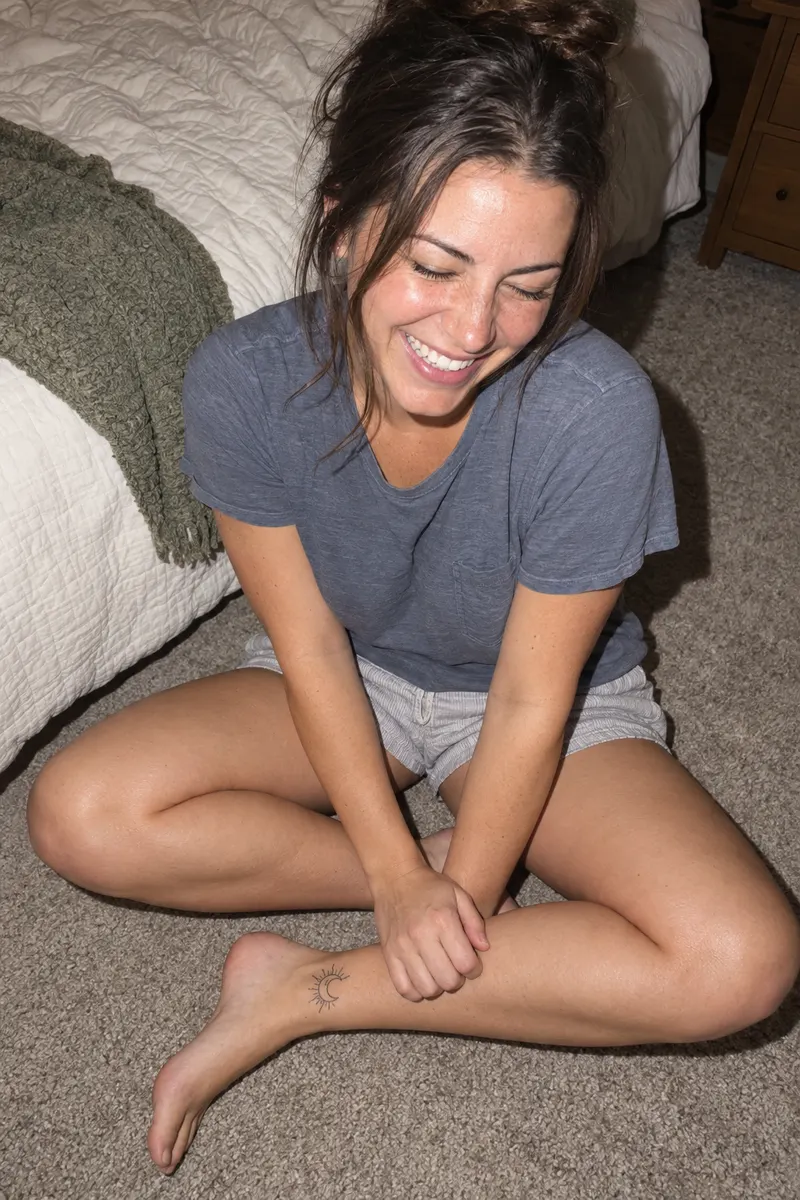
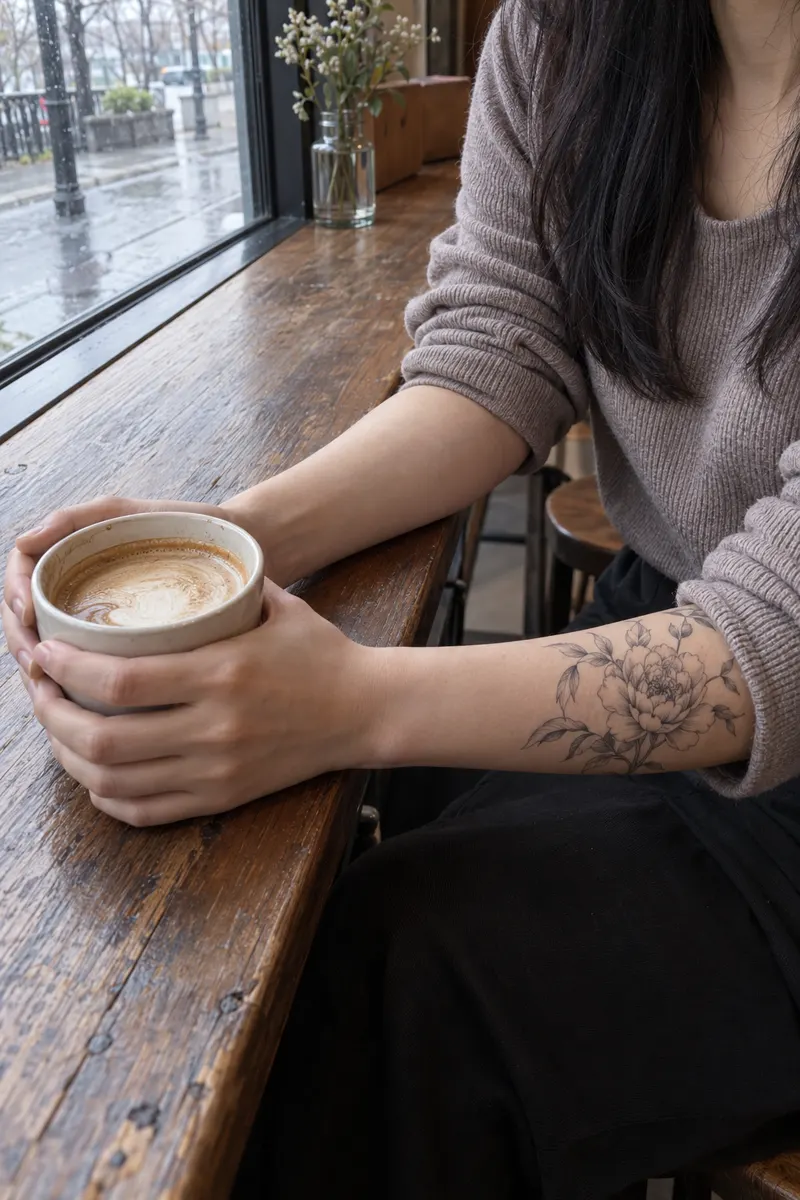
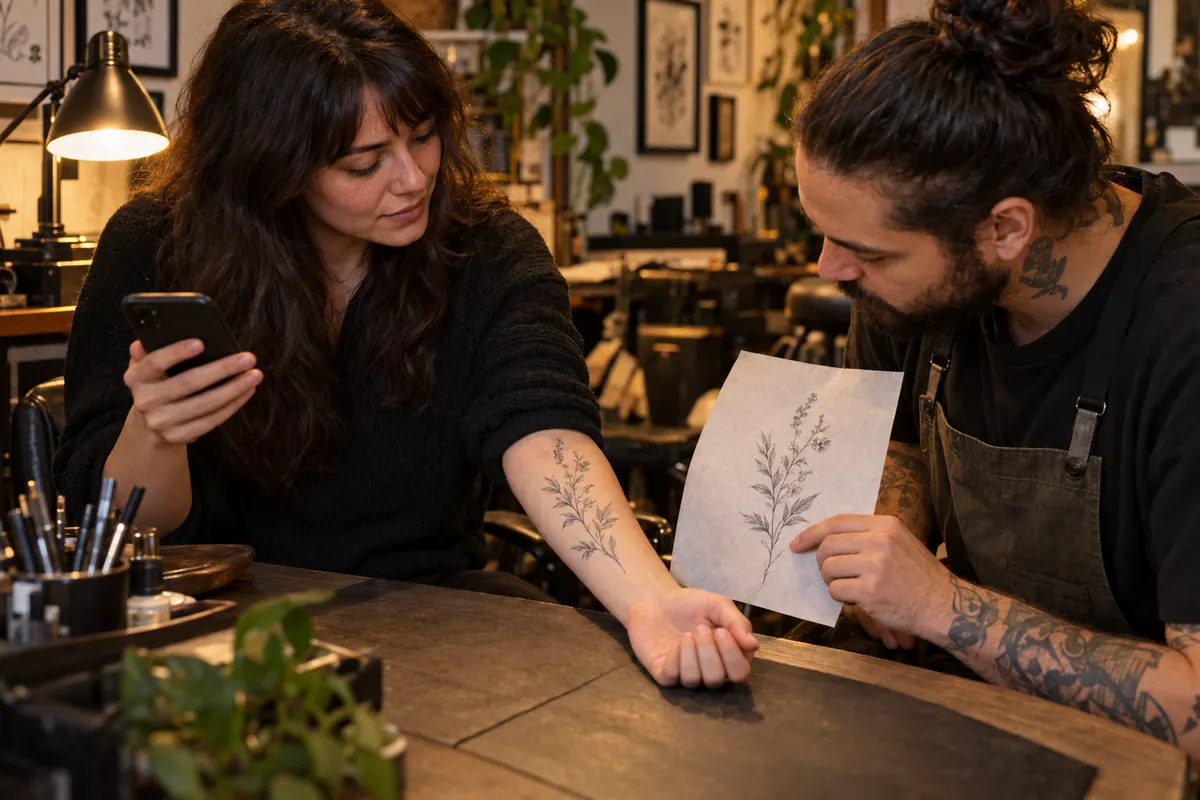
Thin single-needle lines and botanical subjects with plenty of open skin around them. A delicate look; try it on a forearm or wrist.
Ideas
Tattoo ideas to try on
Stuck between ideas? Filter by subject, then open any card in the tattoo try on to see it on skin.
Each card opens on the photo already in the tattoo try on, including your own upload. Use artwork you own or have permission to use.
Before and after
Tattoo try on before and after, by placement
Same tattoo try on editor, five places on the body. Slide to see the bare skin, then open any of them and make it yours.
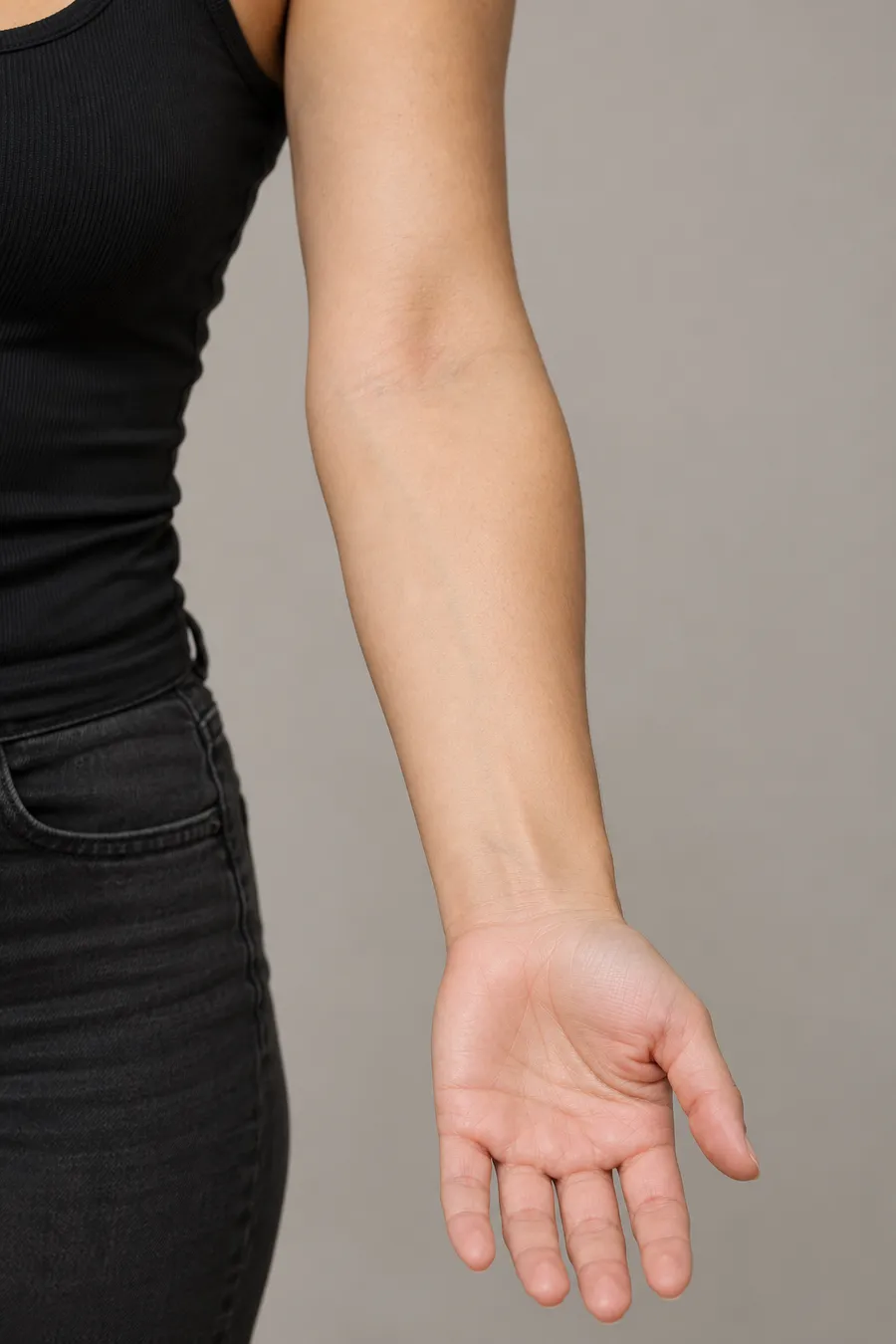
Forearm
Fine line peony
Long, narrow designs follow the line from wrist to elbow. A good first placement: easy to show, easy to hide with a sleeve.
Each tattoo try on here is rendered by the editor from a sample photo. Drag across the photo to compare.
From bare skin to tattoo try on in three moves
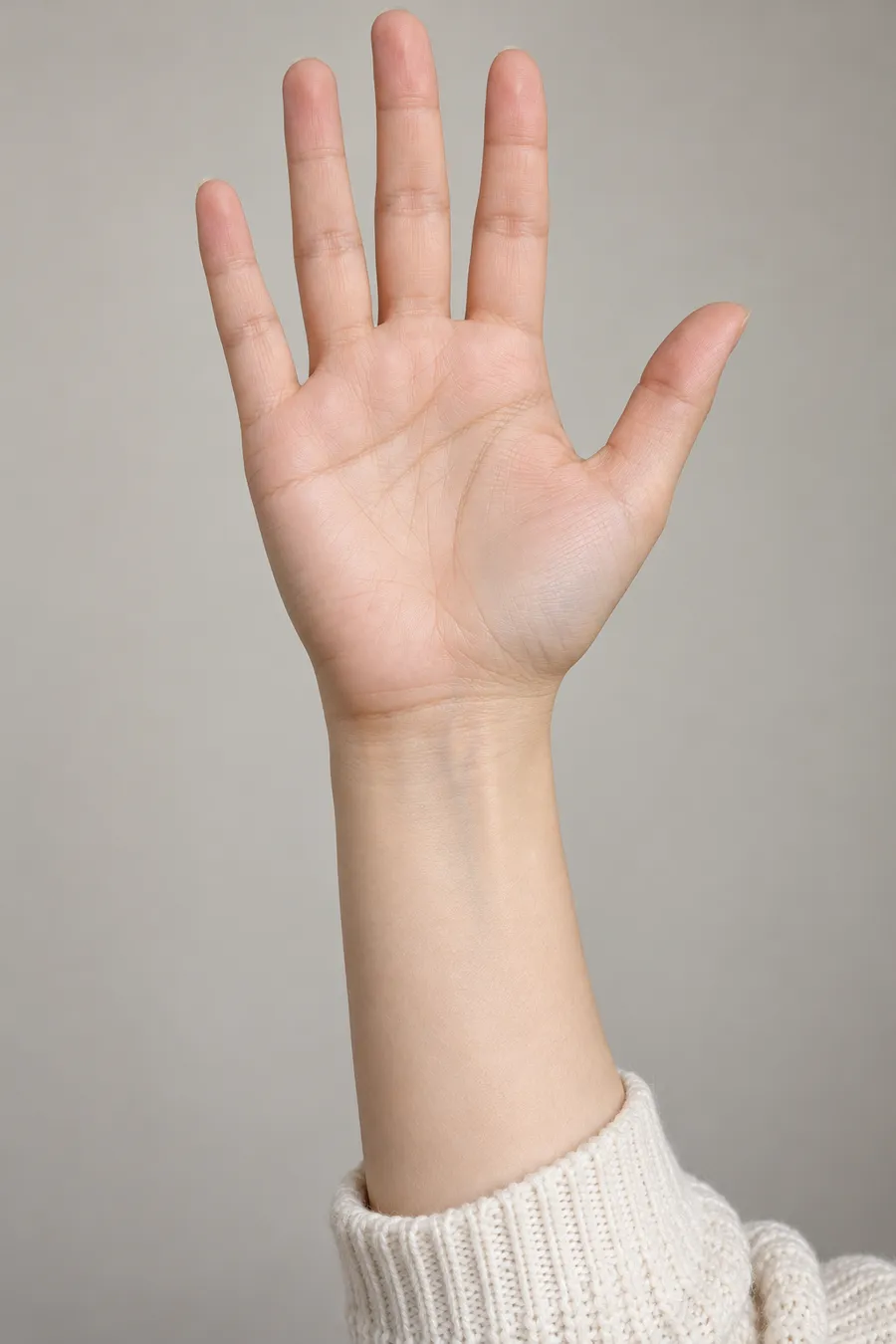
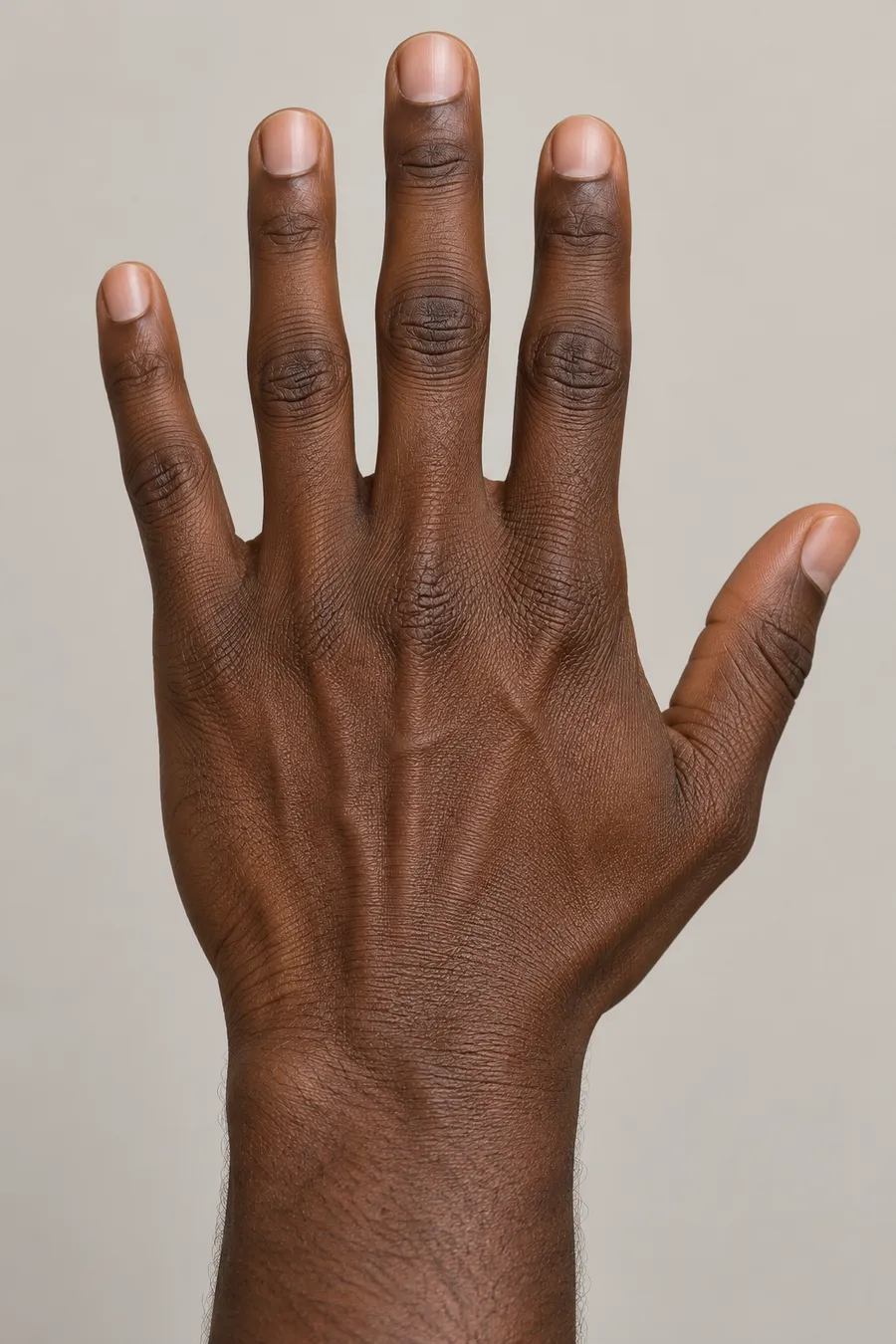
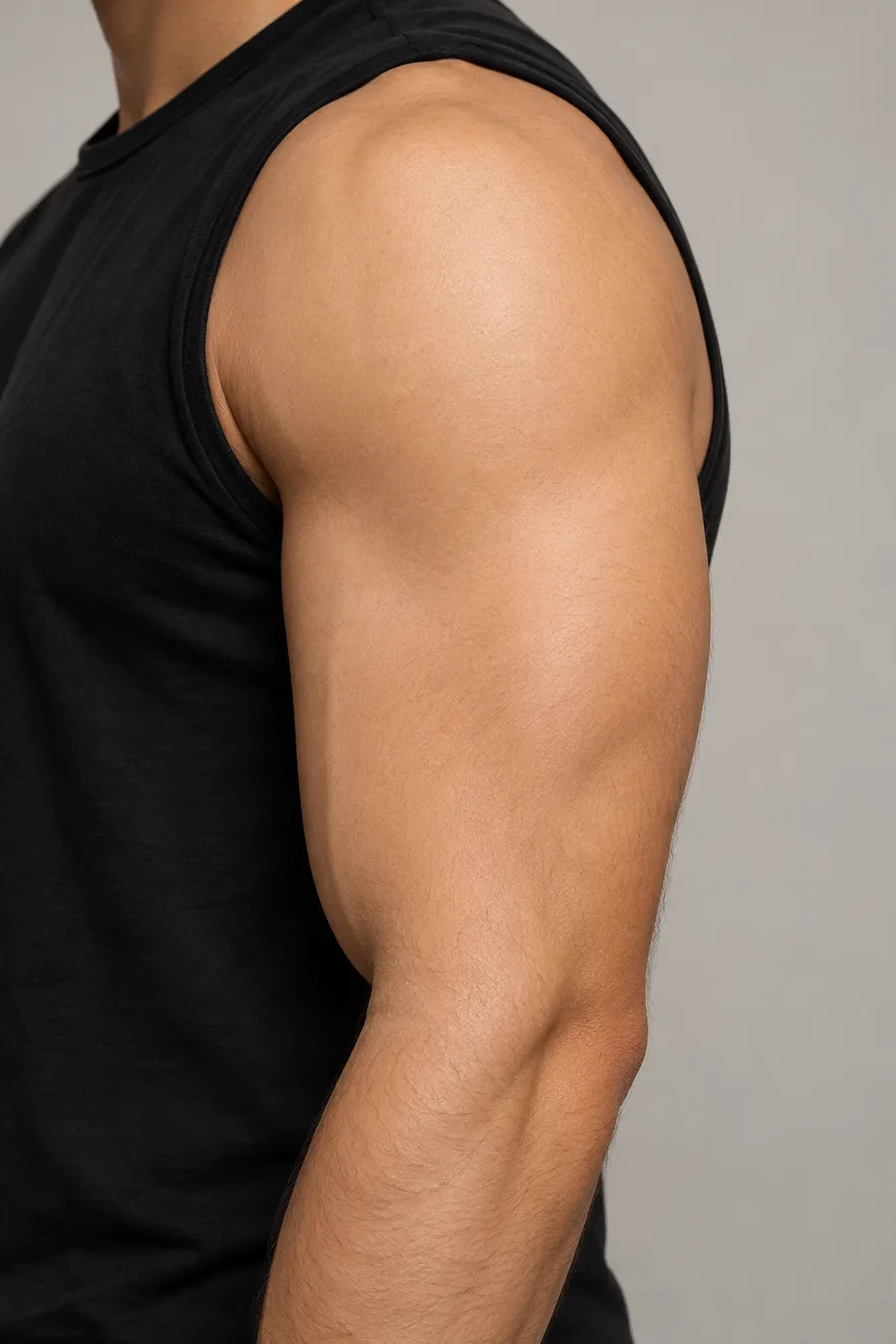
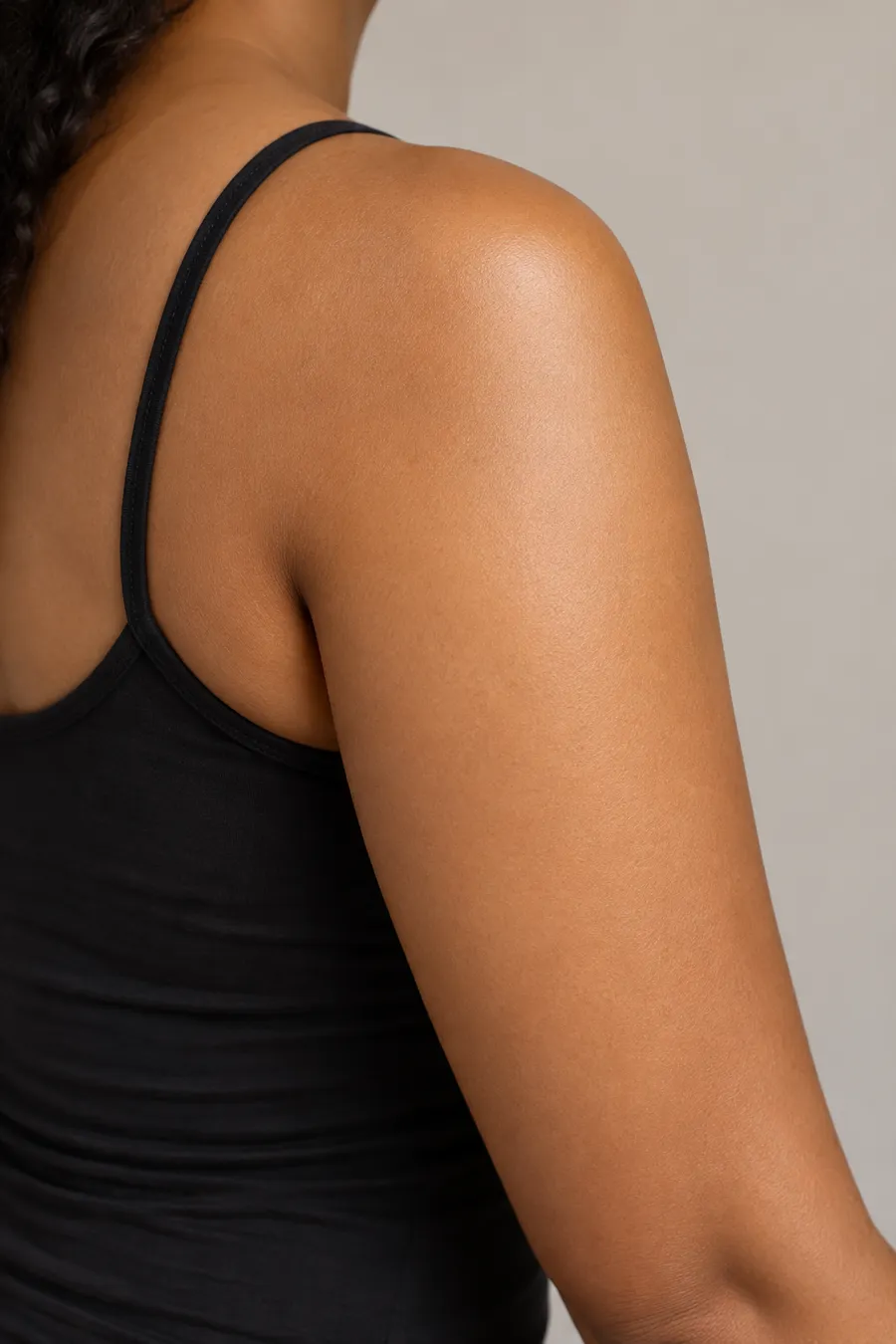
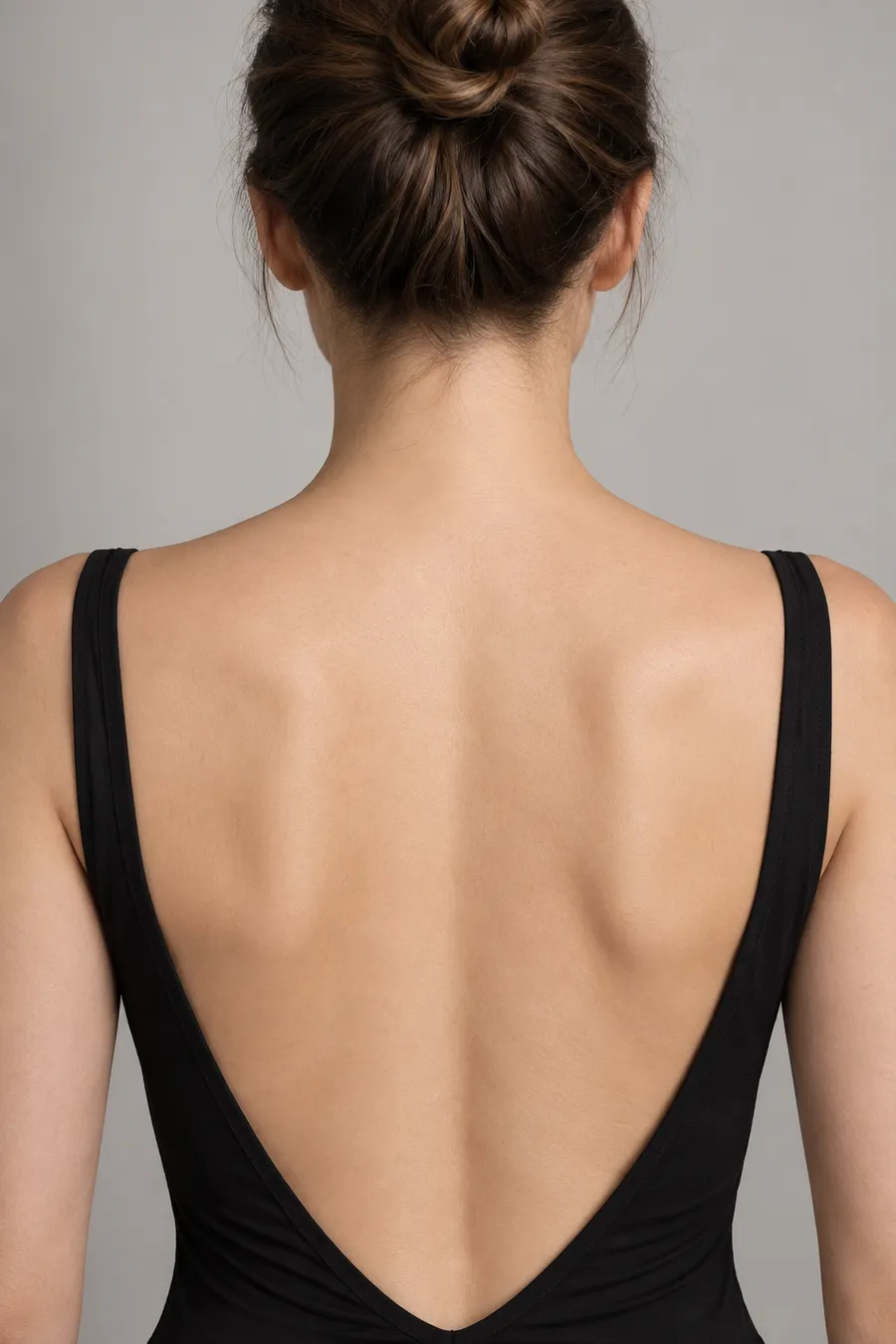
Pick a body part
Start your tattoo try on from a sample photo of bare skin, or upload your own.
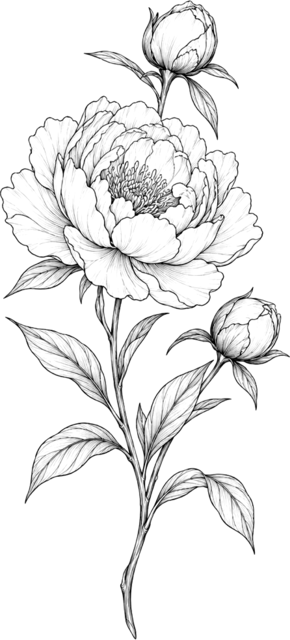
Pick a design
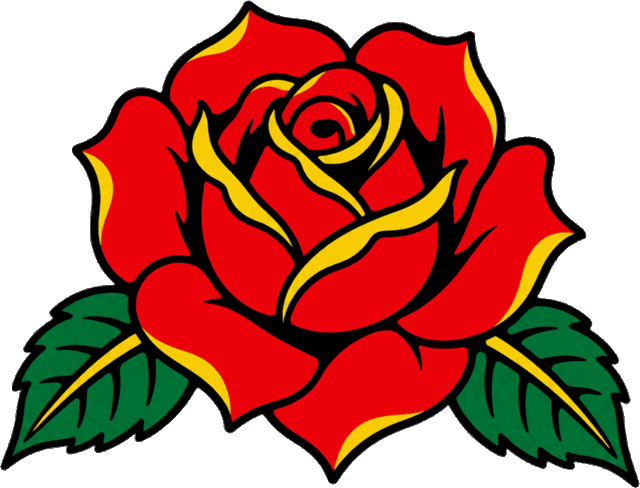
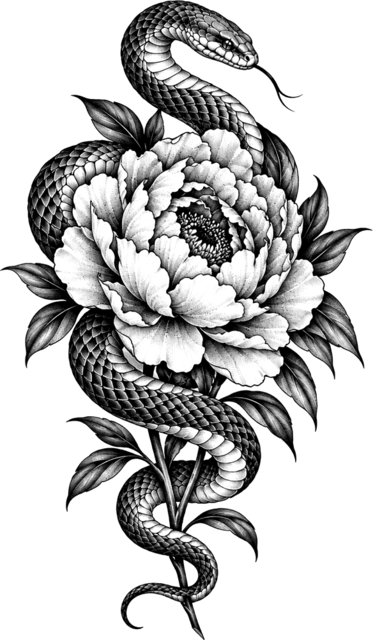
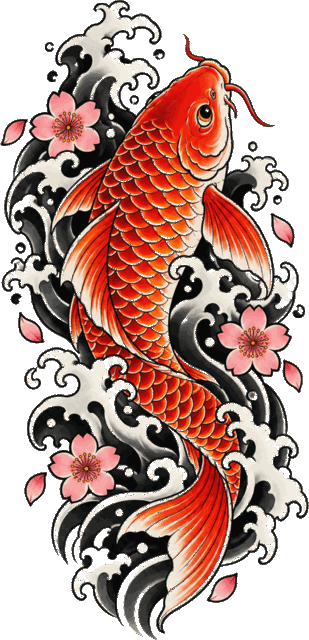
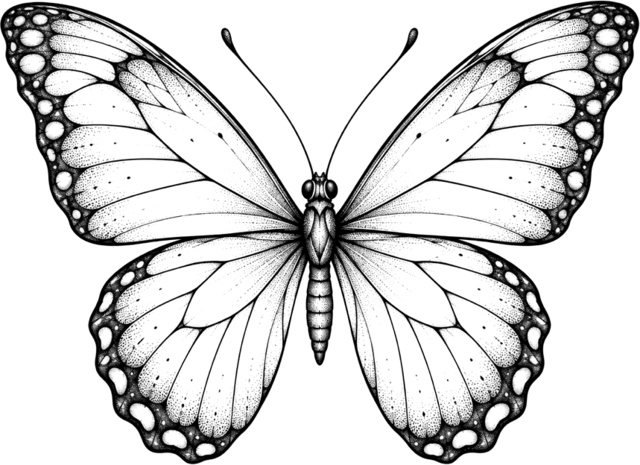
Choose from eleven sample designs in ten styles, or upload your own artwork or lettering.
Drag, size, download
Drag it into place, turn and resize it with the handles or the buttons under the photo, then save the tattoo try on as a PNG.
Placement
Ten places to test a tattoo try on
Every tattoo try on card was made in the editor. Tap one to load it, then swap in your own photo.
Choosing a spot
How to choose a tattoo placement
Use tattoo try on to test the same design in more than one place. Each spot below opens with the design already in the editor, so you can compare them in My Ink.
Forearm
Seen every dayWorks for: Long, narrow designs that follow the arm, like a stem or a line of script.
When you move: Turning the palm down twists the inner forearm, so run the tattoo try on with your arm both ways.
Wrist
Easy to show or coverWorks for: Compact pieces and short words, with space around fine lines.
When you move: Bending the wrist folds the skin at the crease; sit the design just above it.
Upper arm
Under most sleevesWorks for: Room for a small piece or a larger composition on the outer arm.
When you move: Flexing reshapes the outer arm. Take one photo relaxed and one flexed.
Shoulder
Shows in tank topsWorks for: Round or fan shapes that sit on the curve of the shoulder.
When you move: Raising the arm stretches and turns the design; a flat tattoo try on shows one angle.
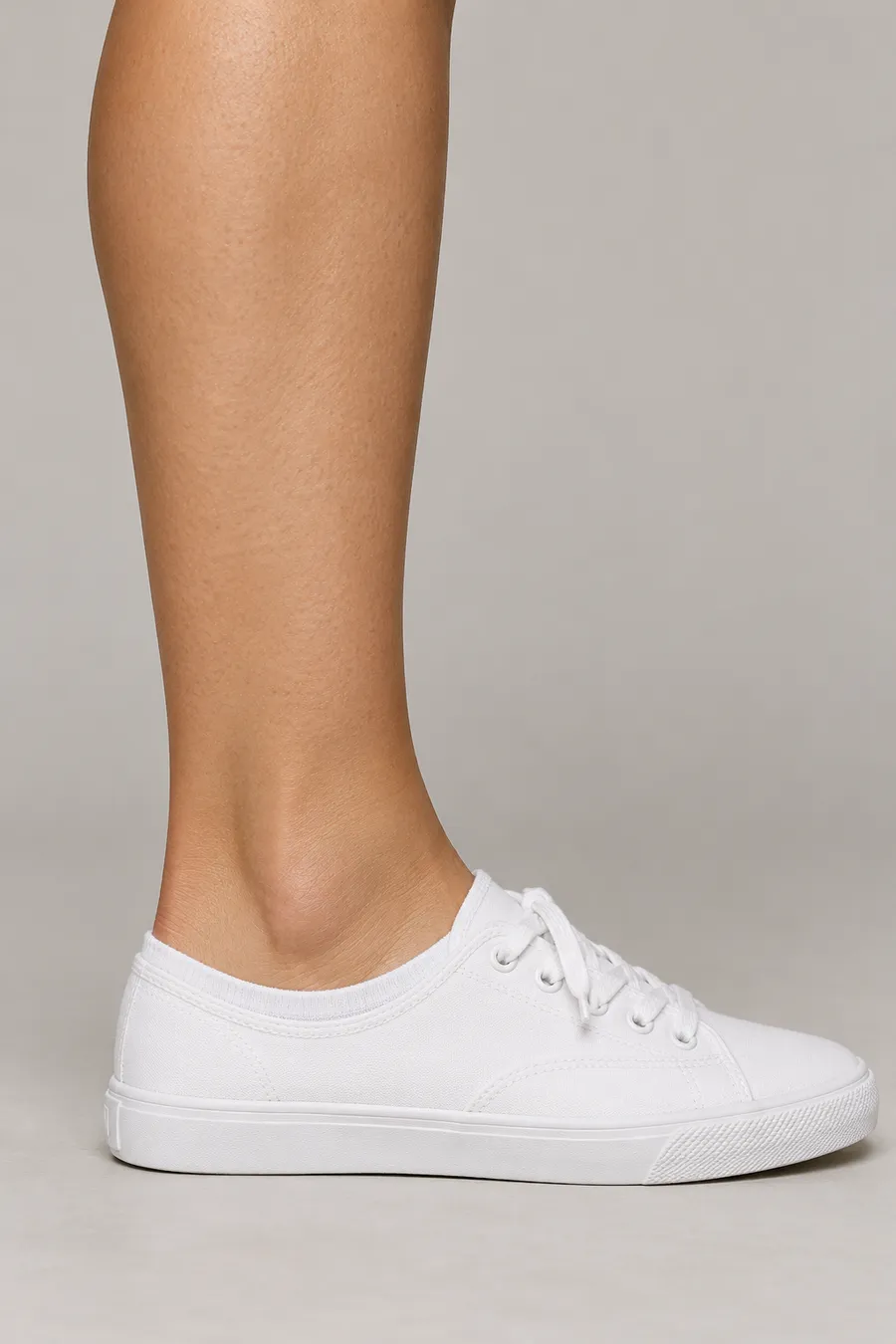
Ankle
Framed by shoes and socksWorks for: Small designs and thin bands that clear the shoe line.
When you move: Pointing the foot shifts the skin around the bone. Photograph it in your usual shoes.
Thinking of another spot? Photograph it in the clothes you wear most and run the tattoo try on on that photo.
Visibility depends on what you wear and how you move. A tattoo try on is a flat reference; your artist plans the final layout around your anatomy.
Size
Small and quiet, or a statement?
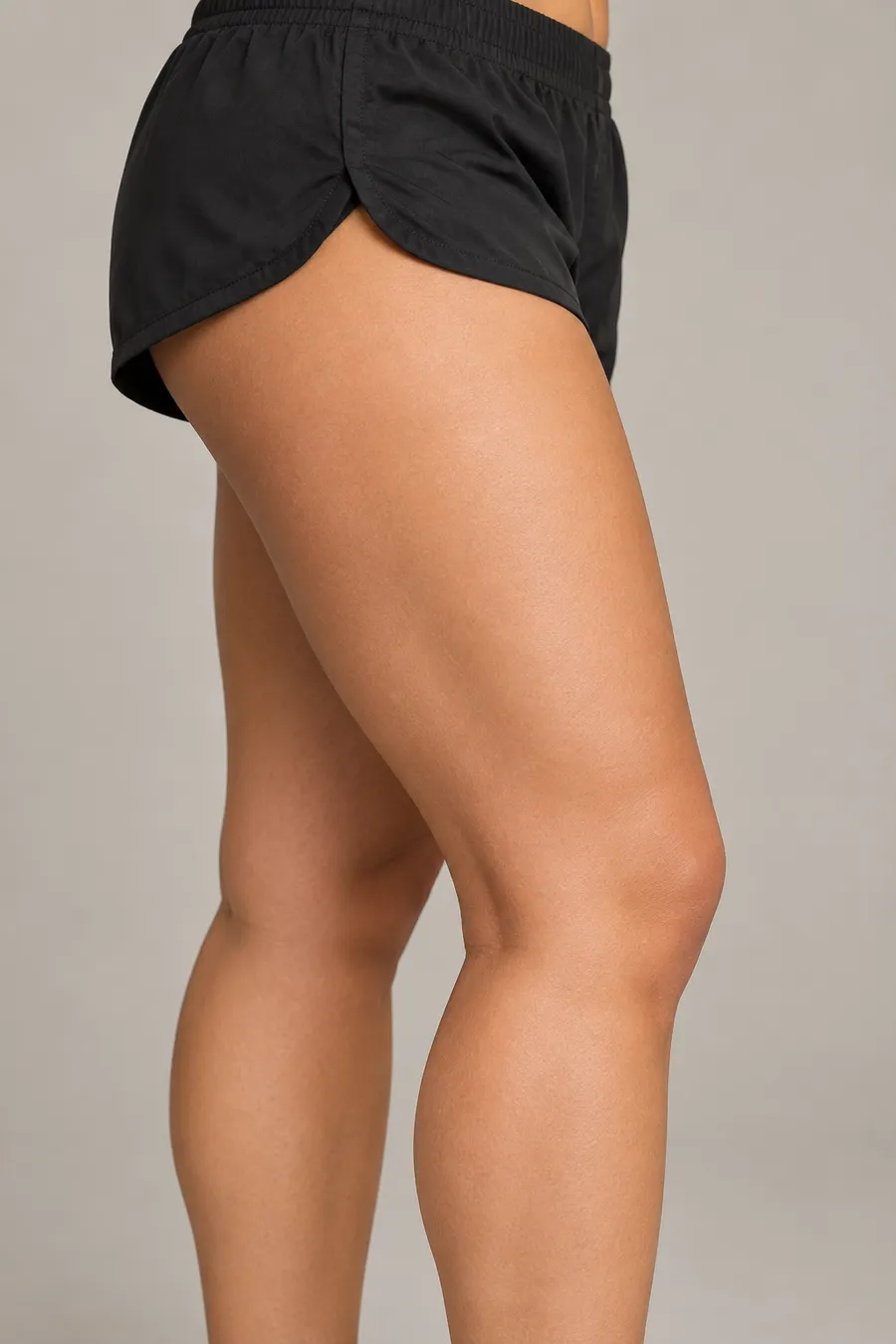
One tattoo try on, two sizes: the same lion on the same thigh. Bigger pieces hold more detail; smaller ones need simpler lines.
- In the tattoo try on, use the + and − buttons under the photo or the Size slider and download each version. Once two are in My Ink, compare them side by side.
- Look at the smaller tattoo try on from arm’s length. If the details are hard to read at this size, ask your artist whether they need more space.
Your photo
Photos that make a tattoo try on believable
Thirty seconds of setup gives a tattoo try on you can trust.
Even, soft light
Shadows swallow fine lines. Face a window rather than standing under a ceiling light.
Sharp focus
Tap to focus on the skin itself. A blurry photo makes every design look soft.
Room around the area
Keep a joint in frame, like the wrist or elbow, so the size reads correctly.
 Illustration
Consultation
Bring your tattoo try on to the studio
Artists love a client who knows where and roughly how big. A tattoo try on gets you there in one message.
- 01
Send two or three versions
Placement and size options from your tattoo try on say more than a paragraph of description.
- 02
Add the original artwork and a rough size
Keep the design file separate and write the size you have in mind in cm or inches. The preview can’t measure your skin, so that number is your estimate.
- 03
Ask them to confirm it will work
Your artist checks the layout, line weight and whether that size suits the spot, then draws the stencil.
Private by design
Uploads are checked for safety, then deleted; the tattoo try on itself happens in your browser and nothing is posted anywhere. See the privacy policy.
What a flat tattoo try on can’t tell you
It shows position, angle and rough scale on one photo. It can’t wrap around a limb, measure your skin or show healing. Your artist covers those in person.
Questions people ask before a tattoo try on
Is the tattoo try on free?
Yes. Picking a body part, choosing or uploading a design, adjusting it and downloading the PNG all cost nothing and need no account. Uploaded images pass a quick safety check, with a daily limit on checks.
Can I use my own photo and my own design?
Both. Use Your photo for a clear, well-lit picture of the area and Your design for any tattoo design you own or may use. Dark linework on a light background reads best; a flat drawing works better than a photo of a tattoo.
Which body parts can I try?
The sample library covers forearm, wrist, hand, upper arm, shoulder, upper back, collarbone, thigh, calf and ankle. Your own photo can show any of these while wearing everyday clothes such as a tank top or shorts.
How real does a tattoo try on look?
The ink is blended into the photo so skin texture and highlights show through the lines, and on the sample photos it stops at the edge of the skin. It is still a flat image: it will not bend around a muscle, show swelling or predict how lines soften as they heal.
Does the size match real inches or centimetres?
No. Size is relative to the photo, not a ruler. Use landmarks you can see, like the wrist bone or knee, and ask your artist to confirm the final measurements.
Can I try lettering?
Yes. Start from the Amor fati script sample or upload your own lettering. The text stays exactly as drawn, so you can check spacing and whether small letters still read at the size you want.
Where is my tattoo try on saved?
Downloads add a thumbnail to My Ink in this browser, where you can compare two tattoo try on previews side by side. Sample combinations can be reopened; uploaded photos and artwork are not saved for editing. Clearing site data removes the thumbnails, so keep your PNG files.
How do I compare two tattoo try on versions?
Download each version, then choose Compare two side by side under the preview. Pick any two saved previews, such as wrist against forearm or small against large, and reopen the one you prefer to keep editing.
What happens to an uploaded photo?
It is sent only for the safety check, held temporarily for that check and then deleted; the preview itself is drawn in your browser. Nothing is published. The privacy policy has the details.
Explore more looks
Pair your new ink with a new haircut, frames or makeup.
Ready to see it on your skin?
Pick a body part, pick a design and save the tattoo try on you love. No account needed, and the download is free.
Start your tattoo try on