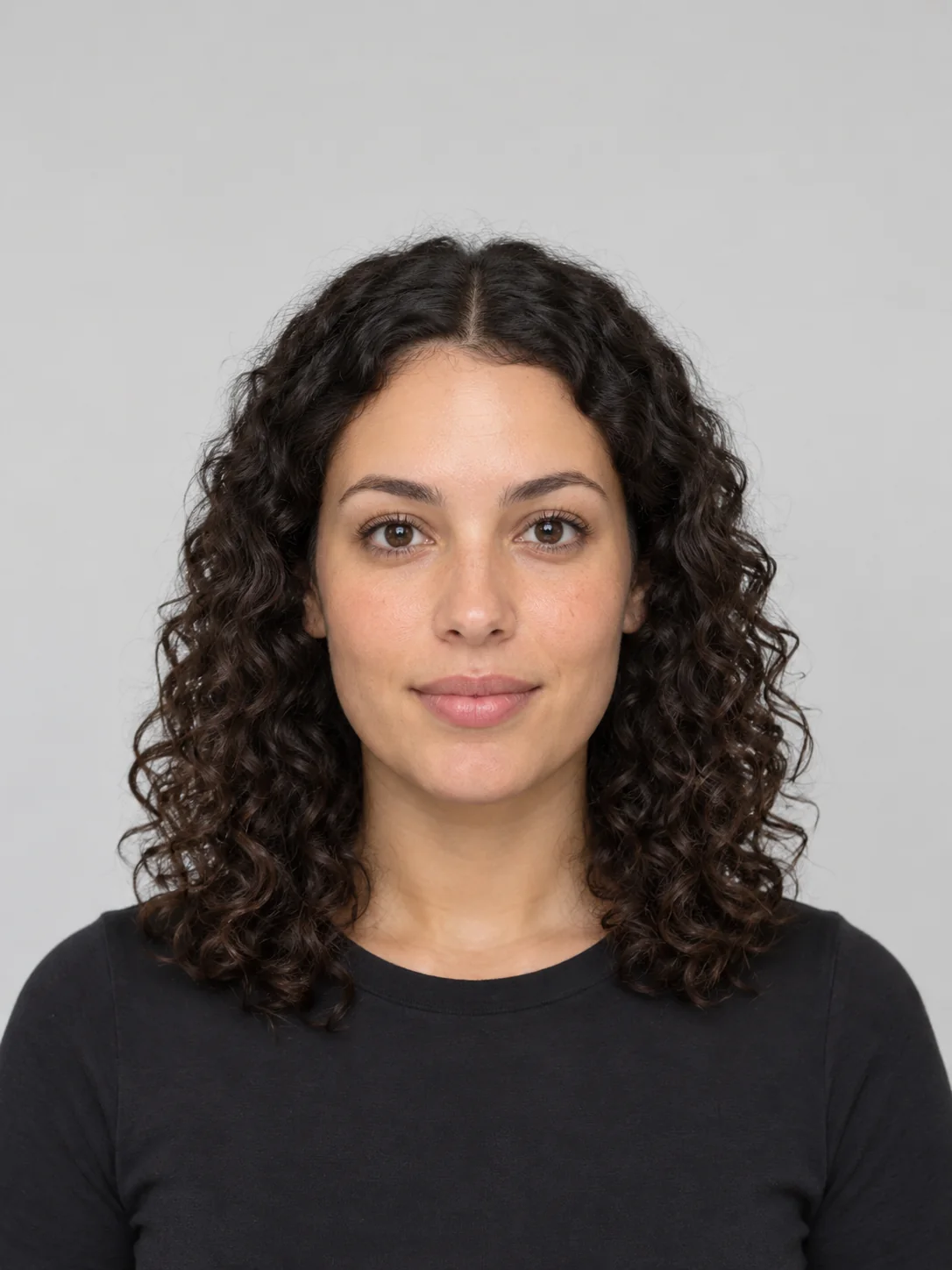
This hair color try on dyes your hair live in your camera, before you buy a box or book the salon. Turn on your camera and tap any of 28 shades, from espresso and chestnut to copper, honey blonde, lavender and silver. Your own strands, shine and shadow stay, so the color looks like dyed hair instead of a flat filter, and the tool tells you when a shade needs bleach.
- Live in your camera, free
- 28 natural, fashion and gray shades
- Bleach check for your hair
- No app and no upload
What a live hair color try on shows you
The model on the dye box has different skin, eyes and starting hair. A hair color try on on your own head answers the questions the box can’t.
The shade next to your skin
Warm copper or cool ash can change how bright or tired your face looks. A hair color try on shows it at once.
How far you can go
Your hair depth is read from the camera, so a shade that needs bleach is flagged before you commit.
Different colors side by side
Snap up to four colors and compare them, or ask friends to vote on the one to dye.
How to use the hair color try on
- 01
Start your camera
Allow camera access to start the hair color try on, with your hair loose and in view. No camera? Upload a photo or pick a sample face.
- 02
Tap a shade
Pick from natural, fashion or gray and silver shades. The hair color try on dyes your hair live as you move.
- 03
Check your depth
See your hair level from 1 to 10 and whether the shade needs bleach, and adjust the color strength.
- 04
Snap and compare
Snap up to four colors, compare them side by side, ask friends to vote, or create a photo-real AI version.
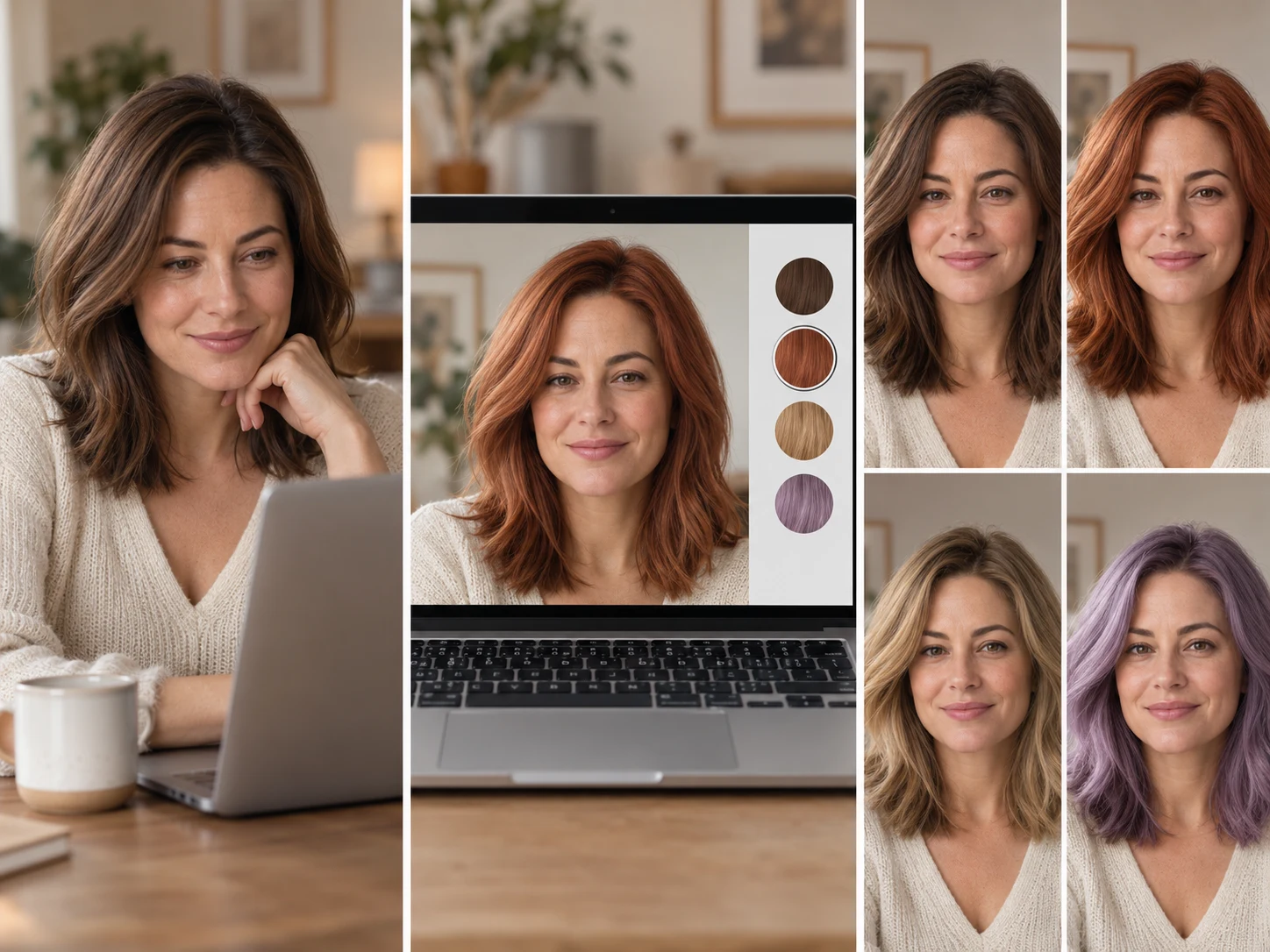
28 shades to try in the hair color try on
The shades are grouped the way colorists think about them. Try on different hair colors from each group before you settle on one.
Warm naturals
Espresso, chestnut, caramel, copper, auburn, honey and golden blonde: warmth that suits golden and olive undertones.
Cool naturals
Blue black, cool brown, mushroom brown, ash blonde, platinum and burgundy: soft, smoky shades for pink or neutral undertones.
Neutral
Soft black, neutral brown and bronde: easy, low-maintenance colors close to most natural hair.
Fashion
Rose gold, dusty pink, lavender, deep violet, teal, midnight blue, emerald and cherry red, for when you want a change.
Gray and silver
Light and medium gray blends, silver and a natural cover brown for blending or going gray.
Do you need bleach? Your hair depth explained
Colorists rate hair from level 1 (black) to 10 (platinum). Dye can deposit color or lift a little, but going three or more levels lighter means bleach. The tool reads your level from the camera and checks every shade against it.
| How far lighter | What it takes | Salon visits |
|---|---|---|
| Darker or the same level | Dye deposits color, little damage | One |
| 1–2 levels lighter | High-lift dye, usually no bleach | One |
| 3–4 levels lighter | Bleach, then tone | One, sometimes two |
| 5 or more levels lighter | Bleach in stages to protect the hair | Two or more, weeks apart |
The depth reading is an estimate. Light, shadows and the camera all shift it, so ask your colorist before you bleach.
Try on gray hair before you stop dyeing
More people are growing out their gray or going silver on purpose. Try on gray hair with the light and medium gray blends and the silver shade to see how a lighter, cooler color works with your skin, and whether a soft blend or a full silver suits you better.
Live hair color try on vs an AI photo
The live hair color try on is instant and free: your hair is found in each camera frame and recolored on your device, keeping your own highlights and shadows. Shades much lighter than your hair are approximate, because the camera can’t invent detail that bleach would reveal. The AI photo redraws your hair in the new color with natural strands, ready to share.
- Live preview: all 28 shades, free, nothing uploaded
- AI photo: one photo-real portrait, 5 credits
- Bleach check on every shade
- Ask friends which color to dye
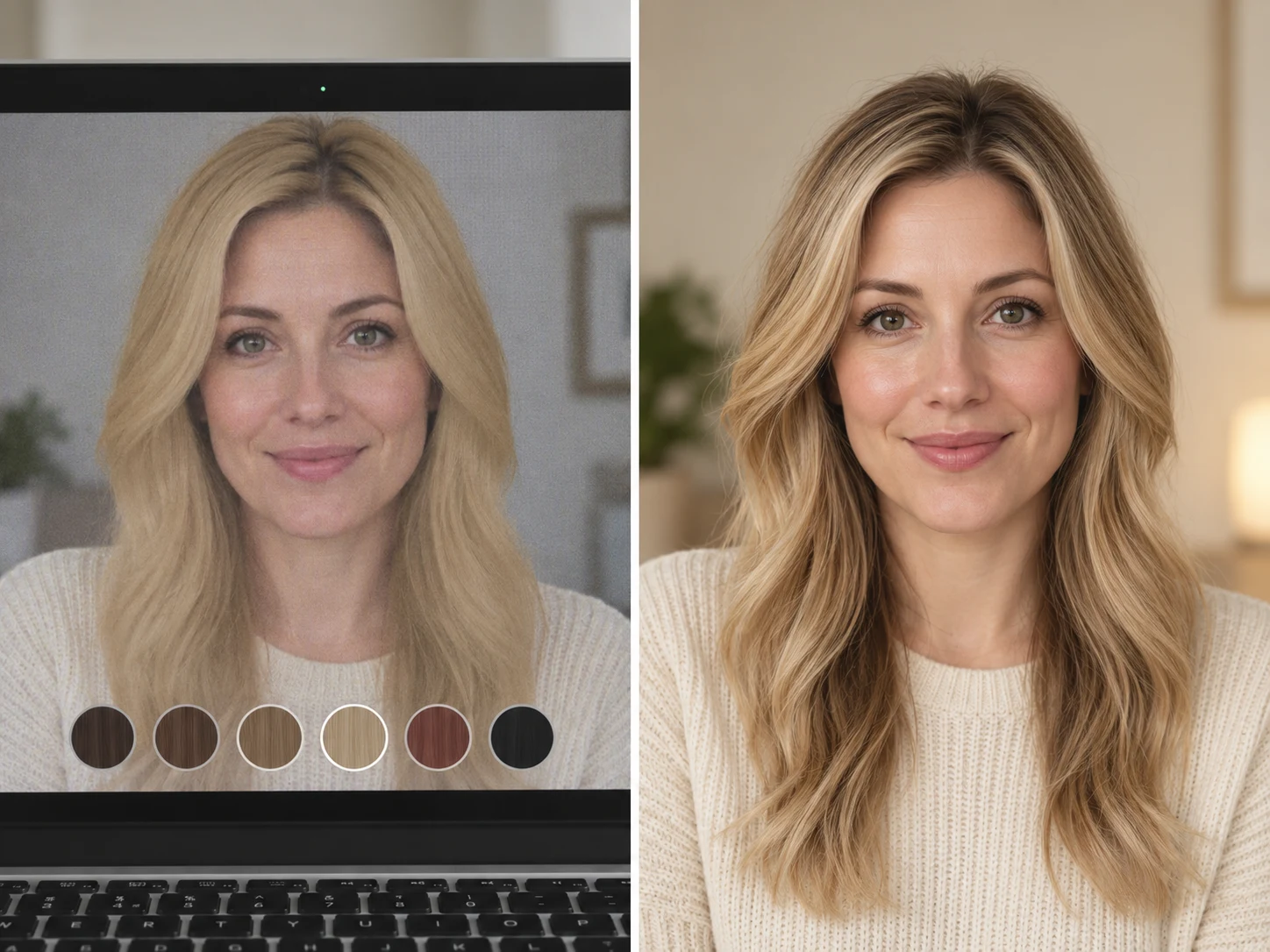
Hair color try on tools compared
Dye brands and apps offer their own tools. Here is how they differ before you choose a color.
| Option | How it works | Shades | Cost |
|---|---|---|---|
| WearTryOn | Live camera or photo in any browser, bleach check | 28 natural, fashion and gray shades | Free; AI photo 5 credits |
| Dye brand try-on | On a hair dye brand’s site | That brand’s boxes only | Free, tied to buying there |
| Hair color apps | Install, then use the phone camera | Large libraries, often filters | Free with ads or a subscription |
| Salon consultation | A colorist looks at your hair | Anything, with expert advice | Needs a visit |
Looking for a free hair color try on app? Skip the download: open this page on your phone and do the hair dye try on in your browser.
Tips for a realistic hair color try on
- 01Use daylight from the front; warm lamps make every hair color try on look more orange.
- 02Keep your hair loose and in view, not tied back or under a hat.
- 03Hold the camera at eye level, about an arm’s length away.
- 04Try one warm and one cool version of a color to see which flatters you.
- 05Take snapshots of your favorites and look at them later, away from the screen.
- 06Show your colorist the snapshot and your depth reading, not just a celebrity photo.
A new hair color can change which lipstick suits you. Check your shades live in our virtual makeup try on once you have picked a color.
Going orange, green or silver just for October? See it with a full costume in the AI Halloween costume generator first.
Hair color try on FAQ
Is the hair color try on free?
Yes. The live preview, all 28 shades, the bleach check, snapshots and vote links are free with no app. Only the photo-real AI photo uses credits: 5 per photo.
Is my camera video uploaded?
No. Your hair is found and recolored in your browser, and the video never leaves your device. A single still is sent only if you create an AI photo or share a vote link.
Does the hair dye try on work on dark hair?
Yes. The segmentation model was chosen because it finds dark hair against dark backgrounds. Much lighter shades on dark hair are approximate and flagged as needing bleach.
Can I try on gray hair?
Yes. Pick a gray blend or silver from the Gray & silver group to try on gray hair live.
Can I try on hair color online without a camera?
Yes. Upload a photo with your hair in view or use a sample face, and every shade switches instantly.
Will it change my haircut or face?
No. The hair color try on changes only the color of the hair it finds. Your cut, face and skin stay as they are.
Can I try highlights or balayage?
Not yet. Each shade is an all-over color. Try your base shade first, then talk to your colorist about dimension.
More ways to try a new look
Hairstyle Try On
Try new haircuts on your own face
Makeup Try On
Lipstick, blush and shadow live, free
Glasses Try On
Live camera frames, face shape and PD
AI Outfit Rater
Score your outfit out of 10, free
AI Clothes Changer
Swap one piece of clothing in any photo
Live Try On
Try clothes on live in your camera
Guides
How-tos and honest reviews of try-on tools
See your next hair color before you dye
Start the hair color try on with your camera or a photo, check which shades need bleach and snap the colors you love. It is free and nothing is uploaded.
Start your camera