
Use this virtual makeup try on to see lipstick, eyeshadow, blush and a sheer base on your own face, live, before you buy. Turn on your camera, pick your color season and a shade for each area, and the colors follow your face as you move. It runs in your browser, and nothing is uploaded unless you ask for an AI photo.
- Live in your camera, free
- 144 shades in 12 color seasons
- Sheer, everyday or full
- No app and no sign-in
What a virtual makeup try on shows you
A swatch on the back of your hand can’t tell you how a lipstick looks next to your eyes and skin. A virtual makeup try on puts the color where it goes.
Shade against your skin
See whether a coral, rose or berry lip warms or cools your face, and how deep is too deep.
How the colors work together
Lips, eyes and cheeks change each other. Try them as one look instead of one product at a time.
How much is enough
Switch the virtual makeup try on between sheer, everyday and full to find the strength that still looks like you.
How to use the virtual makeup try on
- 01
Start your camera
Allow camera access to start the virtual makeup try on and face soft light. No camera? Upload a straight-on photo or pick a sample face.
- 02
Pick your season
Choose one of 12 color seasons. Each gives you three lipsticks, eyeshadows, blushes and bases chosen to suit it.
- 03
Build the look
Tap a shade for each area, or None to skip it, then set the intensity. Everything updates on your face instantly.
- 04
Snap and share
Snap up to four looks, compare them side by side, ask friends to vote, or create a photo-real AI version.
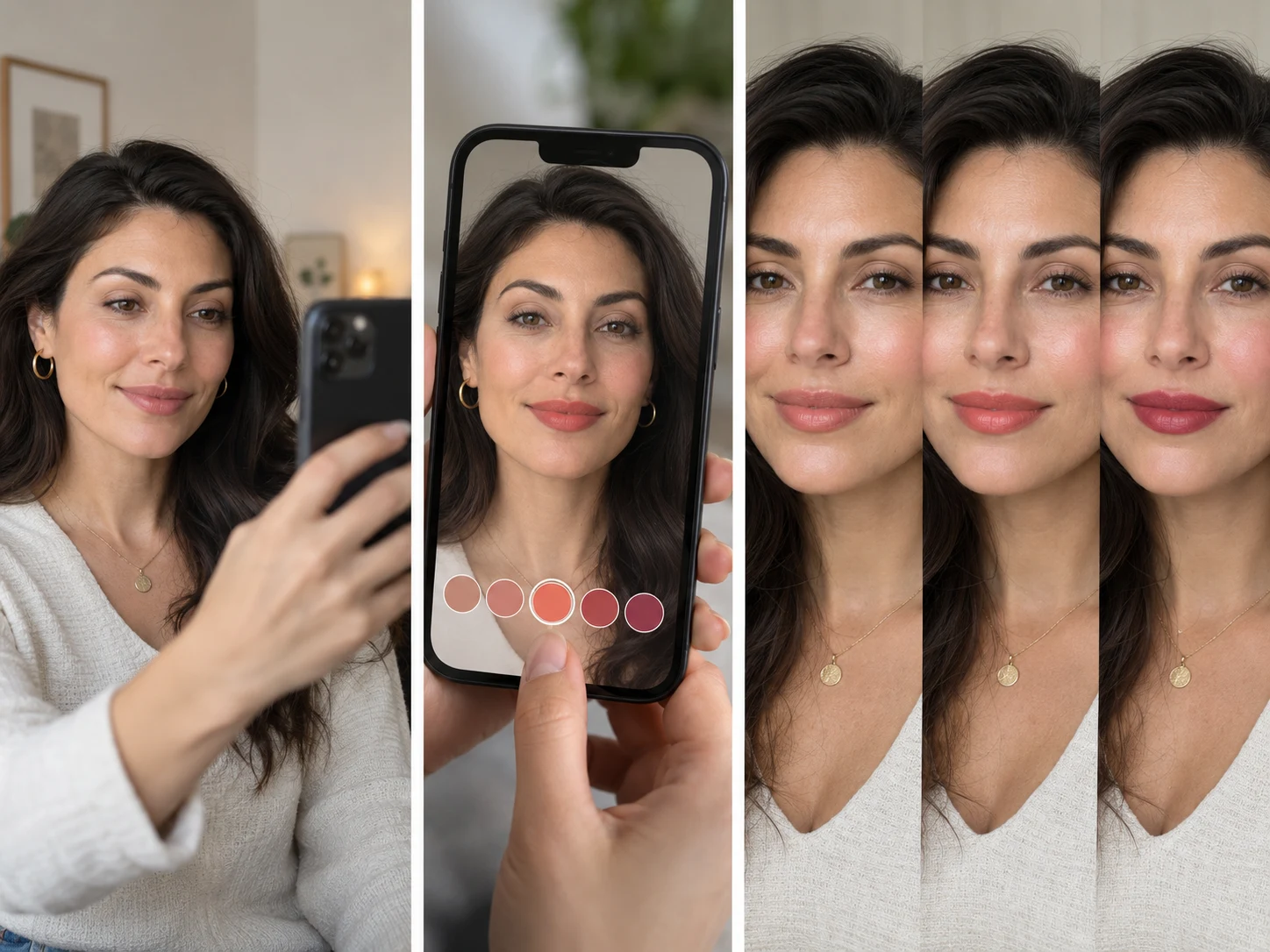
Virtual makeup try on by color season
Color analysis sorts people into 12 seasons by undertone, depth and contrast. Shades from your own season tend to look like you on a good day; shades from the opposite season can look heavy or gray. The virtual makeup try on groups every shade by season so you can check the rule on your face.
| Season family | Undertone | Lips to try | Eyes and cheeks |
|---|---|---|---|
| Spring | Warm and clear | Coral peach, warm coral, bright coral | Champagne, golden bronze, peach blush |
| Summer | Cool and soft | Soft rose, raspberry, dusty mauve | Soft lavender, cool taupe, dusty pink blush |
| Autumn | Warm and muted | Terracotta, warm red, deep brick | Copper bronze, olive gold, warm terracotta blush |
| Winter | Cool and high contrast | True red, fuchsia, deep berry | Smoky charcoal, deep plum, berry blush |
Don’t know your season? Our sister site reads it from a selfie for free; come back and pick it here: ColorSeasonAI
Virtual lipstick try on, eyeshadow, blush and base
Each area is painted where it really goes on your face, and what to look for is different for each one.
Lipstick
A virtual lipstick try on is the quickest test. Check that the shade sits on your lips instead of floating on top, and that your teeth still look white.
Eyeshadow
Washed from the lash line toward the brow. A good shadow brightens your eyes; a wrong one makes them look tired.
Blush
Placed high on the cheekbone. It should read like your own flush, not a stripe.
Base
A very sheer layer that evens tone only. It never lightens your skin or changes your features.
Live virtual makeup try on vs an AI photo
The live virtual makeup try on is instant and free: colors are painted over your camera picture on your device, so you can flip through every shade in seconds. It is a color preview, so texture and finish are simplified. When you love a look, the AI photo redraws it on your photo with real lip texture, blended shadow and natural skin, ready to share.
- Live preview: all 144 shades, free, nothing uploaded
- AI photo: one photo-real portrait, 5 credits
- Snapshots are free to download and compare
- Ask friends which look suits you before you buy
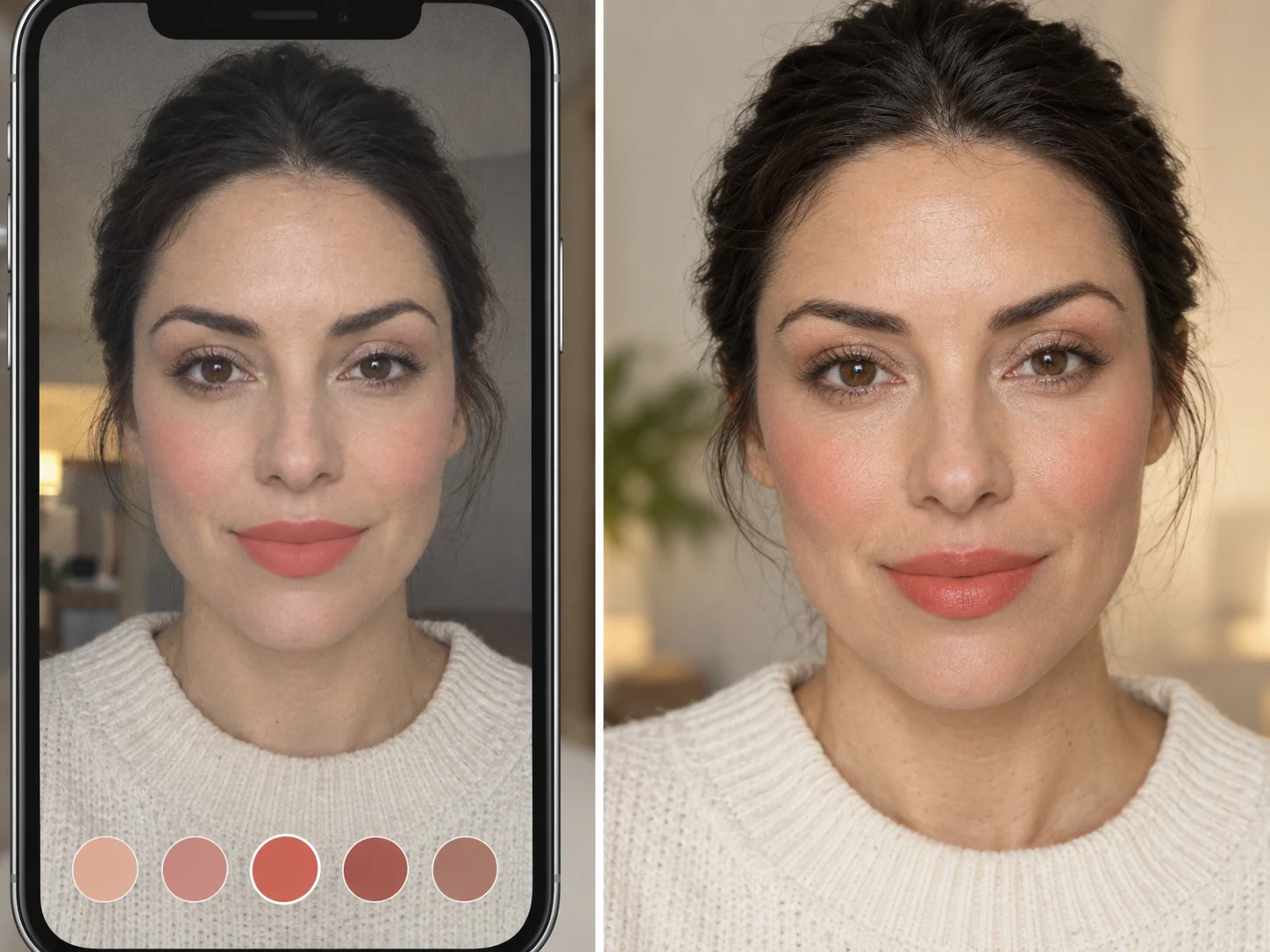
Virtual makeup try on tools compared
Beauty brands offer try-on tools for their own products. This page is for the step before: finding the colors that suit you.
| Option | How it works | Shades | Cost |
|---|---|---|---|
| WearTryOn | Live camera or photo in any browser | 144 shades sorted by color season | Free; AI photo 5 credits |
| Brand try-on | On a beauty brand’s product pages | That brand’s products only | Free, tied to buying there |
| Beauty apps | Install, then use the phone camera | Large libraries, many filters | Free with ads or a subscription |
| Beauty counter | Swatches and testers in a store | What the store stocks | Needs a visit |
Once a color works in the virtual makeup try on, look for a similar shade from any brand and try on makeup online in its own tool before you order.
Tips for an accurate virtual makeup try on
- 01Start with a bare face, or at least bare lips, so the virtual makeup try on shows true colors.
- 02Face soft daylight from the front; warm lamps shift every shade toward orange.
- 03Hold the camera at eye level, about an arm’s length away.
- 04Try one area at a time, then the whole look together.
- 05Compare two or three finalists in snapshots instead of switching from memory.
- 06Screens differ: treat the preview as a guide and check a tester when you can.
Changing your hair color too? Shades that suit your season work for hair as well; see a new color live with our hair color try on and pair it with a lip.
Planning a Halloween look instead? See the whole costume on your photo, face paint included, with the Halloween costume generator before you buy anything.
Virtual makeup try on FAQ
Is the virtual makeup try on free?
Yes. The live preview, all 144 shades, snapshots and vote links are free with no app. Only the photo-real AI photo uses credits: 5 per photo.
Is my camera video uploaded?
No. The virtual makeup try on tracks your face in your browser, and the video never leaves your device. A single still is sent only if you create an AI photo or share a vote link.
Can I try on makeup online without a camera?
Yes. Upload a front-facing photo or use a sample face, and every shade switches on the photo instantly.
Are these real brand products?
No. The shades are color-season picks, not branded products. Use them to find your colors, then look for similar shades from any brand.
Which color season am I?
If you are not sure, start with the family that matches your undertone, or let our sister site ColorSeasonAI read it from a selfie. The virtual makeup try on lets you check any season on your face.
Why does the lipstick look flat in the live view?
The live view paints color, not texture, so gloss and shimmer are simplified. The AI photo shows real lip texture and blending.
Will it change my face or skin tone?
No. It adds color to the lips, eyes and cheeks and a very sheer base. It never reshapes features or lightens skin.
More ways to try a new look
Hair Color Try On
See new hair dye colors live, free
Glasses Try On
Live camera frames, face shape and PD
Hairstyle Try On
Try new haircuts on your own face
AI Outfit Rater
Score your outfit out of 10, free
AI Clothes Changer
Swap one piece of clothing in any photo
Live Try On
Try clothes on live in your camera
Guides
How-tos and honest reviews of try-on tools
Find your makeup colors in minutes
Start the virtual makeup try on with your camera or a photo, pick your season and snap the looks you love. It is free and nothing is uploaded.
Start your camera