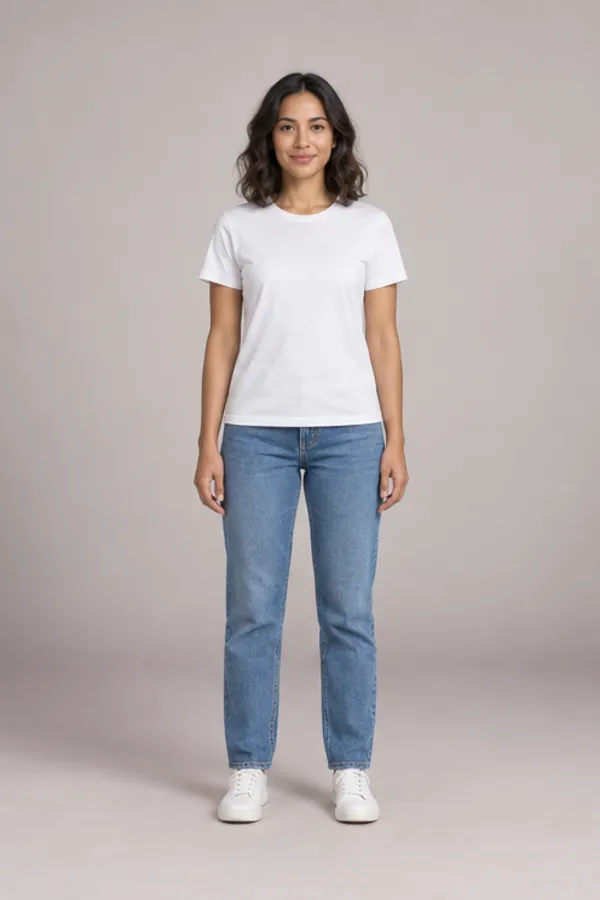
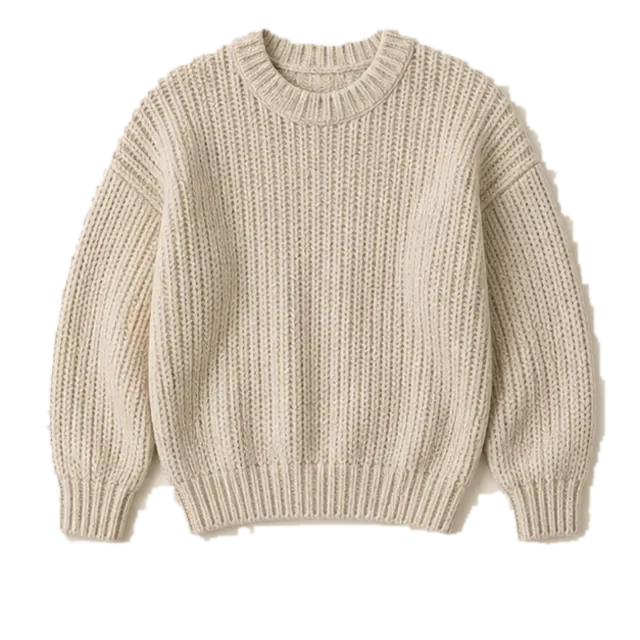
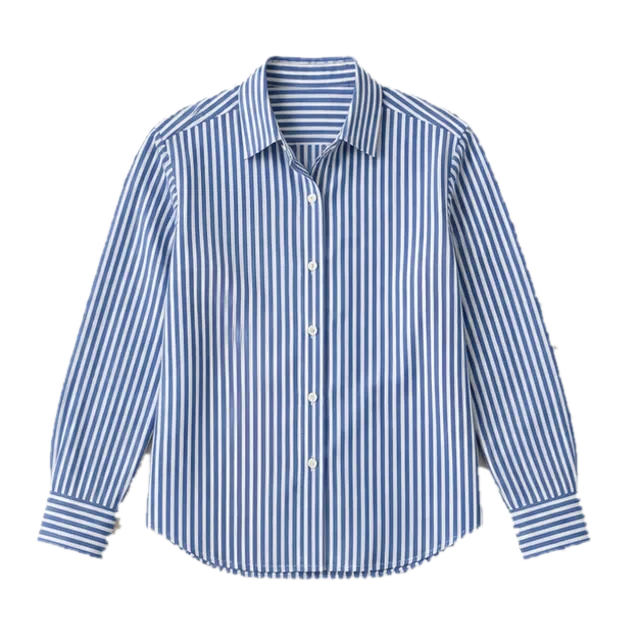
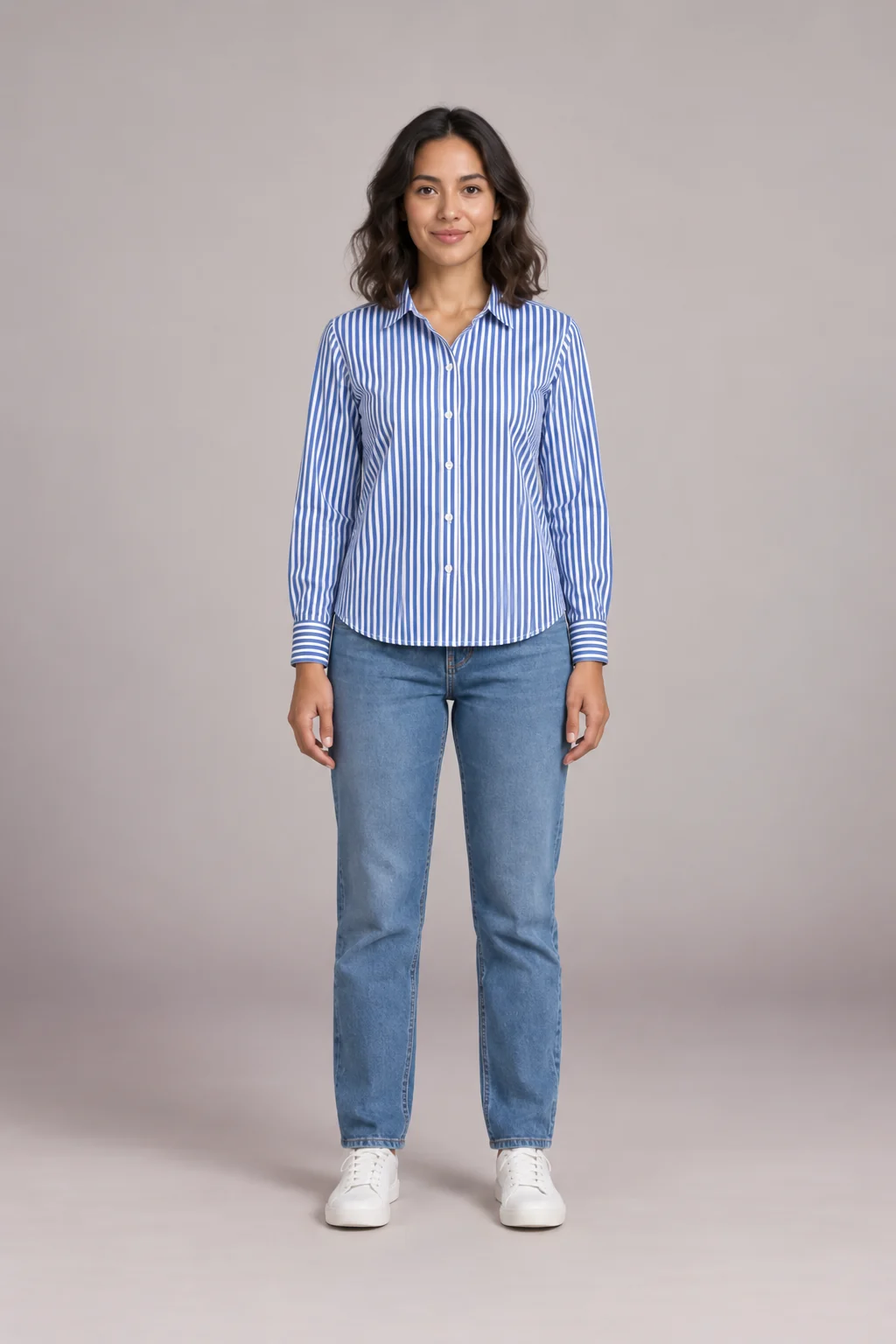
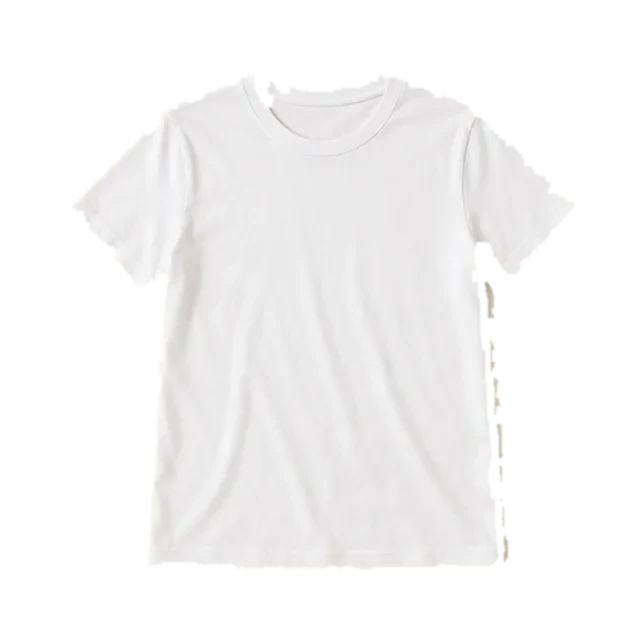
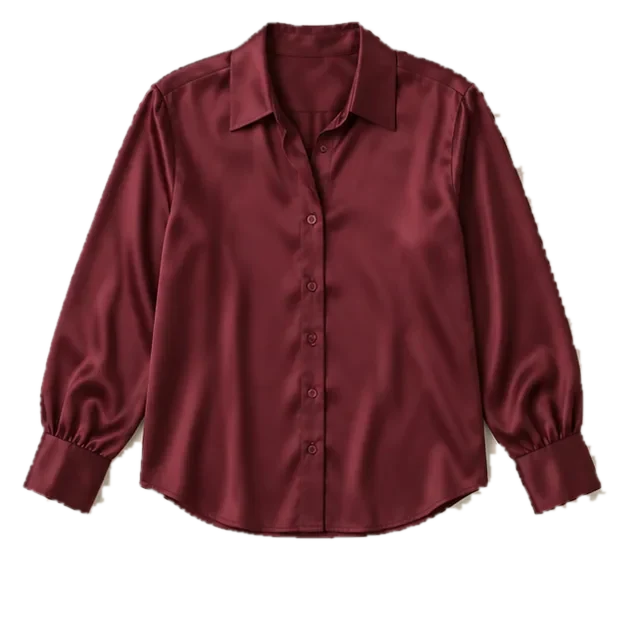
Live virtual try on lets you see clothes on yourself through your webcam or phone camera. Turn on the camera above and tops and jackets follow your shoulders and arms as you move, right in your browser. When a look works, take a photo and get a realistic AI try-on of the same piece. The live view runs on your device; nothing is uploaded until you press Try it on.
- Free live preview, no sign-in
- Phone and desktop
- Camera feed stays on your device
- Realistic AI photo with credits
What is live virtual try on?
Live virtual try on, sometimes called real time virtual try on, is any try-on that reacts while you move, instead of editing a photo after the fact. There are three ways to build it today, and each trades realism for speed and cost.
AR overlay
Body tracking pins a garment image or 3D model to your shoulders and arms. Fast and free to run, but it looks like a layer on top of you, not fabric. The live virtual try on preview on this page works this way.
Generative live video
An AI model redraws every frame so fabric folds as you move. It is the closest thing to a mirror, but every minute of video costs real GPU time.
AI photo try-on
You hold still for one shot and an AI model dresses that photo in the garment. Not live, but the most realistic result per credit.
How to use live virtual try on with your camera
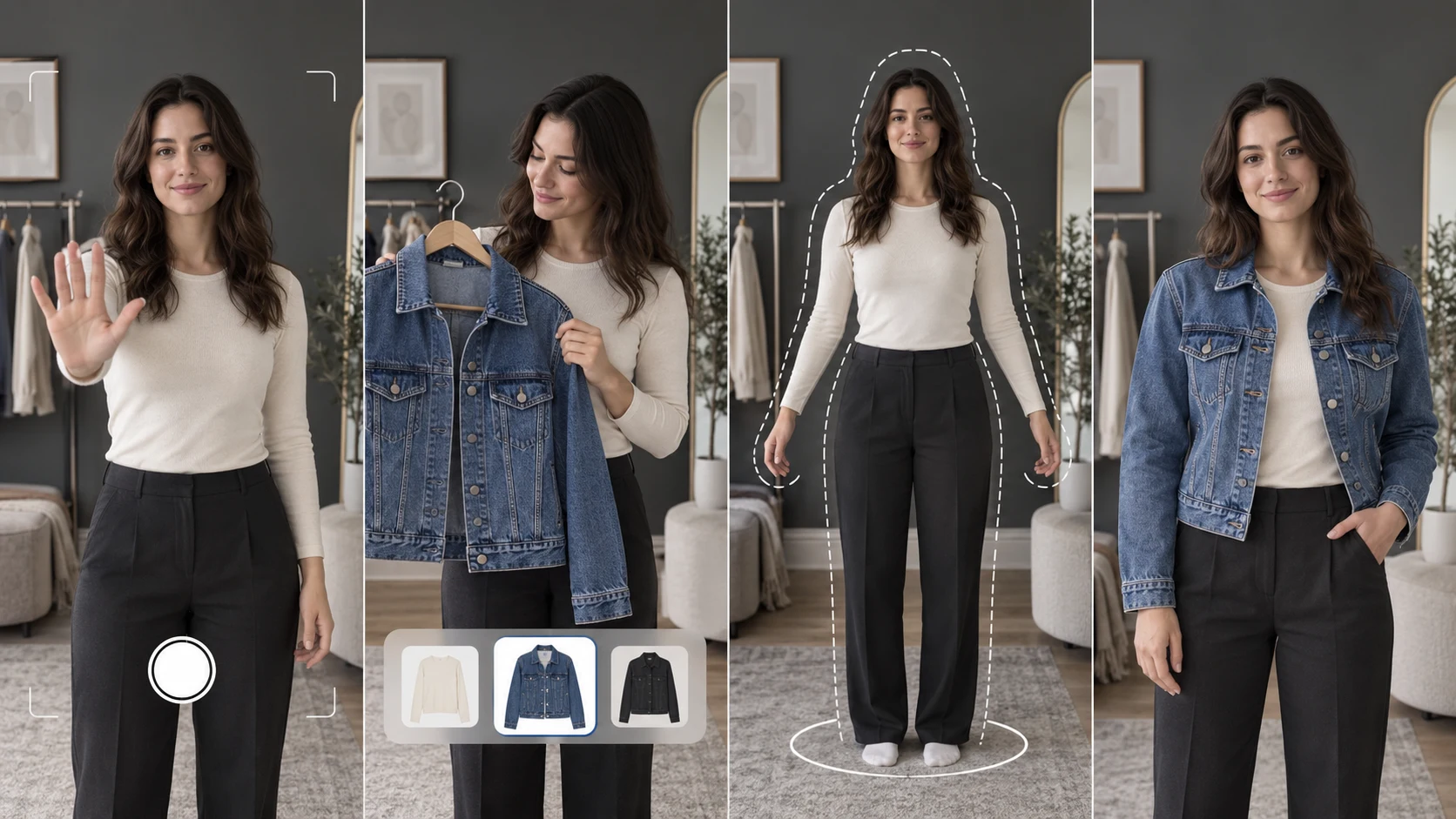
- 01
Turn on your camera
Press Start camera and allow access. On a phone you can switch between the front and back camera; tap Mirror to flip the view.
- 02
Pick a top or jacket
Tap a garment in the fitting room, or raise a hand to switch pieces from across the room. Live virtual try on draws it on your body and follows your shoulders, elbows and wrists.
- 03
Step back and pose
Stand far enough away that your head and waist fit inside the outline, and face the camera. The hint on screen tells you to come closer or step back. The preview hides when you turn side-on.
- 04
Take the photo
Use the 3 or 5 second timer, then press Try it on. The AI keeps your face, pose and background and redraws the garment with real folds.
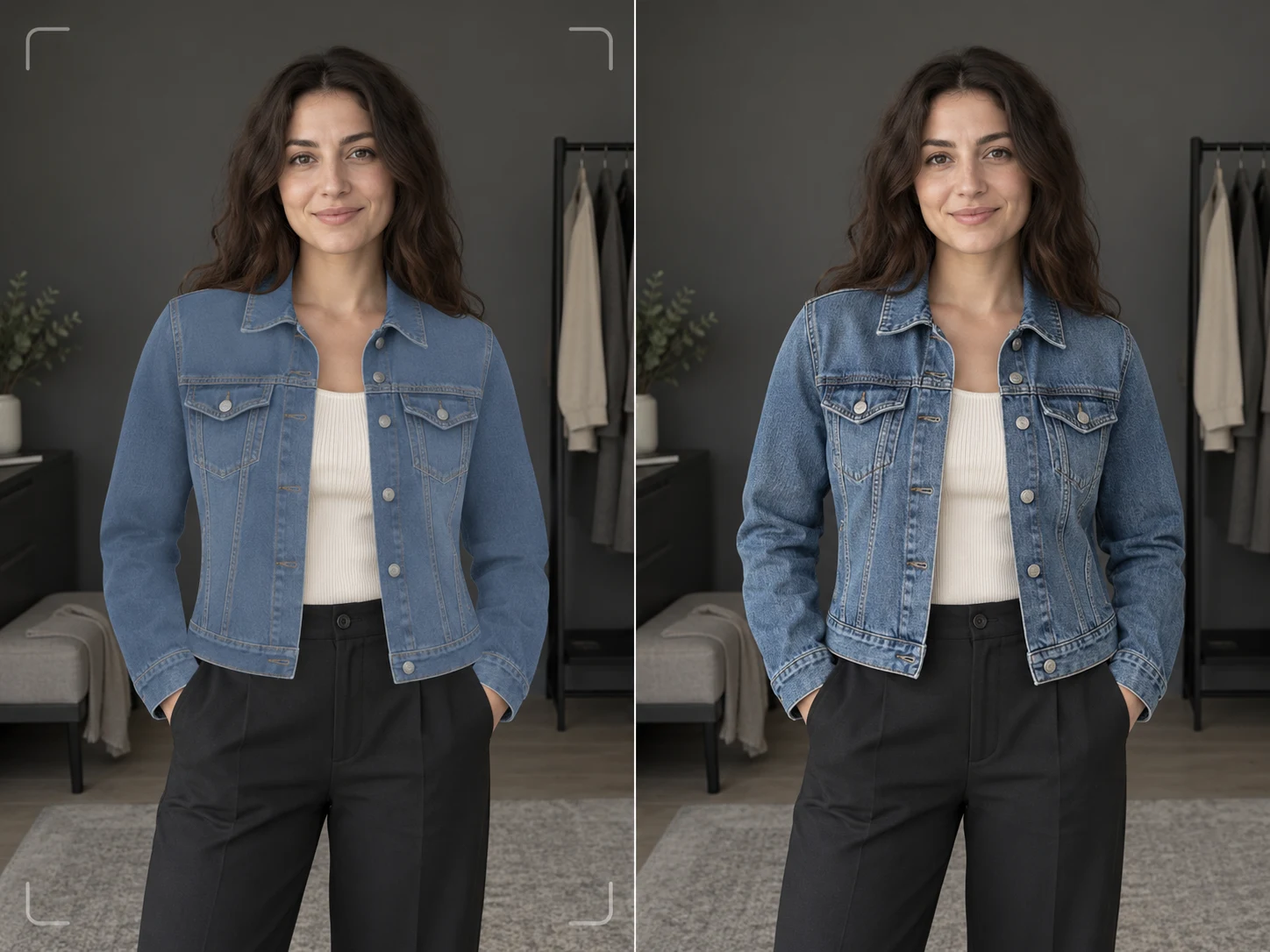
Live virtual try on preview vs AI photo result
The live virtual try on preview is for browsing: switch between eight tops and jackets in a second and see which shapes and colors are worth a closer look. The AI photo is for deciding: it re-renders the garment on your photo with natural folds, light and shadow.
- Live preview: free, instant and processed on your device
- AI photo: realistic fit, saved to your history for 30 days
- Your own garment photos work in the AI photo, not yet in the live preview
- Neither one can tell you your size, so check the retailer’s size chart
Anywear live virtual try on: what it does and where it stops
Anywear is a free Chrome extension from Decart, launched in August 2026. It streams your webcam through a generative video model, so a product image you drop in appears on you as you move. As of October 2026 it is free during its beta, though users report a queue and a two-try limit on the free tier.
Where Anywear shines
- Product images from almost any online store
- Fabric moves with you instead of sitting on top
- Two people in frame can try on at once
- You can download a video of the session
Where it stops
- The extension is desktop Chrome only; phones get a web app
- Fit, backs and sides are guessed, and it sometimes adds accessories
- Free tries are limited and can mean a wait in a queue
- Needs good light and a network that allows live video
On a phone or another browser? The live virtual try on at the top of this page works in any modern browser. Read our Anywear guide for setup steps, fixes and alternatives.
WearTryOn is not affiliated with Decart or Anywear.
Live virtual try on tools compared
The main ways to get a live virtual try on, or something close to it, through a camera or a photo, as of October 2026.
| Tool | How it works | Where it runs | Cost |
|---|---|---|---|
| WearTryOn live preview | AR overlay of preset tops and jackets | Any modern browser, phone or desktop | Free, no sign-in |
| WearTryOn AI photo | Camera photo plus AI try-on of any garment | Any modern browser | Credits; welcome credits at sign-up |
| Anywear | Generative live video from a product image | Desktop Chrome extension; web app on phones | Free during beta, limited tries |
| Brand AR lenses | 3D garments made by each brand | Snapchat or brand apps | Free, brand catalogs only |
| Google Shopping try-on | AI stills from one photo of you | Google Search, select regions | Free with a Google account |
Glasses track a face far more tightly than clothes track a body. For frames, our virtual glasses try on follows your head in real time and reads your face shape, free.
Photo-real live virtual try on is next
Live video that looks like a real mirror is still expensive to run. We are testing open models that could bring photo-real live virtual try on to phones at a fair price. Join the waitlist in the tool above and we will email you when it opens.
Tips for a better live virtual try on
- 01Light your face and chest from the front; a bright window behind you turns you into a silhouette.
- 02Wear something fitted and plain so the preview sits cleanly on your shoulders.
- 03Prop your phone or laptop at chest height and step back about one to one and a half metres to get head to waist in frame.
- 04Keep your arms a little away from your body when you take the photo, so the sleeves come out clean.
- 05Stand in front of a plain wall; busy backgrounds make body tracking less steady.
- 06Try the same piece in two colors before you buy; the AI photo shows which one suits your skin tone.
Happy with your live virtual try on photo? Check the whole look with our AI outfit rater and get one honest fix to try next.
Live virtual try on FAQ
Is live virtual try on free on WearTryOn?
Yes. The live preview is free and needs no account. Turning a shot into a realistic AI photo uses credits: new accounts get 10 welcome credits, enough for one Standard or two Fast photos, and daily check-ins add more.
Does live virtual try on work on iPhone and Android?
Yes. It runs in Safari, Chrome and other modern browsers on phones, tablets and computers, with the front or back camera. There is no app or extension to install.
Is my camera video uploaded?
No. Body tracking and the live preview run inside your browser, so the video never leaves your device. Only the photo you take is sent, and only when you press Try it on; it is safety-checked and kept in your history for 30 days.
Why does the live preview look flat?
It is an AR overlay: the garment image bends to follow your shoulders and arms, but it does not simulate fabric, show the back or fully hide your own clothes. Take a photo for a realistic result with folds and shadows.
Can I try my own clothes live?
The live preview works with the eight tops and jackets in the viewfinder strip. To see a garment from any store, upload its photo in step 2 and use the AI photo try-on.
Is “anywhere live virtual try on” the same as Anywear?
Usually, yes: “anywhere” is a common misspelling of Anywear, the Chrome extension from Decart. If you want a free live preview with no queue, on your phone or laptop, use the try-on at the top of this page.
Can live virtual try on tell me my size?
No. Neither the live preview nor the AI photo measures your body. Use them to judge color, length and style, then check the retailer’s size chart before you order.
What clothes can I try?
Live: shirts, knitwear, blouses, jackets and coats. AI photo: tops, bottoms, dresses and outerwear, from our samples or your own uploads. Only clothes-for-clothes swaps of fully clothed adults are allowed.
More ways to try clothes on
AI Clothes Changer
Swap one piece of clothing in any photo
Outfit Changer
Change the whole outfit in one photo
Outfit Swap
Copy a whole look from one photo onto yours
Virtual Try On
Try items from any store before you buy
Hairstyle Try On
Try new haircuts on your own face
AI Outfit Rater
Score your outfit out of 10, free
Glasses Try On
Live camera frames, face shape and PD
Hair Color Try On
See new hair dye colors live, free
Makeup Try On
Lipstick, blush and shadow live, free
Halloween Costume Generator
See yourself in 12 costumes, first one free
Guides
How-tos and honest reviews of try-on tools
See it on you, then decide
Turn on your camera for a free live virtual try on, then take a photo for a realistic AI result. Sign in to get 10 welcome credits.
Turn on your camera