WearTryOn
Get Pro

Virtual try on tools for clothes, hair, glasses and makeup

Fourteen virtual try on tools, sorted by what you want to change. Every one works on your own photo or on a sample model, live camera previews cost nothing, and your first AI picture is free without an account.

All 14 virtual try on tools at a glance

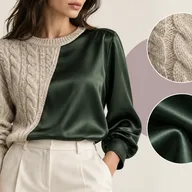
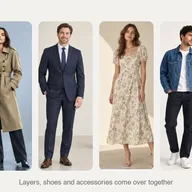
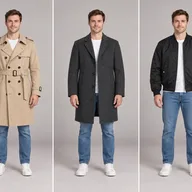
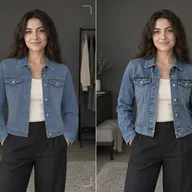
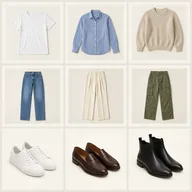
Put clothes on your own photo

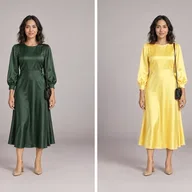
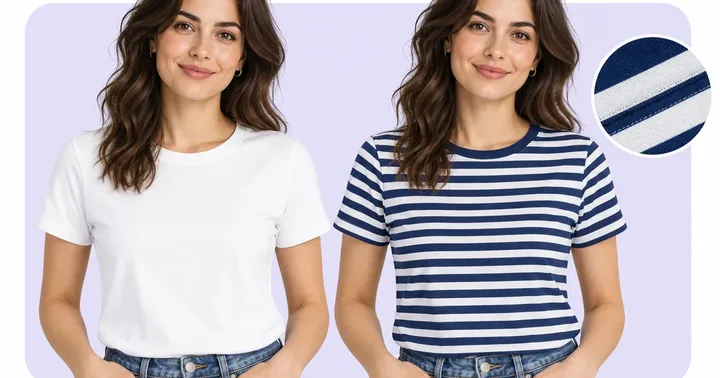
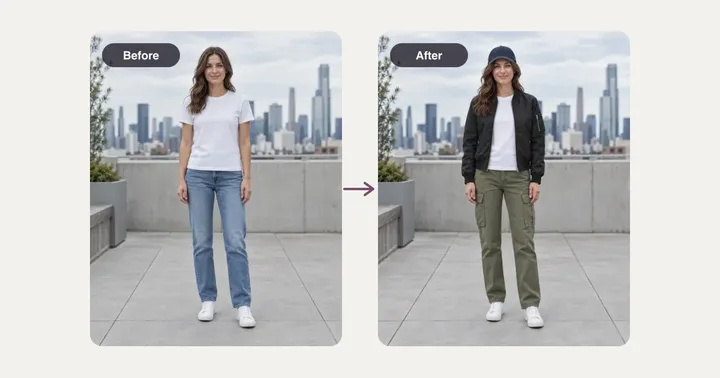
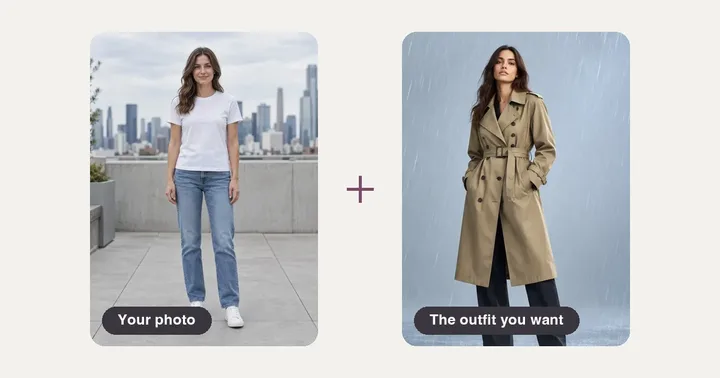
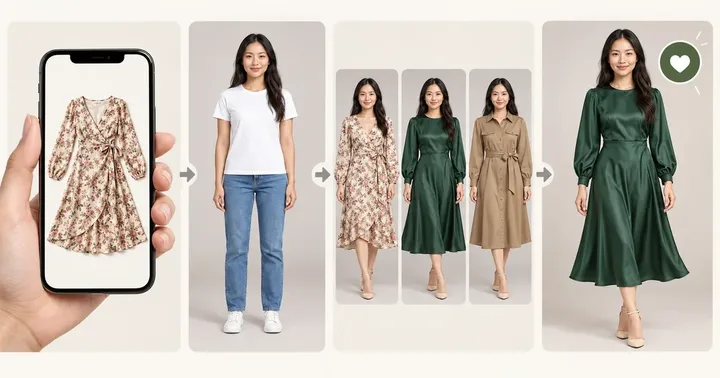
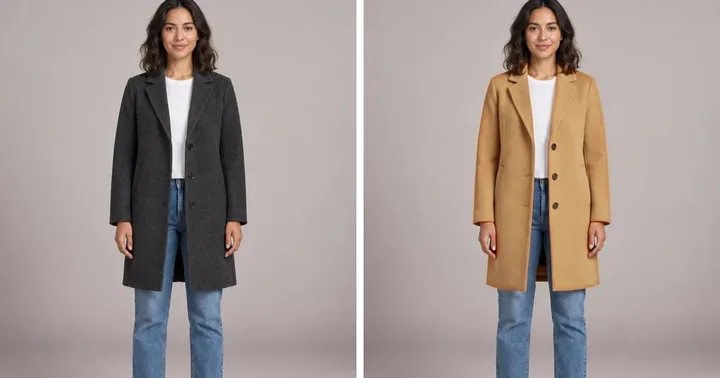
Seven virtual try on tools for dressing your picture, depending on what you have in hand: one garment photo, a whole outfit, a look copied from someone else, a shop link, a new color for something you own, a suit and tie for a headshot, or just your camera.

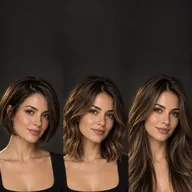
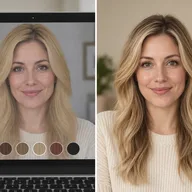
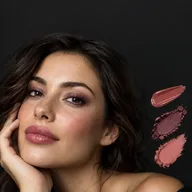
Test a haircut, frames or makeup first

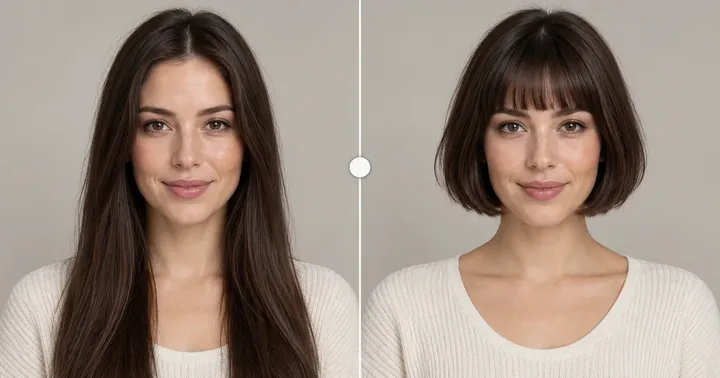
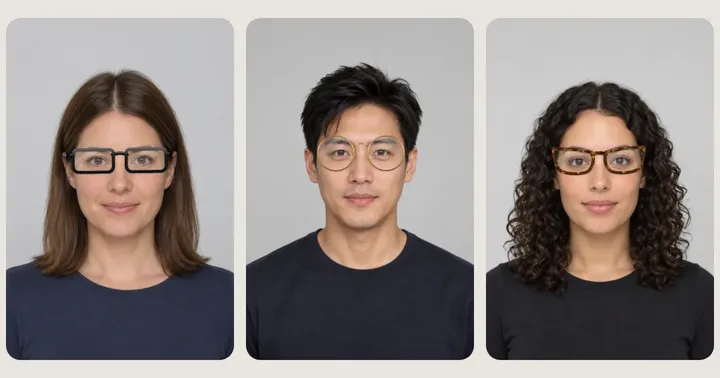
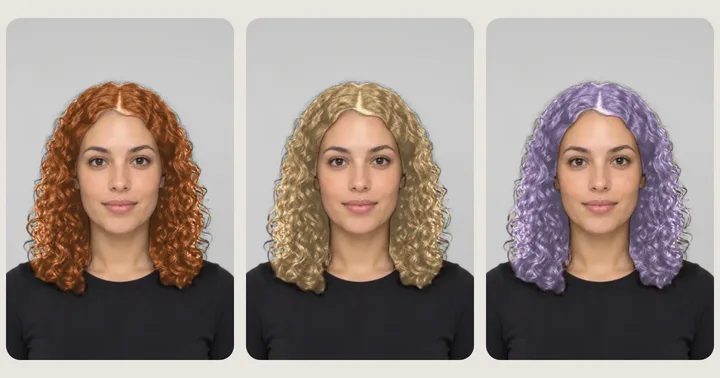
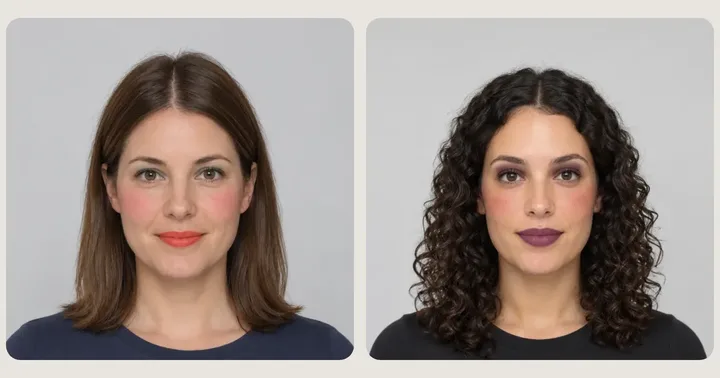
These four virtual try on tools read your face before they change anything, so a fringe, a frame width or a lipstick shade is judged on you rather than on a model. Glasses, hair color and makeup also preview live for free.

Not sure what to put on yet

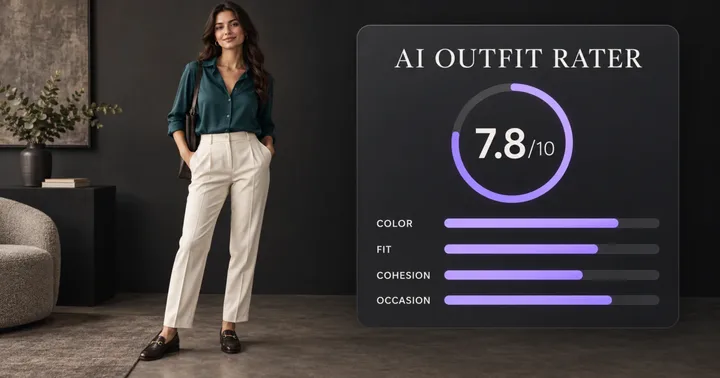
Three virtual try on tools that start from the question instead of the clothes: today’s forecast, an honest score for what you are wearing, or a costume for the 31st. Each one hands you a look you can try on next.

Start from what you have in hand

Most people arrive with one of these. Each row opens the one of our virtual try on tools that fits it best.

What the virtual try on tools cost

One credit balance pays for all the virtual try on tools here. Live previews are free, your first AI picture needs no account, new accounts start with 10 credits, and each daily check-in adds 2 more. A picture that fails is refunded on its own.

See plans and credit packs

Before you open one of these virtual try on tools

Do I need my own photo?

No. All of our virtual try on tools have sample models, so you can see how it behaves before you upload anything. For your own picture, face the camera in even light and keep the clothes you want to replace visible.

Which ones cost nothing?

Live Try On and the live previews for glasses, hair color and makeup run in your browser and are always free, and so are the outfit ideas in What Should I Wear. The AI pictures use credits after your first free one.

Can I use them on my phone?

Yes. All of these virtual try on tools run in a mobile browser, and the live ones use your front camera. Nothing to install.

What happens to the photos I upload?

An upload is only used to make the picture you asked for. Signed in, your results wait in History until they expire; the privacy policy explains how long they are kept.

Can I try clothes on a photo of a friend?

Only with their permission. The tools swap clothes for other clothes and refuse anything that removes them, as the acceptable use policy explains.