 Top / layer
 Bottom / dress
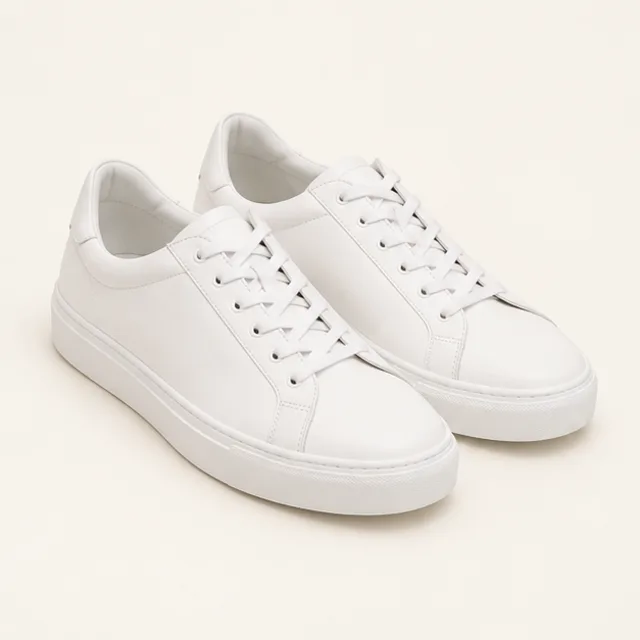 Shoes
Shoes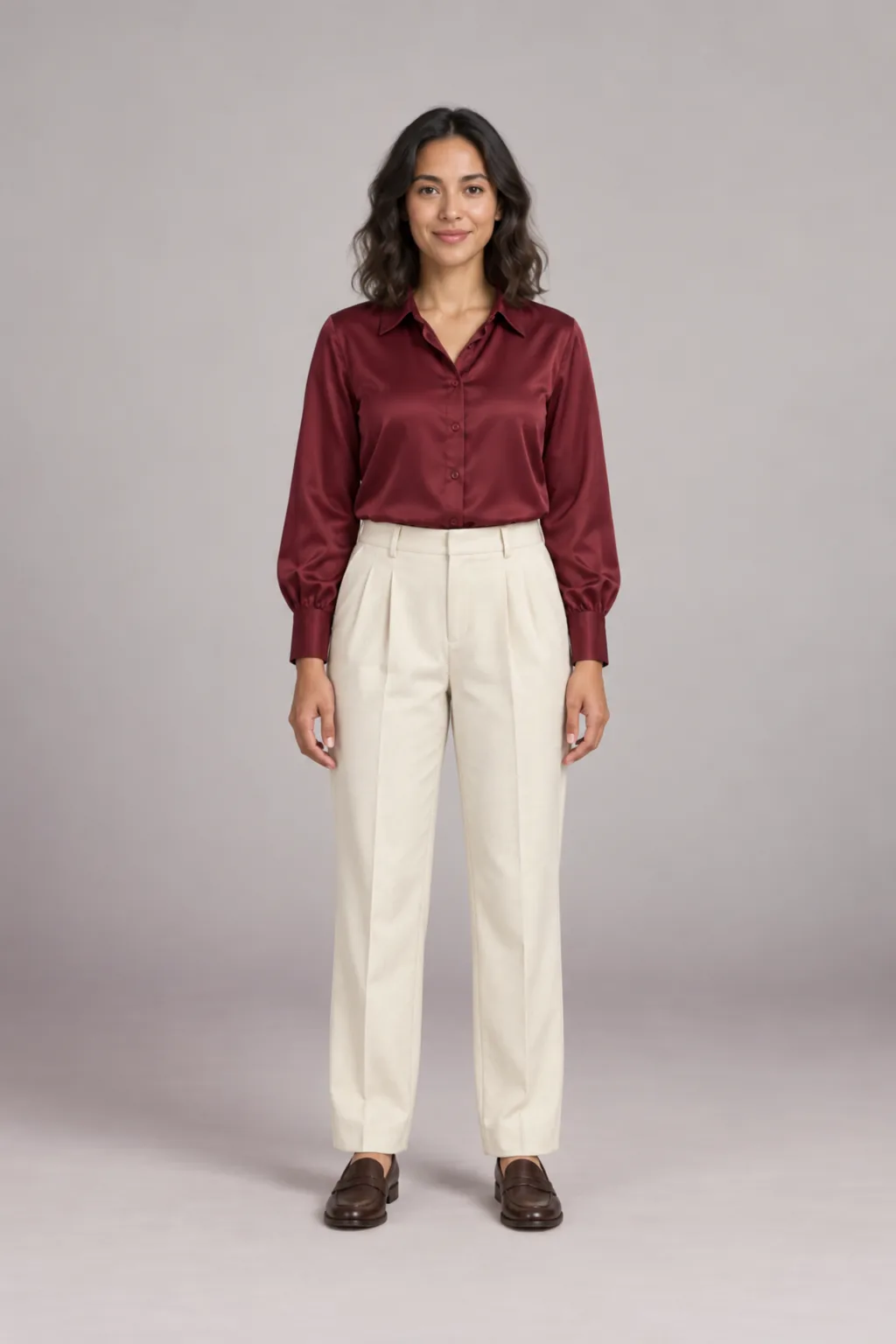
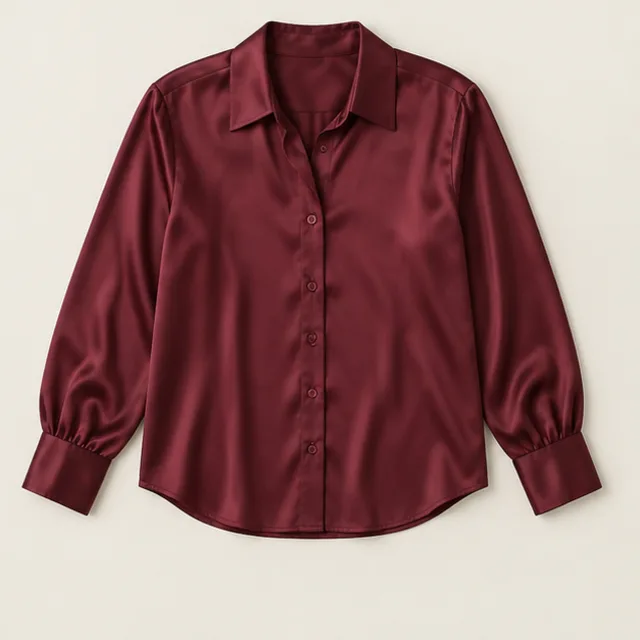 Top / layer
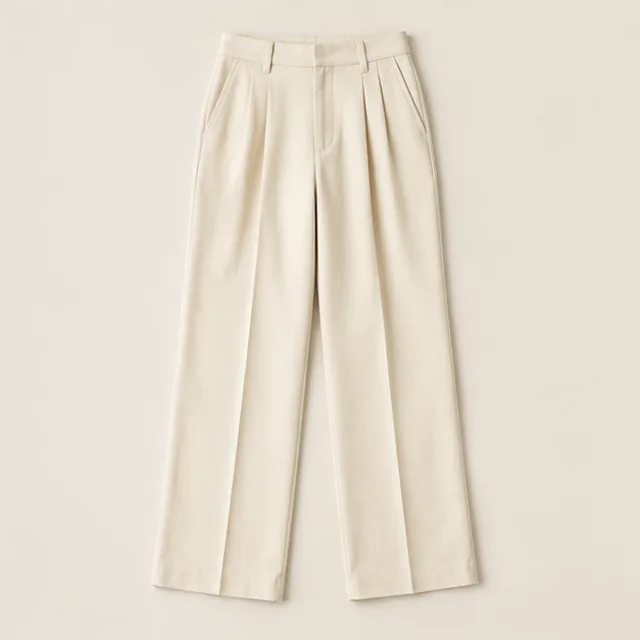 Bottom / dress
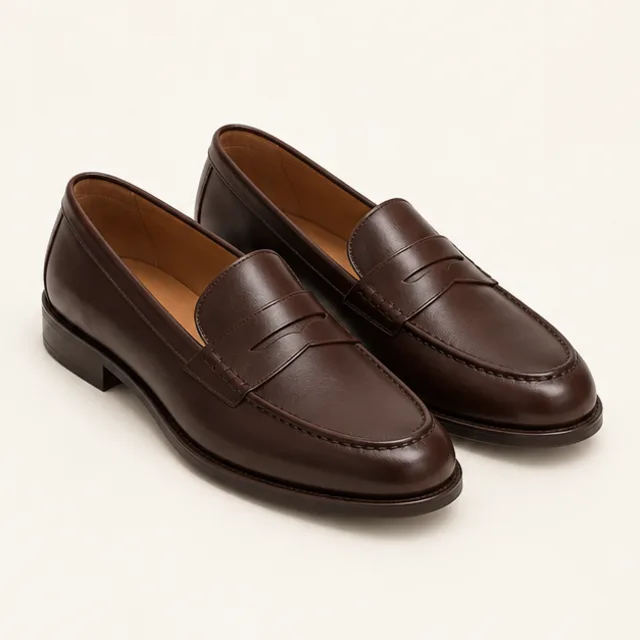 Shoes
Shoes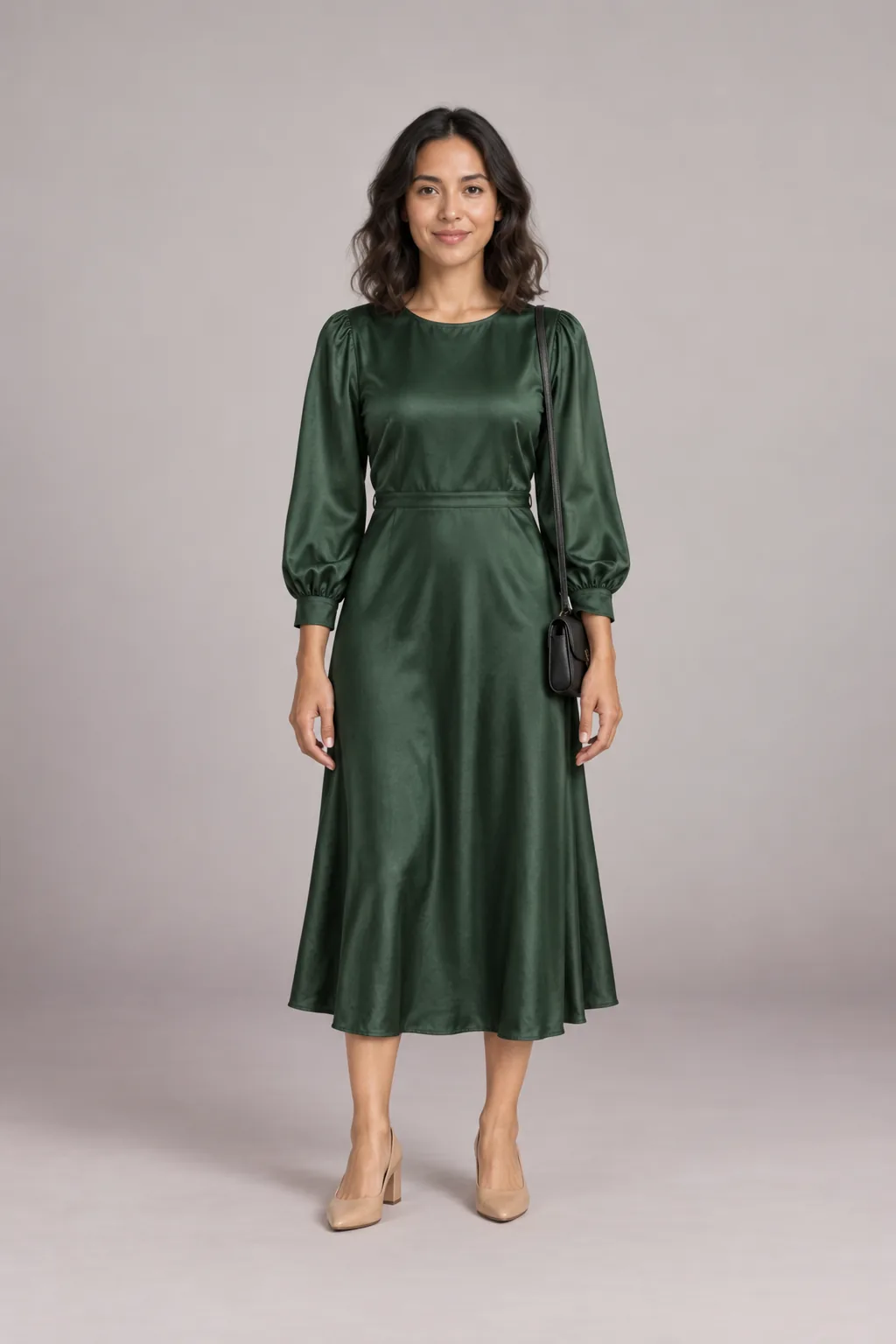
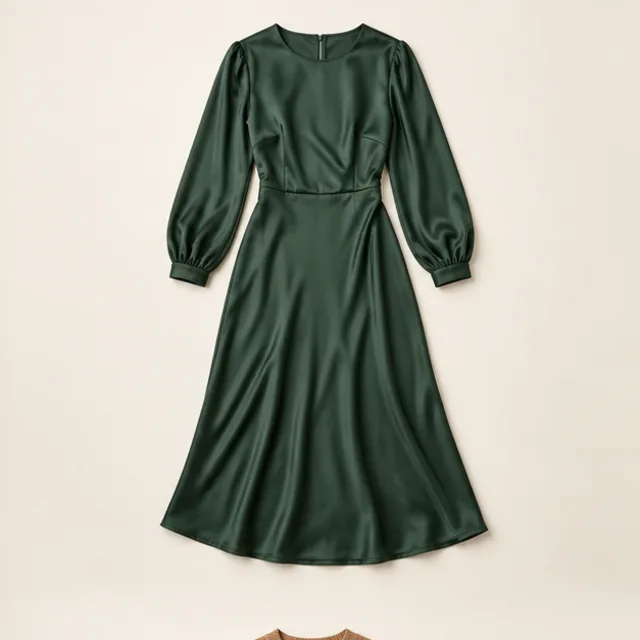 Bottom / dress
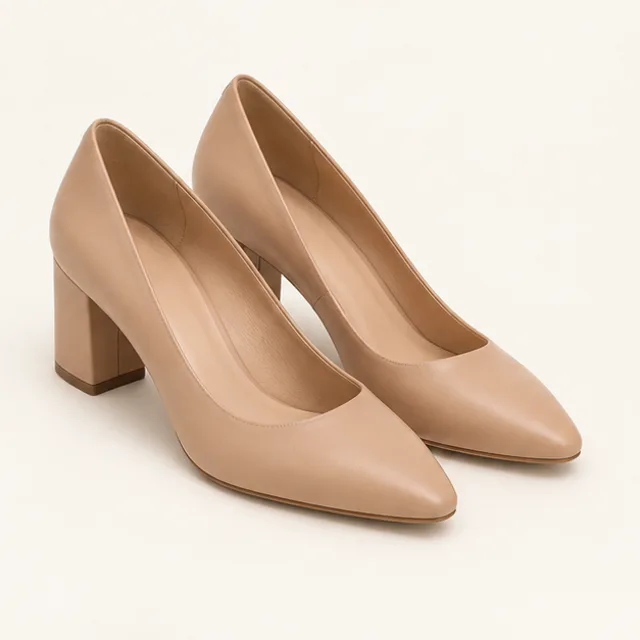 Shoes
Shoes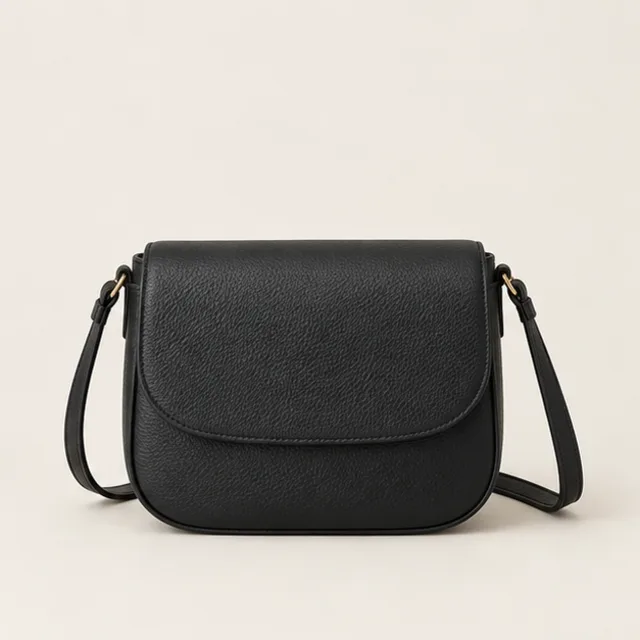 Accessory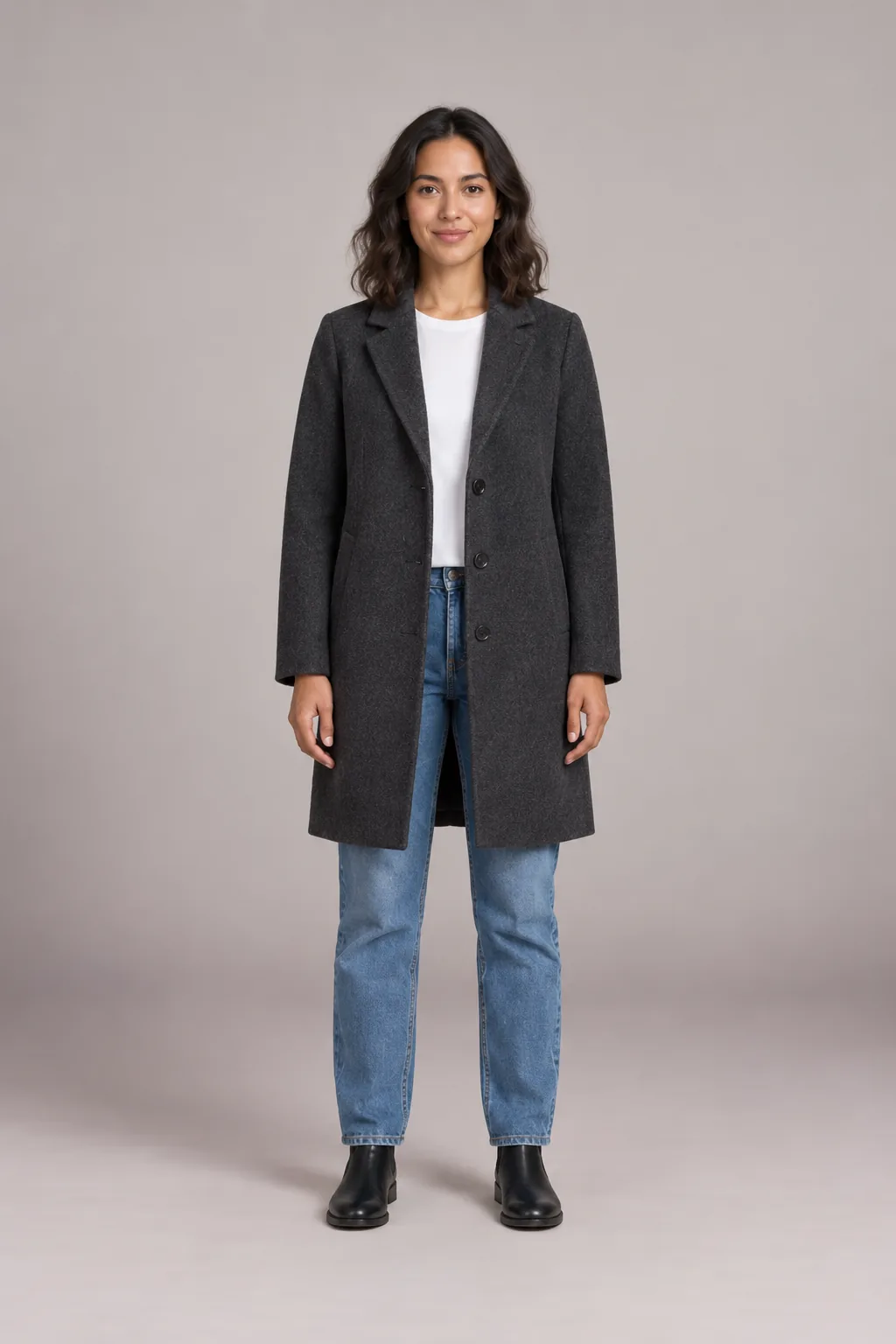
 Top / layer
 Bottom / dress
 Shoes
ShoesLike the photo but not the clothes in it? This outfit changer replaces the whole look in one run. Upload one photo, pick up to three pieces such as a top, bottoms and shoes, and see the new outfit with the same face, pose and background. The outfit changer runs in your browser, so there is no app to install, and a free sample needs no sign-up. Results are previews, not fit guarantees.
- No app to install
- Free sample, no sign-up
- Up to three pieces at once
- Private by default
Before and after
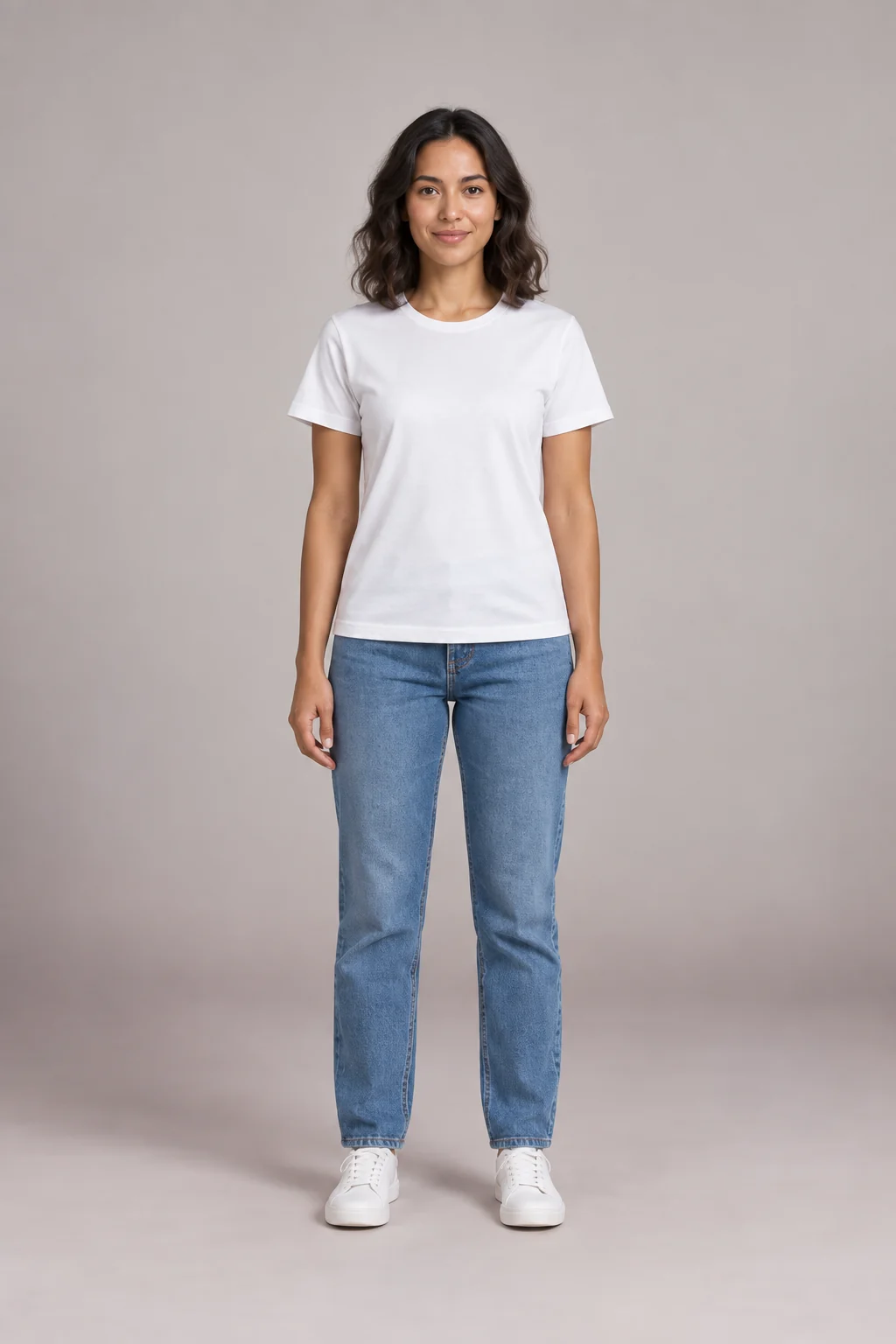
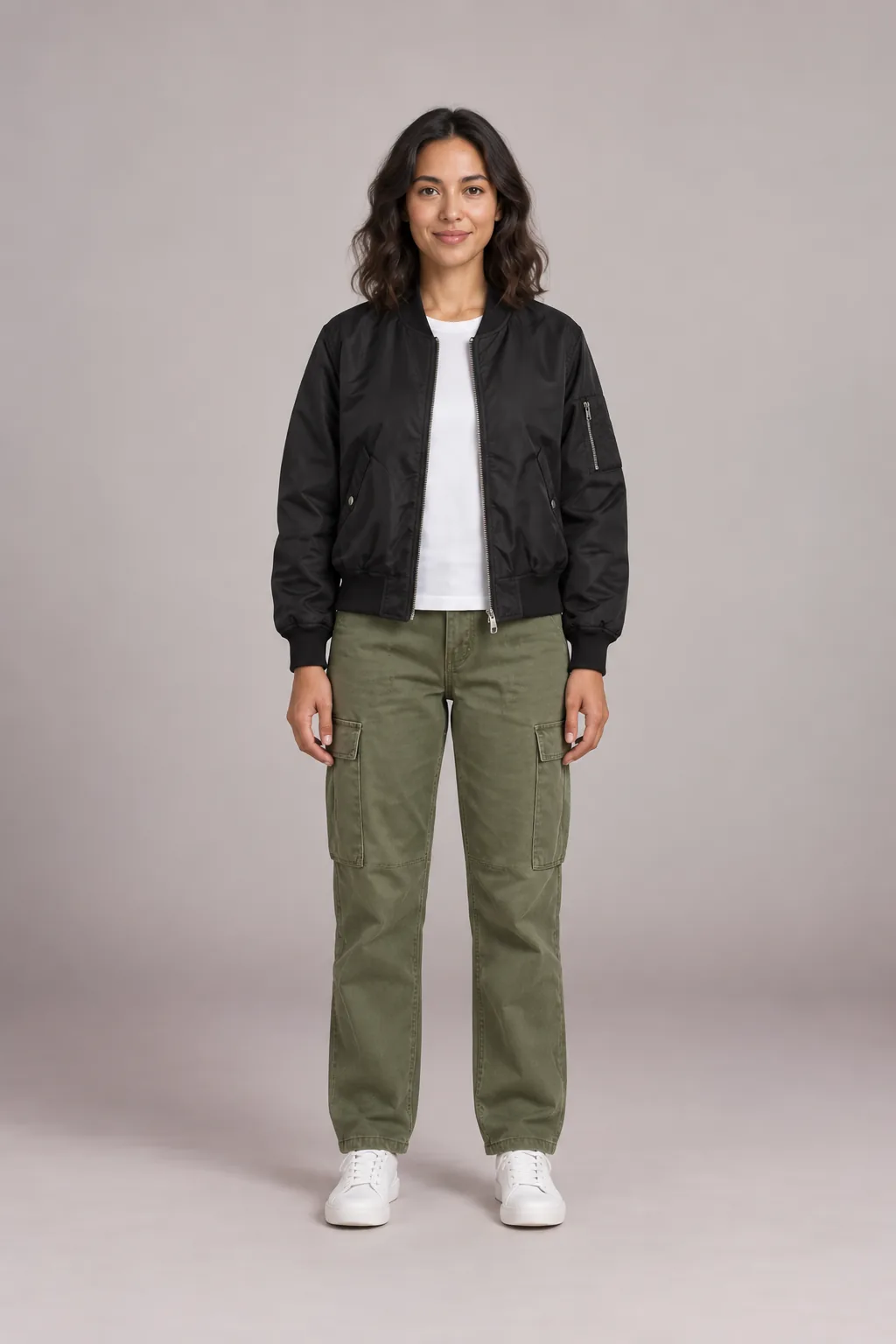
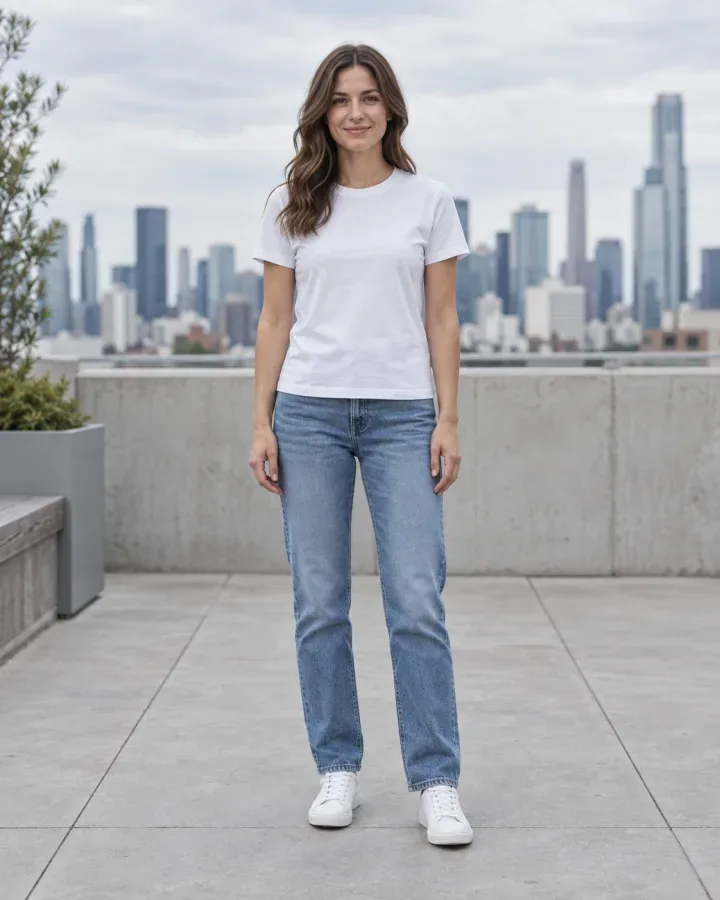
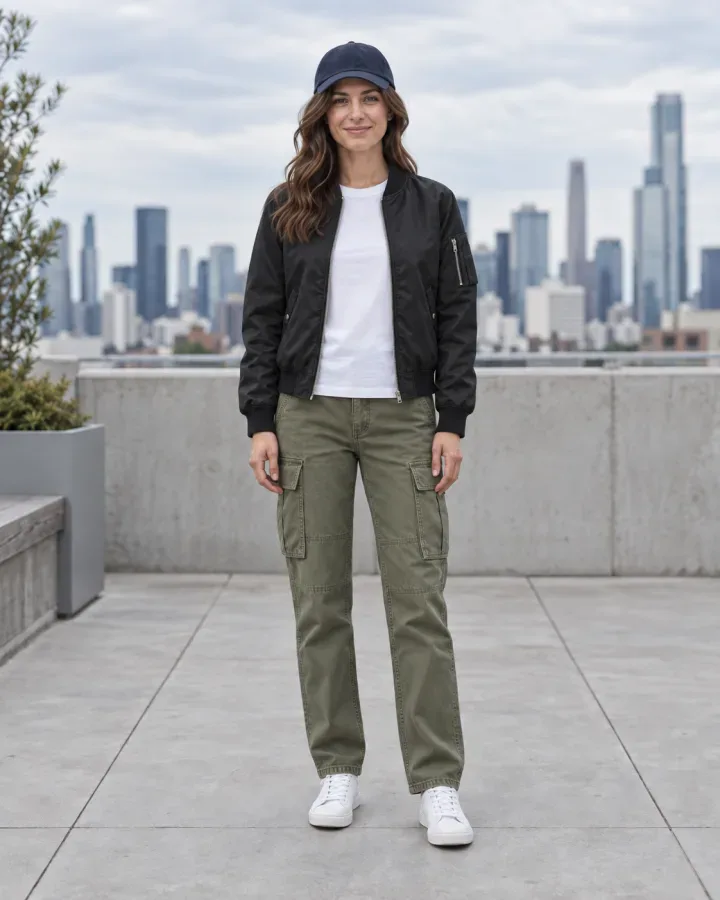
Outfit changer before and after: one photo, a new look
Drag the handle to compare. Same woman, same rooftop, same pose. The outfit changer kept her white tee and sneakers, swapped the jeans for olive cargo pants and added a black bomber jacket and a navy cap.
What the outfit changer keeps
- Face, hair and skin tone
- Pose, hands and body shape
- Background and lighting
- Anything you didn’t pick to change
How it works
How to change your outfit with the outfit changer
- 01
Upload one photo
Use a clear, well-lit photo of one clothed adult, ideally full length and facing the camera. It should be you, or someone who agreed to it. No photo handy? Pick a preset model.
- 02
Pick the new pieces
The outfit changer opens on Full outfit. Choose up to three pieces: a top, bottoms and shoes, or a dress with a bag. Use the presets or upload product photos you have permission to use.
- 03
Press Change my outfit
Every piece goes on together, so you see the full look at once. The outfit changer changes only the clothing and aims to keep everything else in your photo as it was.
- 04
Compare and keep the best
Slide between before and after, try another combination, then download the look. Sign in to save it to My Closet and come back to it later.
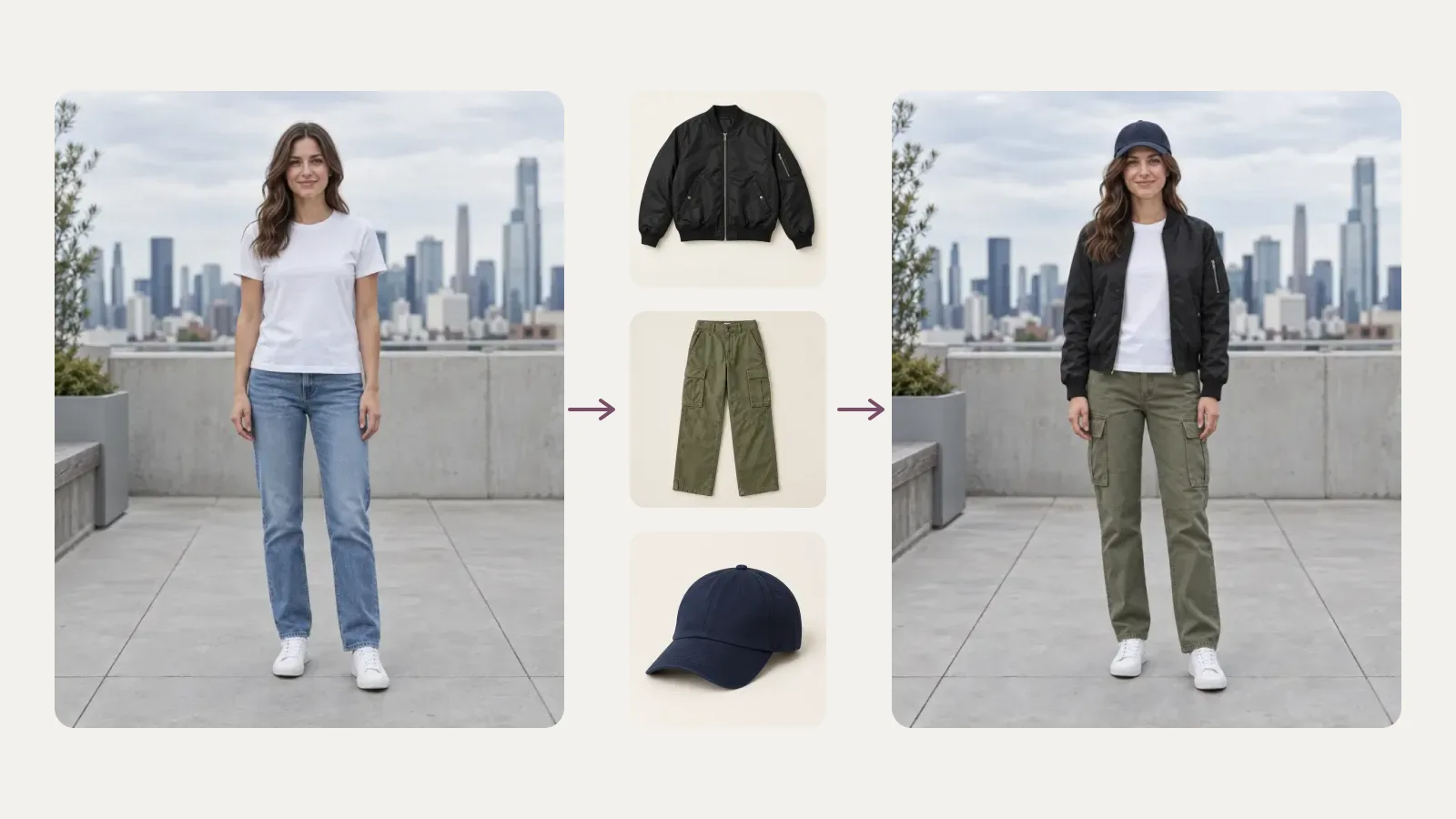
One outfit changer run, three new pieces
One new top rarely tells you whether a look works. The outfit changer takes up to three pieces in a single run, so you judge colors and proportions as a set: a knit, a midi skirt and boots, or a dress with heels and a bag. Picking a dress replaces the top and bottoms automatically.
- Tops, bottoms, dresses, outerwear, shoes, bags and hats
- Mix presets with product photos you upload
- A full outfit in the outfit changer costs the same credits per image as one piece
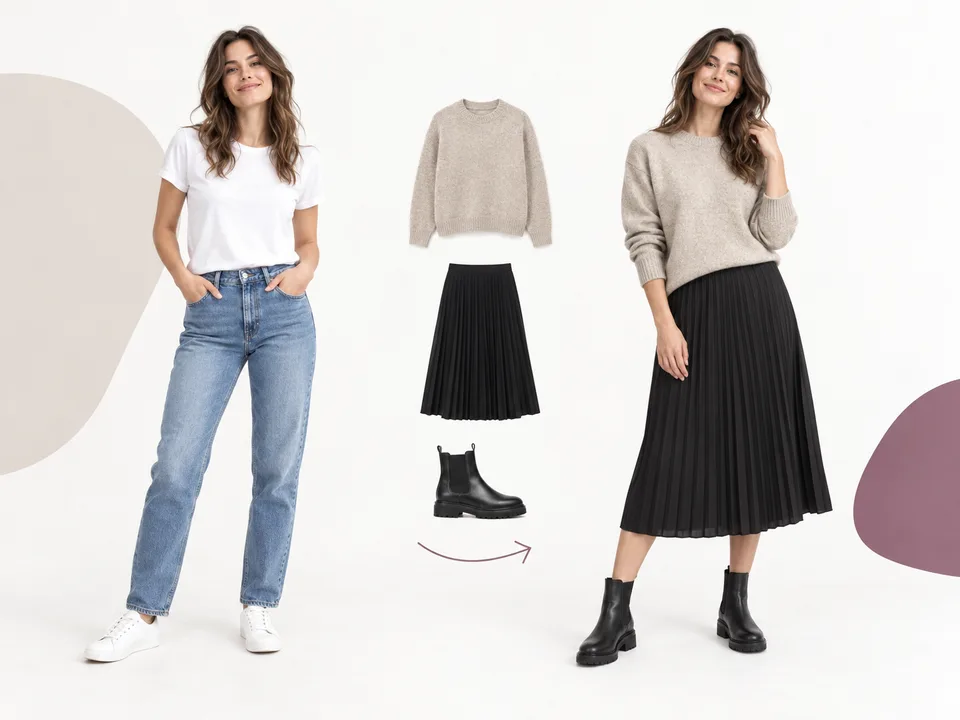
An outfit changer that keeps you looking like you
The outfit changer is designed to preserve your face, hair, skin tone, pose and background, and to change only the clothing. Folds and shadows are estimated from the light already in your photo. Previews can still alter small details, so check the result before you share it.
- Face, hair and skin tone preserved by design
- Pose, hands and background kept where possible
- Clothing-for-clothing edits only
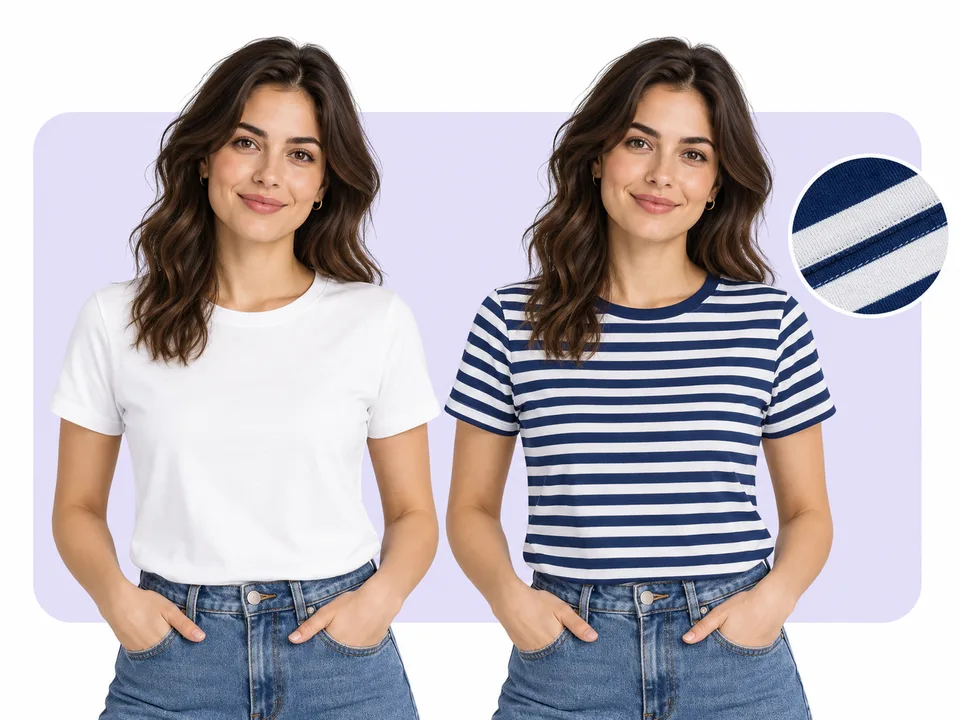
Outfit ideas
Outfit changer ideas you can load in one click
Each card loads a preset model and a full outfit into the outfit changer above. For a no-sign-up whole-look preview, tap Inspire me in the tool. Custom combinations use credits after sign-in.
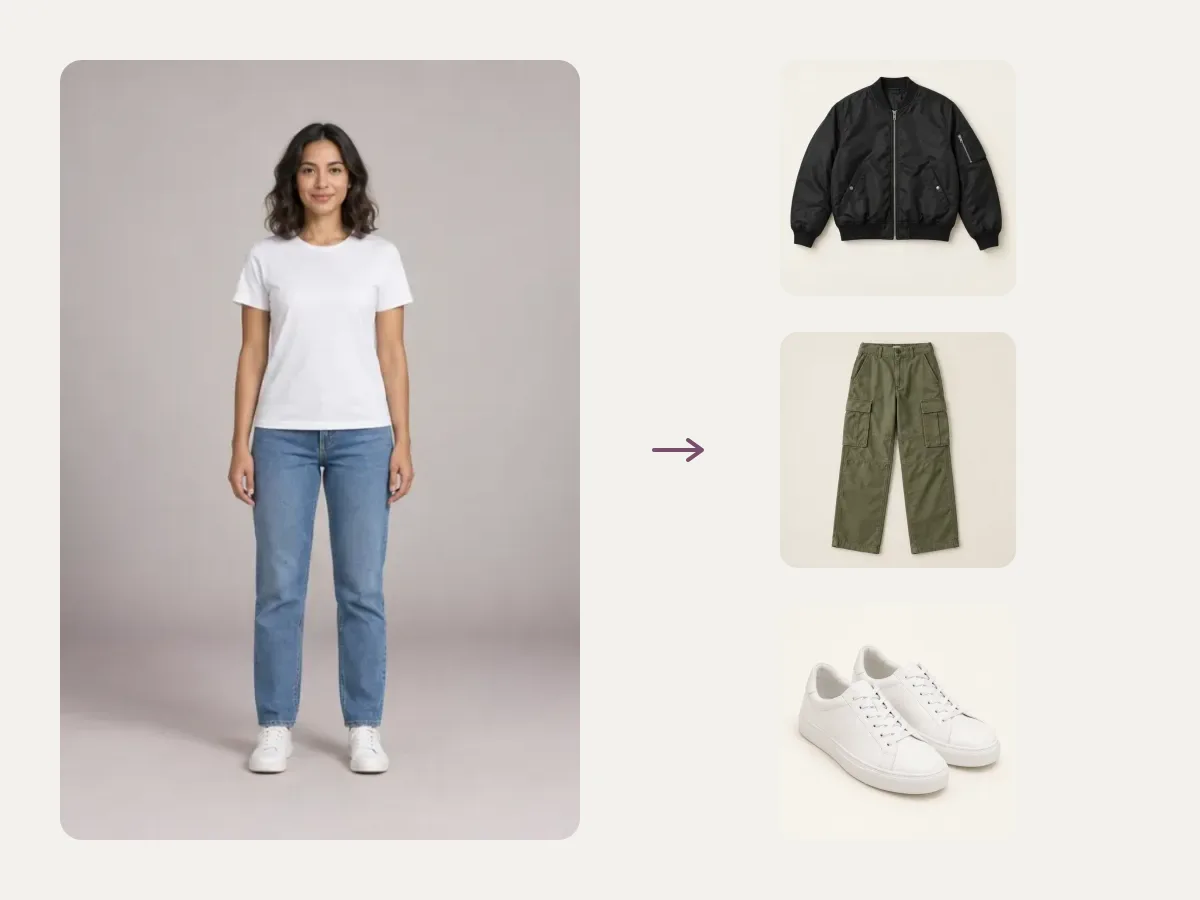
Weekend in the city
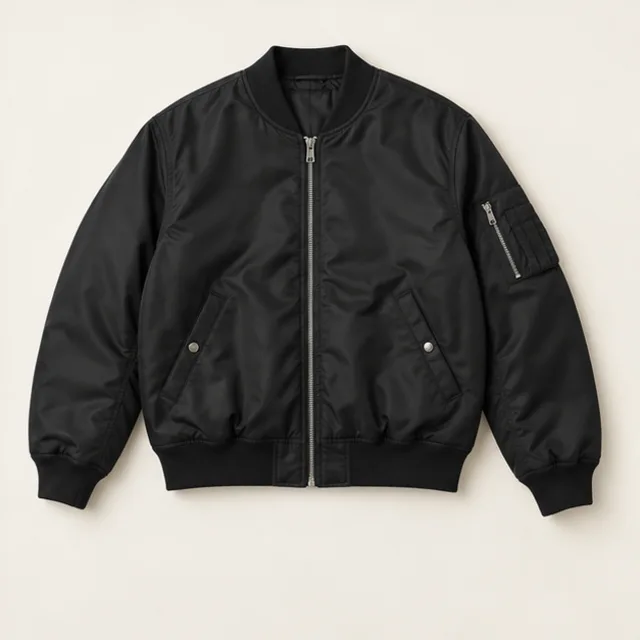
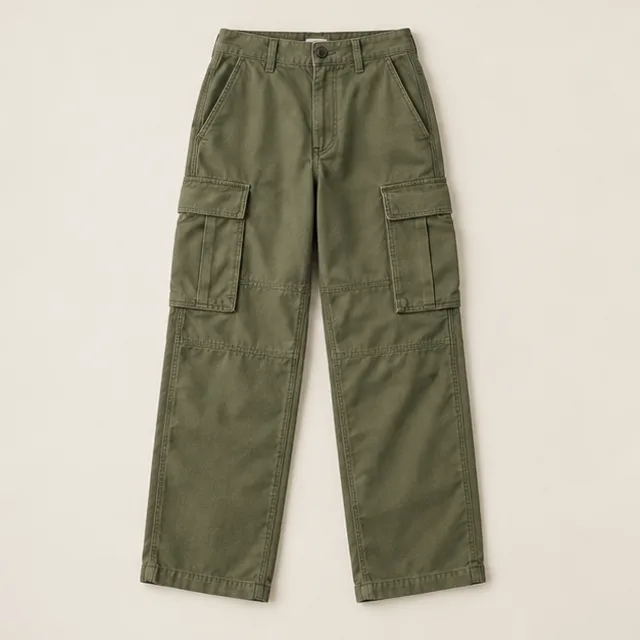
A bomber, cargos and white sneakers: an easy off-duty look to load into the outfit changer.
Bomber jacket · Cargo pants · White sneakers
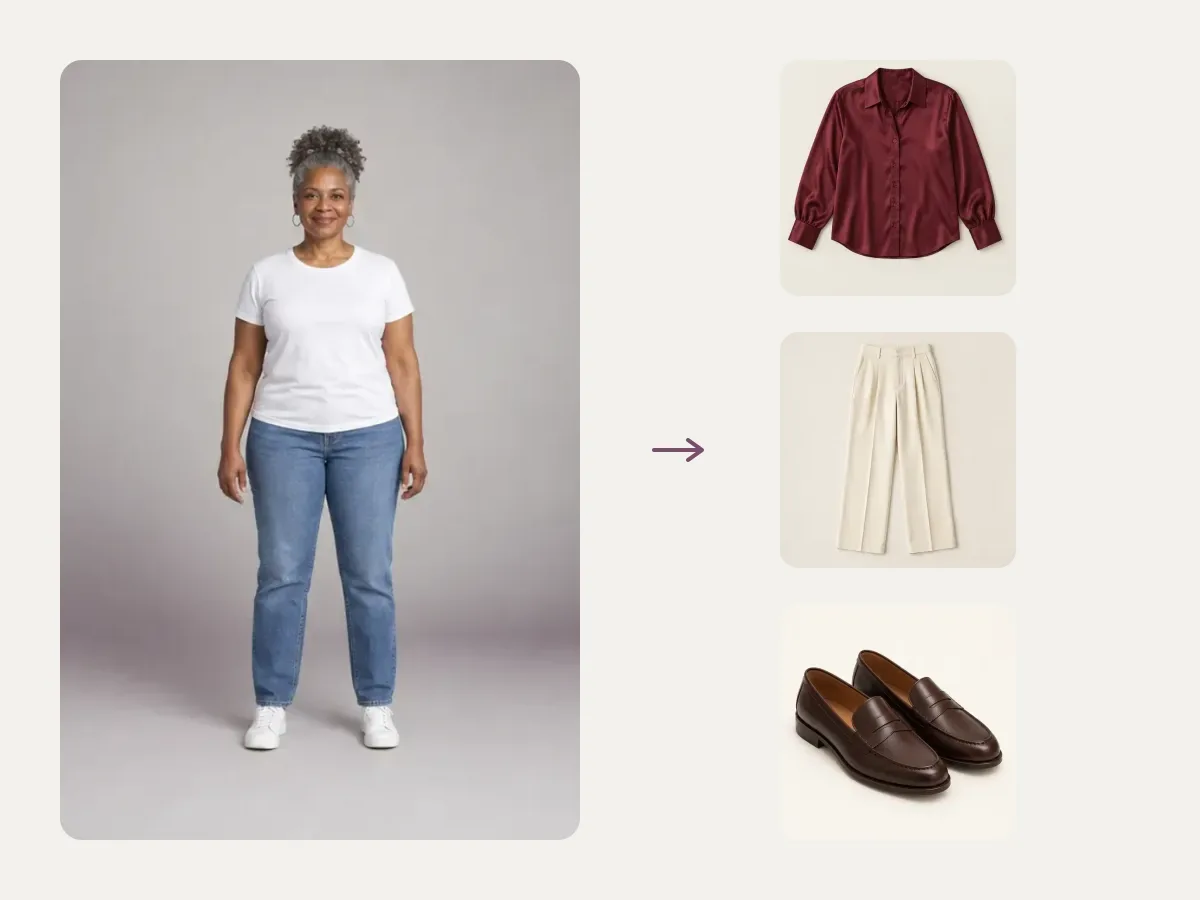
Smart office day
A burgundy silk blouse, cream pleated trousers and brown loafers for a meeting that matters.
Silk blouse · Pleated trousers · Loafers
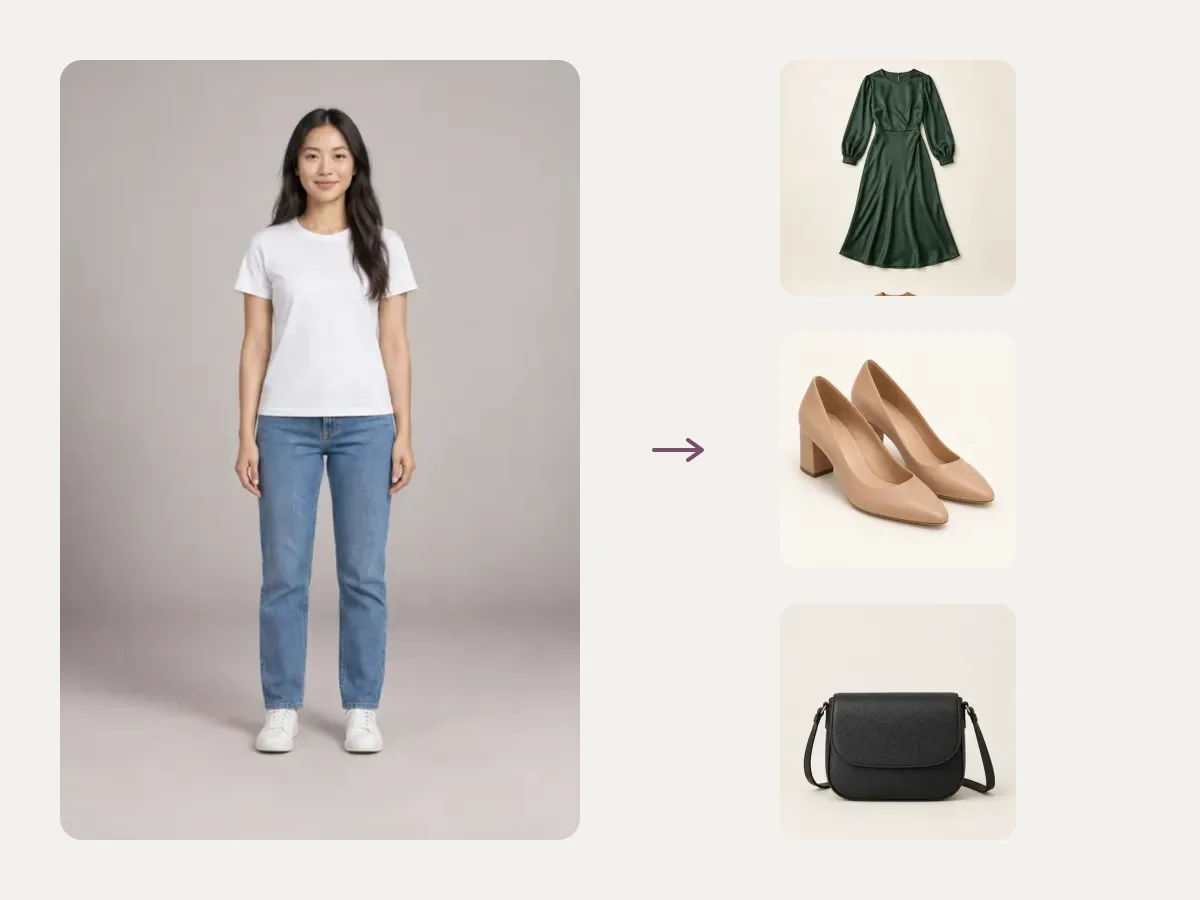
Dinner date
A green satin midi dress with nude block heels and a small black crossbody bag.
Satin midi dress · Block heels · Crossbody bag
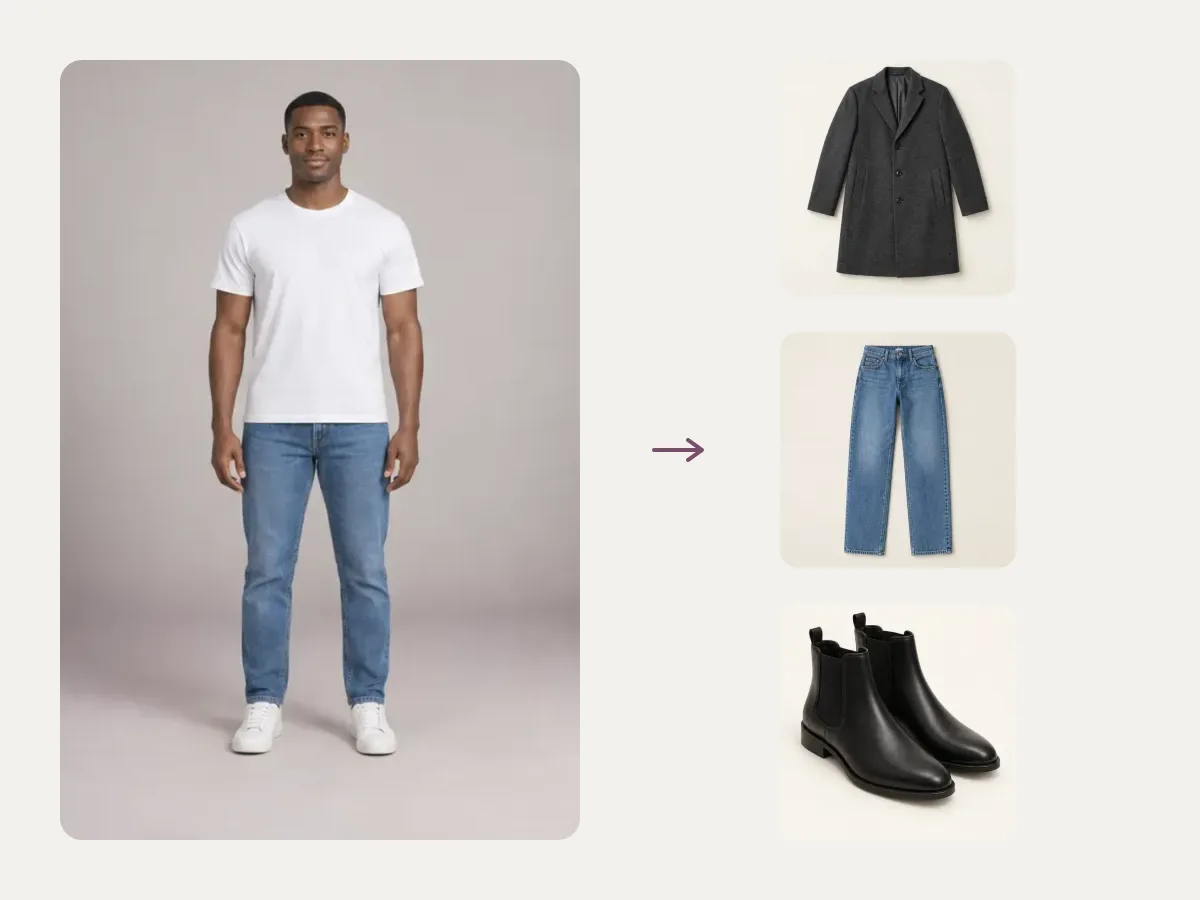
Autumn layers
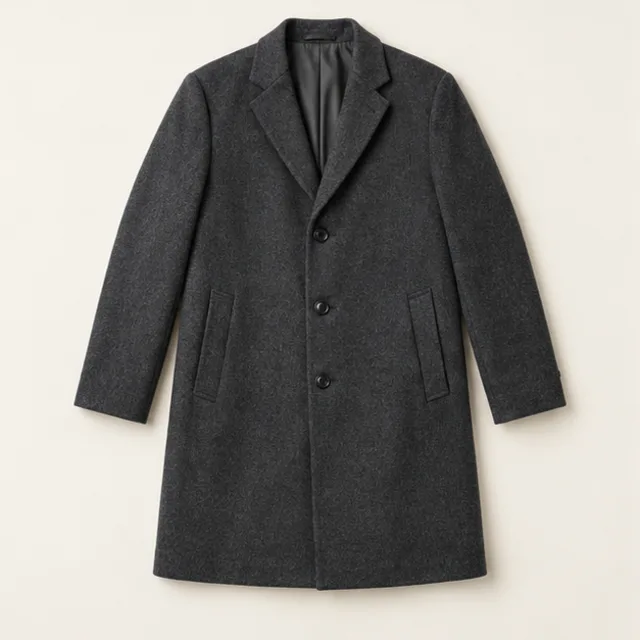
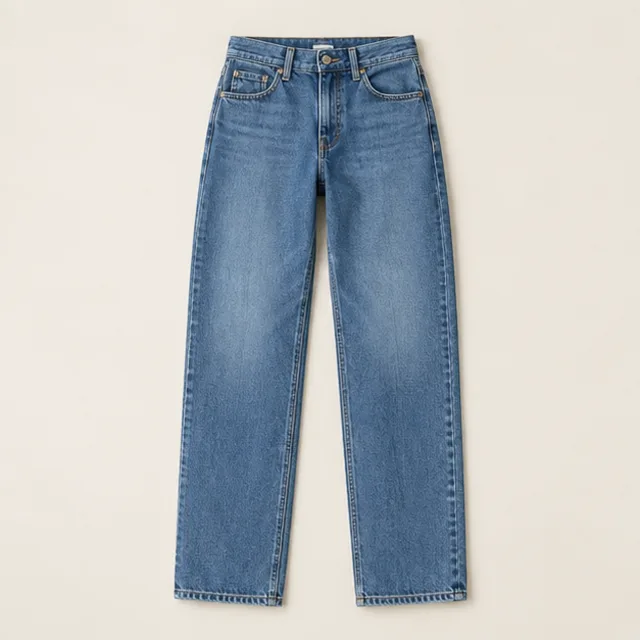
A charcoal wool coat, straight jeans and Chelsea boots: see the outfit changer handle layers.
Wool coat · Straight jeans · Ankle boots
Outfit changer online vs outfit changer apps
Several outfit changer results in search are app-store pages that want a download first. A browser outfit changer gets you to the first look faster.
| WearTryOn in your browser | Typical app | |
|---|---|---|
| Install | Nothing to install, phone or desktop | Download from an app store |
| First try | Free sample with no sign-up | Varies; often an account first |
| Pieces per run | Up to three at once | Varies |
| Your photo | Private results, 30-day access | Depends on the app |
| Cost | Free credits when you sign in; plans optional | Varies; many use subscriptions |
Only want to swap one piece, like a jacket or a dress? The AI clothes changer starts with a single item.
Deciding between items from different stores? Compare up to three side by side with virtual try on before you buy.
Saw a whole look on someone else? Copy it straight from their photo with an outfit swap instead.
Dressing up rather than getting dressed this week? Try 12 costumes on your photo with the Halloween costume generator and get the first one free.
What the outfit changer can and can’t do
The outfit changer makes a realistic preview of a new look. It does not measure you, so treat it as a style check, not a size check.
Good for
- Seeing a full look on your own photo
- Judging colors and proportions as a set
- Trying pieces you have permission to use
- Sharing outfit ideas with friends before you shop
Not supported
- Telling you your size or exact fit
- Swimwear or underwear
- Photos of minors or of more than one person
- Exact fabric color or texture
Not sure the new look works? Run the result through the AI outfit rater for a score out of 10 and one fix to try next.
Free and Pro
Use the outfit changer free, go further with Pro
Use the free outfit changer sample with no sign-up. Sign in for welcome credits and daily check-ins to change your own outfits; Pro adds more credits every month.
Free
Start without an account
- Four complete looks on Ava, no sign-up
- Welcome and daily check-in credits
- Outfit changer runs on your own photo with credits
Pro
For heavy outfit changer use
- More credits every month
- Unused subscription credits roll over
- Commercial use, subject to rights in source content
- Results accessible for 30 days
Outfit changer FAQ
Is the outfit changer free?
Yes, to start. Four complete pre-generated outfits on Ava are free with no sign-up; tap Inspire me to see one. Sign in to get 10 welcome credits plus 2 for each daily check-in, which you can spend on custom full outfits and your own photos. A subscription is optional.
How do I change my outfit in a photo?
Upload one clear photo, pick up to three new pieces in the outfit changer and press Change my outfit. It replaces only the clothing and aims to keep your face, pose and background as they were.
Do I need to download an app?
No. The outfit changer runs in your browser on phone and desktop, so there is nothing to install. You only sign in when you want to use credits or save results.
How is it different from the AI clothes changer?
The AI clothes changer on our homepage starts with one piece at a time. The outfit changer opens on Full outfit, for changing a whole look at once. Both use the same engine and the same credits.
Can I use clothes from an online store?
Yes, if you have permission to use the product image. Upload it as one of the pieces in the outfit changer; flat-lay shots on a plain background work best. A screenshot alone does not grant usage rights.
Is my photo private?
Outfit changer results made from your uploads are private to your account and accessible for 30 days. Saving to My Closet does not extend that period, so download anything you want to keep. Nothing is posted publicly.
Why was my outfit change rejected?
Uploads and results are screened. Swimwear, underwear, photos of minors and photos with more than one person are not supported, and the outfit changer only swaps clothing for clothing. Rejected or failed generations use no credits; automated checks can make mistakes.
More ways to try on
AI Clothes Changer
Swap one piece of clothing in any photo
Outfit Swap
Copy a whole look from one photo onto yours
Virtual Try On
Try items from any store before you buy
Live Try On
Try clothes on live in your camera
Hairstyle Try On
Try new haircuts on your own face
AI Outfit Rater
Score your outfit out of 10, free
Glasses Try On
Live camera frames, face shape and PD
Hair Color Try On
See new hair dye colors live, free
Makeup Try On
Lipstick, blush and shadow live, free
Halloween Costume Generator
See yourself in 12 costumes, first one free
Guides
How-tos and honest reviews of try-on tools
Ready to change your outfit?
Start the outfit changer with a free sample, then sign in to put a whole new outfit on your own photo with welcome credits.
Open the outfit changer