
 Illustration
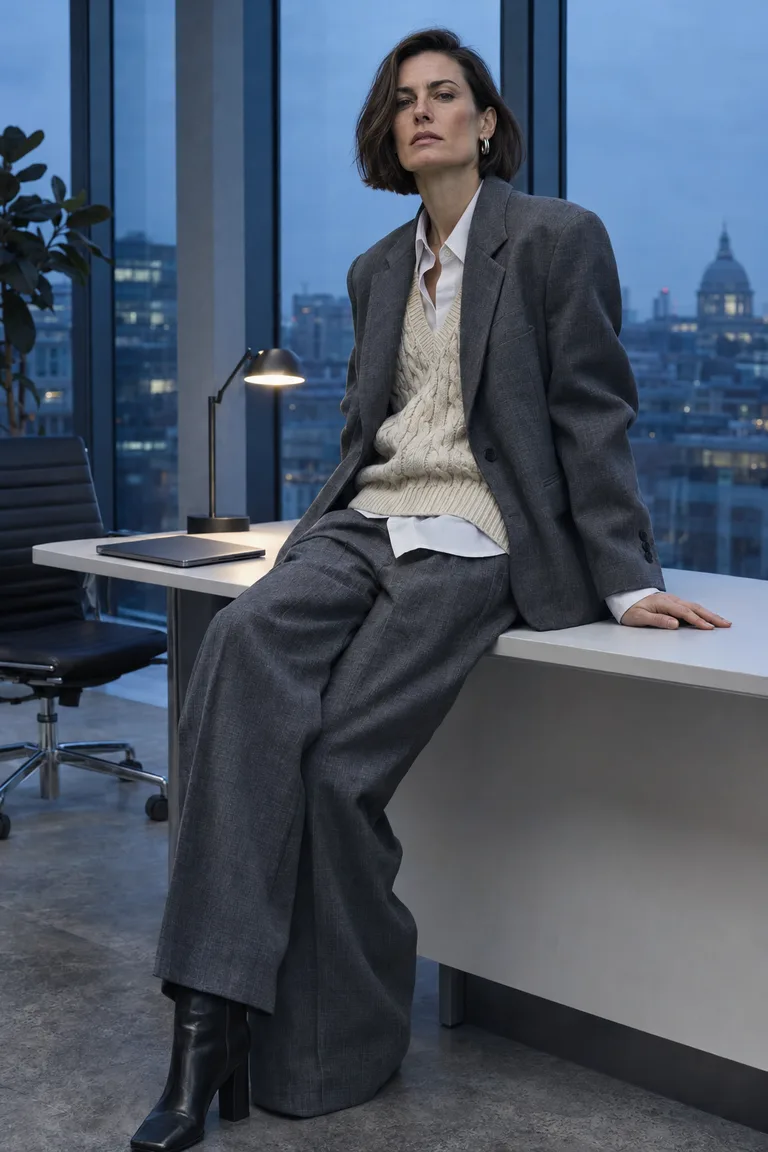
Monday layers
- Oversized slate suit
- Cable-knit vest
- White shirt
- Square-toe boots
Add your photo, tell GPT Image 2.6 what should change, and see the credit quote before you create.
The clothing (optional)
By continuing, you agree to our Terms and Privacy Policy.
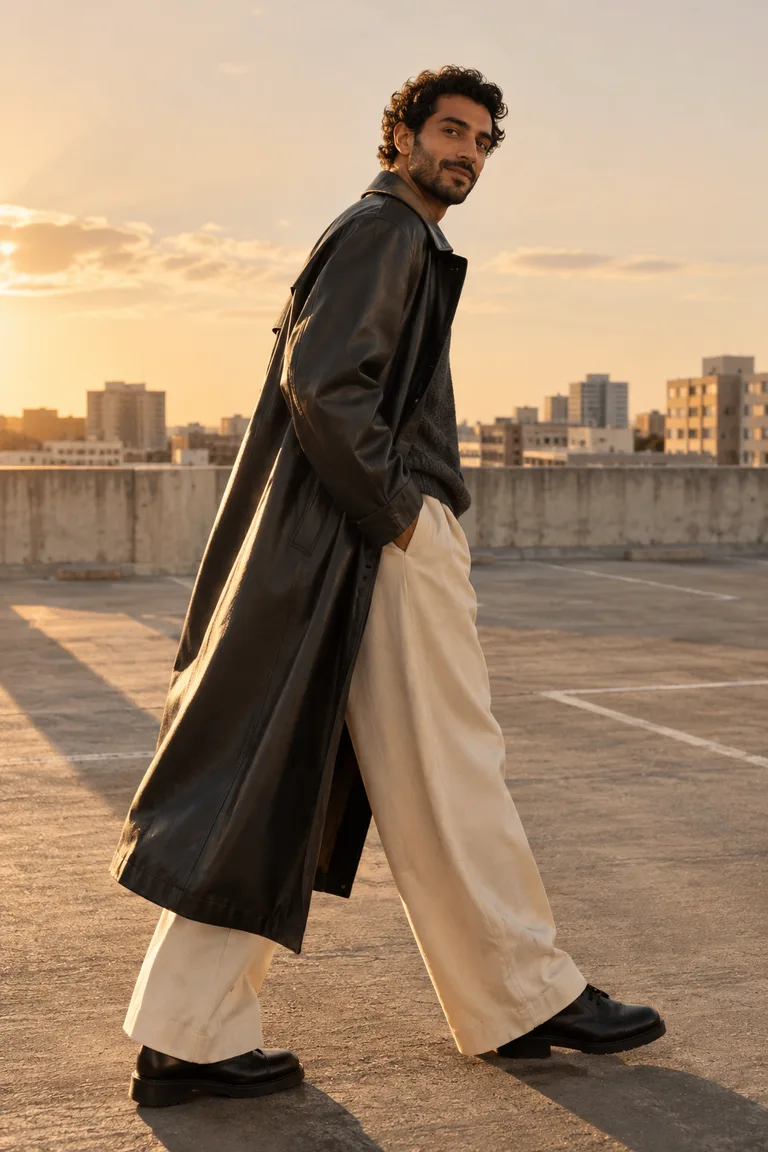
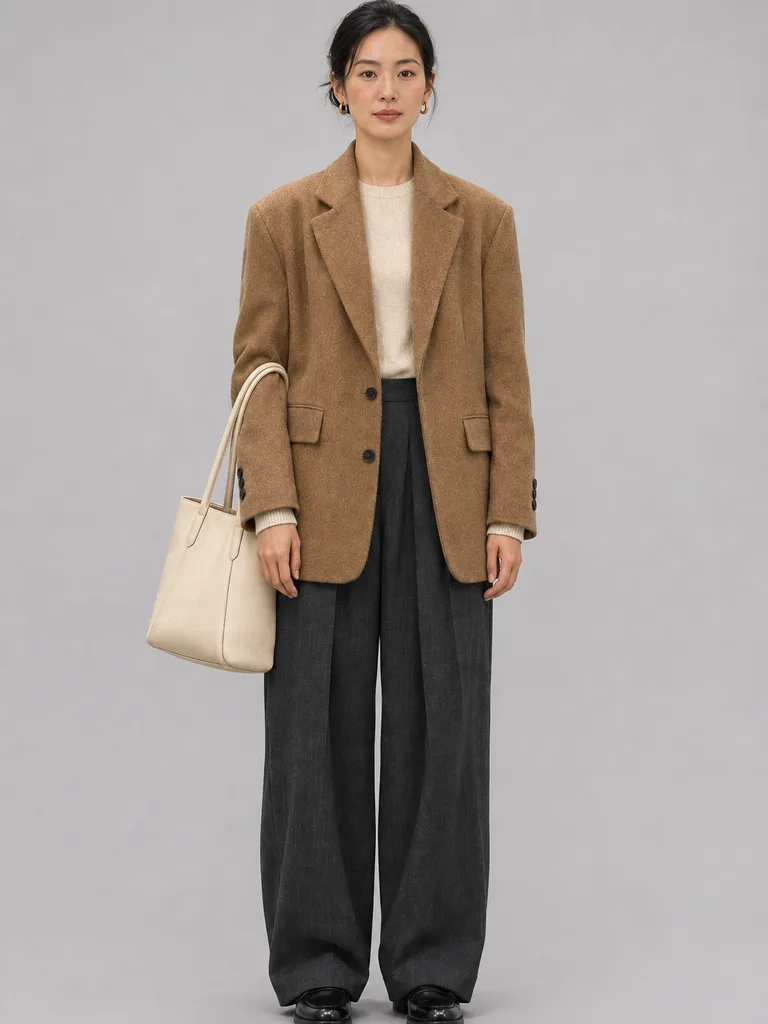
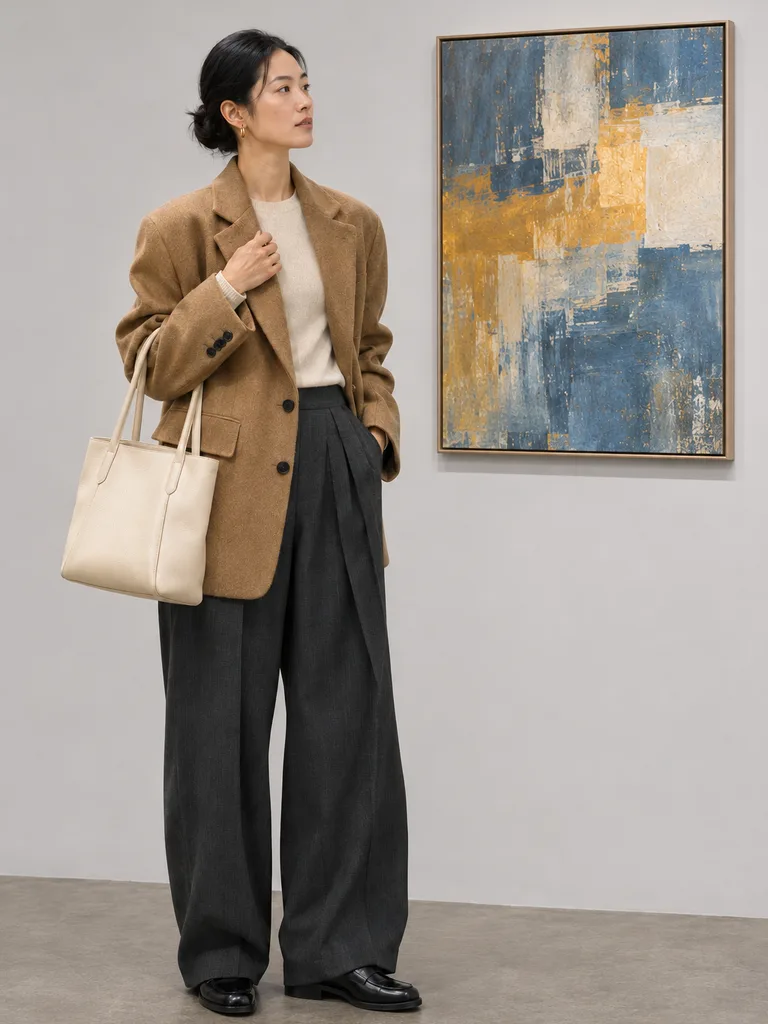
Same woman, same outfit request, three GPT Image 2.6 complexity levels. Tap one to compare.
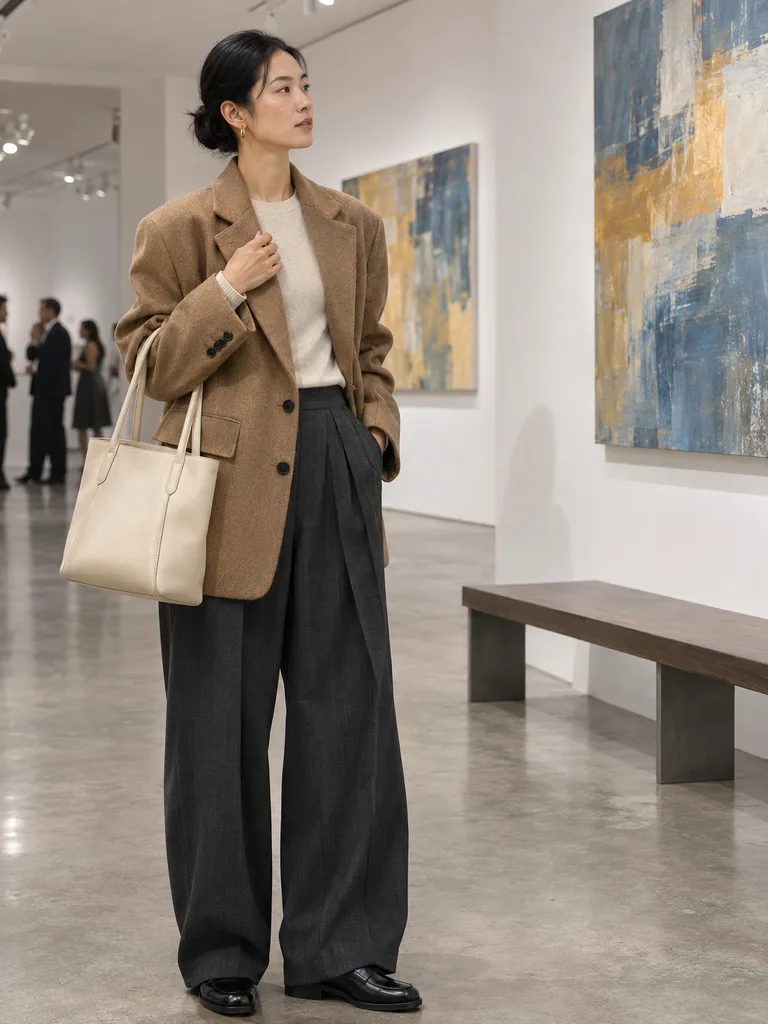 Illustration
Complexity
Every level costs the same: 70 credits at High quality.
OpenAI says GPT Image 2.6 renders about 50% faster than 2.5.
Relative speed per OpenAI (MarkTechPost, 2026-11-04). Real times vary with size and load.
Two formats arrived with GPT Image 2.6: an animated GIF from one request, and SVG files made of shapes instead of pixels. Here is what each looks like.
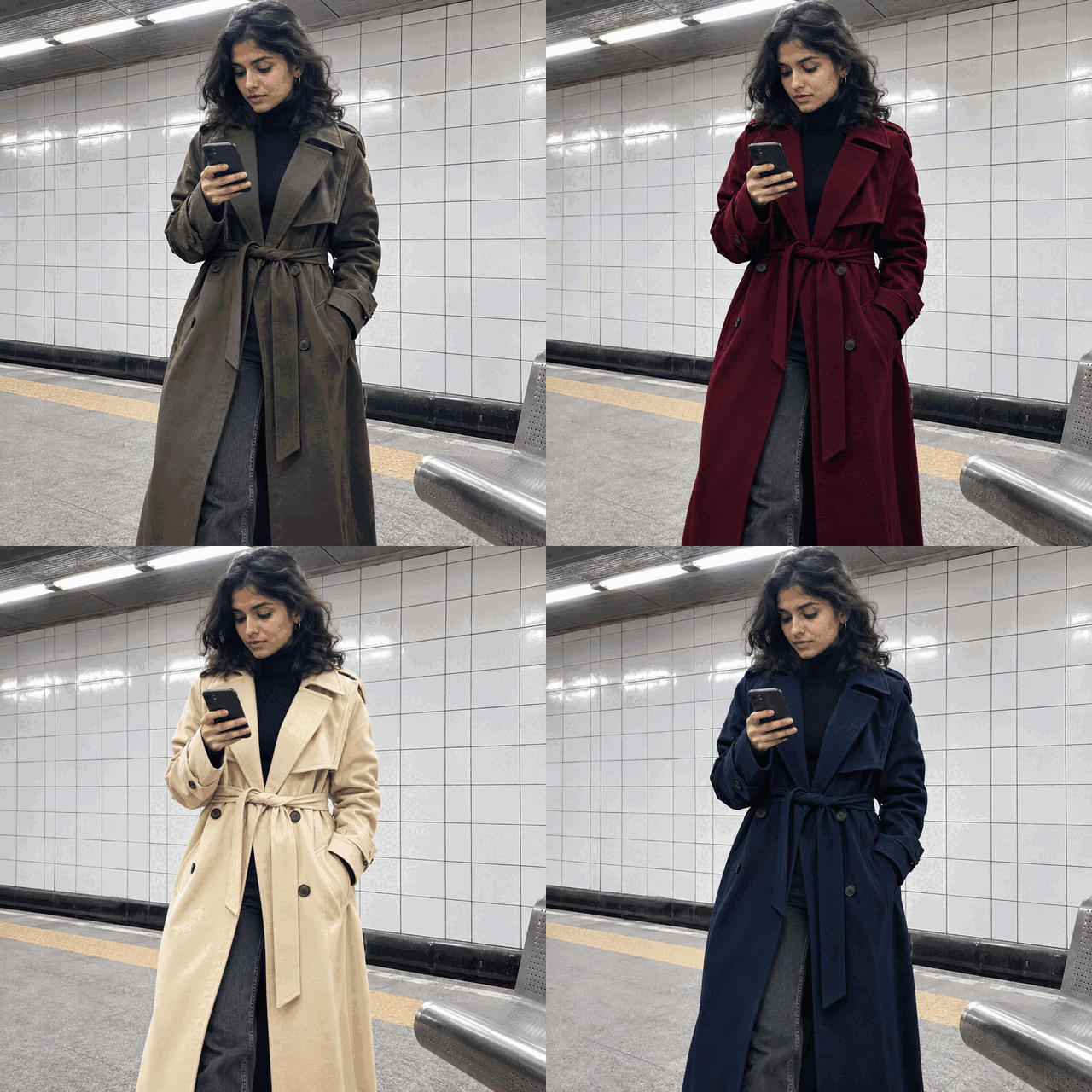 GIFIllustration
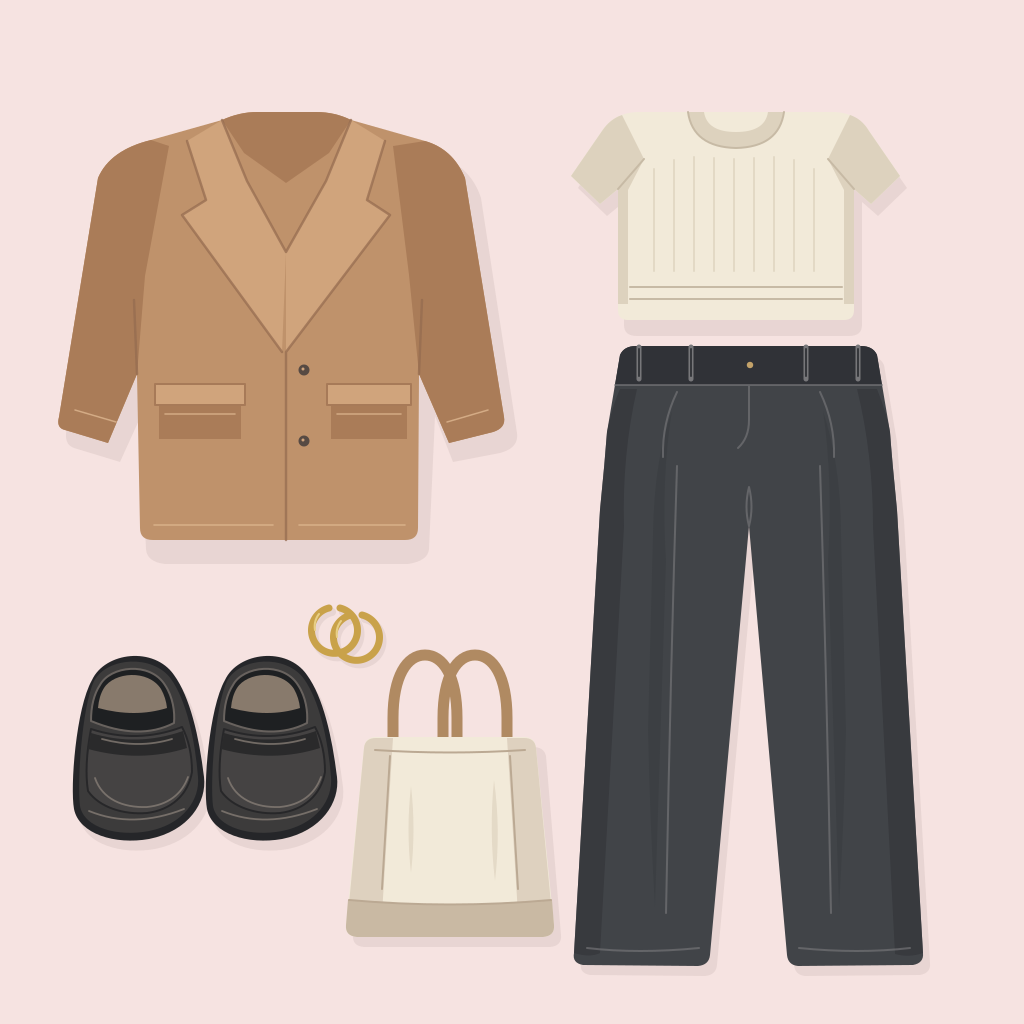 SVGIllustration
GPT Image 2.6 makes GIF and SVG from words alone, not from an uploaded photo, so this editor does not offer them yet. Your edits here come out as PNG, JPEG or WebP.
Both run on GPT Image 2.6 at the same credit price. Pick by what you need from this round.
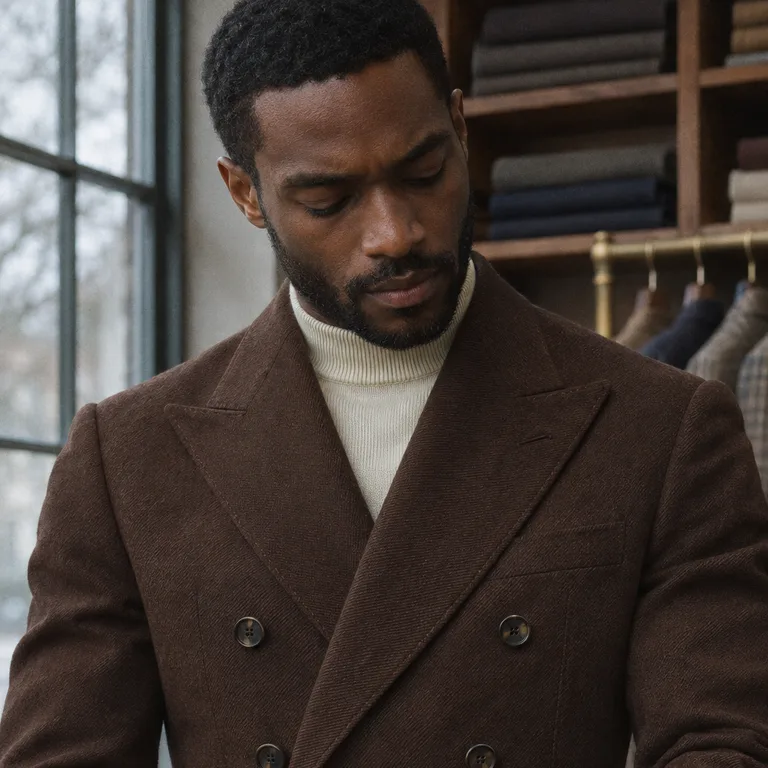
For the final picture, when the lapel, buttons and wool must match your reference. Name what must stay; it is the default GPT Image 2.6 variant here.
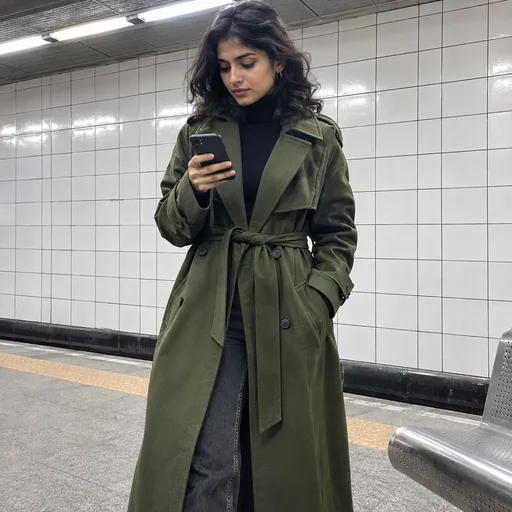
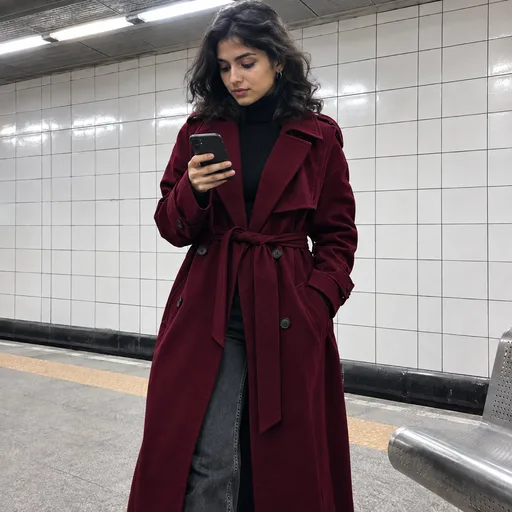
For quick rounds: try the same coat in another color, keep the version you like, then finish it with Sunburst. Change only the color in your words so the versions stay comparable.
Switching GPT Image 2.6 between Sunburst and Flare keeps your photos and words in place. Each run uses the variant you selected; a slow request is never quietly moved to another model.
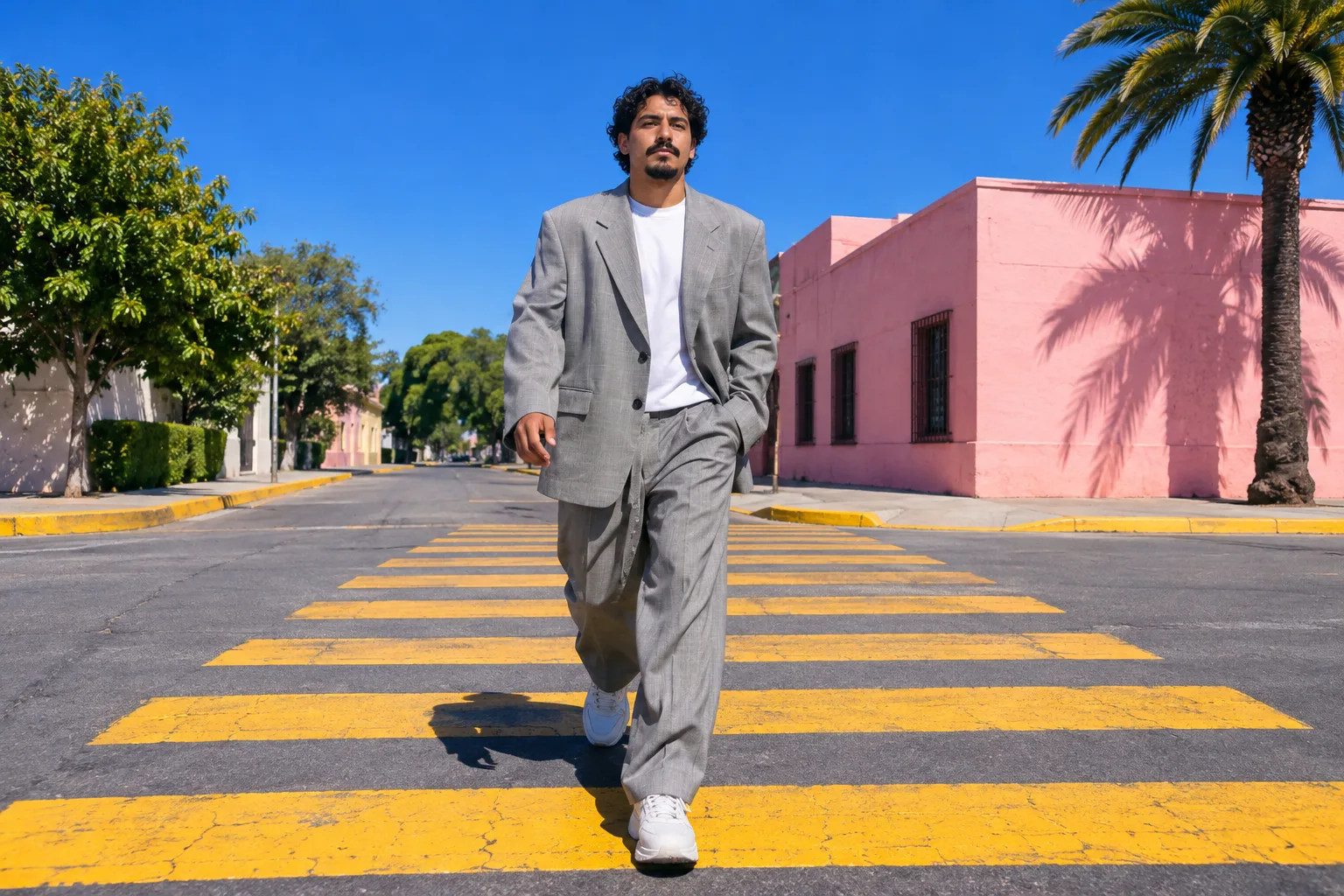
Every shape shows the exact pixels you will save, so a story, a shop grid and a banner each get the frame they need.
 Illustration
Aspect ratio
Saved at Standard size
1024 × 1280
Large goes up to 2560 × 3200
Feed posts that take up more of the phone screen than a square.
GPT Image 2.6 can save JPEG for an ordinary photo, or PNG and WebP when you need a transparent background. Inspect a large file at the size you will actually use it.
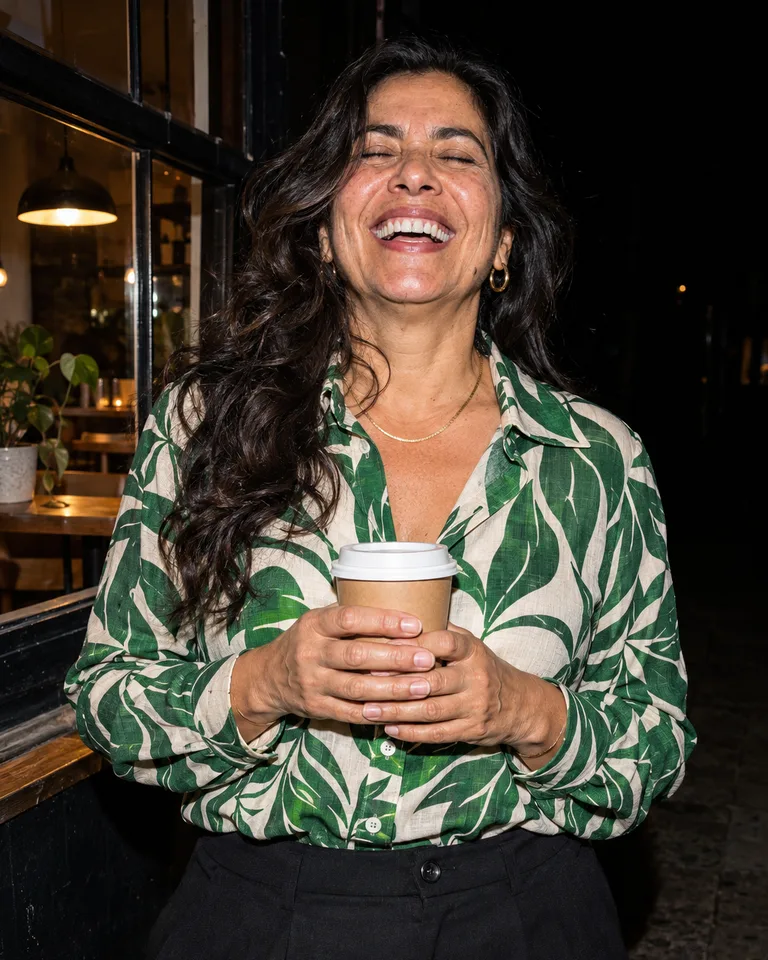
Each look fills the GPT Image 2.6 panel with a sample person and the exact words. Swap in your own photo, change one detail, and compare.
IllustrationIllustrationA GPT Image 2.6 edit is a preview, not a photograph. Tap a number to see what to look at on your own result.
 Illustration
Nudity, anyone under 18, removing clothes and impersonation are not supported, and every prompt, photo and result passes safety checks. Read the acceptable use policy before using photos of other people.
The GPT Image 2.6 Create button always shows the quote for your exact settings, and complexity never changes it. Three settings people pick most:
50credits
Low · 1024 × 1024
Quick color ideas with Flare
70credits
High · 1024 × 1024
The default edit on this page
105credits
High · 2048 × 2048
A final post or product listing
Any plan or credit pack unlocks GPT Image 2.6. A failed run gives its credits back, and every result is saved to History.
See plans and packsNo. WearTryOn is an independent service. This editor sends generation and editing requests through the official OpenAI API, while your account, credits and saved results are managed by WearTryOn.
No. Sign in to WearTryOn with any plan or credit pack. The credits on the button cover the generation; you do not set up a developer account or paste a key.
Complexity sets how much the model plans the scene before drawing it. High starts selected. Low, Medium and High cost the same credits; quality and size set the price.
Yes. Describe a supported image and leave the photos empty. With photos attached, say which image supplies the person and which supplies the clothing.
GPT Image 2.6 is asked to preserve the person, but generated edits can still alter details. Compare the result with your original before you share it.
Both offer Sunburst and Flare, five quality levels and the same sizes. The newer model adds complexity and, per OpenAI, renders faster. The 2.5 page stays available.
Not yet. The model makes GIF and SVG from a description only, without a reference photo, so this editor still produces one PNG, JPEG or WebP image per run.
A successful result appears in History and can be saved to My Closet. Account results are kept for 30 days, so download any image you want to keep longer.
Add a clear photo, describe one change, and keep the default GPT Image 2.6 settings for your first run. Then move one dial at a time.
Back to the Panel