Pick a top in the window below. That is what our virtual try on Chrome extension does on real shop pages: one click on the product photo, and the result opens in Chrome’s side panel next to the price.
 Add to Chrome, it’s freeDesktop Chrome · free account credits
Any shop page · New in: tops
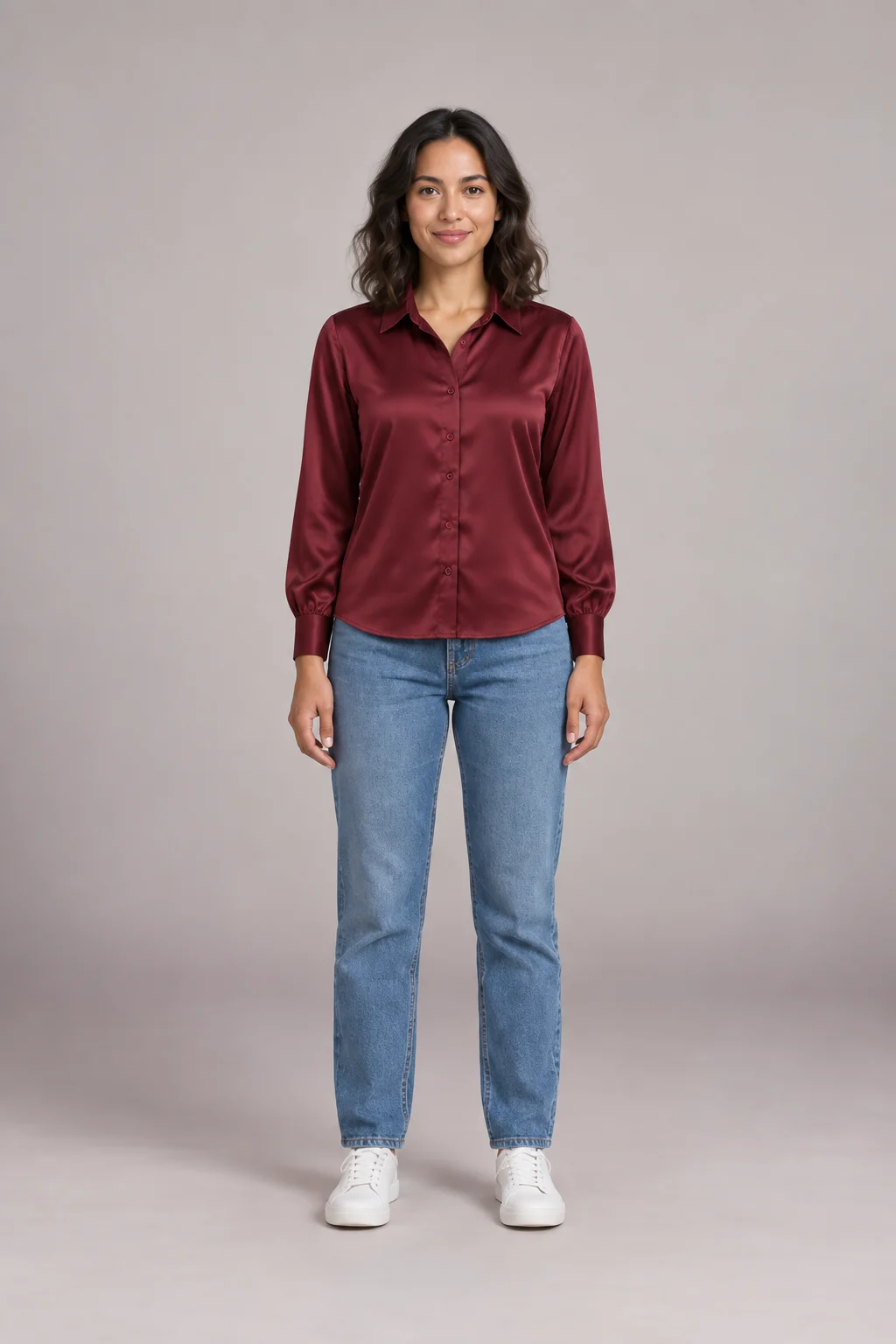 Real result · AvaGet this on your own photo
Install, sign in, and your free credits are ready.
Most people start by screenshotting a product, opening a try-on site and uploading it. That works, and it still does on our website. The virtual try on Chrome extension cuts it to one click.
| Screenshot and upload | WearTryOn extension | |
|---|---|---|
| Steps for each item | Save, open a site, upload, crop | One click on the product photo |
| Where the result shows | In another tab | In the side panel, next to the size picker |
| Your own photo | Uploaded again each time | Added once, kept in your browser |
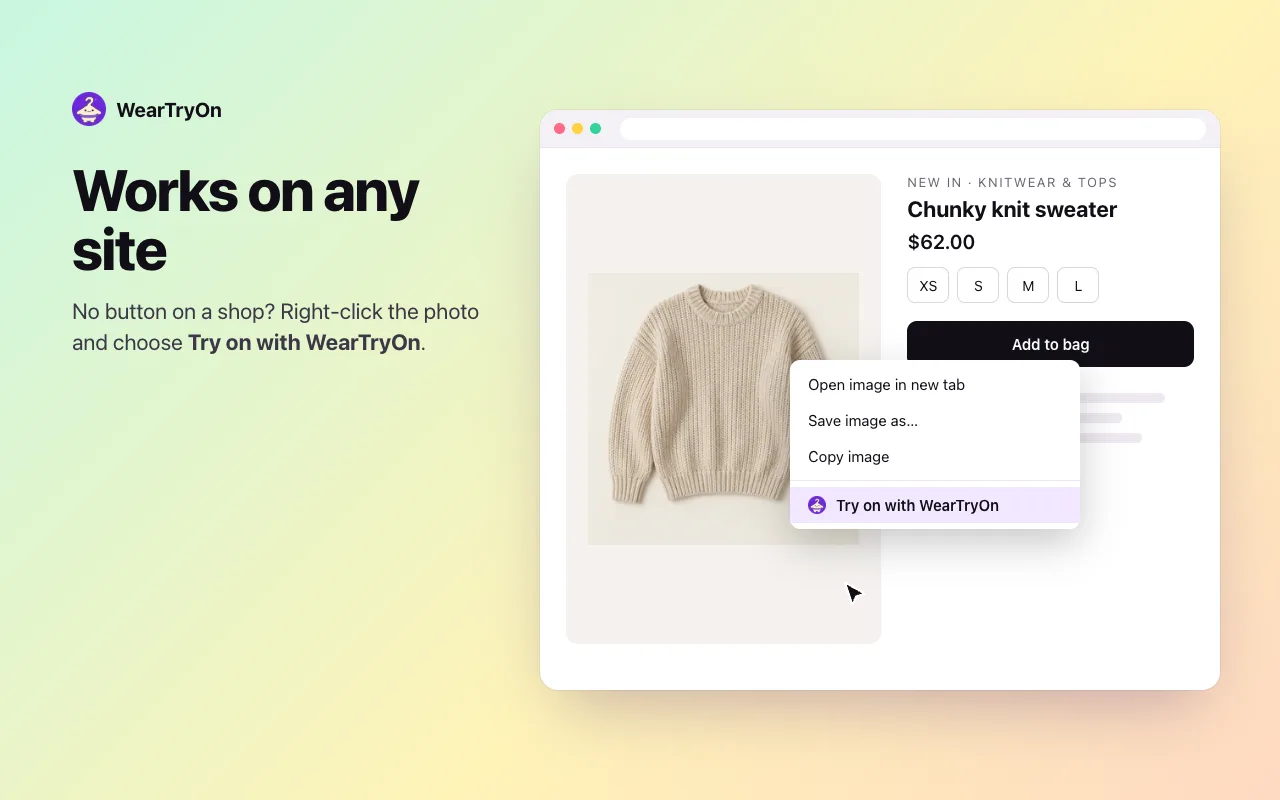
| Shops without a button | Any image you can save | Right-click any image |
| On a phone | Works in the browser | Desktop only, so use the website |
These are the screens the virtual try on Chrome extension shows you. Nothing to set up beyond your photo.
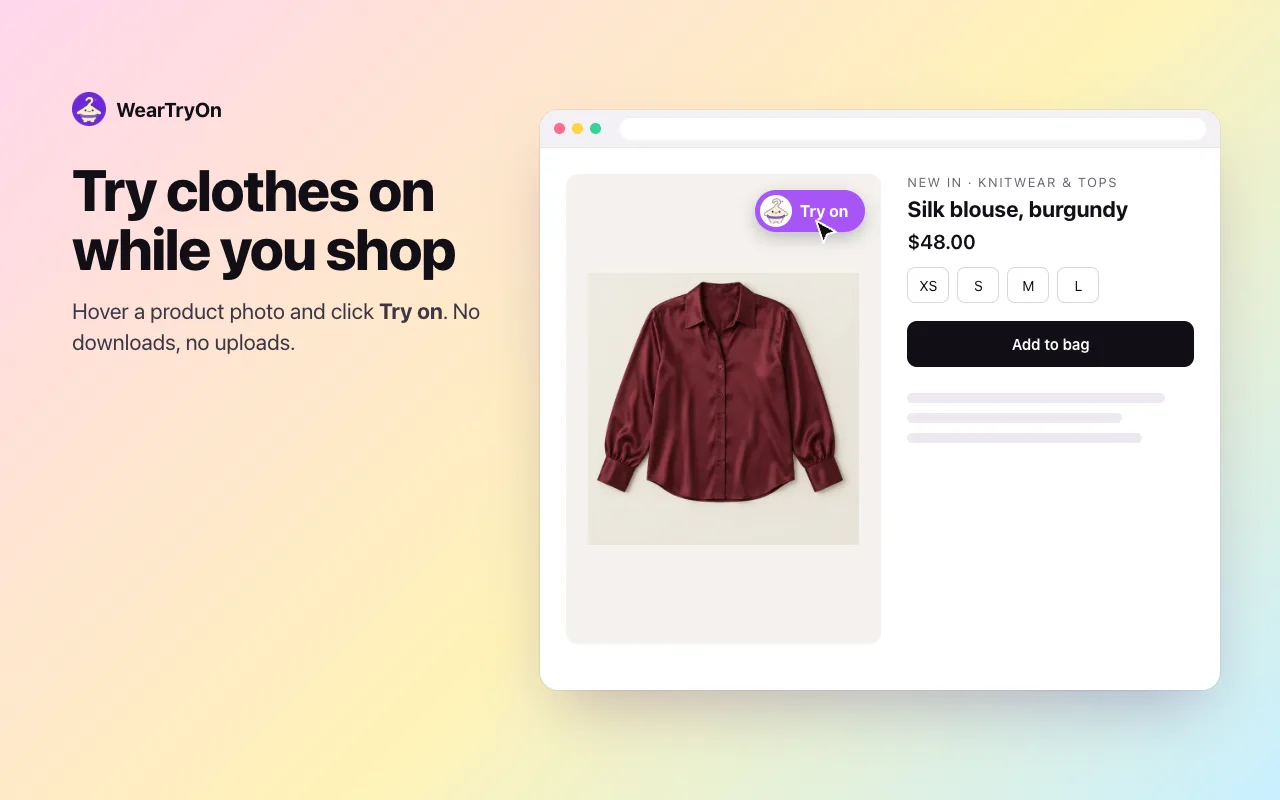
Hover a product photo and a purple Try on button appears in its corner.
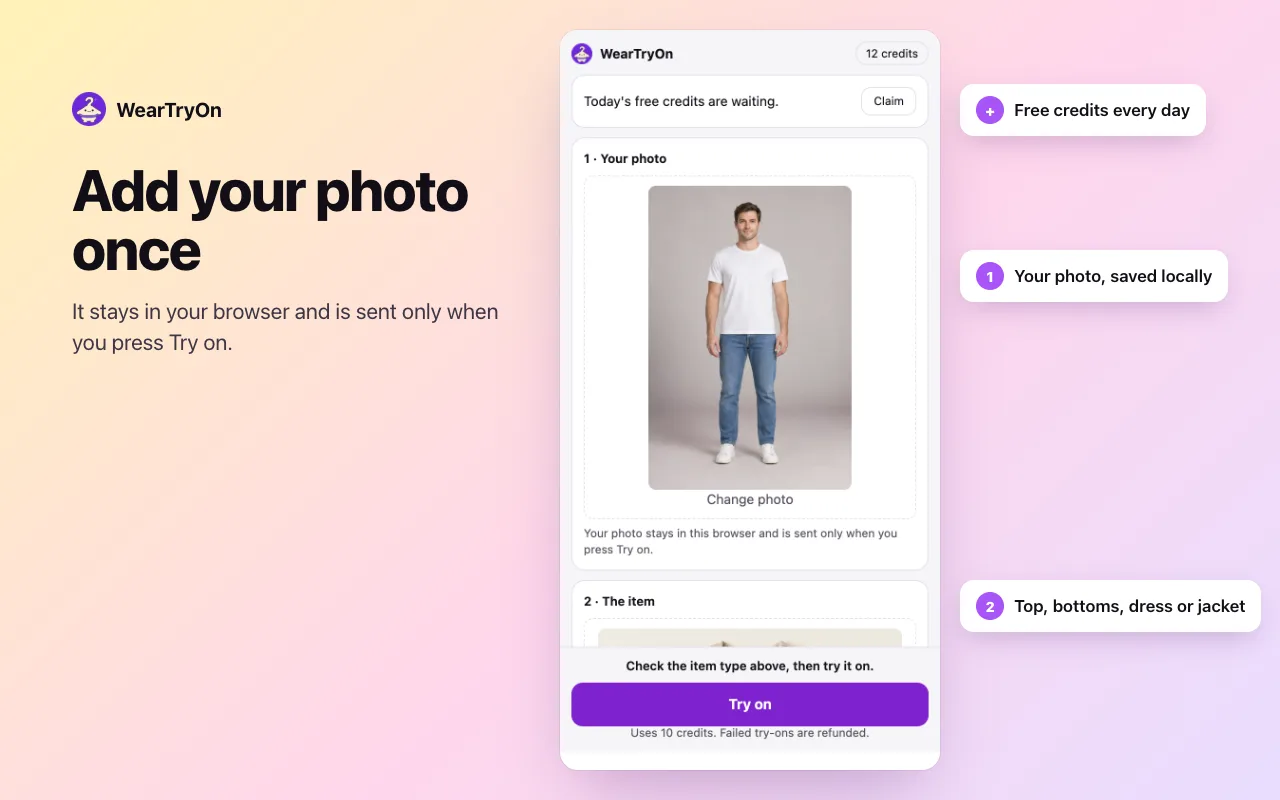
A full-body photo, facing the camera. It stays in your browser and is sent only when you press Try on.
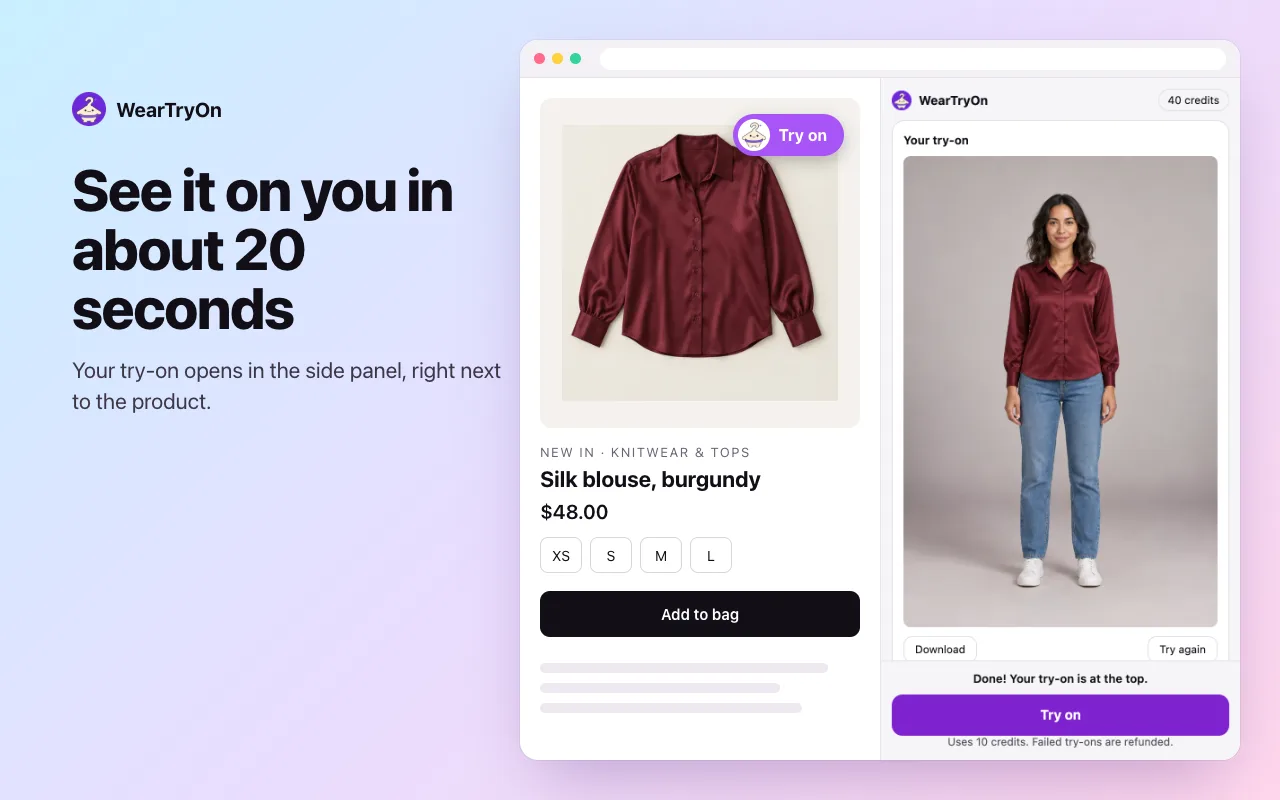
In about 20 seconds the result opens in the side panel. Pick top, bottoms, dress or jacket if it guessed wrong.
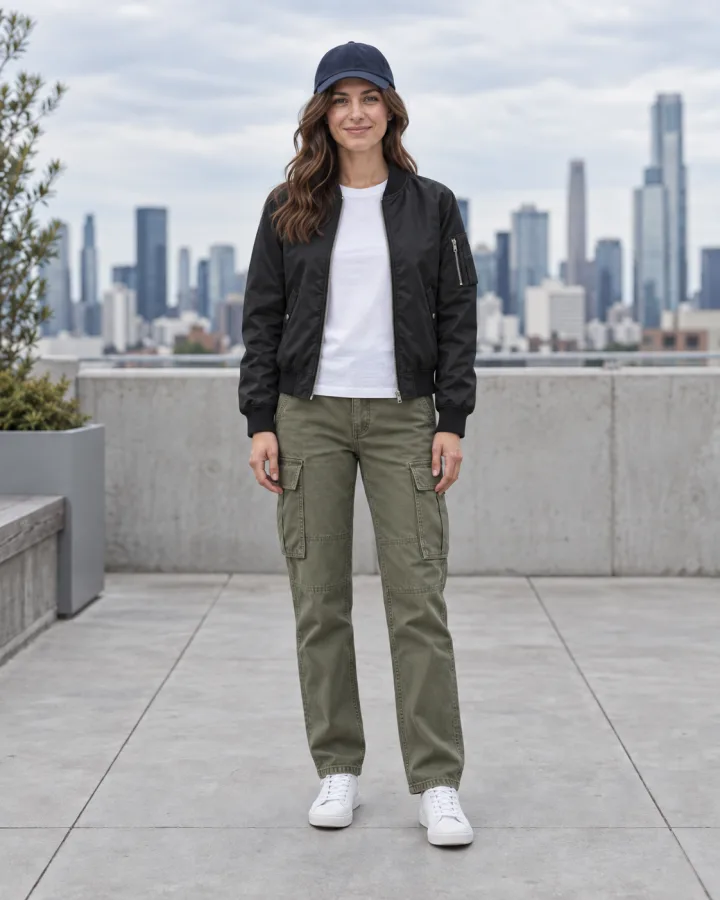
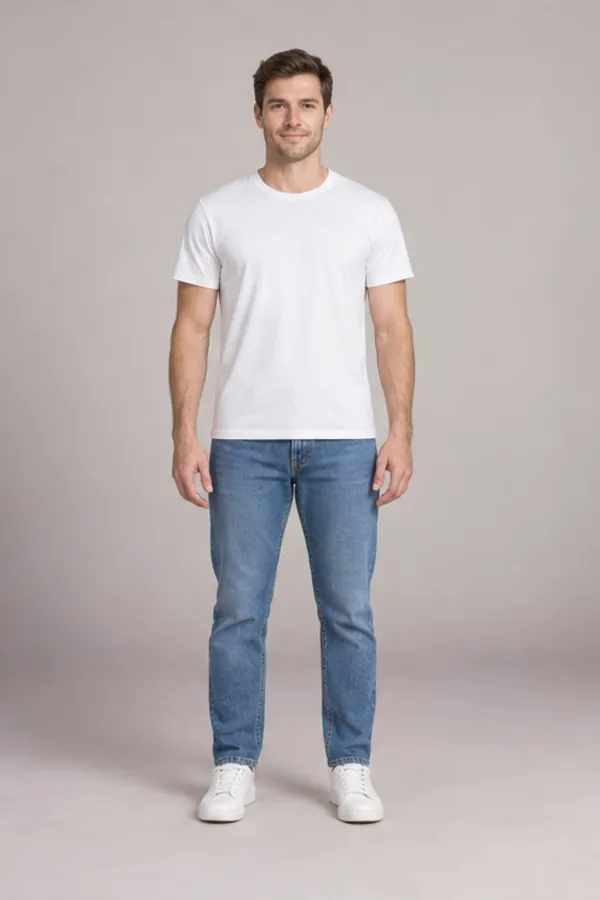
Every picture in this section is an unedited WearTryOn result. The virtual try on Chrome extension sends your click to the same Standard try-on the website uses, so this is the quality to expect.
 Before
 After
 Before
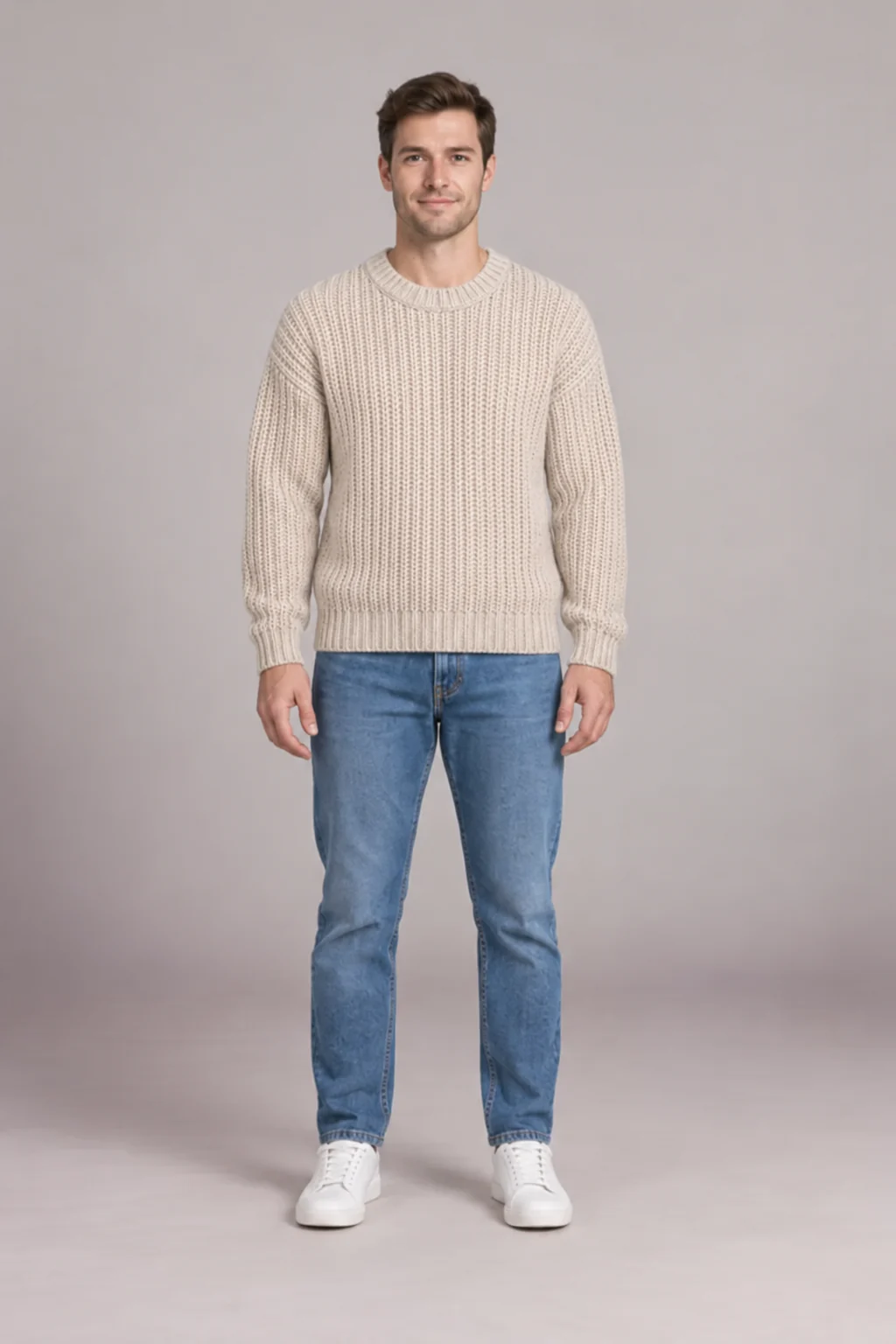 After
Results drift when the photo is cropped at the waist, taken from the side, or the product shot shows a model in a busy pose. A clean full-body photo fixes most of it.
Installing the virtual try on Chrome extension is free. Try-ons use credits from your free weartryon.com account, the same balance as every tool on the site.
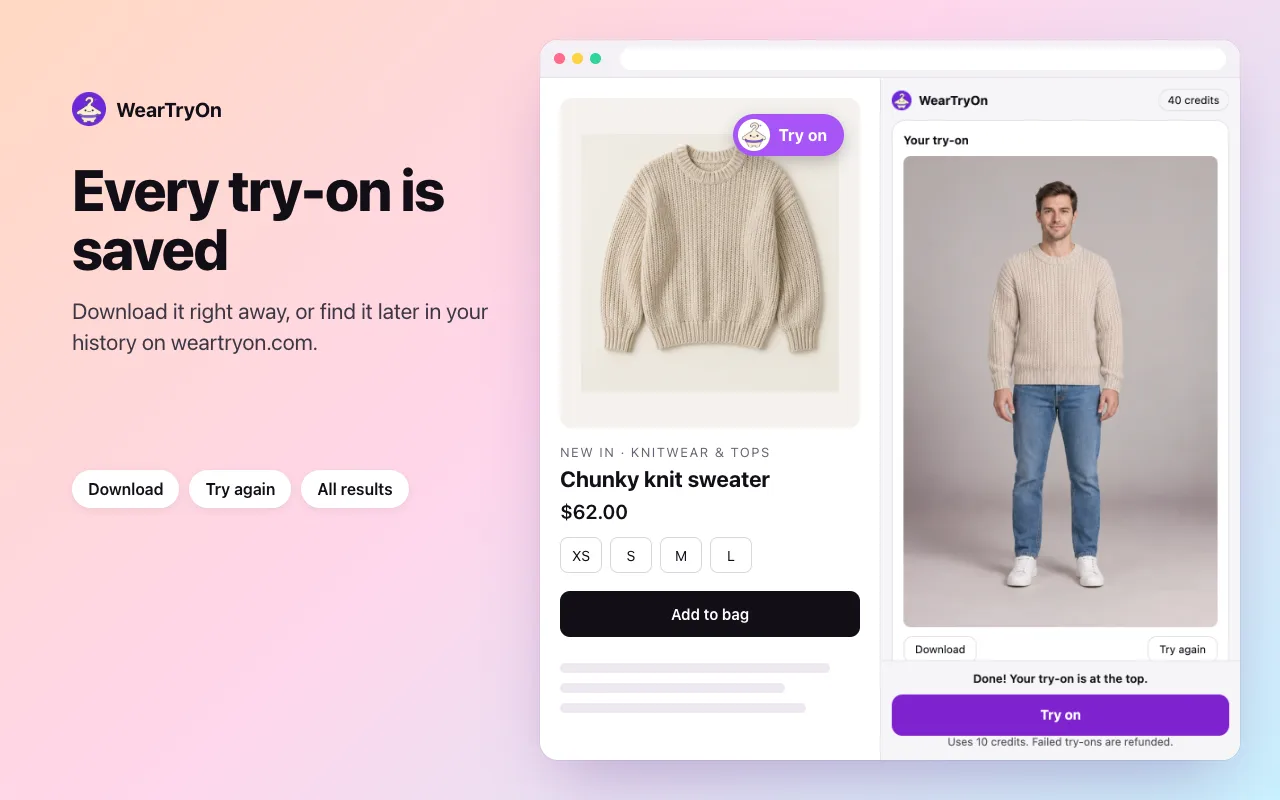
The button appears on product photos in a growing list of popular shops. Everywhere else, the right-click menu does the same job.
The virtual try on Chrome extension handles one piece from one product page. For anything else, the website has a tool built for it.
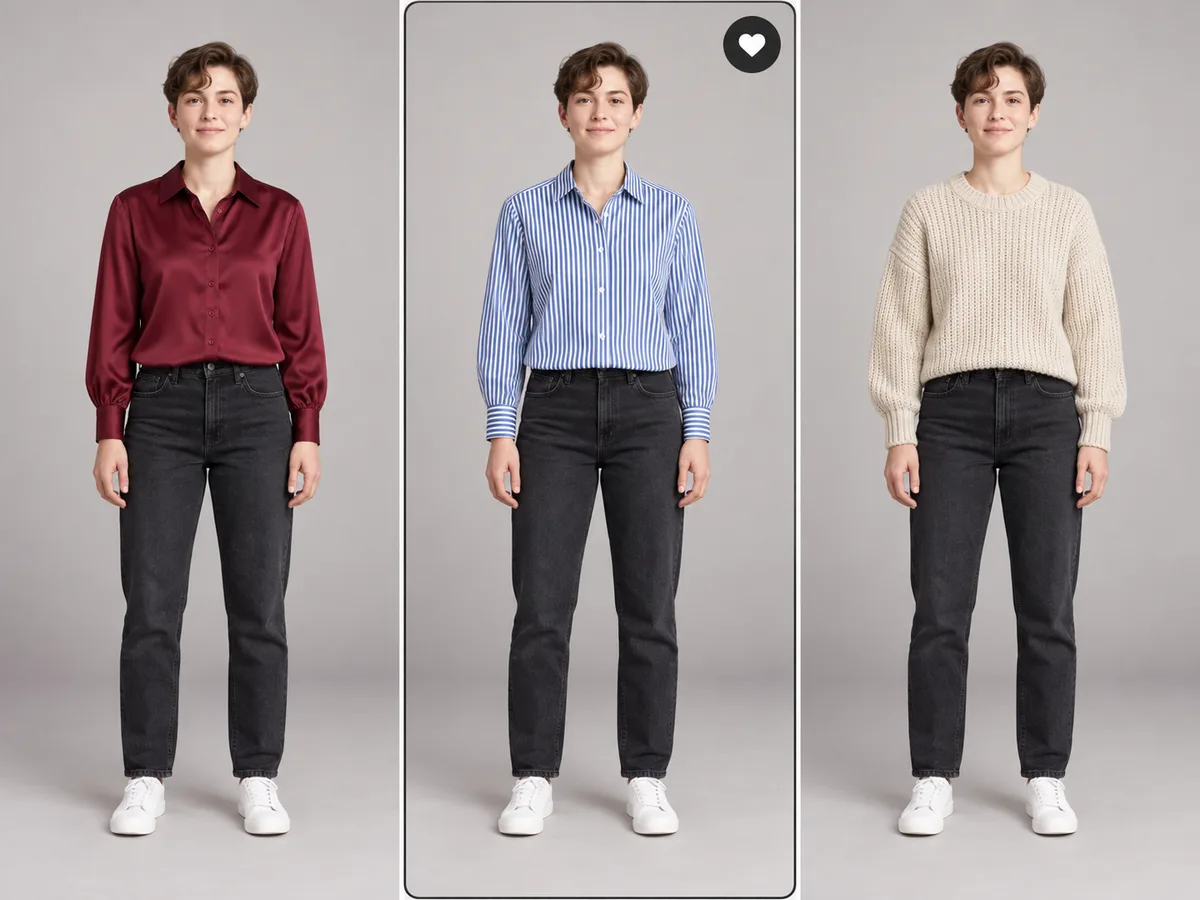 Shopping on your phoneChrome extensions only run on a computer. On a phone, upload a product photo and compare up to three pieces.Open the virtual try-on
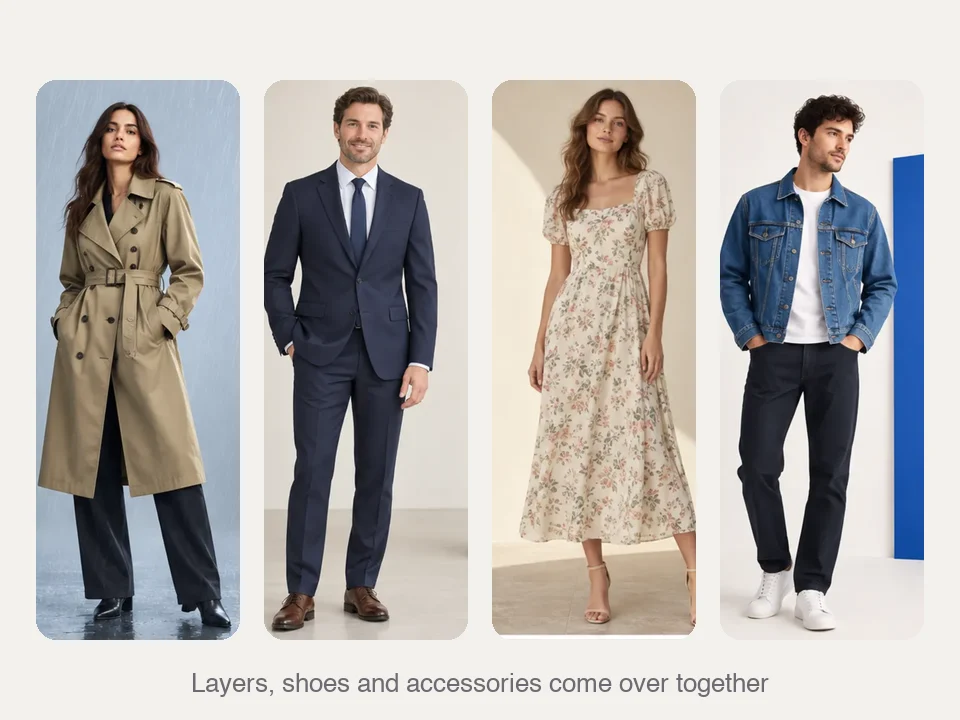 A whole look from one photoSaw the outfit on a person, not a product page? Copy every layer at once.Try the outfit swap
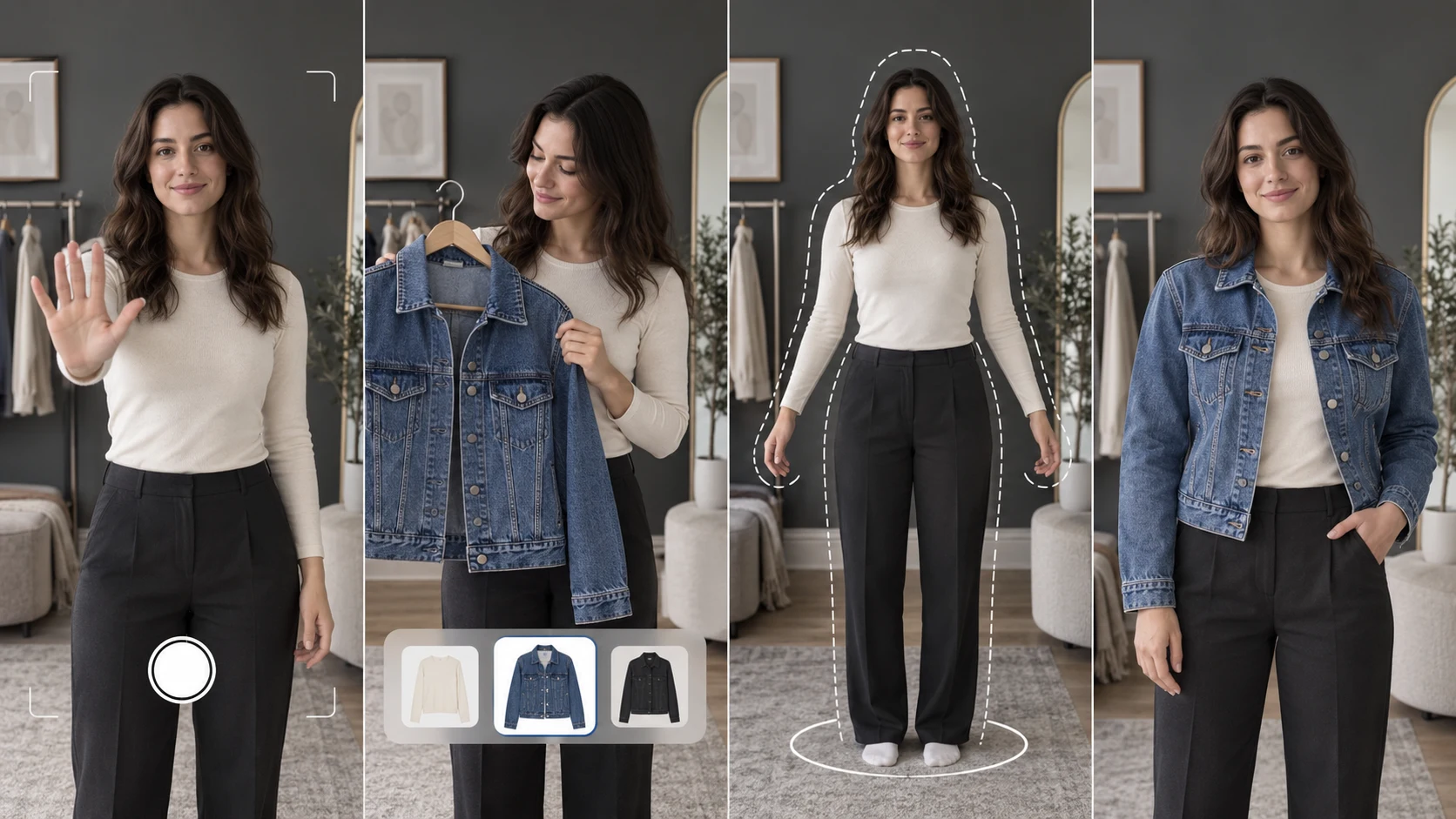 See it move in your cameraA rough live preview in your webcam first, then an AI photo you can keep.Start the live virtual try on
Each permission Chrome asks for, in plain words.
Shows your photo, the item and the result next to the page.
Adds Try on with WearTryOn to the menu on images.
Reads the one image you right-clicked. No other tabs.
Keeps your photo and last item in your own browser.
Shows the button and fetches only the photo you click. No history, no cart, no prices.
Sends the try-on you asked for and saves it to your private history.
Results are private to your account and are not used to train AI models. Every photo and result passes automated safety checks: clothing only, no nudity, no photos of minors.
The full detail is in the Chrome extension section of our privacy policy which also covers how long results are kept.
Installing it is free, and so is the weartryon.com account it uses. New accounts get 10 credits and a daily check-in adds 2. Each try-on uses 10 credits. The extension sells nothing itself; plans and credit packs are on our pricing page.
The virtual try on Chrome extension is built and tested for desktop Chrome on Windows, macOS and ChromeOS. Edge and Brave can install extensions from the Chrome Web Store, but we test on Chrome first, so the side panel may behave a little differently there.
No. Chrome on Android and iPhone does not run extensions, so the virtual try on Chrome extension is desktop only. On a phone, save the product photo and use the virtual try-on on our website; your results land in the same history.
Yes, a free weartryon.com account, so your credits and results have a home. Sign in with Google from the side panel the first time; after that the extension shares the website’s sign-in, with nothing extra to remember.
No. Your photo sits in your browser’s storage, not on the shop’s page. When you press Try on it goes to WearTryOn only, together with the one product photo you picked.
Usually the photo: cropped at the waist, a side angle, or loose layers hiding your shape. Use a full-body photo facing the camera in fitted clothes. If the extension guessed the item type wrong, switch it to top, bottoms, dress or jacket and try again.
Your saved photo is deleted with it. Results already in your weartryon.com history stay in your account under our usual retention rules. Chrome opens a short page asking why you left, one click and no account needed.
Not yet. It shows how a piece looks on you, not how it fits. Check the shop’s size chart and reviews for fit before you buy.
Add it once, pin it, and the next product photo you like is a click away from being on you.
Add to Chrome, it’s free