
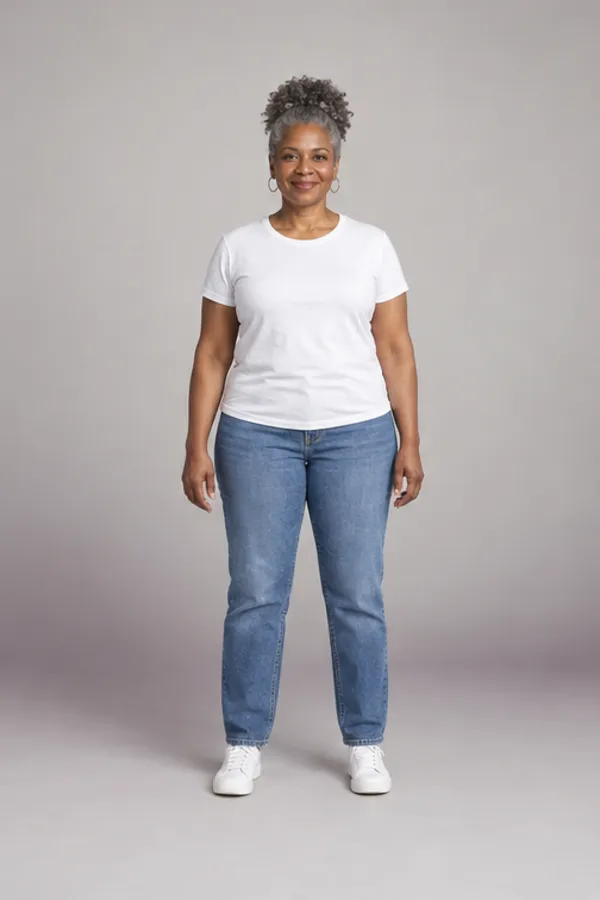
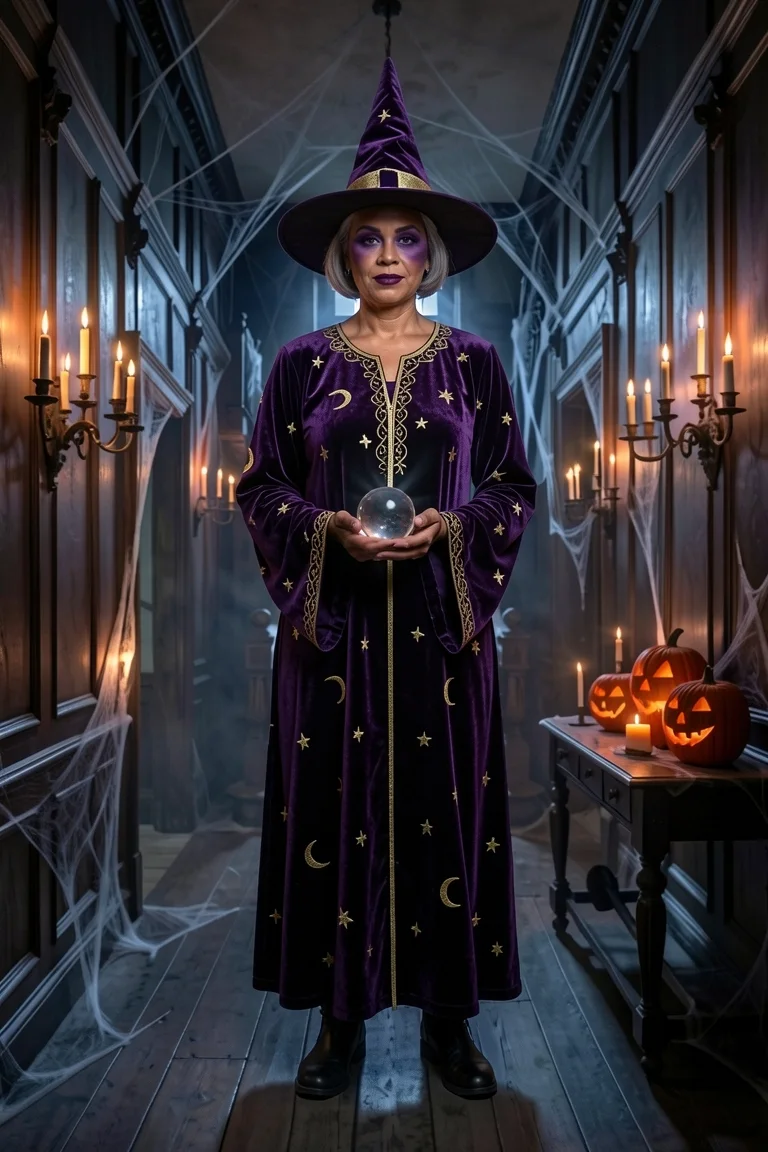
A witch filter is an AI photo effect that dresses you as a witch, hat, makeup and all, and this one keeps your face. Upload one photo, pick a classic black, candy pink, forest green or purple velvet witch, and the AI witch filter adds the hat, dress, makeup and broom, then sets you on a moonlit porch or in a haunted hall. It isn’t a sticker stuck on top: the whole picture is redrawn as a real costume photo of you. Your first witch photo is free, with no account.
- First witch photo free
- 4 named witch looks
- Selfie or full body
- Your own face kept
Trying more than one character? The Halloween AI photo page opens every costume tool with the same photo.
Pick your witch
Four witch filter looks, from classic to candy
Each witch filter look changes the hat, dress, makeup and prop, never the person. Pick one, or up to three to see side by side from a single photo.
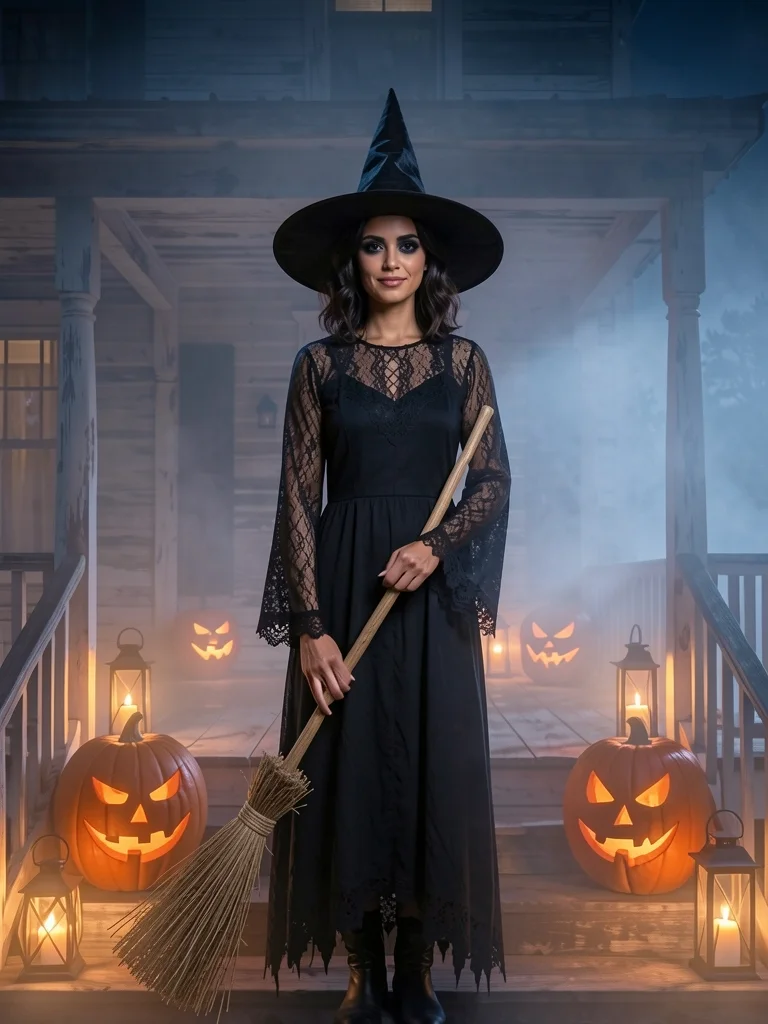
Classic black witch
A tall wide-brim hat, lace sleeves, a tattered hem and a straw broom. The witch filter most people picture first.
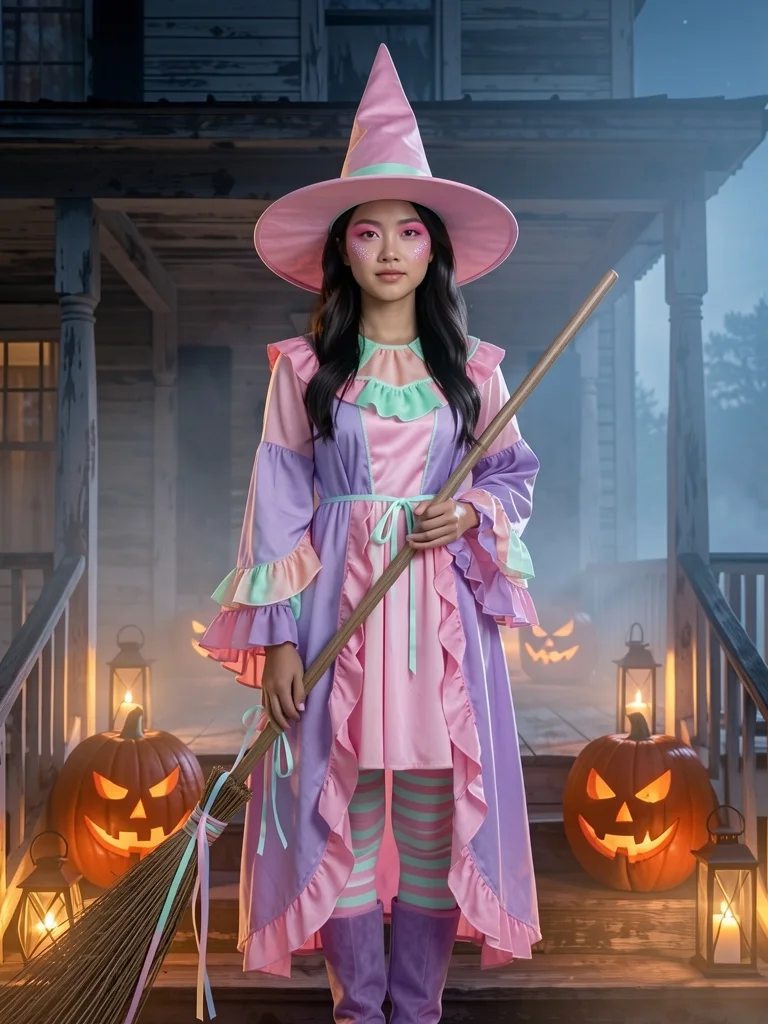
Candy witch
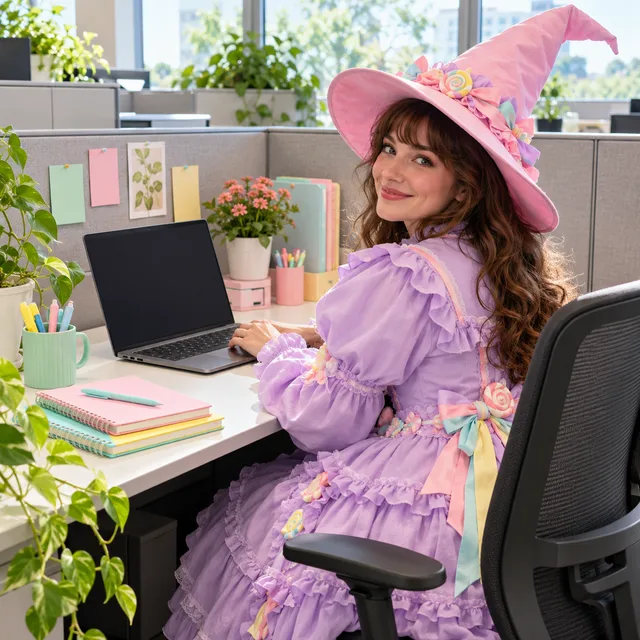
A bubblegum-pink hat, lilac ruffles and mint-striped tights. The bright one for daytime parties and school-gate costume days.
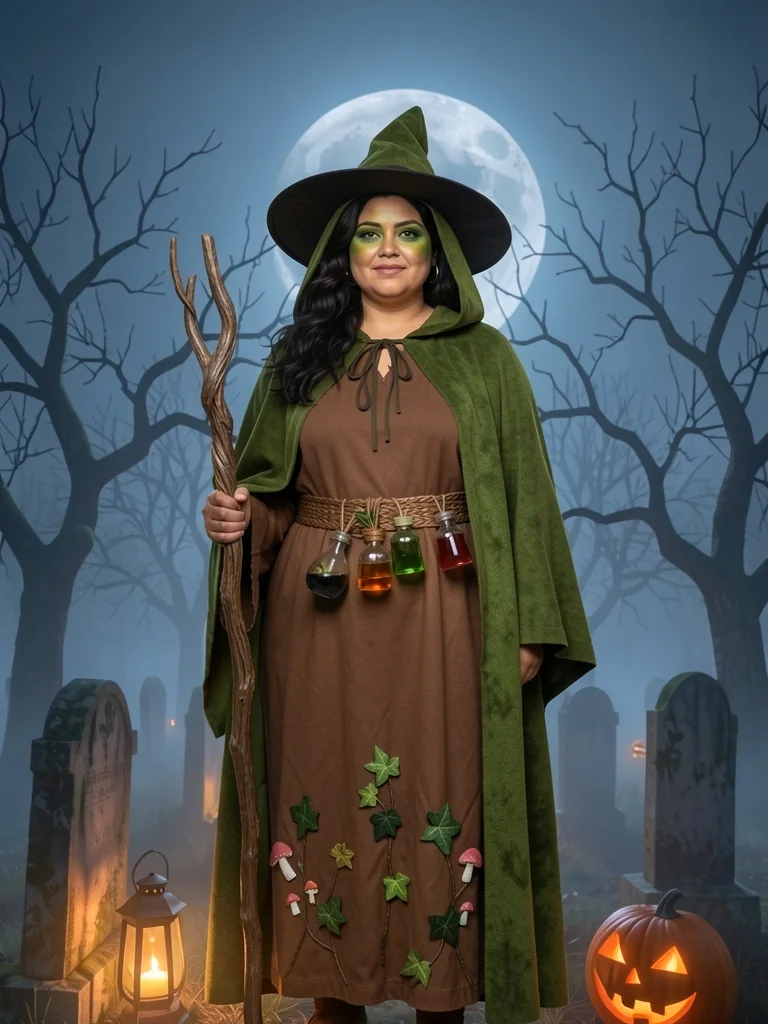
Forest witch
A moss-green hooded cloak, ivy stitched along the hem, a belt of little potion bottles and a gnarled wooden staff.
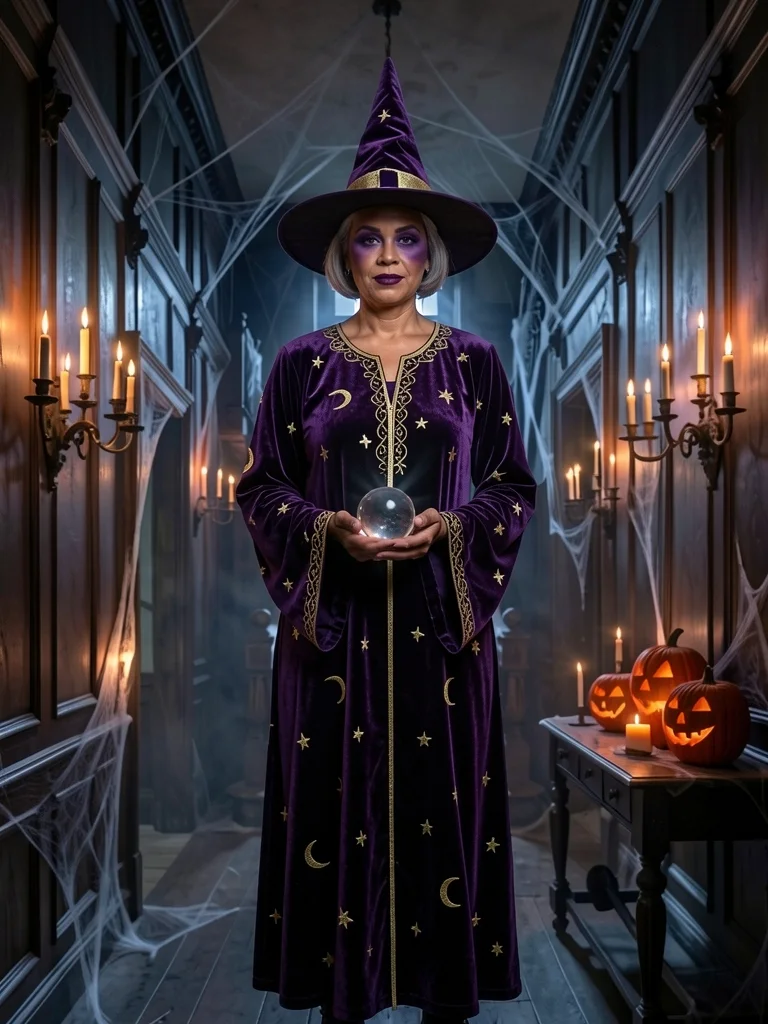
Velvet witch
Deep-purple velvet with gold stars and moons, a tall velvet hat and a crystal ball. The glam pick for a profile picture.
Want a pirate or skeleton instead? The Halloween costume generator has 12 costumes on one page.
Fangs over a broom? The vampire filter puts a cape, collar and fangs on the same photo.
Something scarier? The zombie filter adds grey-green paint and torn clothes, with no gore.
Going as a streamer or a pop star instead? Copy the outfit from a photo with dress like a celebrity .
Want your witch to appear as a fan blade sweeps past? The Halloween pack in the AI ceiling fan transition goes witch, witch, vampire, zombie.
Does the witch filter keep your face under the hat?
Most photo filters paint a generic witch over you, so the result could be anyone. This one finds your face on your device first and sends it along as a close-up, so the witch filter redraws the costume around the person who is actually in the photo.
- Face shape, eye color and expression stay yours
- Your own hair shows below the hat
- Skin tone untouched, with only soft witch makeup on top
Planning the smoky eyes for real? Practise them live in makeup try on before the party.

Selfie or full body: two ways the witch filter frames you
You don’t choose a mode. The witch filter reads your photo and keeps its framing.
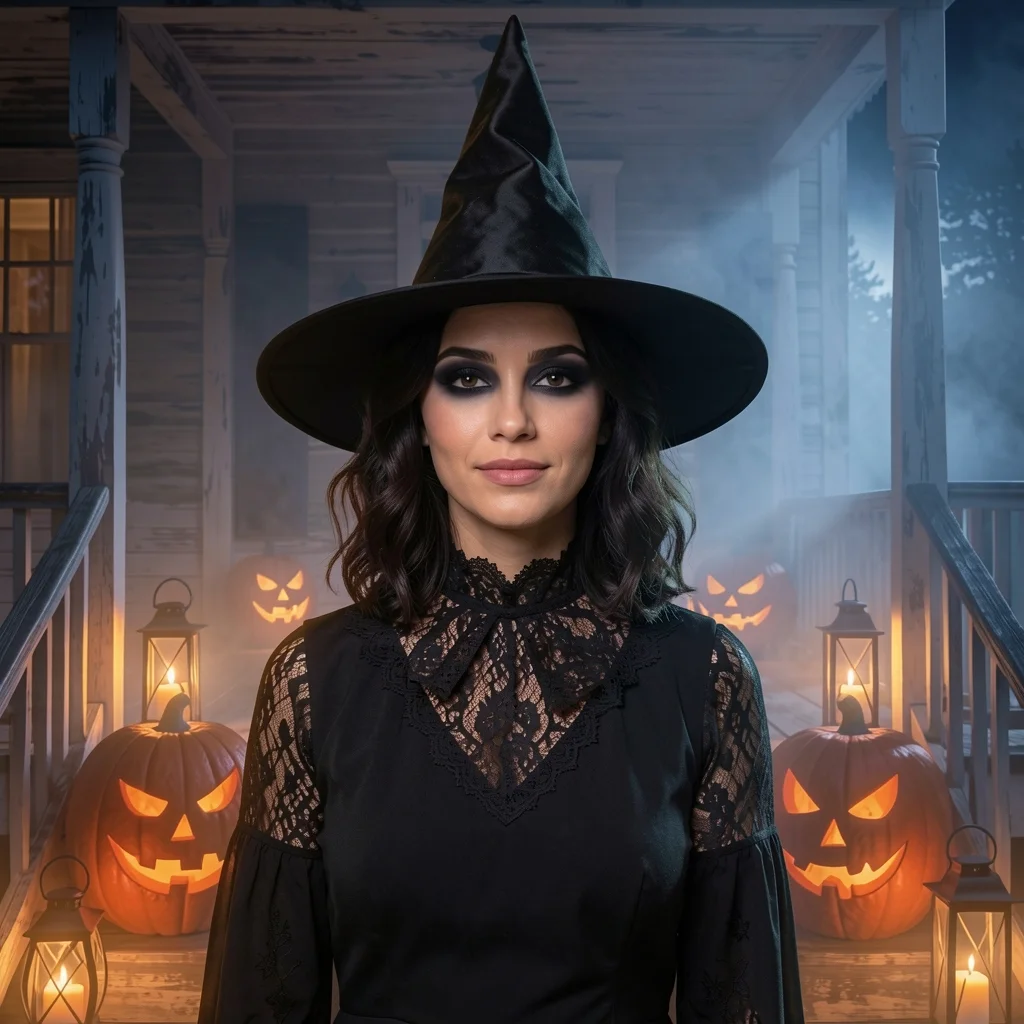
A selfie becomes a witch portrait
Head and shoulders, square, sharp enough for a profile picture.
- Hat, collar and sleeves
- Makeup close up
- Same head size and angle as your selfie
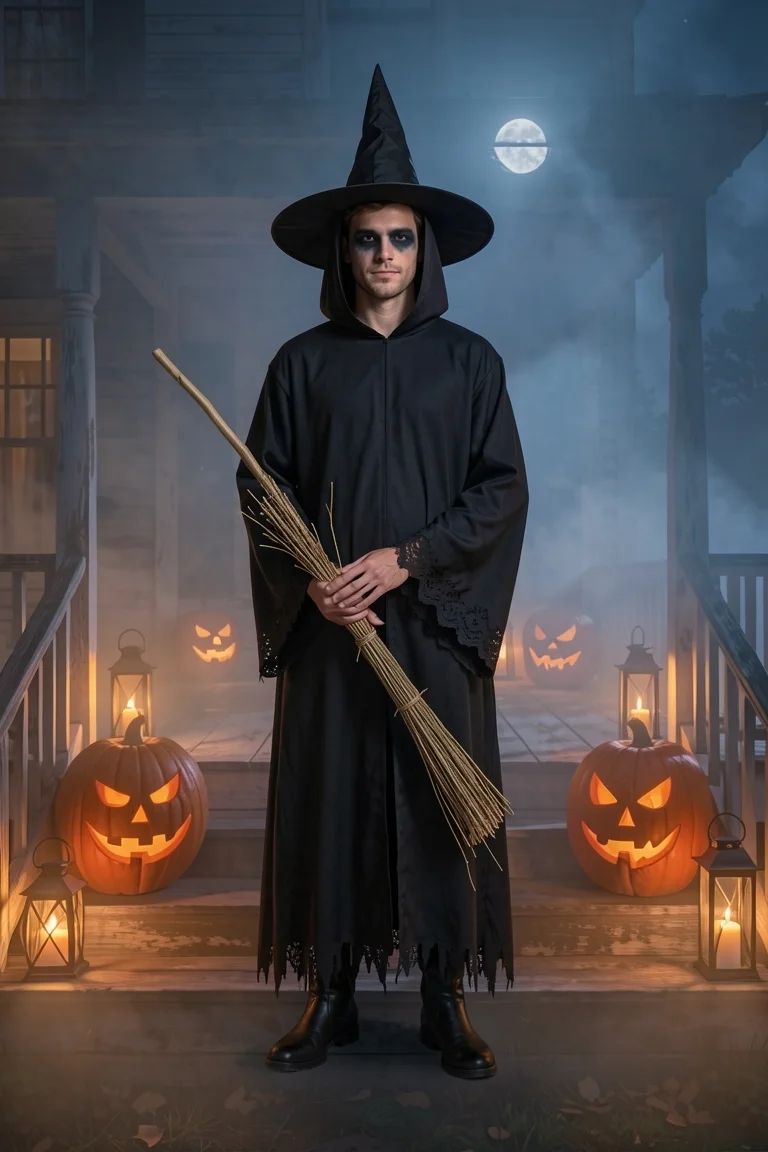
A full-body photo becomes a full-length witch
Head to boots, 2:3, with the whole dress and the prop.
- Dress, tights and boots
- Broom, staff or crystal ball in hand
- Your pose kept as it was
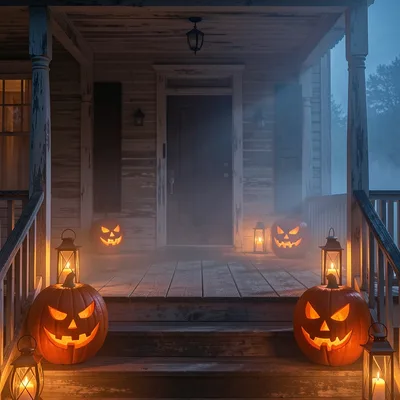
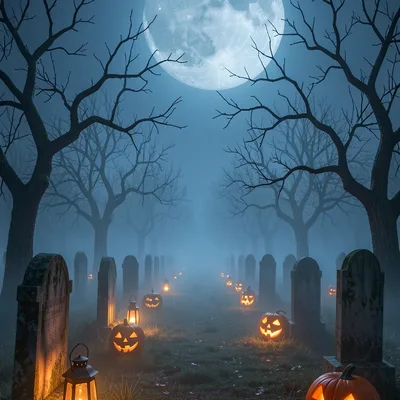
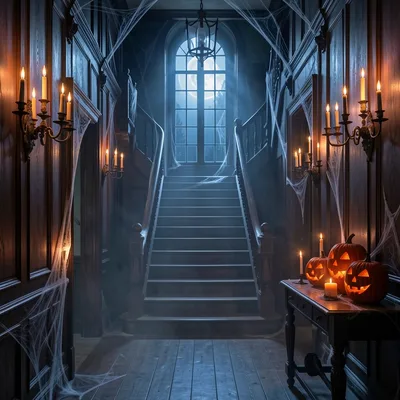
Three backdrops for your witch filter photo
Pick the night your witch belongs in, or keep the room you were standing in.
Where a witch filter photo ends up
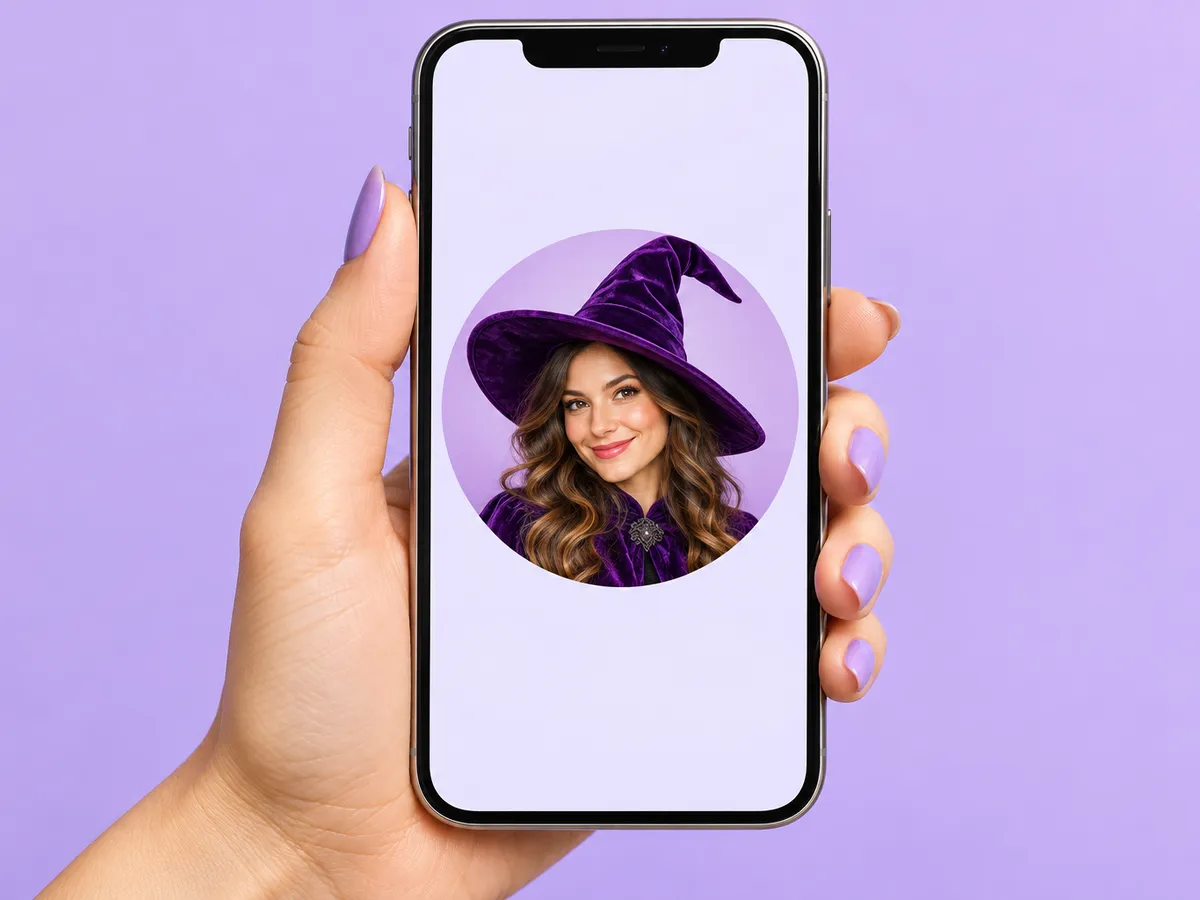
A spooky profile picture
The square selfie version fits every app’s round crop, and the velvet or classic look reads well even at thumbnail size.
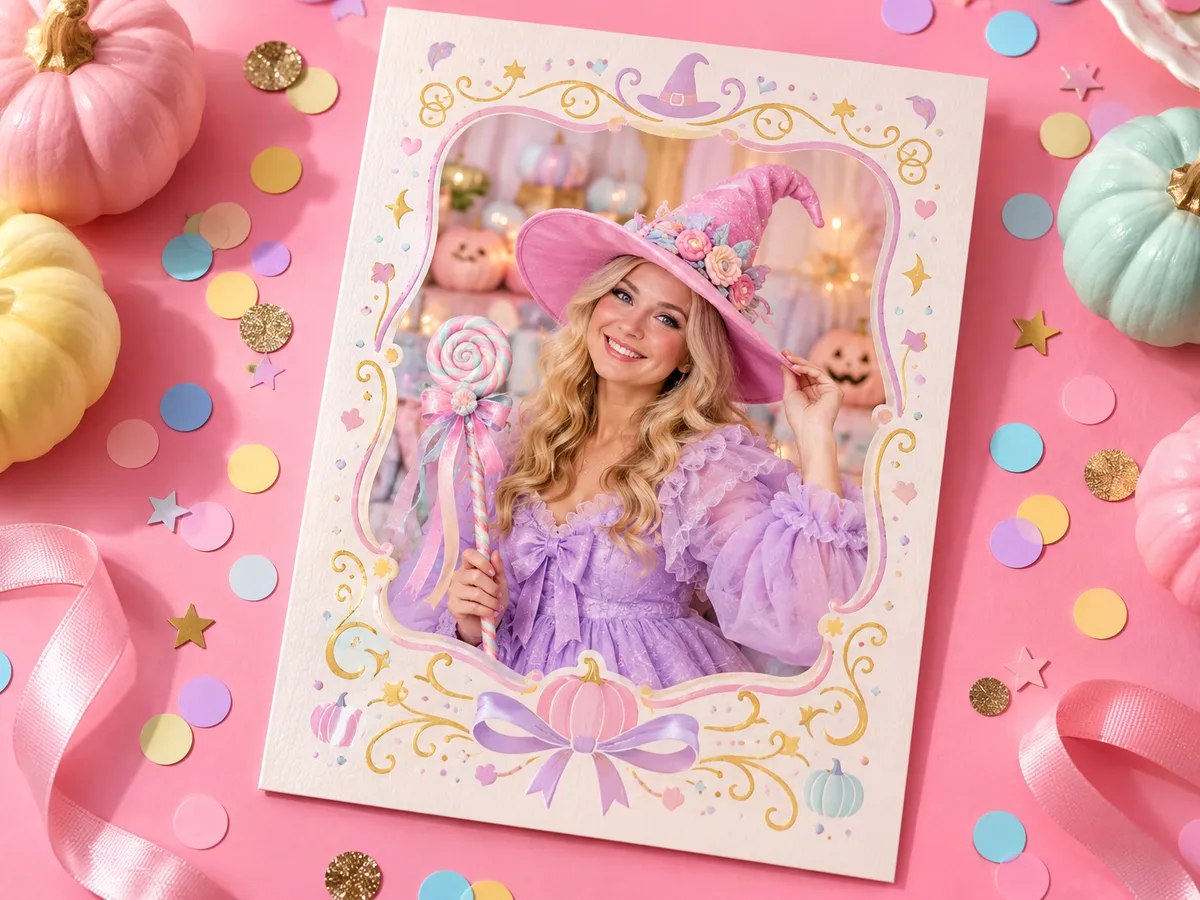
The party invite
Put your witch on the invitation so guests know the theme, or make the whole family a coven, one photo each.
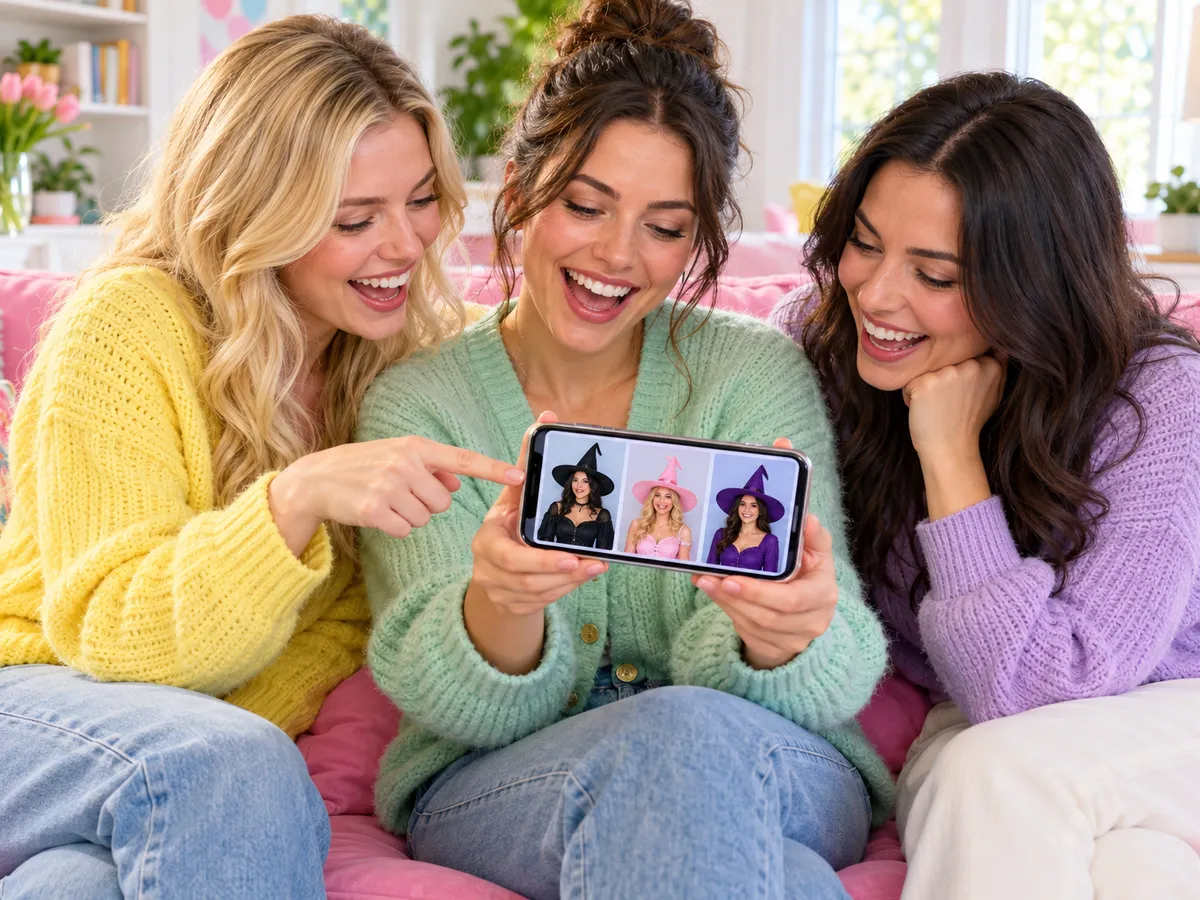
Which witch? Let friends vote
Make three looks, save them and send one vote link to the group chat.
What does the witch filter cost, in plain numbers?
No paywall in front of your result. Here is the whole price list for this page.
1
Free witch photo
No account needed. It’s up to 768 px with a small weartryon.com mark.
10
Welcome credits
Yours when you sign in free, plus 2 for each daily check-in.
5
Credits per look
Each witch filter photo uses this many. A run that fails is refunded.
0
Marks after any purchase
A plan or a one-time credit pack gives full-size photos with no mark.
Credit packs never expire and work on the free plan too; see pricing for every pack and plan.
Your photo is used only for this run, and results stay private to you for 30 days. The privacy policy has the details.
Before you cast the witch filter
Is the witch filter free?
Your first witch photo is free with no account. After that, sign in free for 10 welcome credits plus 2 per daily check-in. Each look uses 5 credits, and a failed run is refunded.
Is this a live camera filter like on Snapchat?
No. A live filter tracks your face in the camera; this witch filter makes a finished photo you can download and post. For a live preview of the makeup, use the makeup try on page.
Does the witch filter change my face?
It keeps your face shape, eyes, skin tone and expression, and adds only soft makeup. Your hair stays, apart from what the hat covers.
Can I use it on a couple or group photo?
Group photos are refused so every face stays sharp. Run the witch filter once per person with the same backdrop, then put the photos side by side for a coven.
Can kids use the witch filter?
Yes, every look is family-friendly. Use a photo you have permission to use, one child per photo. Results that may show a child stay private: you can download them, but not share them in a vote link.
Which witch filter look should I pick?
Classic black reads as a witch from across a room and suits any backdrop. Candy is the bright, friendly one for kids’ parties and daytime photos. Forest suits curly hair and the graveyard. Velvet is the glam pick for a profile picture. Not sure? Pick three and compare them in one run.
Can I keep my own background?
Yes. Choose My background and the witch filter changes only you: your kitchen, office or street stays as it was, lit the same way. The three night backdrops replace the whole scene instead.
Does it work on my phone?
Yes. It runs in the browser on iPhone and Android, with nothing to install. Take the selfie, upload it and download the result to your camera roll.
Keep dressing up
Your witch photo is one upload away
Pick a look, add your photo and let the witch filter do the rest. The first one is free.
Apply the witch filter free