
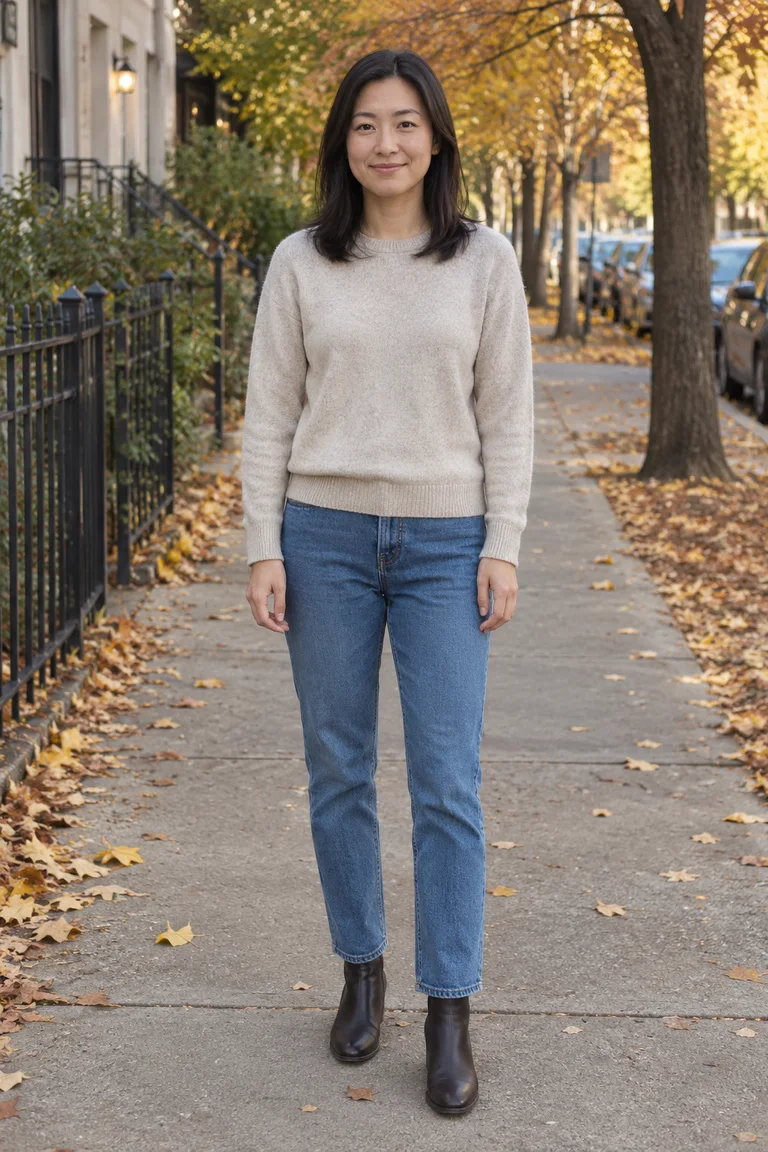
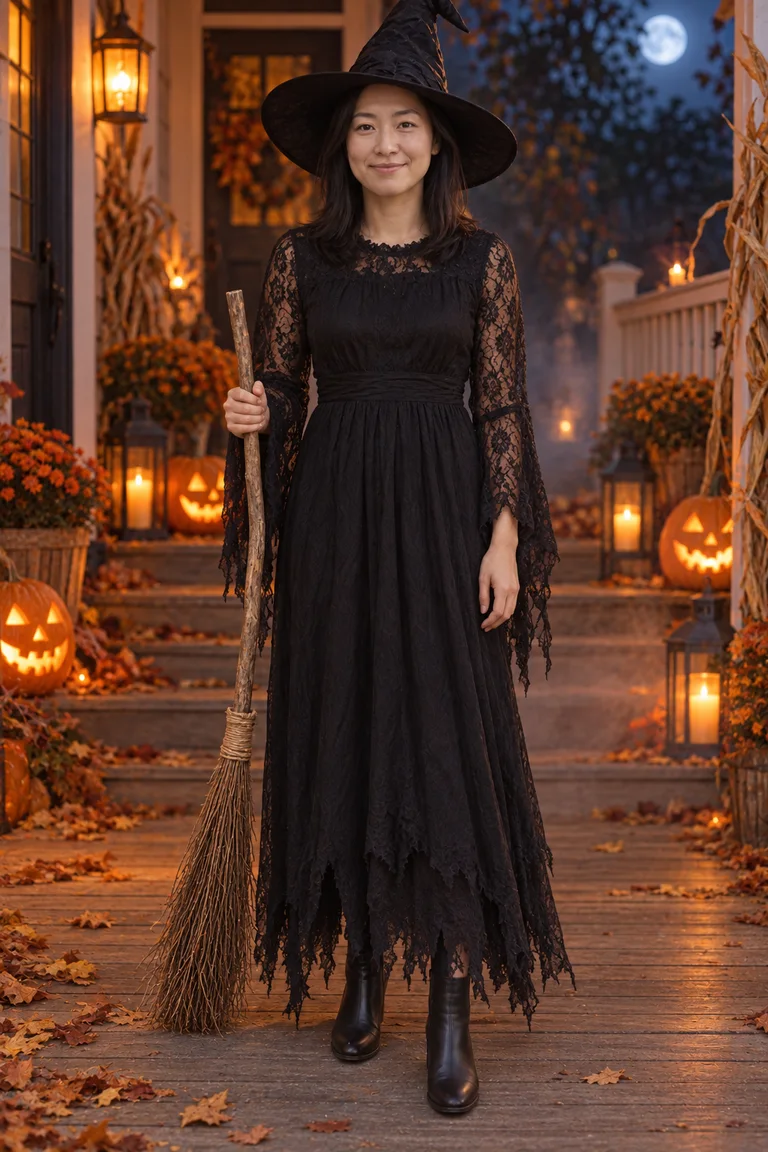
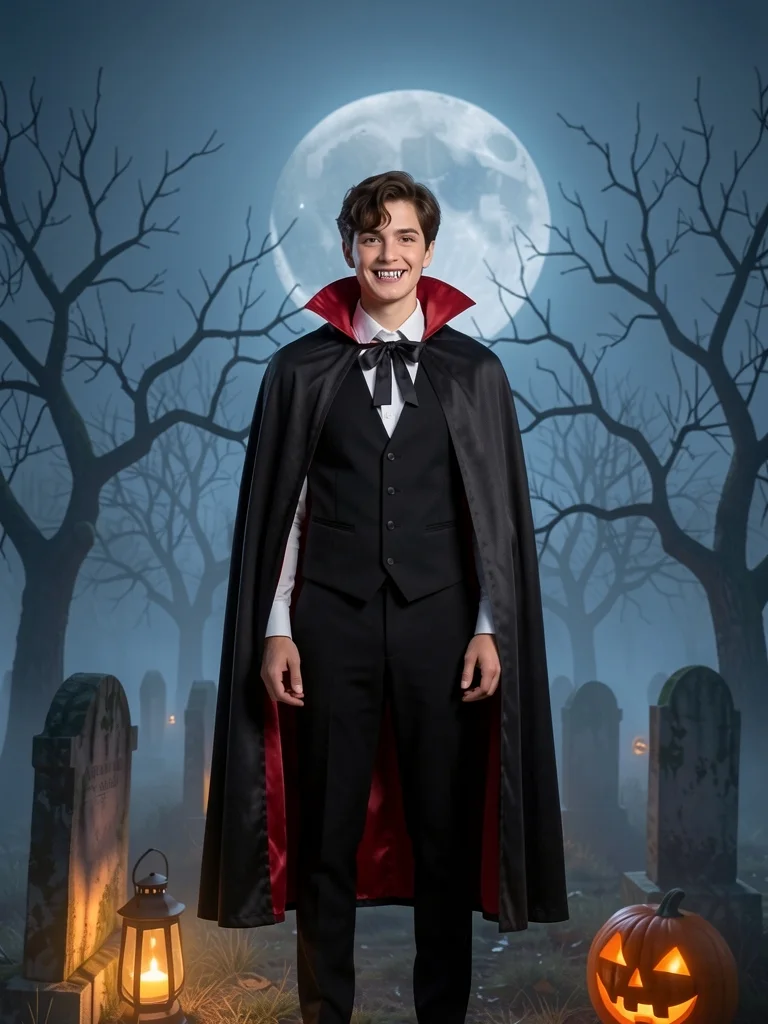
A Halloween AI photo is the costume shot you never had to sew: one ordinary picture of you, dressed by AI as a witch, a vampire, a zombie or any of twelve classic costumes, with your own face kept. This page puts every Halloween AI photo look on WearTryOn in one place, so you choose your photo once and try them all before the party.
- One photo for every look
- 22 costumes and characters
- Your face kept
- A video in costume too
Photos
Every Halloween AI photo tool on one page
Each card opens its own tool. Your photo goes with you if you picked one above.
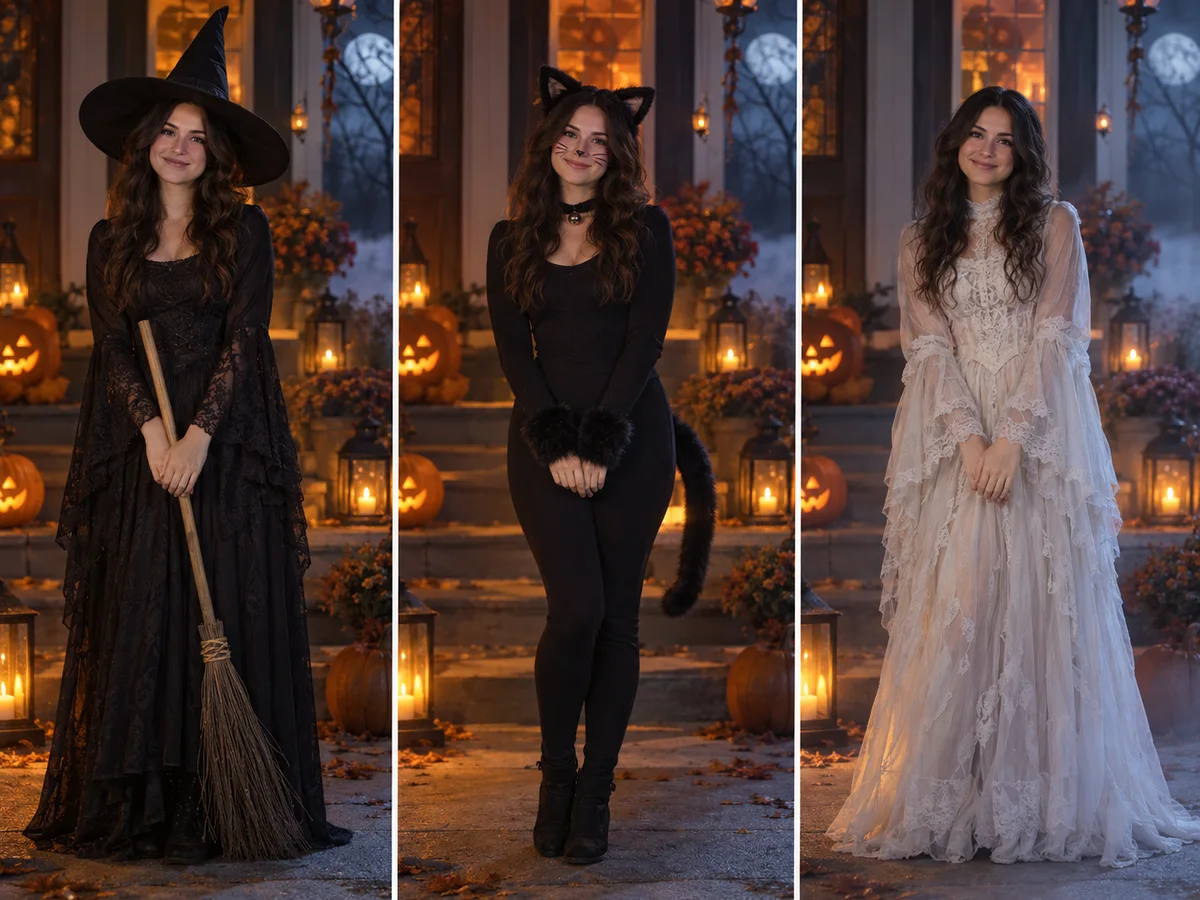
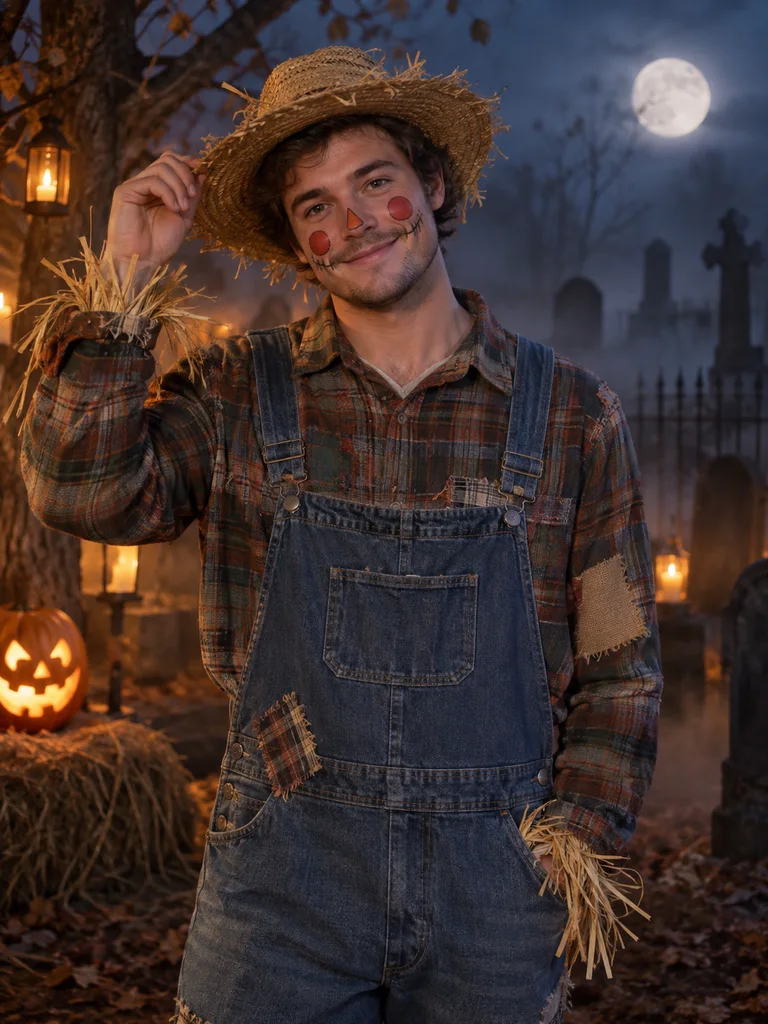
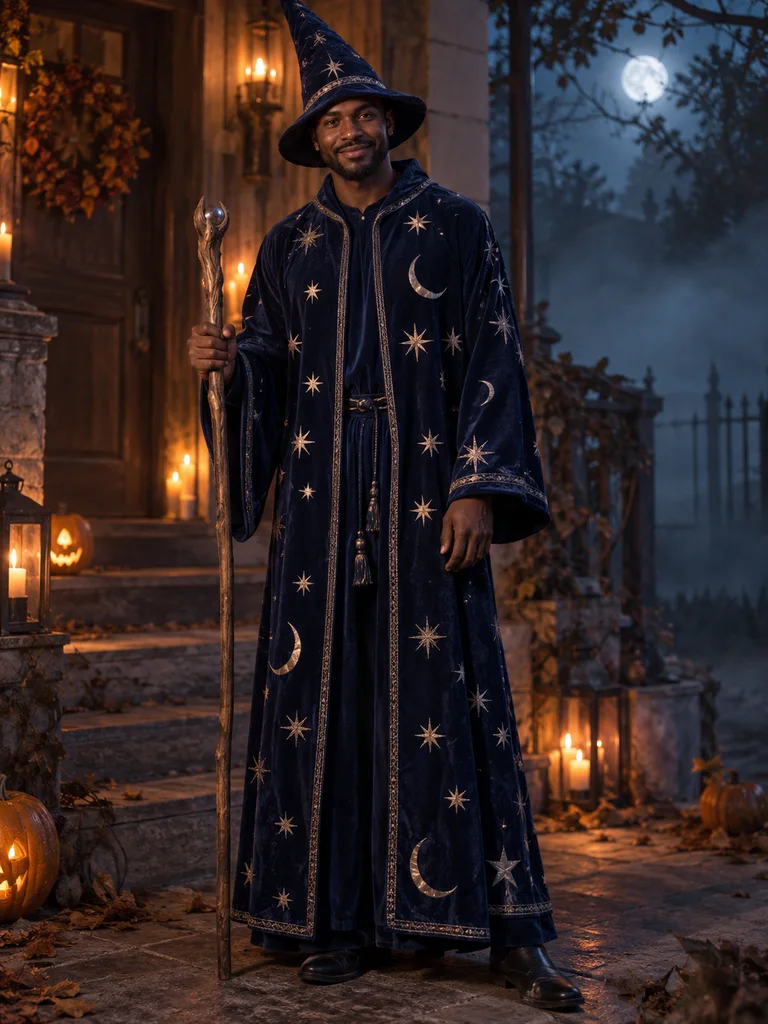
Halloween Costume Generator
Twelve costumes from witch to superhero, up to three at once, in front of a porch, a graveyard or your own background.
5 credits per look
Open Halloween Costume Generator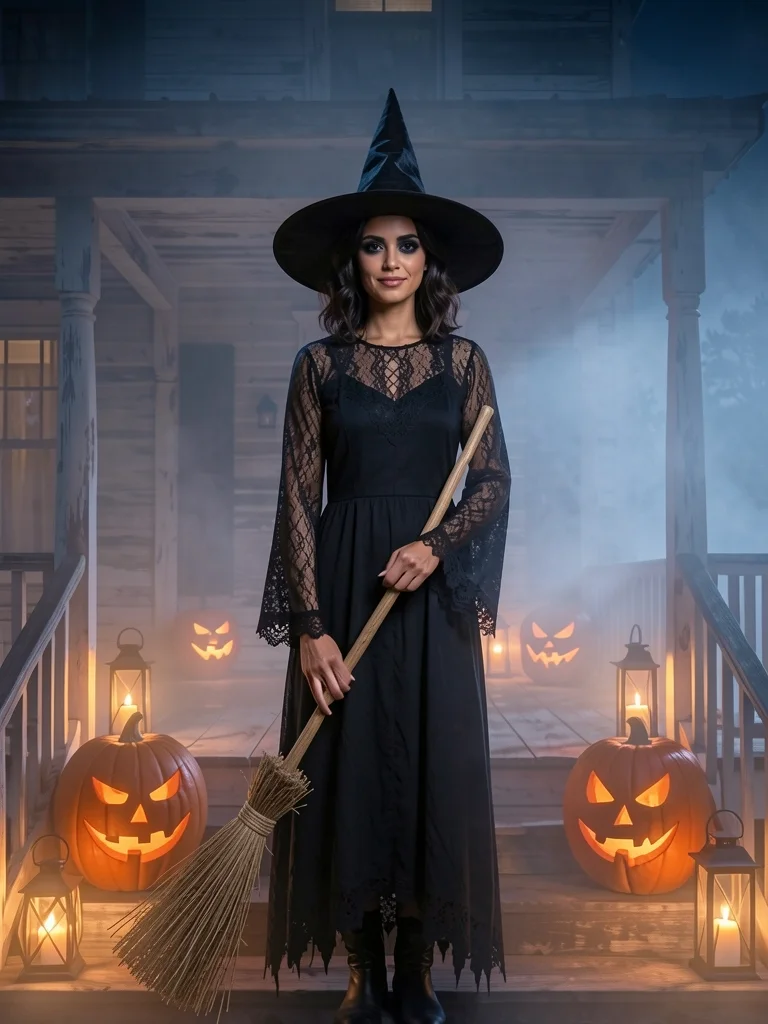
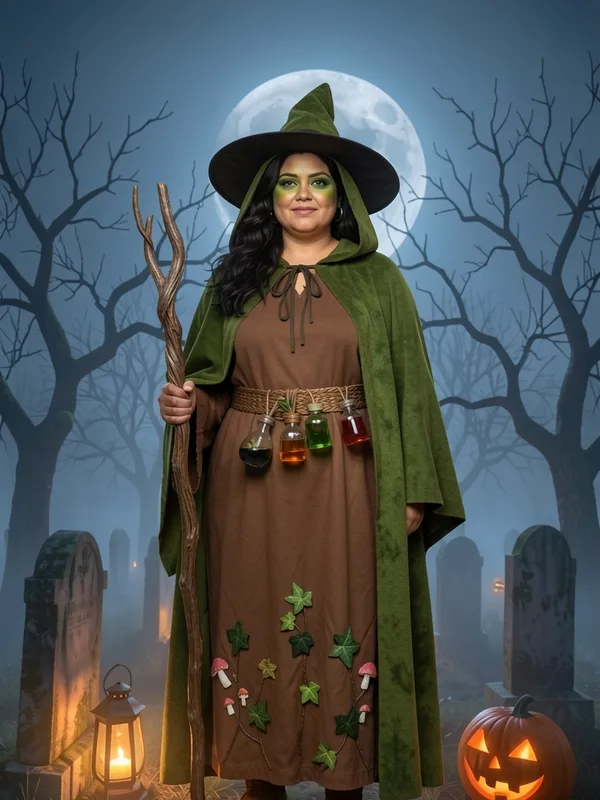
Witch Filter
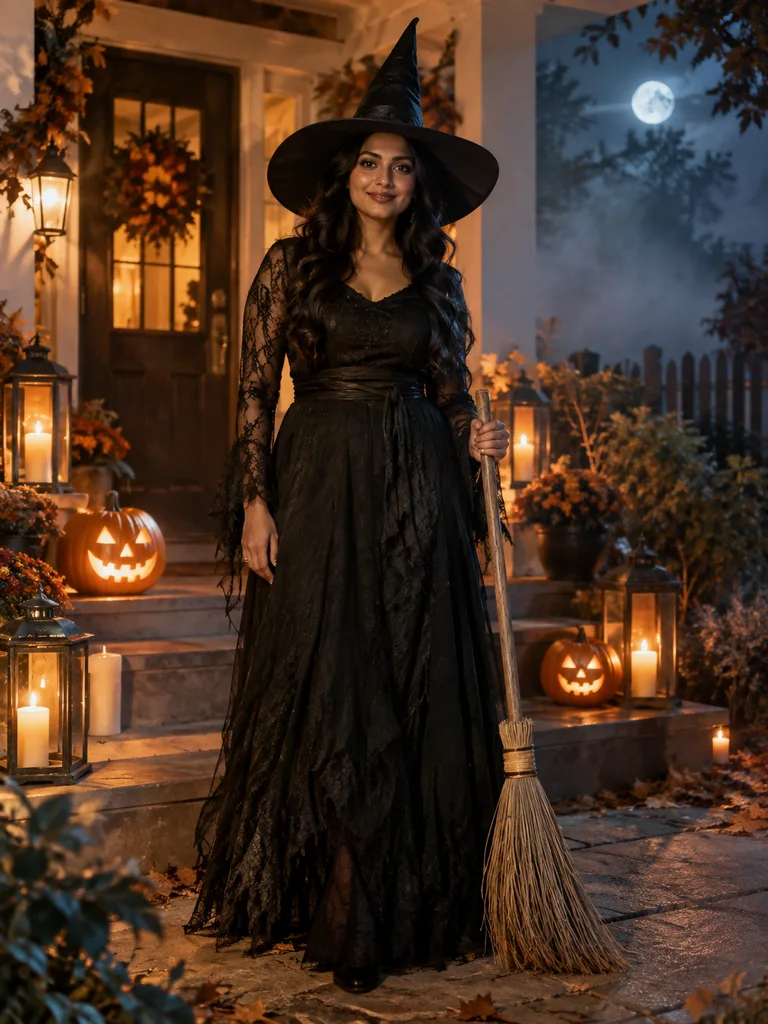
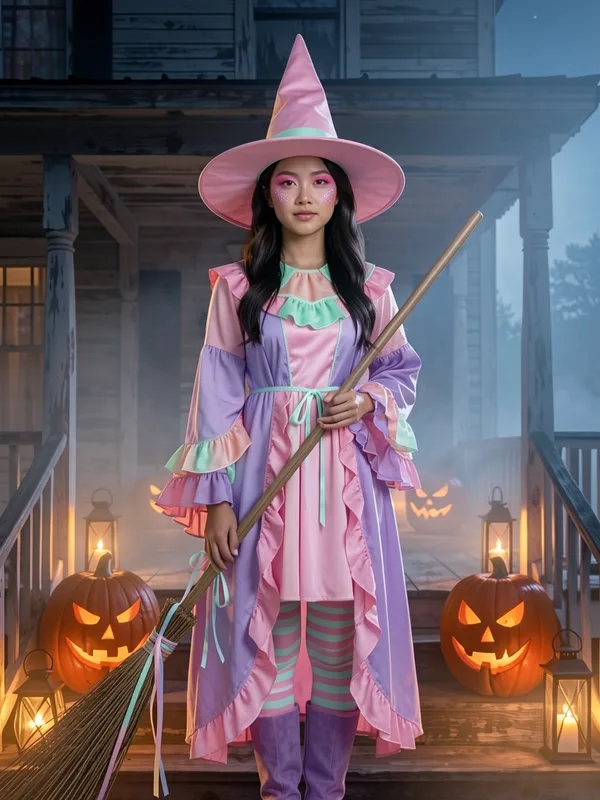
A classic, candy, forest or velvet witch, with the hat, the cloak and a little face paint.
5 credits per look
Open Witch Filter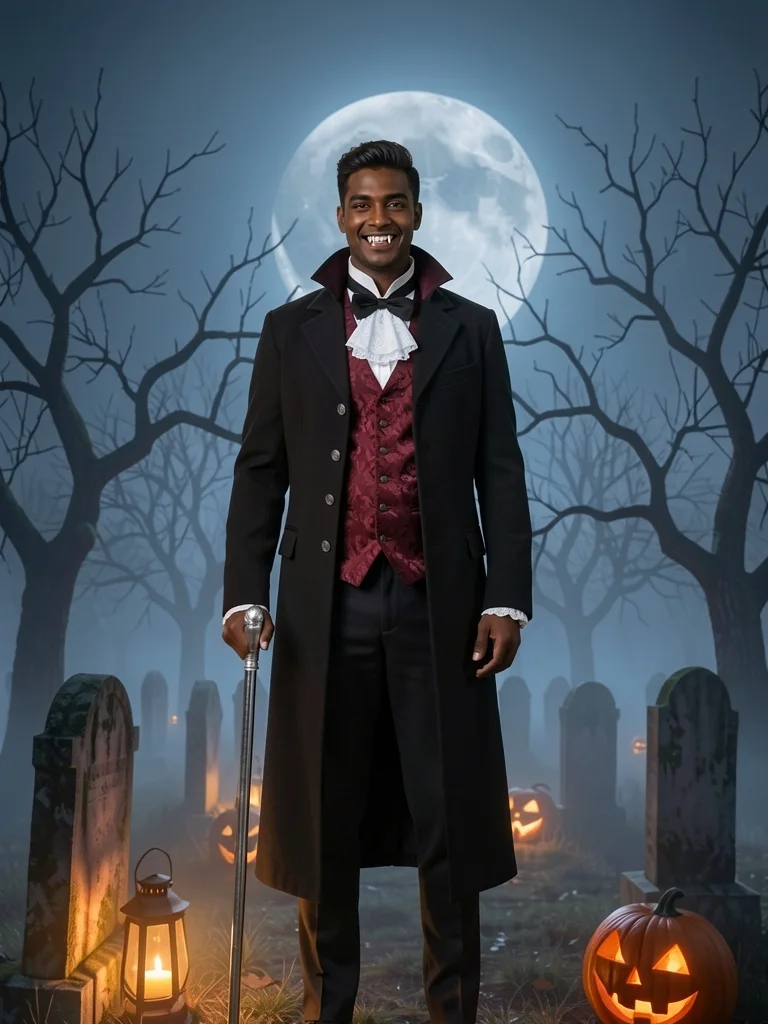
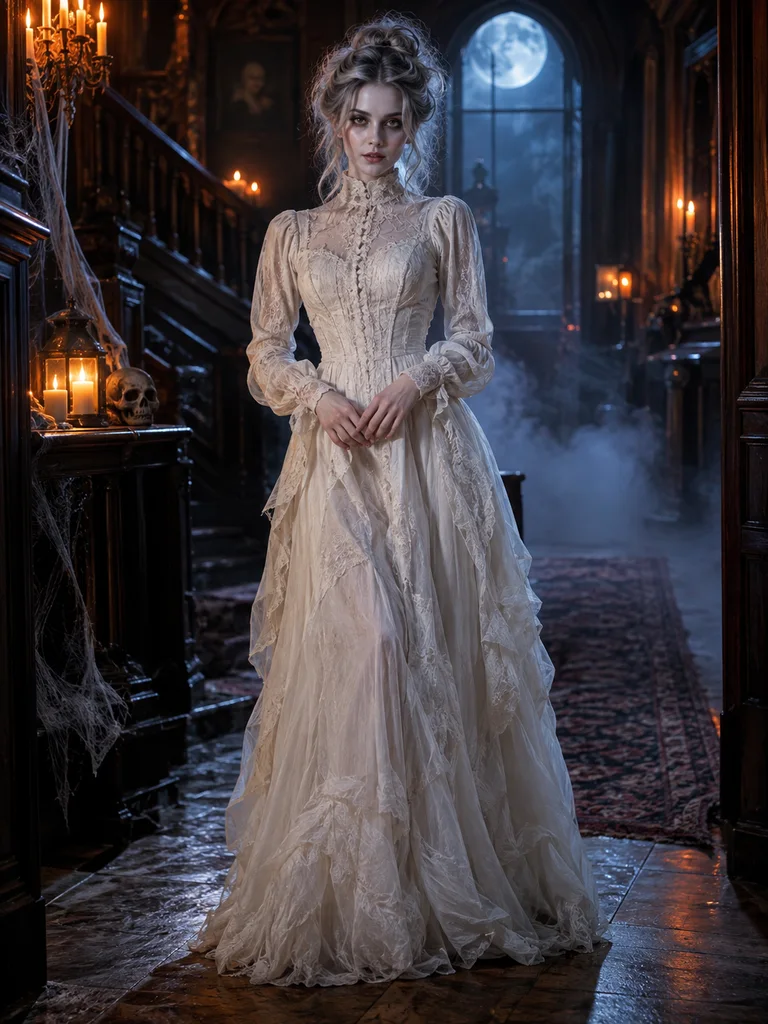
Vampire Filter
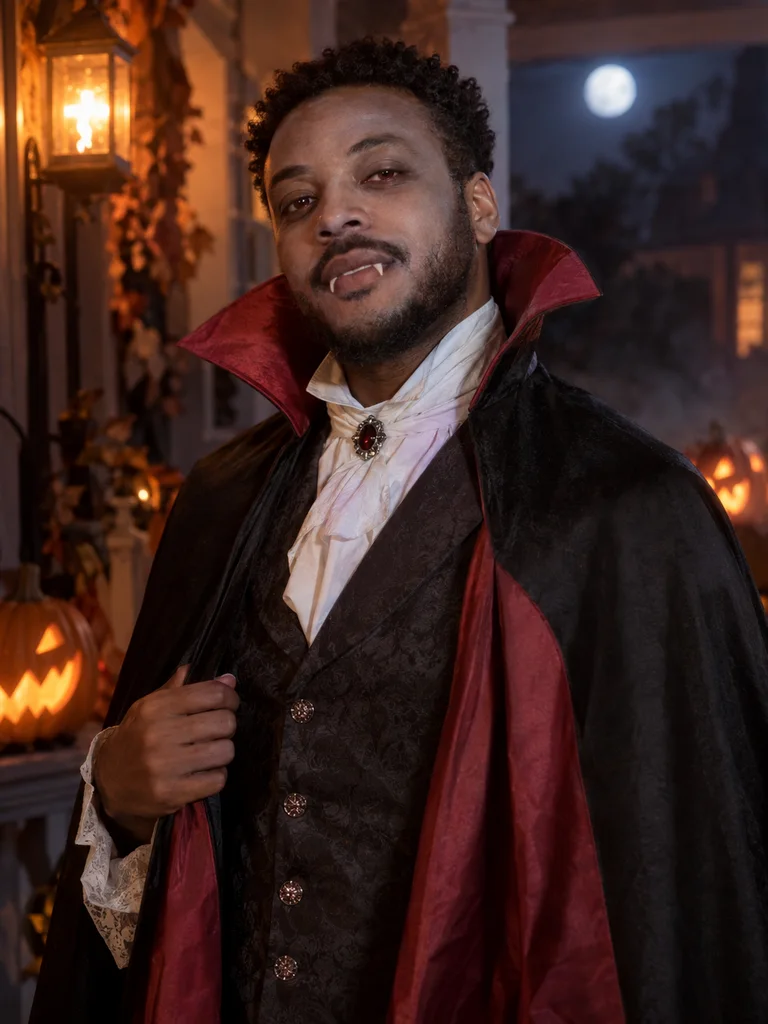
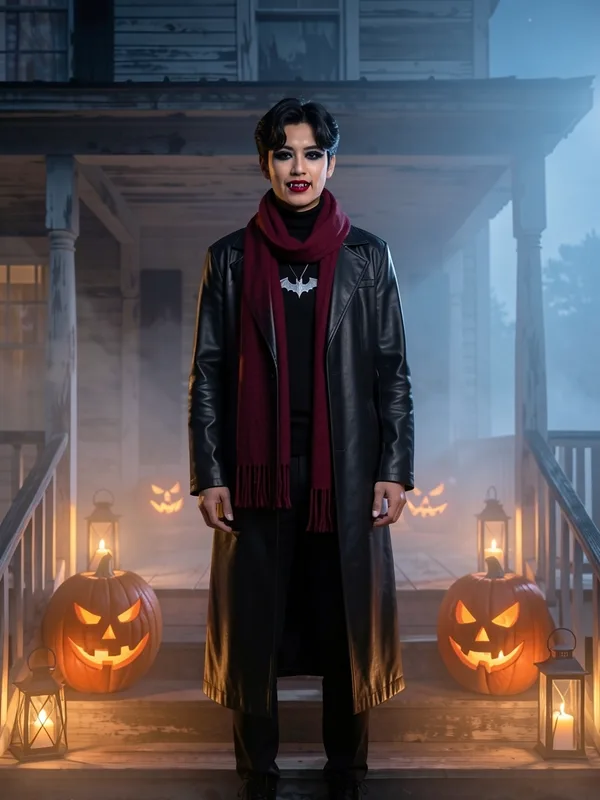
Fangs, a high red collar and a dark lip, from Victorian to modern goth. Your skin tone stays your own.
5 credits per look
Open Vampire Filter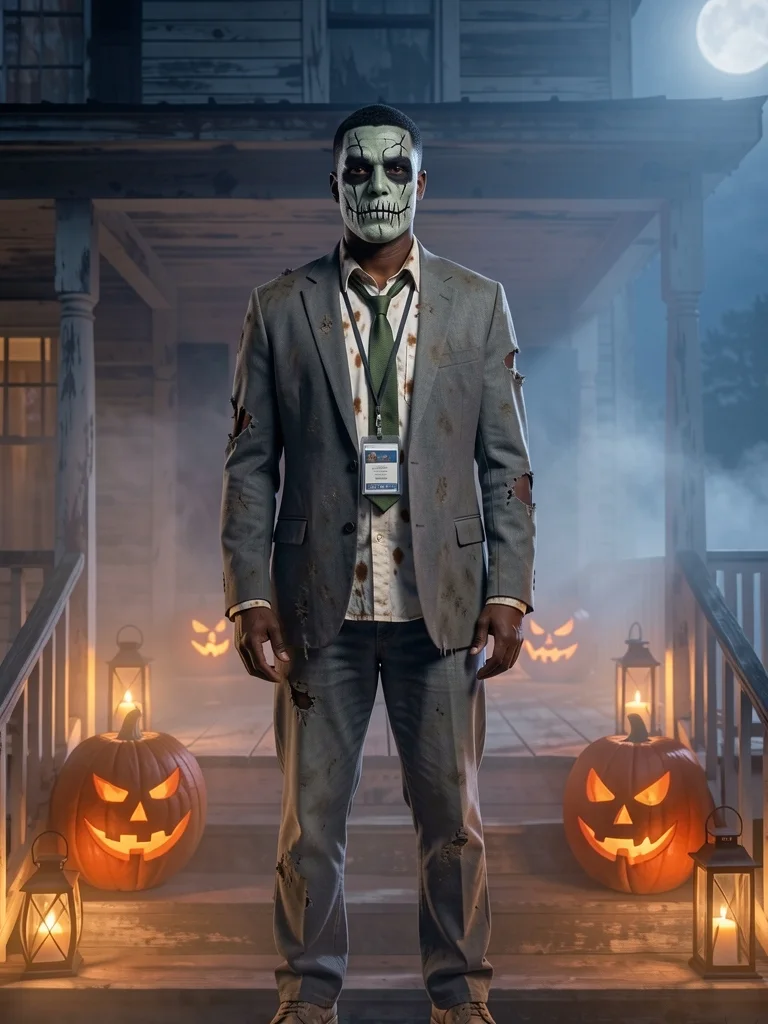
Zombie Filter
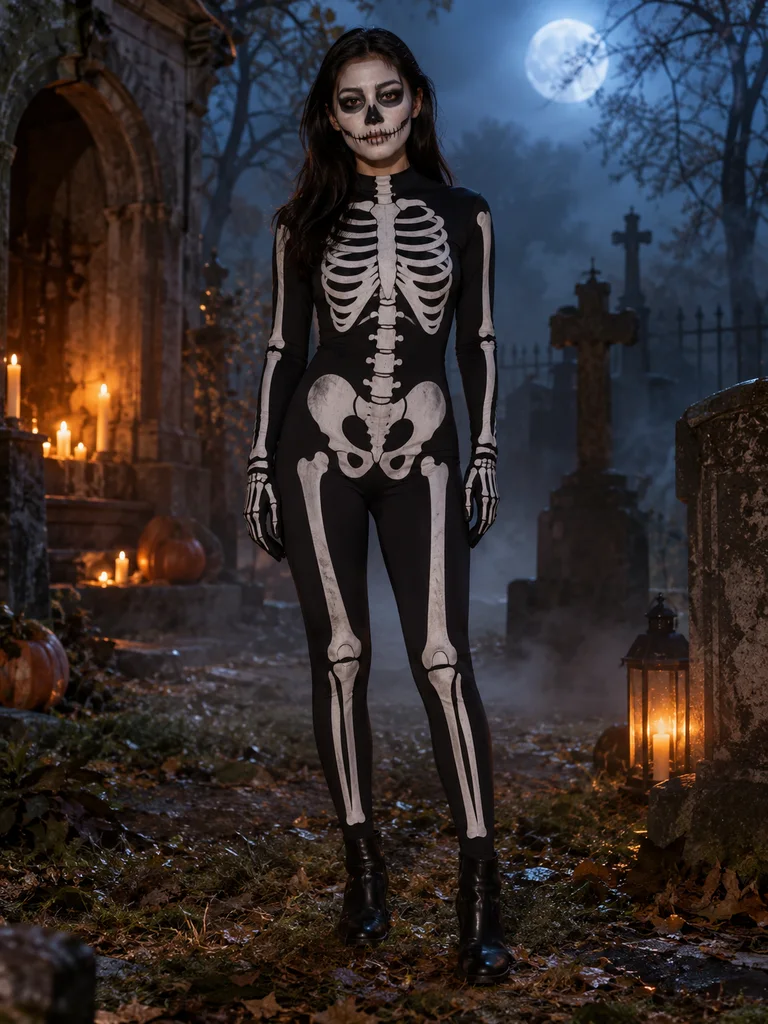
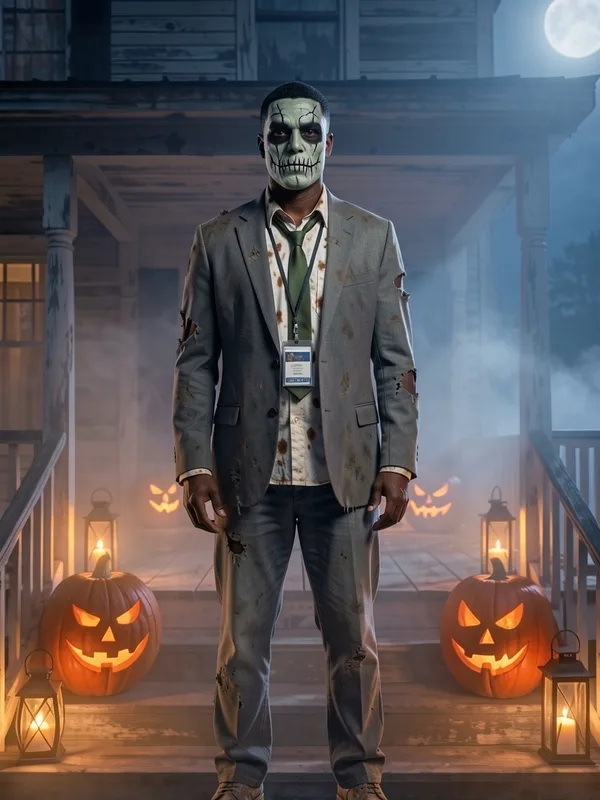
Grey-green paint and torn clothes: prom, office or jogger zombie, never gory.
5 credits per look
Open Zombie FilterYour costume, in motion
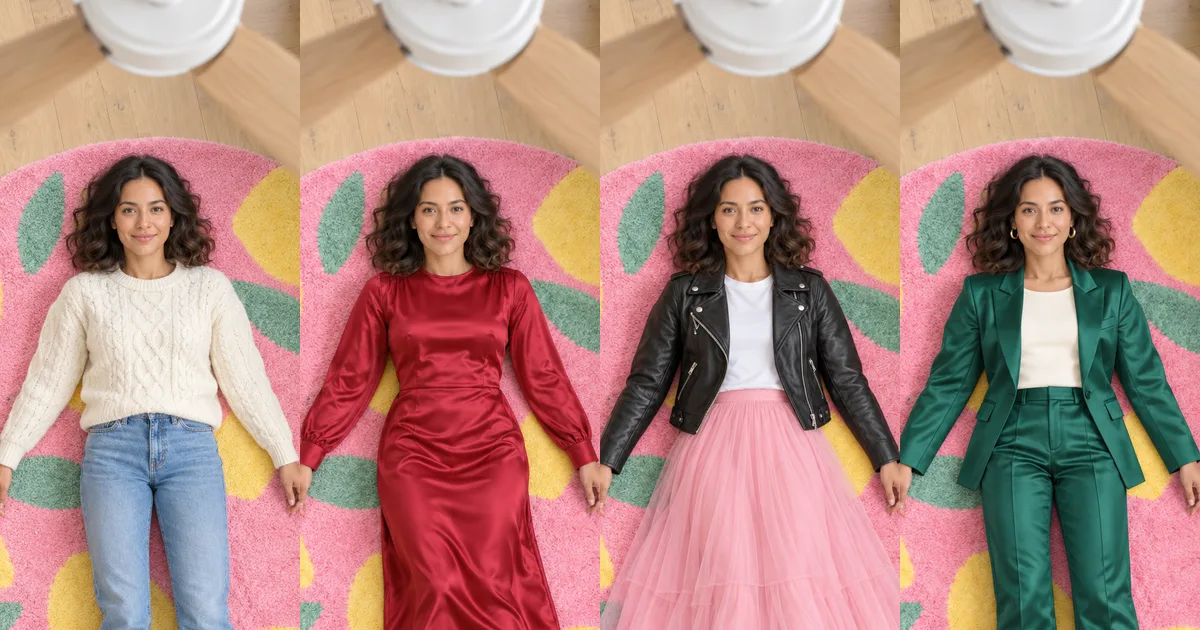
The ceiling fan video puts you on a rug under a turning fan and changes your outfit each time a blade sweeps past. Its Halloween pack goes witch, candy witch, vampire, zombie: four costumes in fourteen seconds.
- One photo of you, any angle
- Four costumes, one per blade pass
- A vertical clip for TikTok and Reels
Halloween AI photo ideas
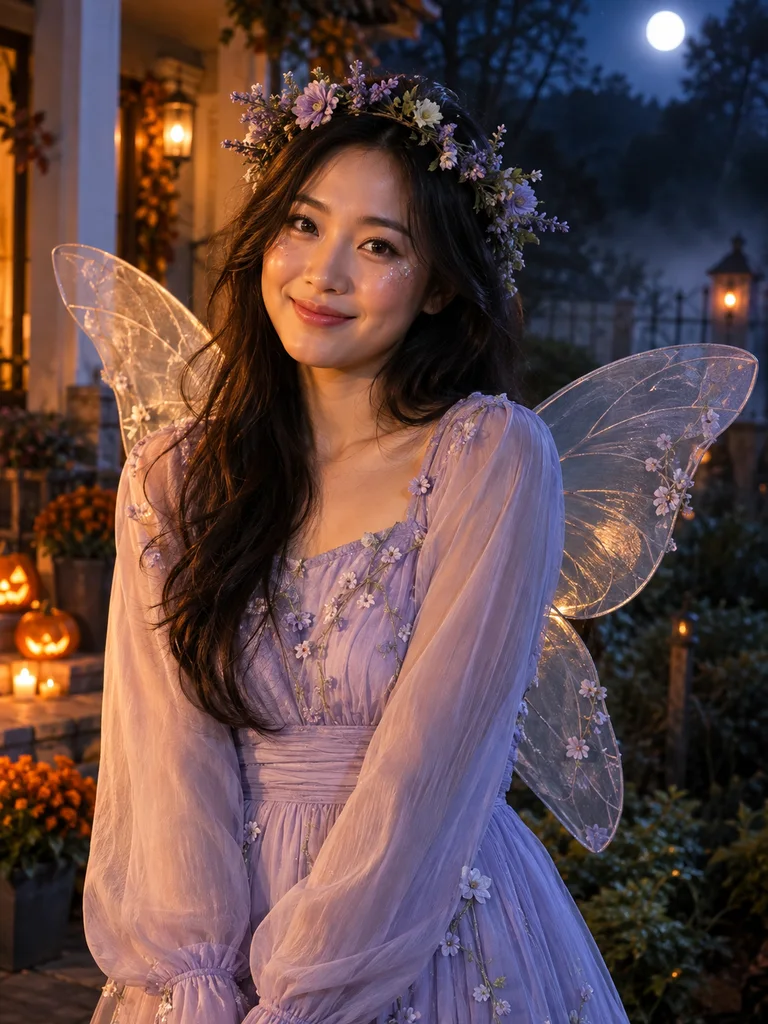
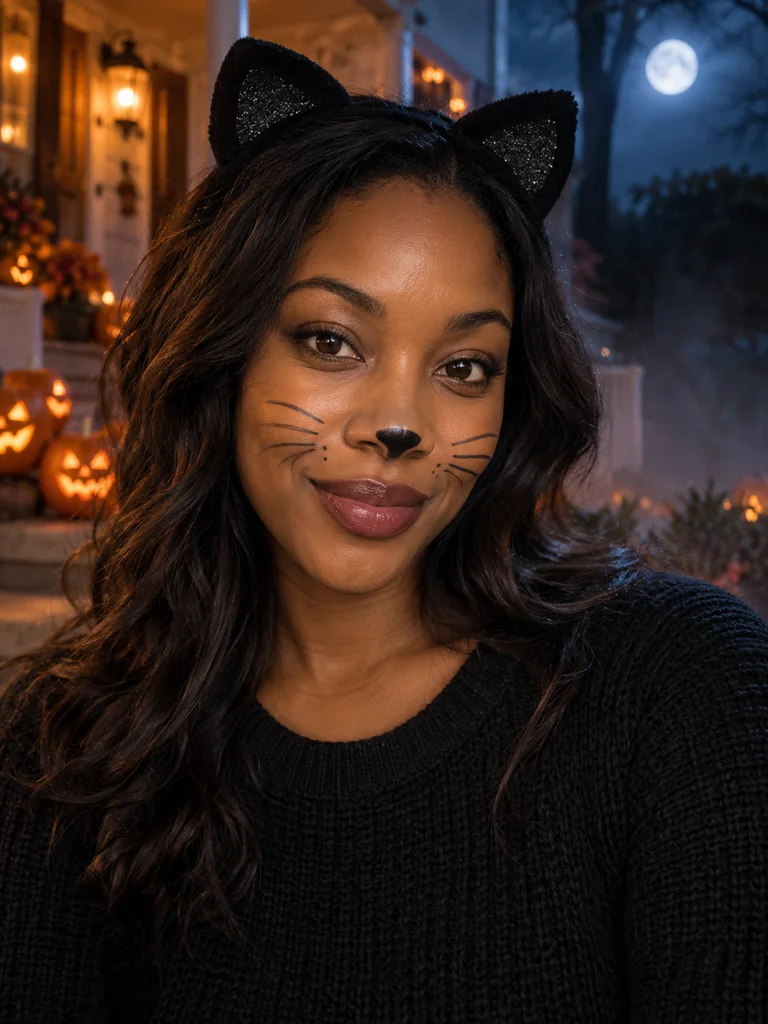
Real results from our costume tools. Tap one to open it with that look already picked.
Which Halloween AI photo tool should you open?
| If you want… | Open | You get |
|---|---|---|
| A classic costume, not decided yet | Halloween Costume Generator | Up to 3 of 12 costumes at once, with a backdrop |
| To be a witch, in a few styles | Witch Filter | Classic, candy, forest or velvet witch |
| Fangs and a cape | Vampire Filter | Count, countess, Victorian or modern goth |
| Something scary but not gory | Zombie Filter | Prom, office, jogger or classic zombie |
| A clip to post, not a still | Ceiling fan video | Four costumes, one per blade pass |
What people make a Halloween AI photo for
Most people try a Halloween AI photo for one of four reasons, and each one points to a different tool on this page.
Choosing a costume
Before you buy or rent anything, see three costumes on your own photo side by side and keep the one that suits you.
A profile picture
A witch or vampire headshot for October: a selfie works, and the result keeps your face so friends know it is you.
A group theme
Make one Halloween AI photo per person with the same backdrop, then line them up for a coven, a vampire family or a zombie crew.
A last-minute look
No time to shop? Post the Halloween AI photo itself, or the ceiling fan video, and still join the party.
The AI Halloween trend this year
Halloween went AI in a big way in 2026. In a 2026 survey, 18 percent of people said they used AI to plan their costume (HalloweenCostumes.com survey, 2026). On TikTok the ai halloween trend runs from costume photos to the ceiling fan video.
- 01
Costume photos
Try the costume on your own picture before you buy anything: the Halloween AI photo most people make first.
- 02
Character filters
One character, several takes: four witches, four vampires, four zombies, side by side.
- 03
The fan video
Four costumes, one per blade pass, filmed from the ceiling. The October version of the outfit transition.
Three steps
How to make a Halloween AI photo
- 01
Pick your photo once
Upload one clear photo, or use a model. It travels with you to every tool you open from this page.
- 02
Choose a look
A costume, a witch, a vampire or a zombie. The tool opens with your photo in place.
- 03
Make it and compare
Each look is 5 credits. Try a few, compare them before and after, and keep the one you love.
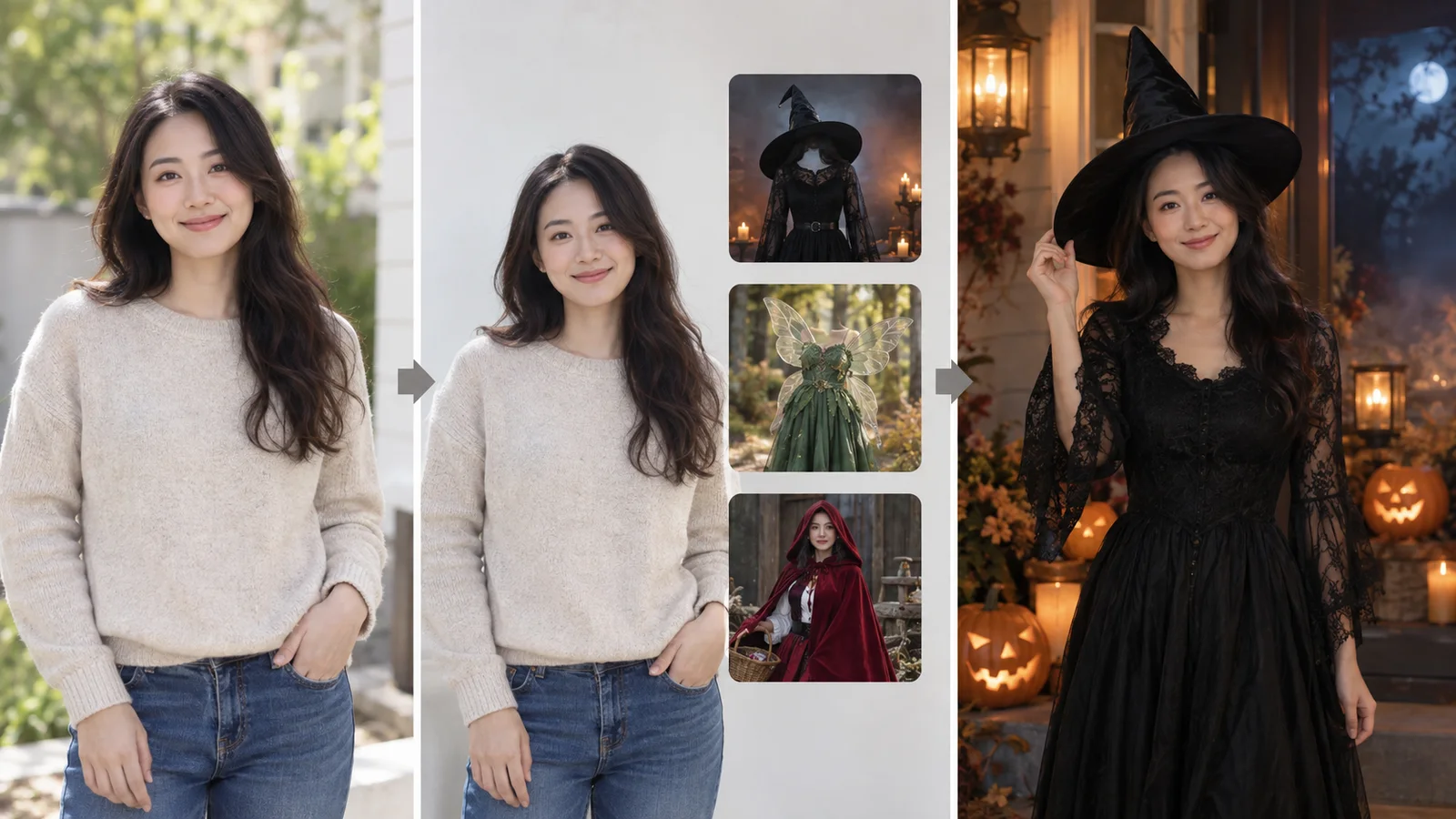
Photos that make the best Halloween AI photo
- 01Face clear and well lit: no sunglasses, mask or heavy filter.
- 02One person in the photo; for a group, make one photo per person with the same background.
- 03Head to waist or full body both work; full body shows the whole costume.
- 04Use your own photo, or one of someone who said yes.
Halloween AI photo questions
What is a Halloween AI photo?
A picture of you dressed in a Halloween costume by AI: you upload an ordinary photo and pick the look, and your face, hair and pose stay your own.
Which tool should I start with?
For a classic costume, the Halloween Costume Generator. For one character with several styles, the witch, vampire or zombie filter.
Do I have to upload my photo again for each look?
No. Pick it once on this page; each tool you open from here starts with it. It stays in this browser tab and is not uploaded until you make a look.
How much does a Halloween AI photo cost?
Each look is 5 credits. The tool button says Free when a free photo is open to you.
Can I make a Halloween video too?
Yes. The ceiling fan video has a Halloween pack with four costumes in fourteen seconds.
Can kids use it?
The costumes are family-friendly and nothing is revealing. Results that may show a child stay private and can’t be shared in a vote link.
Will the costume look like me?
Yes. Only the clothes, accessories and a little face paint change; your face and skin tone stay your own.
Is a Halloween AI photo free?
This page is free to use. Making a look happens in its tool at 5 credits, and the tool button says Free when a free photo is open to you.
Can I use a selfie?
Yes. A selfie makes a costume portrait; a full-body photo makes a full-length Halloween AI photo with the whole outfit in view.
What is the ai halloween trend on TikTok?
Costume photos, character filters and the ceiling fan video are the three most-posted AI Halloween formats this year, and you can make all three here.
Your photos stay private to you; the privacy policy has the details.
More ways to dress up
One photo, every Halloween look
Pick your Halloween AI photo look above and see yourself in costume before the party.
Pick my photo