
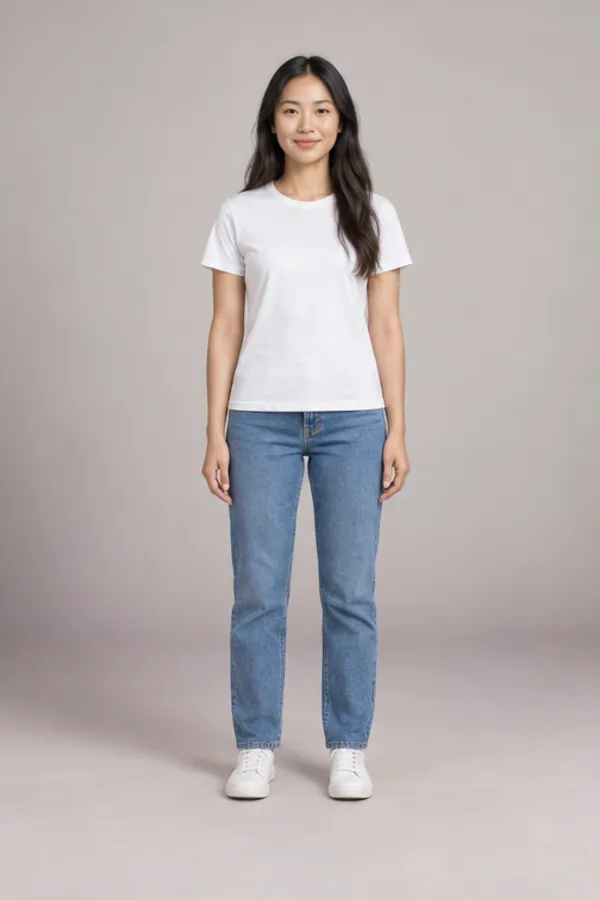
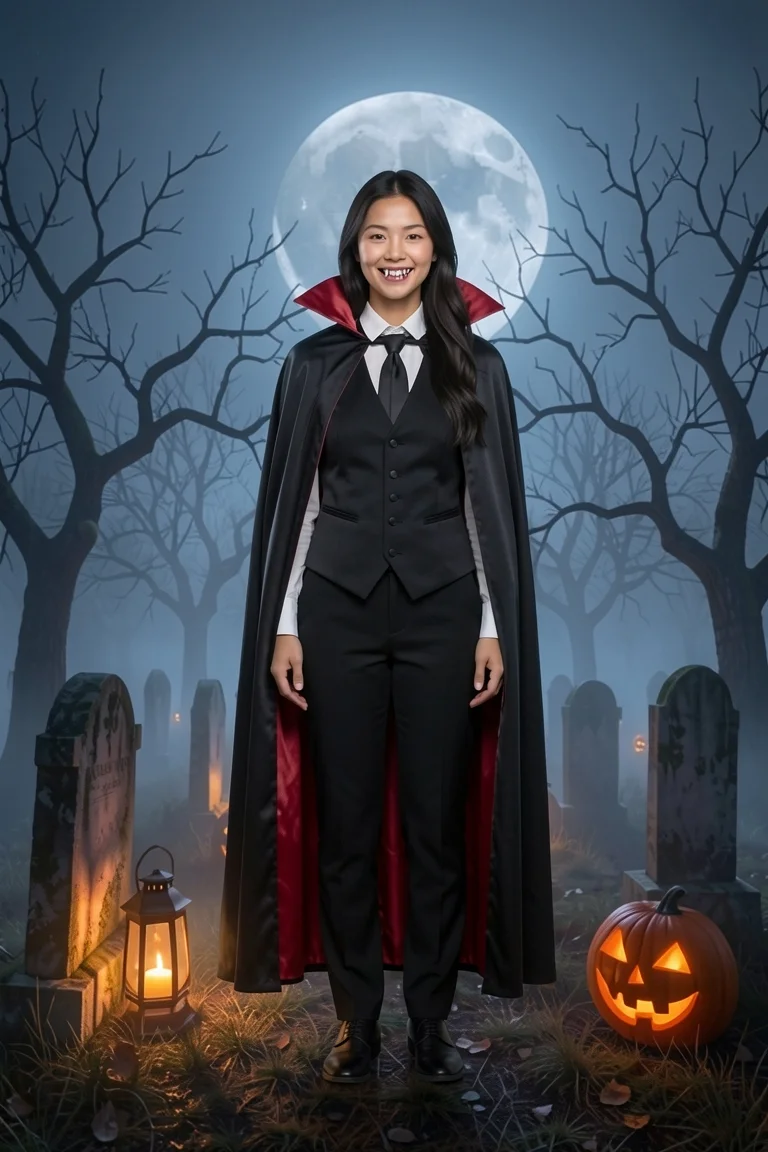
A vampire filter is an AI effect that turns your photo into a vampire portrait; this one gives you the fangs, the high collar and the cape without bleaching your face white. Upload one photo, choose a classic count, a velvet countess, a Victorian gentleman or a modern goth, and the AI vampire filter turns you into a vampire on a moonlit graveyard or in a candle-lit manor. It works from your real face, so friends know it’s you. The first vampire photo is free and needs no account.
- First vampire photo free
- 4 looks, Victorian to goth
- Your own skin tone
- Costume fangs, no gore
Undecided between a vampire and a witch? Start from the Halloween AI photo page and pick your photo only once.
What it adds
Fangs, collar, cape: the vampire filter piece by piece
The vampire filter draws each part onto your photo in one pass. Here is what changes, and what doesn’t.
- 1
Costume fangs
Two small fangs on your own smile. Your teeth, lips and jaw stay as they are.
- 2
A high stand-up collar
Satin red or black lace, depending on the look, framing your face the way old films do.
- 3
Cape, coat or gown
A red-lined cape, a frock coat, a velvet gown or a long leather-look coat.
- 4
Dark makeup, not white paint
A deep-red lip and soft shadows. The vampire filter never paints your skin pale.
- 5
A night to stand in
Moonlit graveyard, candle-lit manor, pumpkin porch, or the room you were already in.
Four vampire filter looks across the centuries
From a caped count to a leather-coat goth. Pick one, or line up three and compare them from a single photo.
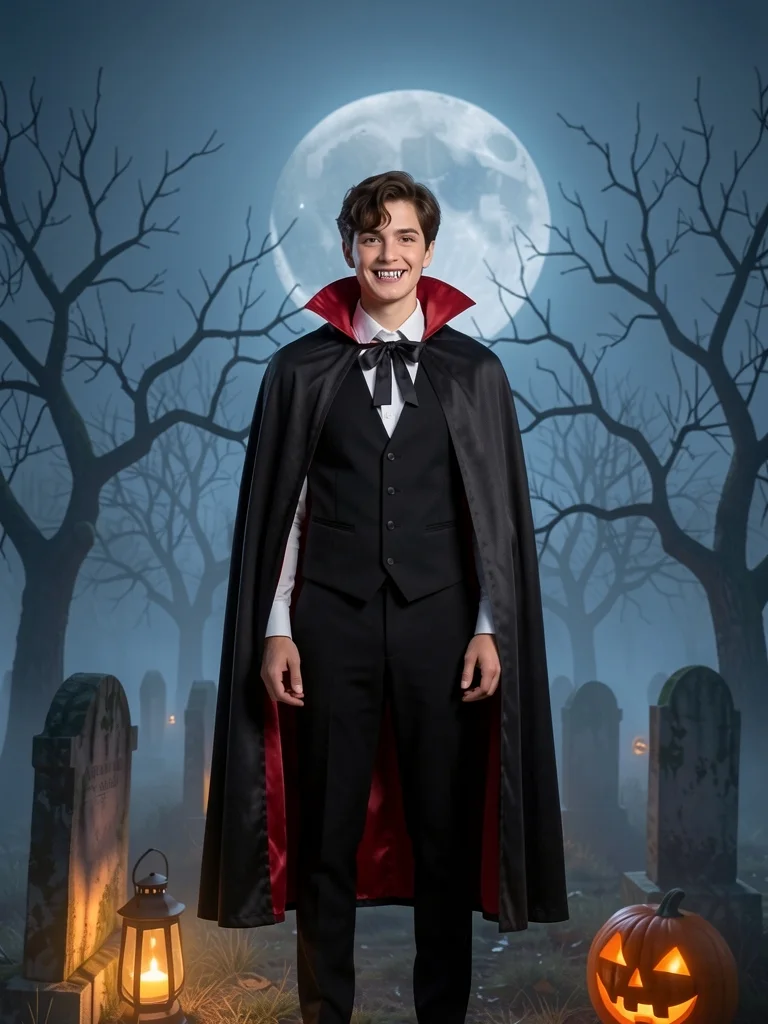
Classic count
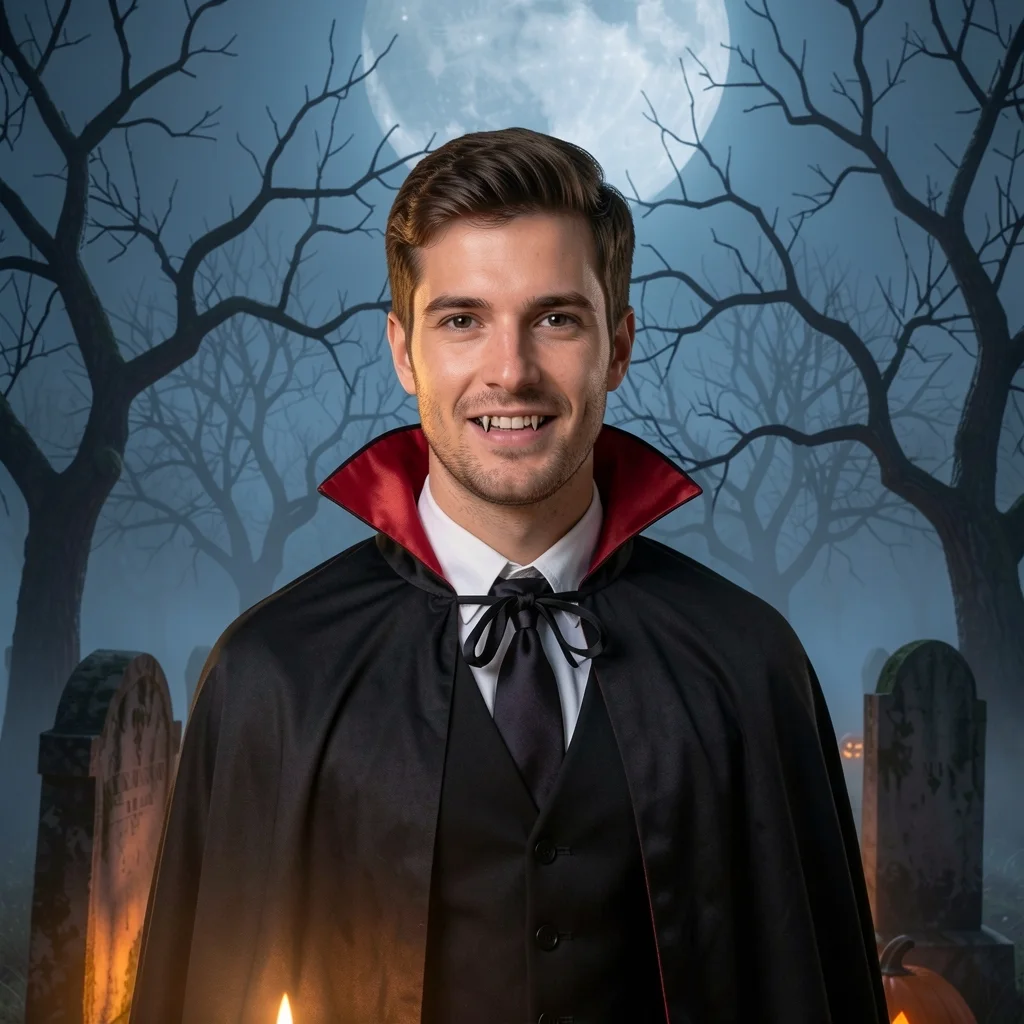
Black cape with red satin lining, a waistcoat and cravat. The vampire filter look everyone recognises.
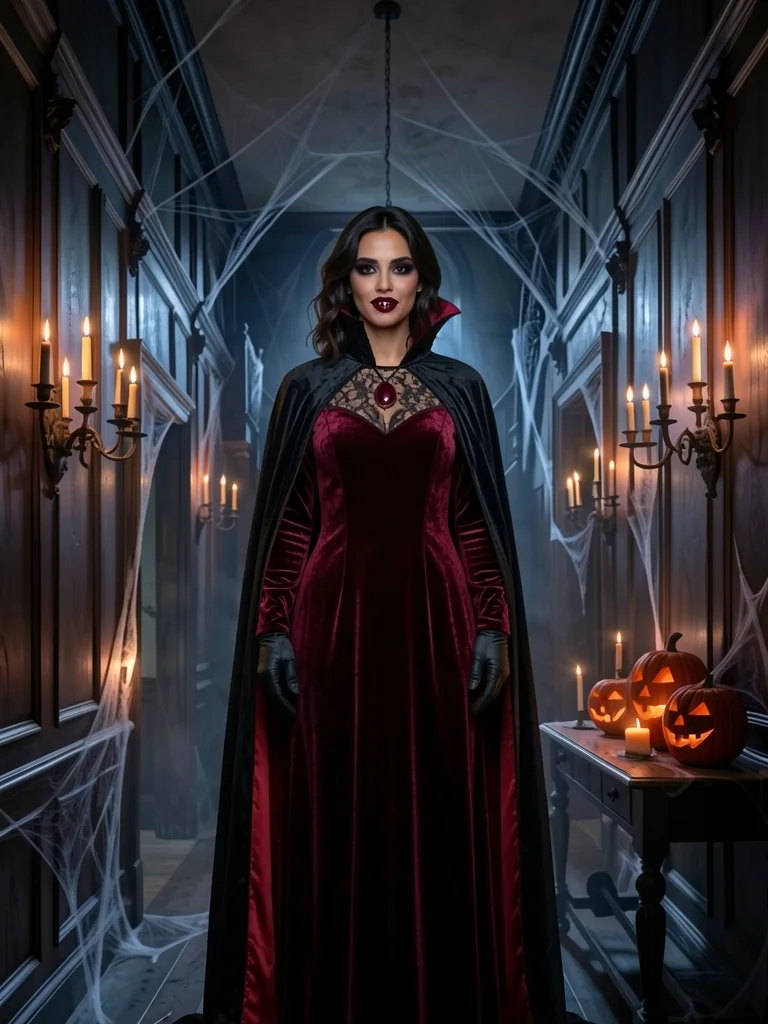
Countess
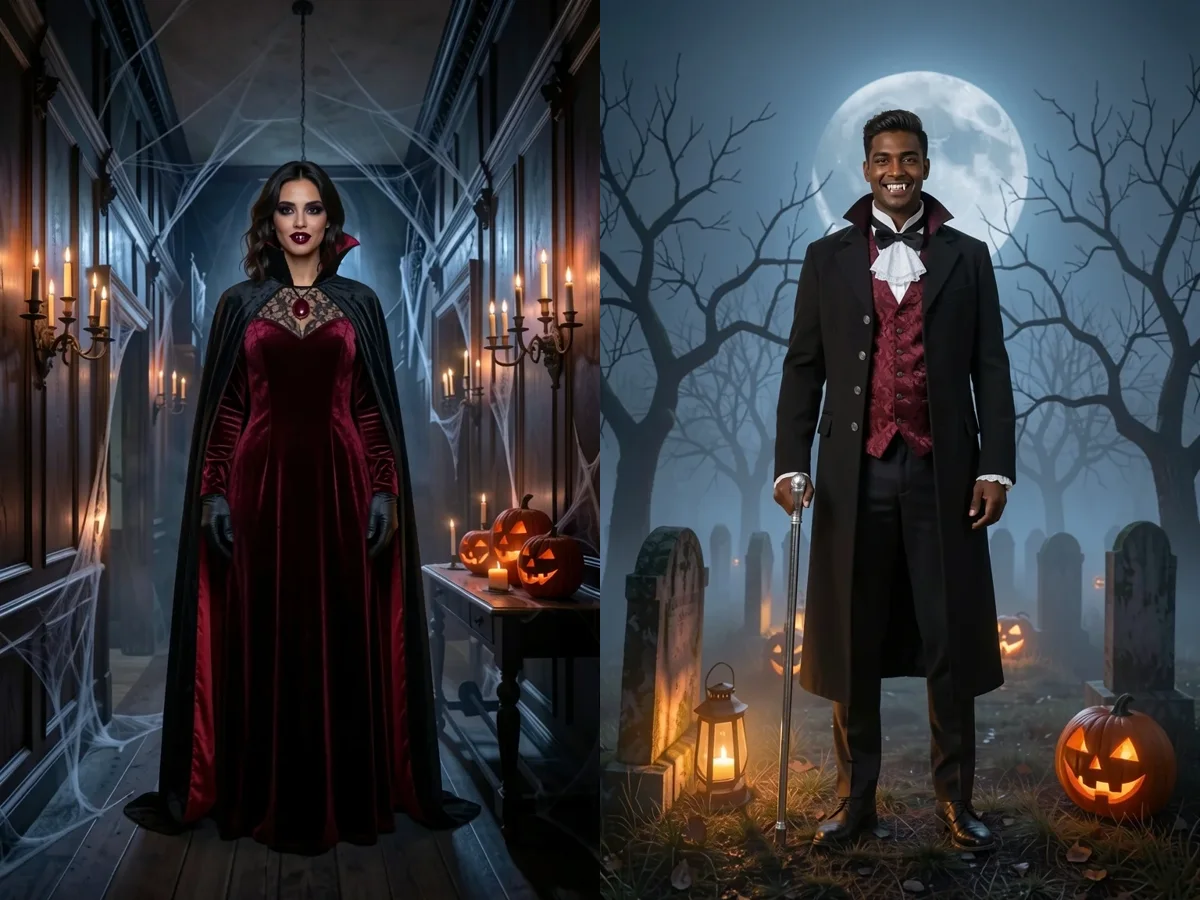
Deep-red velvet, a tall black lace collar, gloves and a dark pendant. Made for a dramatic profile picture.
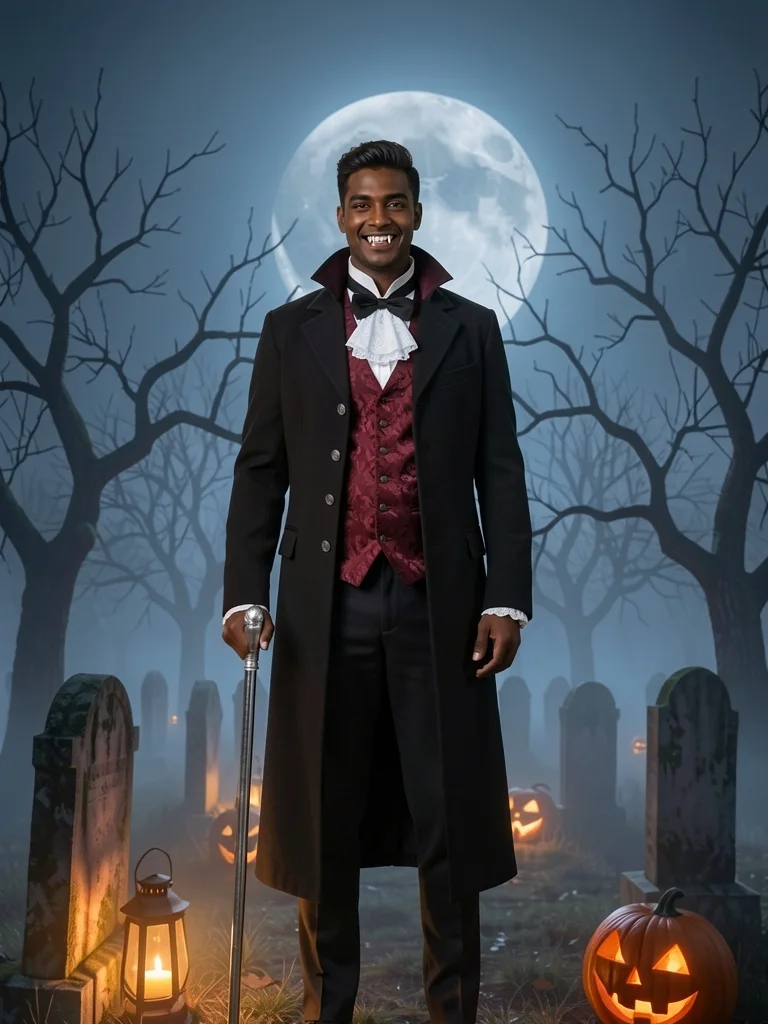
Victorian
A long frock coat with silver buttons, red brocade, ruffles and a silver-topped cane.
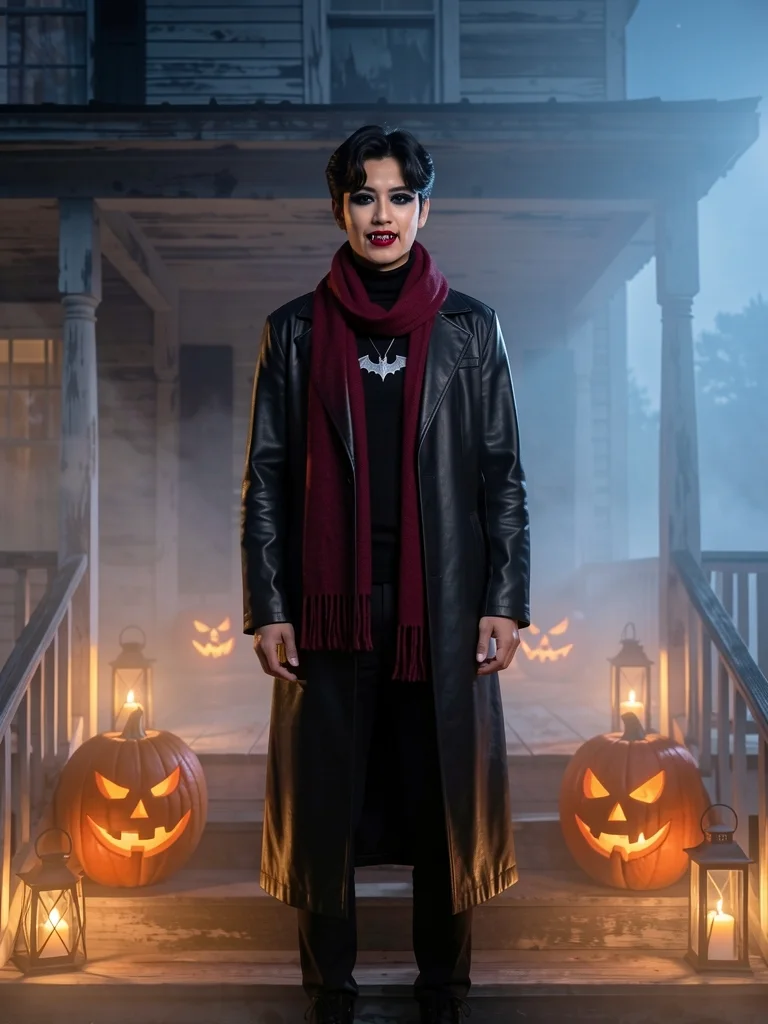
Modern goth
A long black leather-look coat, a turtleneck, a red scarf and a silver bat pendant.
Rather be a witch? The witch filter has four witch looks on the same photo.
Twelve costumes on one page, from pirate to astronaut, live in the AI Halloween costume generator instead.
Or skip the cape and rise from the grave with the zombie filter .
A vampire filter photo or a live camera lens?
Search for a vampire filter and half the results are lenses for Snapchat, Instagram or TikTok. They do different jobs.
| This vampire filter | A live AR lens | |
|---|---|---|
| What you get | A finished photo to download or post | A moving effect while the camera is open |
| Costume | Full cape, coat or gown, head to boots | Usually fangs and eyes on your face only |
| Background | Graveyard, manor, porch or your own | Whatever is behind you |
| Your face | Redrawn around your real features | Stickers tracked over your face |
| Works on | Any photo you already have | Only live, in that app |
| Cost | First photo free, then 5 credits | Free inside the app |
Credit packs never expire and remove the small mark from free photos; see pricing for every pack and plan.
Will the vampire filter turn your skin white?
Many vampire effects wash every face chalk white, which looks wrong on most people and erases who you are. This one keeps your own complexion and adds only a dark lip, soft shadows and fangs, so the result looks like you in costume, not a stranger.
- Your complexion, unchanged
- Your own eyes: no red contact-lens effect
- Your hair, length and parting kept
Want to test that deep-red lip for real first? Try it live in makeup try on with your camera.
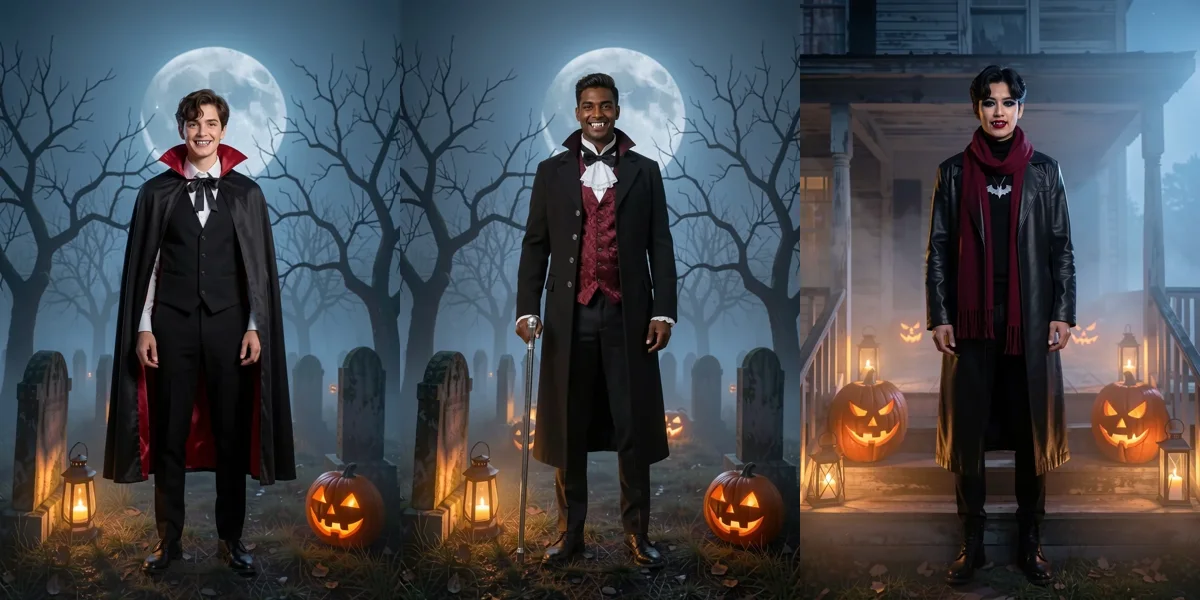
Vampire couples and covens, one photo each
- 01
One person per photo
Run the vampire filter once for each of you. Group photos are refused so every face stays sharp.
- 02
Same setting, matching looks
Pick the same backdrop for everyone in the vampire filter: a countess and a Victorian, or four classic counts.
- 03
Put them side by side
Save the photos and line them up for an invite, or send friends a vote link to choose.
Bite-sized answers about the vampire filter
Is the vampire filter free?
Your first vampire photo is free with no account, at up to 768 px with a small weartryon.com mark. Sign in free for 10 welcome credits plus 2 per daily check-in; each look uses 5 credits, and a failed run is refunded.
Will it make my skin pale or my eyes red?
No. The vampire filter keeps your own skin tone and eye color on purpose, so you still look like yourself. The vampire part comes from the fangs, collar, cape and a dark lip.
Is there blood or a bite mark?
No. Every look is theatrical and family-friendly: costume fangs only, no blood, wounds or gore.
Can I use a selfie, or do I need a full-body photo?
Either. A selfie gives a square vampire portrait with the collar and fangs close up; a head-to-toe photo shows the whole cape or coat. The vampire filter picks the framing from your photo.
Does the vampire filter work for men and women?
Yes. The vampire filter keeps you as you are: your face, hair length and any beard stay. The countess gown and the frock coat suit anyone who picks them, and the classic cape and goth coat are made for everybody.
Can I post my vampire filter photo on Instagram or TikTok?
Yes. Download it and post it anywhere. A selfie gives a square vampire filter portrait that fits a profile picture; a full-body photo works best as a story or a post.
Can kids use the vampire filter?
Yes, the looks are family-friendly. Use a photo you are allowed to use, one child per photo. Results that may show a child stay private: you can download them, but not share them in a vote link.
What happens to my photo?
It is used only to make your vampire photo. Results are private to you and kept for 30 days; nothing is posted unless you share a vote link yourself.
More on how photos are handled is in the privacy policy .
More after-dark looks
Ready to lose your reflection?
Add one photo, pick a look and let the vampire filter do the rest. The first one is on us.
Try the vampire filter free